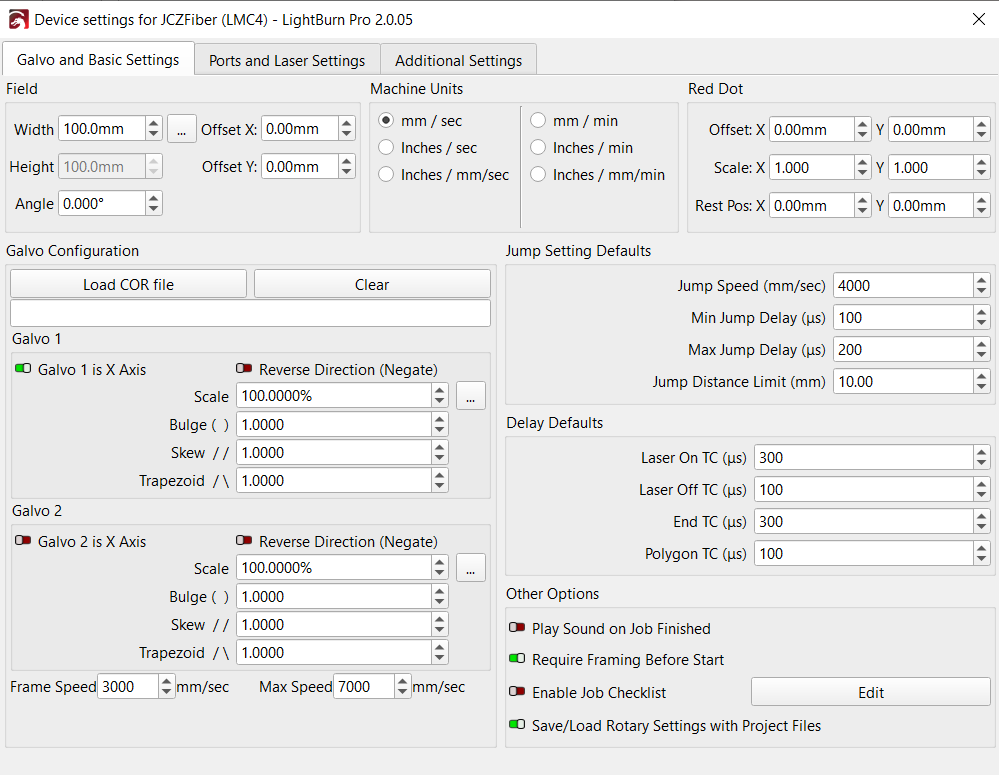
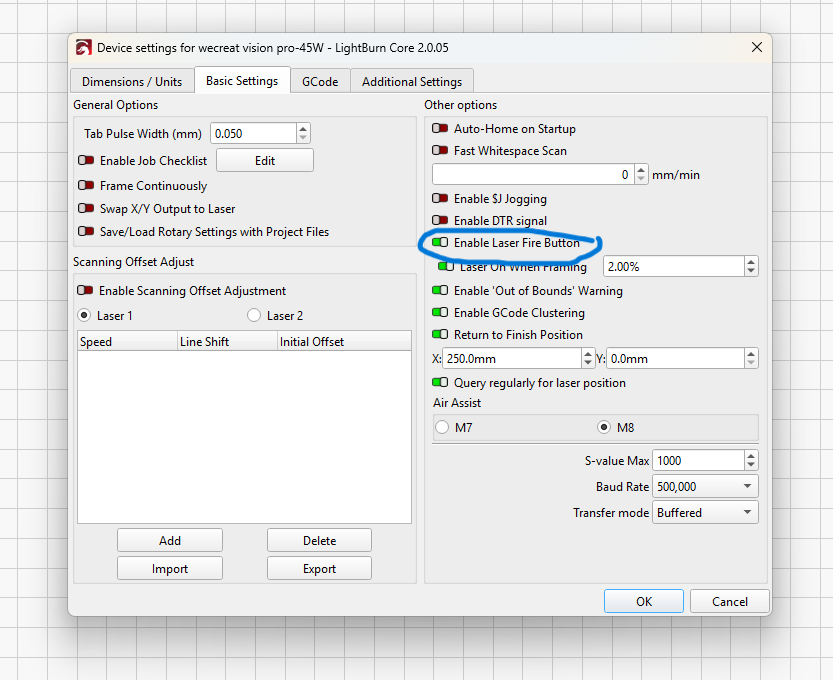
As the title states, there is no preview laser when framing, and no option to enable it in device settings. I tried removing the laser and adding it again with the correct ezcad settings but that didn’t help. Under device settings, there’s no ‘Enable laser fire button’ or ‘Laser on when framing’ button either. Attached is a screenshot of what I see. I’m using a Mactron MT-FP30 galvo laser.


Galvo does have move functions like a gantry laser. Search the Lightburn Docs for Galvo to get more information.
You need to select the ports and laser settings tab and check for your devices source.
Did you get some kind of configuration settings from the vendor? Most of these come with a configuration file, mine was markcfg7.
There is no move operation for a galvo machine. Speed, power, interval and q-pulse size is adjustable via the cut/layer area. If you don’t have a MOPA, there will not be a q-pulse, as far as I know.

Yeah imported the markcfg7 file, I even uninstalled lightburn and reimported the file but still nothing. The thing is, I was able to get the live framing laser to work on a version prior, but since updating to the newest version of lightburn I haven’t been able to. I even tried reverting back to the previous version I was using but it didn’t fix the issue sadly.