First let me ask that if you have found a remedy to the problem below, please feel free to share a comment in this post. I’m open to trying different solutions. TIA. Tom F
I am a newbie to the CNC world. I own a 3018PRO machine. I am running MillMage on a Lenovo laptop. And I am 75 years young and starting to see (no pun intended) my vision deteriorate.
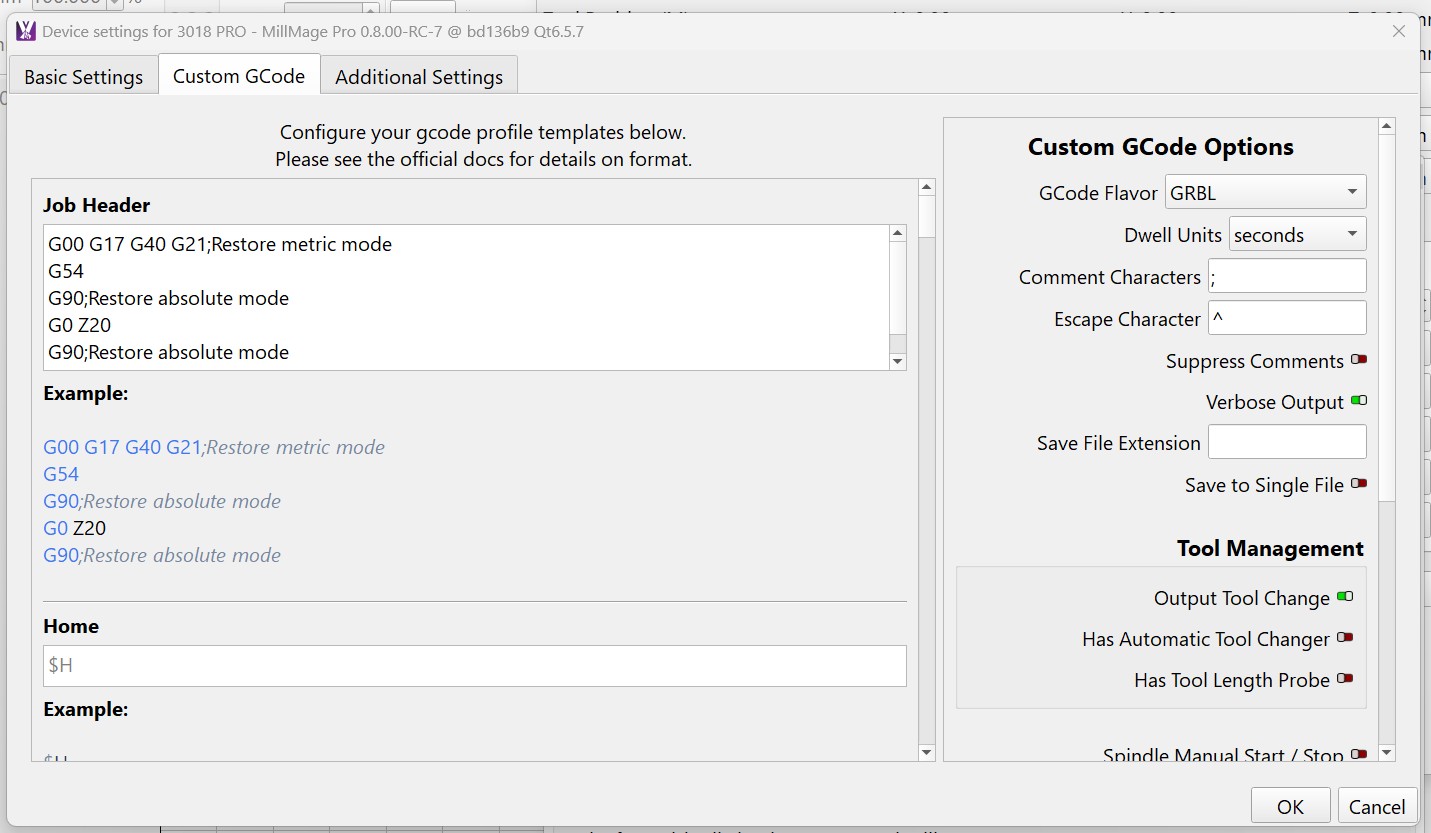
My issue was MM would not display all the switches in the CNC Tools → Device Setting window showing the Custom GCode tab. The switches and part of the labels were missing. This is what I saw:

So I tried widening the window and this is what I saw:
Most of the expansion was on the Job Header (left) side and I still had items missing on the right. So my final action was to drag the left side as far to the left as I could.
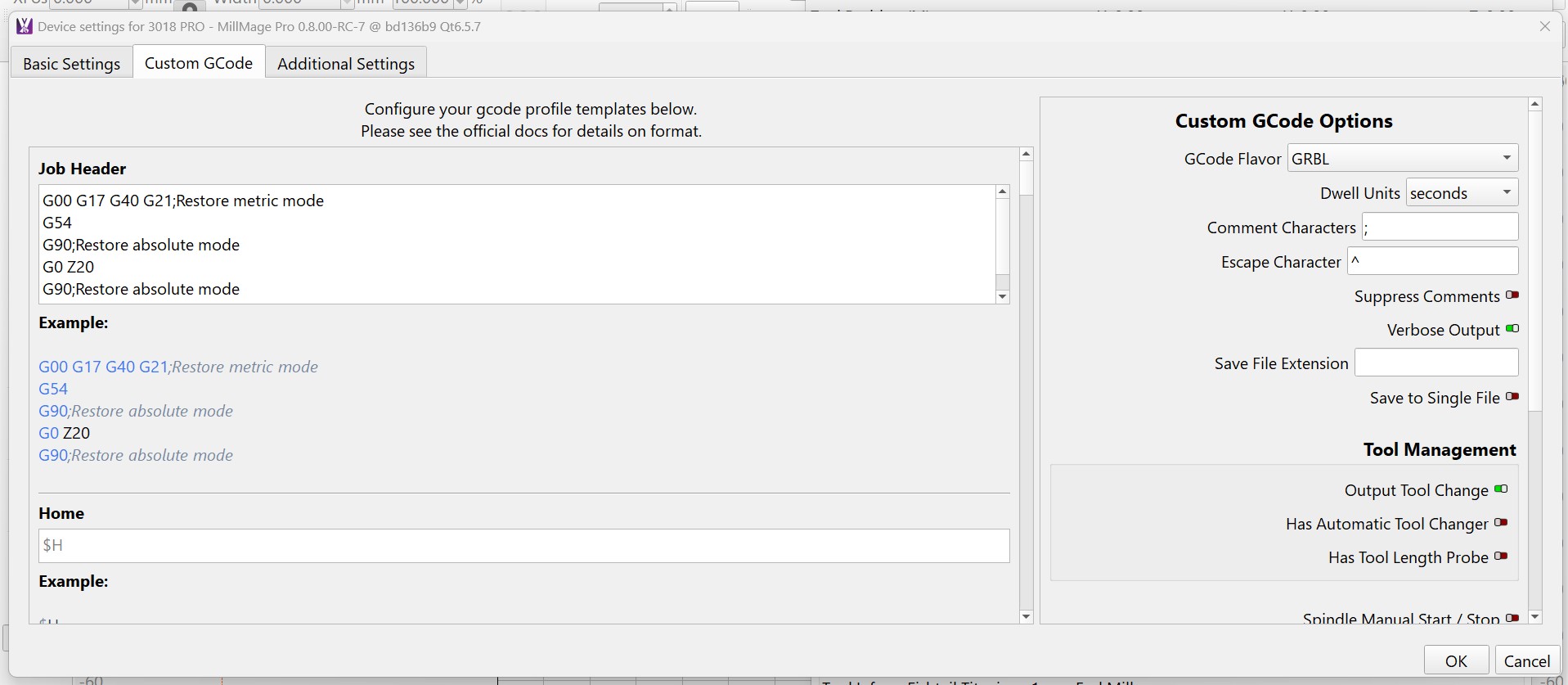
Problem remedied but is almost full screen covering almost all of MM. Not the greatest solution.
During other communications with Support, they noticed that my font size was much larger than theirs and suggested that I should reduce my font size as it would properly fill the Custom GCode window. Reducing the font size in Edit → Settings in the Display tab yielded the following results:
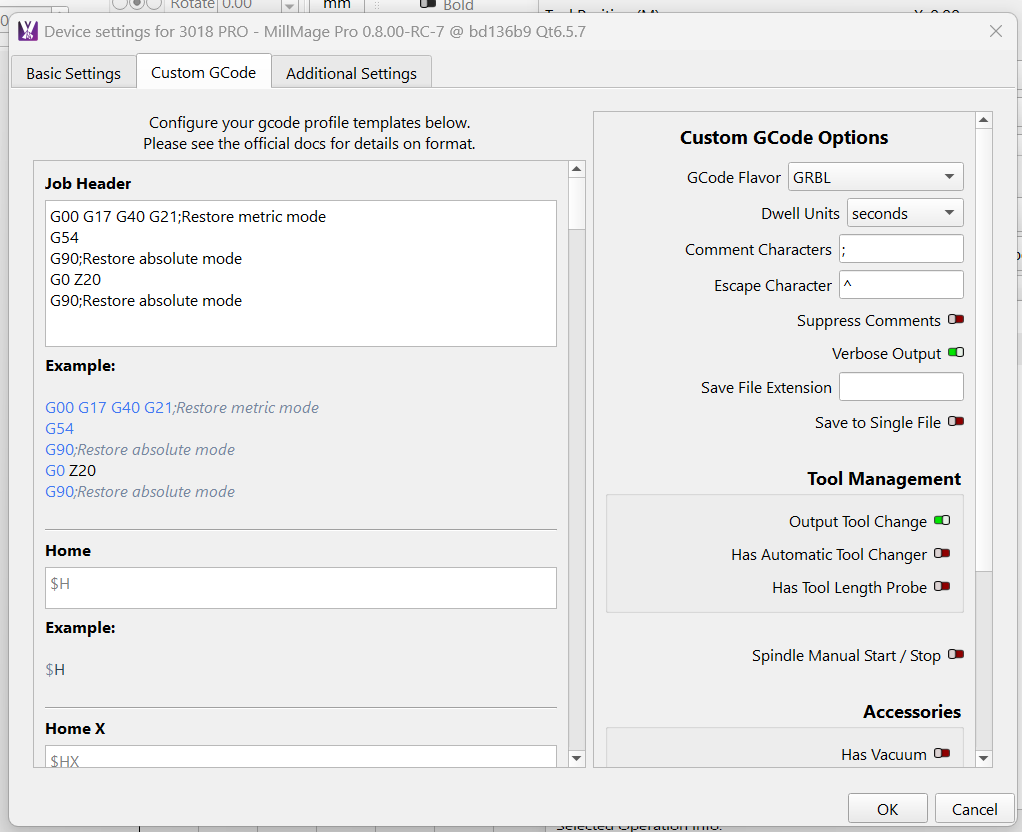
So I finally was able to identify how my issue occurred. And this also made it more difficult to read text on the screen. My next step will be outside MM as I will try casting to our 70” widescreen TV and then playing with the Windows 11 Display settings.
Your comments and suggestions would be appreciated.