I’ve setup my first laser cutter - Mecpow X3 Pro 10W.
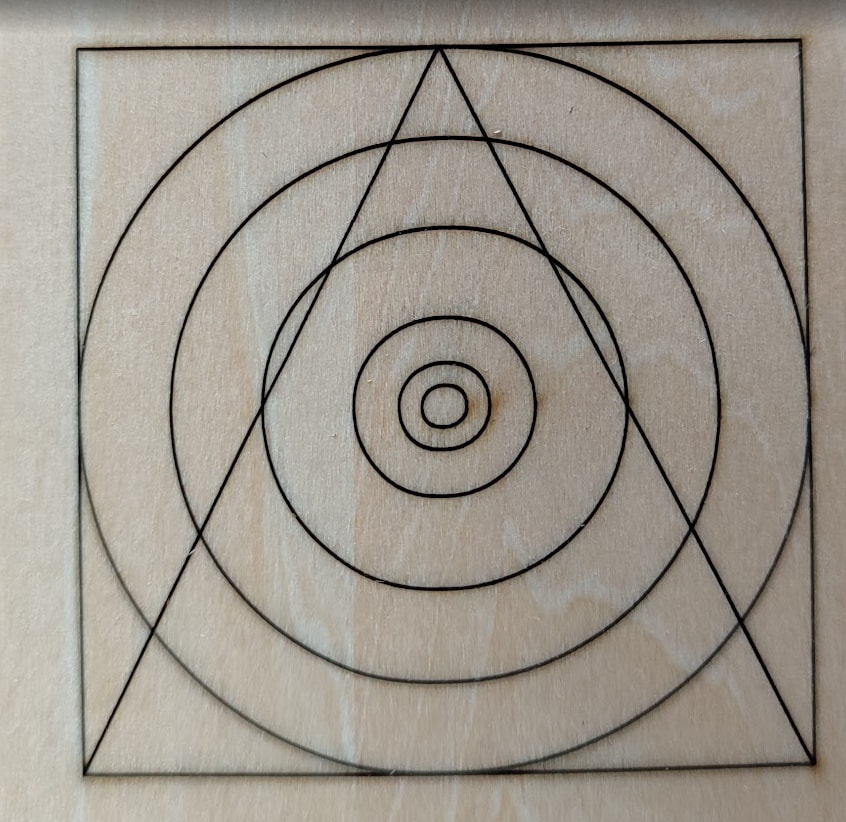
I have a problem drawing (cutting, engraving) perfect circles. I’ve taken the machine apart a few times already - belt tightened, belt centered, etc … The dimensions of a rectangle drawn are perfect, and actually so is the radius of the circle, at least in the most extreme X and Y points (i.e. most left, right and top points). My problem is that the circle appears slightly elongated - i.e. ellipse-like. It’s driving me insane and I’ve already spent numerous hours researching and troubleshooting.
Any hints and pointers at this point are very much appreciated.
It looks a bit distorted at the inner circles…did you measure it?
How about a direct comparison with turning that plywood 90° and repeat the process to see if the circles are concentric? Or draw a manual circle with a template or a drawing circle?
With a tightened belt this should not happen…unless you don’t have a lot of friction on the linear bearings.
You know what, this sounds right on the money. I have a separate (or same?) problem with the set screw. It’s at an angle, just like in your diagram. And that makes things even worse - because it makes the entire laser assembly sit at an angle. I thought this doesn’t look right! And it makes impossible the focus process, using the part you slide under and out. Let me see if I can adjust it based on your steps!
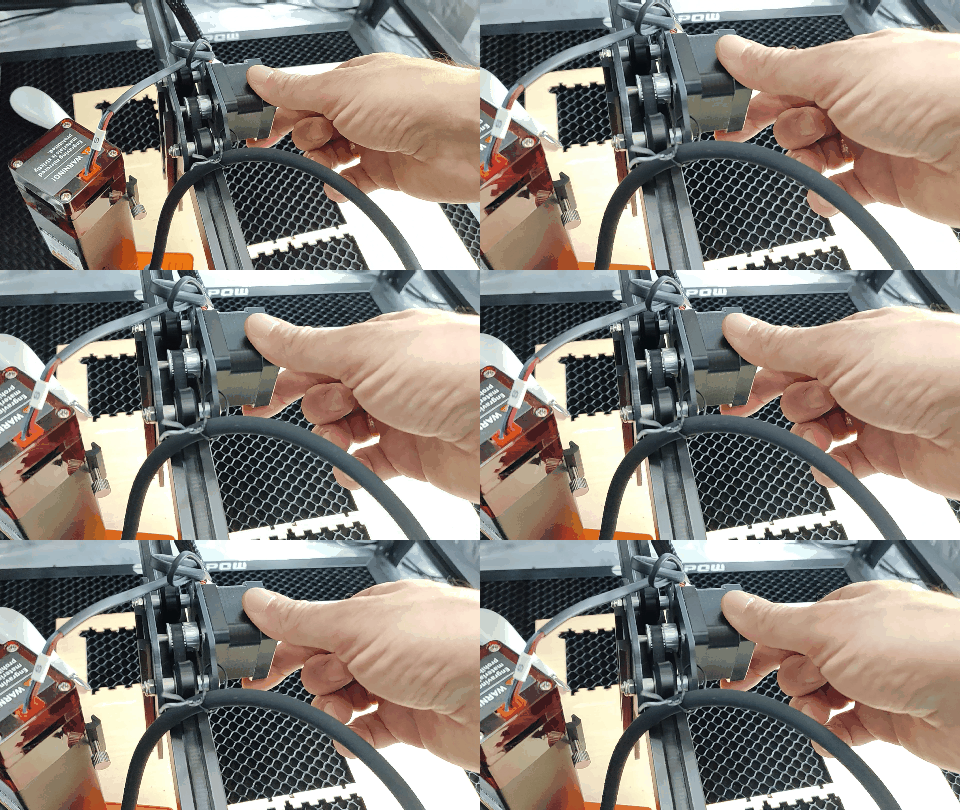
First, the entire assembly is rocking back and forth. How would I go about tightening this up?
Because of #1, when I attach the laser assembly, it tilts to the left side, due to its weight and that puts the laser at an angle against the surface
I can’t seem to tighten the “focus screw” (what is its name?) correctly, in a way that would keep the laser at a fixed distance and perpendicular to the surface. The tightening process is pulling it down and when I remove the focus slide, it takes a dive and touches the surface. Perhaps #1 and #2 contribute to that too. But I can’t seem to be able to tighten the screw like “B” on the diagram from the post above.
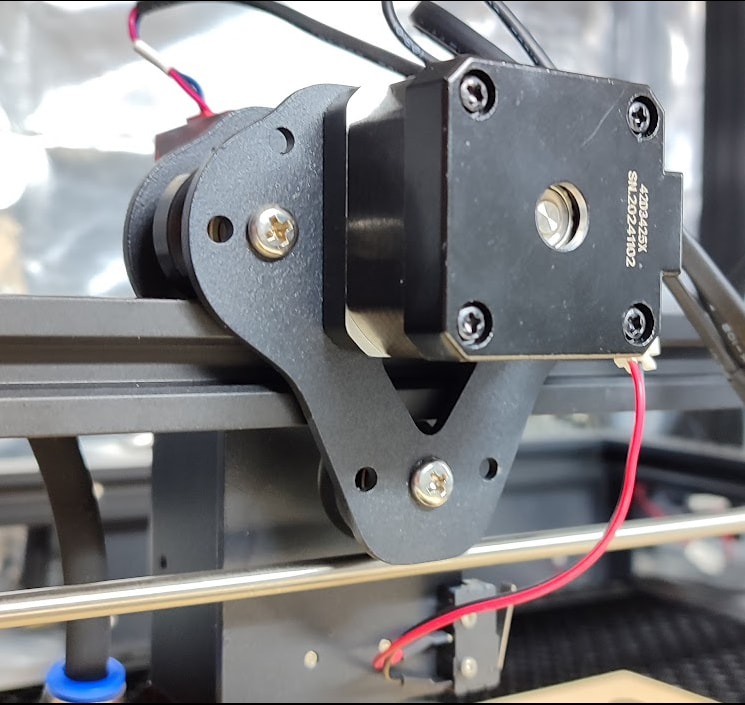
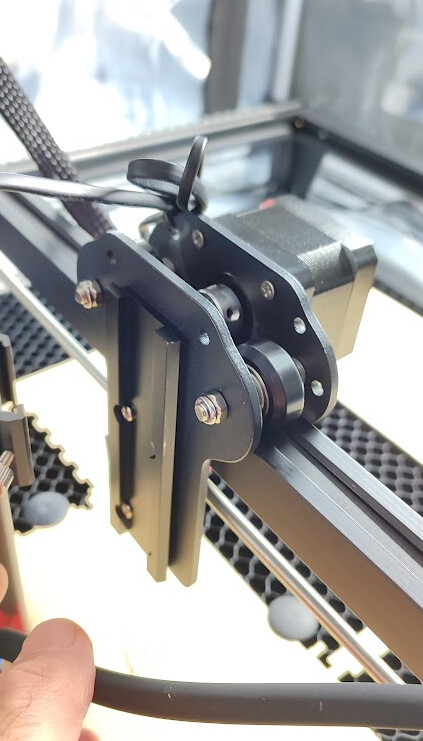
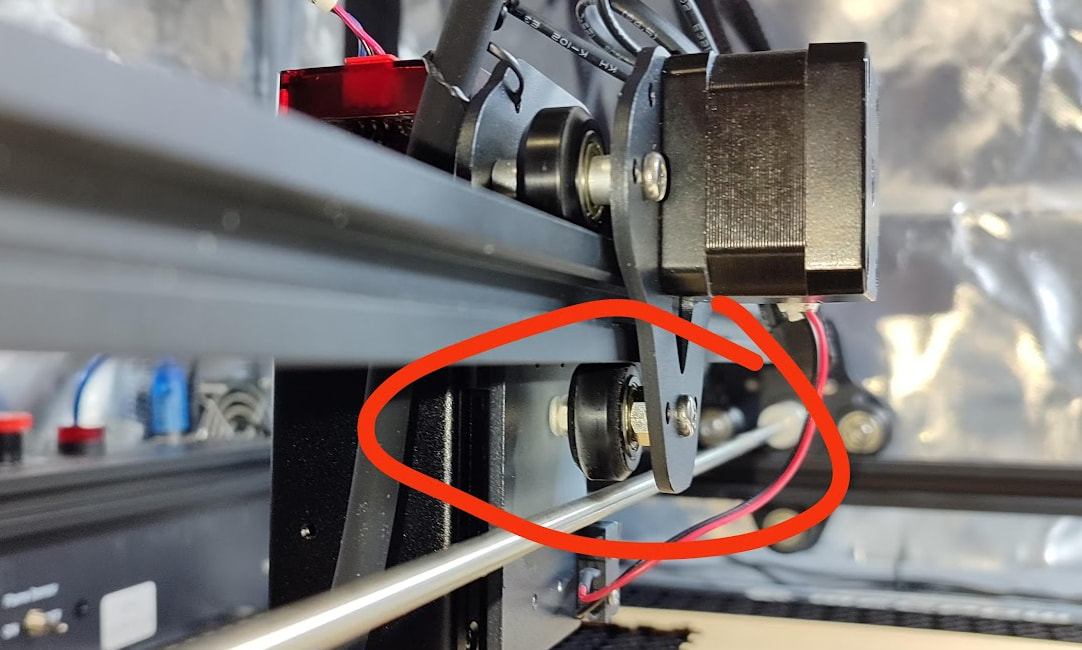
There is a wheel on the bottom, yes. So two wheels on top of the rail and one under the rail. But there are no other means to grip them more tightly together, besides the belt. The belt is the only thing that’s pushing the assembly with downforce to the rail
If there is no adjustment (did you loosen the nut to make sure?), you should contact the manufacturer. If it is new, I would send it back under warranty. The belt is stretchy and cannot be expected to hold the trolley securely against that aluminum rail.
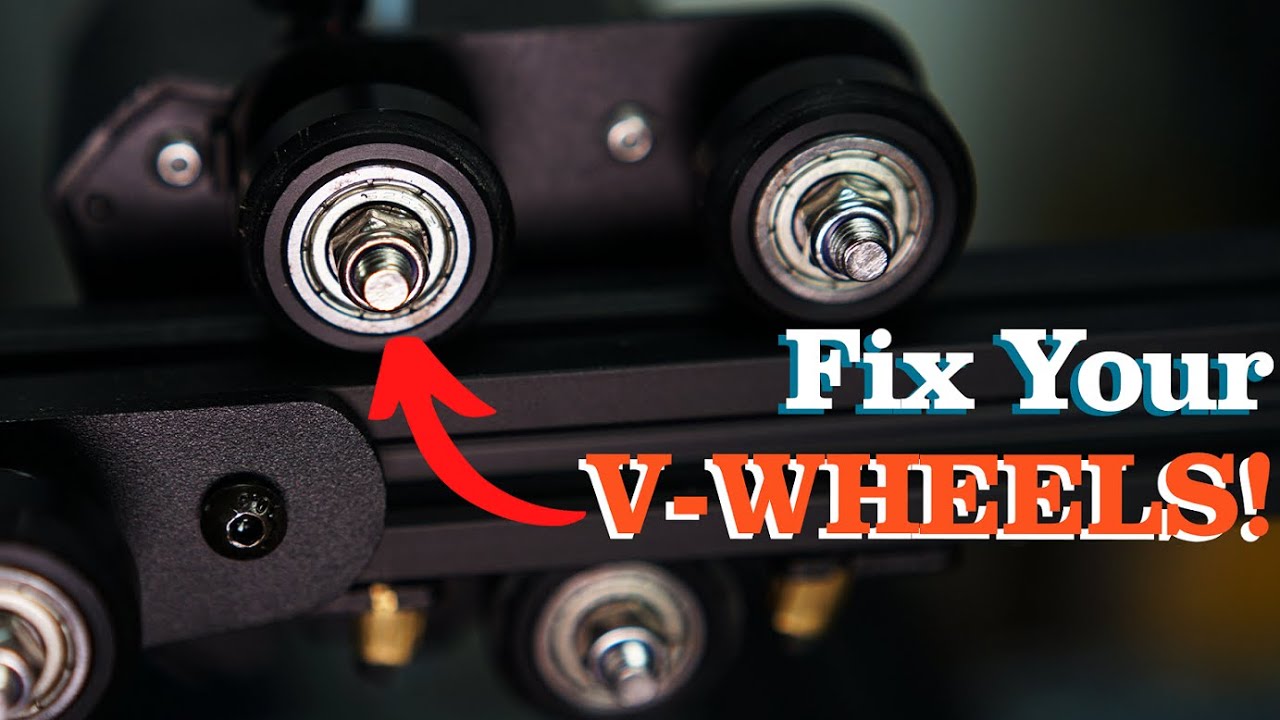
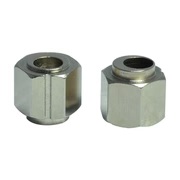
This video is excessively long in my opinion, but it has frequent clips showing the eccentric bearing axle that is adjusted to ensure removal of the play that is plaguing your assembly. The bolt passes through the bearing in an off-center hole. The bushing in which the hole is drilled should have a hex shape, rather than a cylinder. The other two should have cylinder axles and not be adjustable.
The groove shown in this image appears to be “accessory” provided by manufacturer, but could be used by a spanner in place of a typical wrench with flats.
After tightening it (but only enough, for the 45 degree test to still pass), the wobbling disappeared. With this and the tightened belts, my circles are now within the acceptable fault tolerance for my projects and almost perfect.