I’ve used Lightburn for several years now and have many files that include notches and tabs.
In the last 2 months or so I have had many problems with files that include notches and tabs, that have been cut perfectly in the past, now don’t fit. The notches and tabs are slightly off all around each piece. I have not tampered with the file in any way to cause this. The kerf is the same, the file is the same, the material is exactly the same.
Is there a fix for this? I have kept current with the updates and am wandering if there was an update that may have caused the problem?
If willing, show us what this means. Off by how much? Pictures or videos of both the old and new behavior / fit would be very helpful.
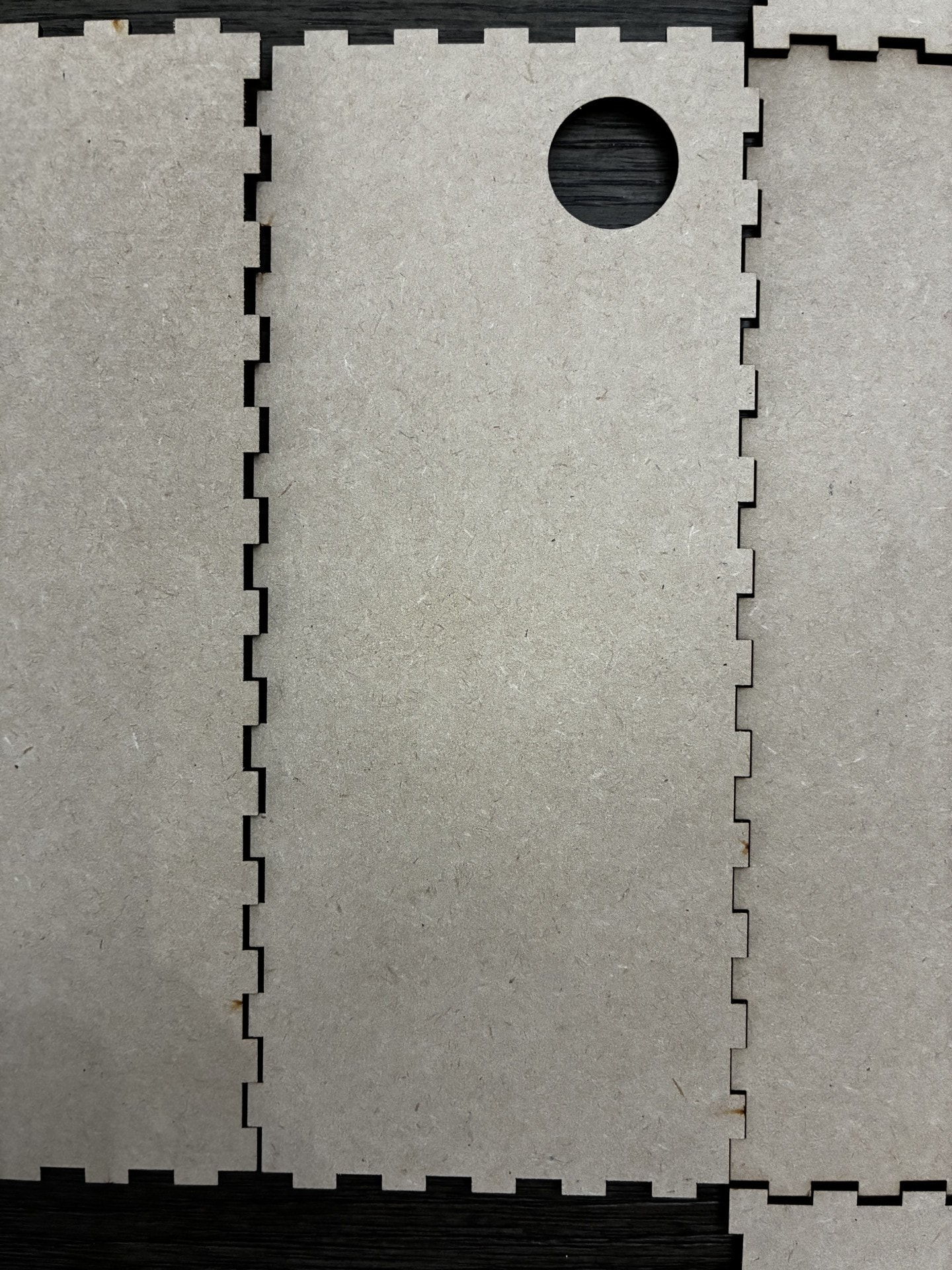
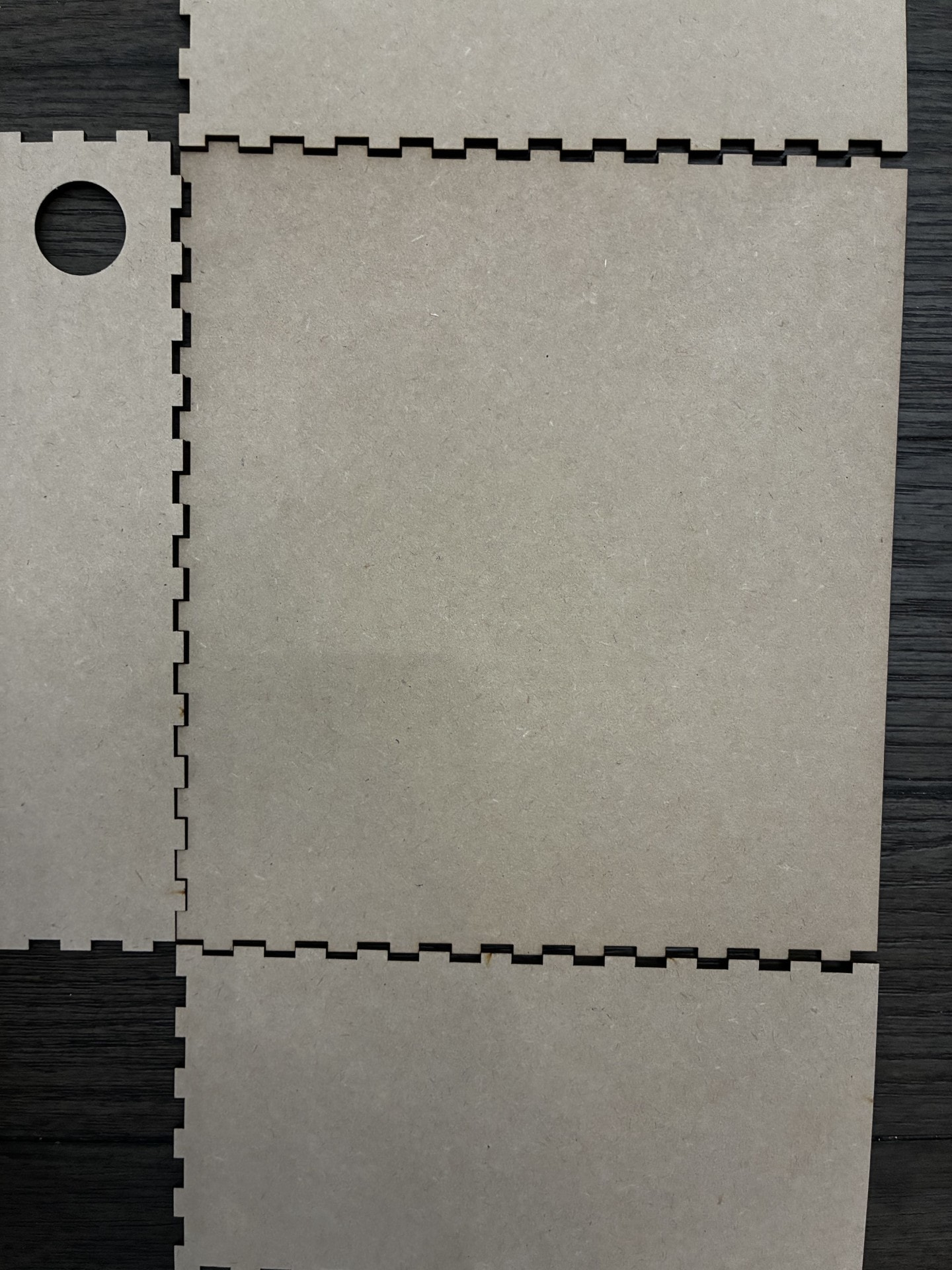
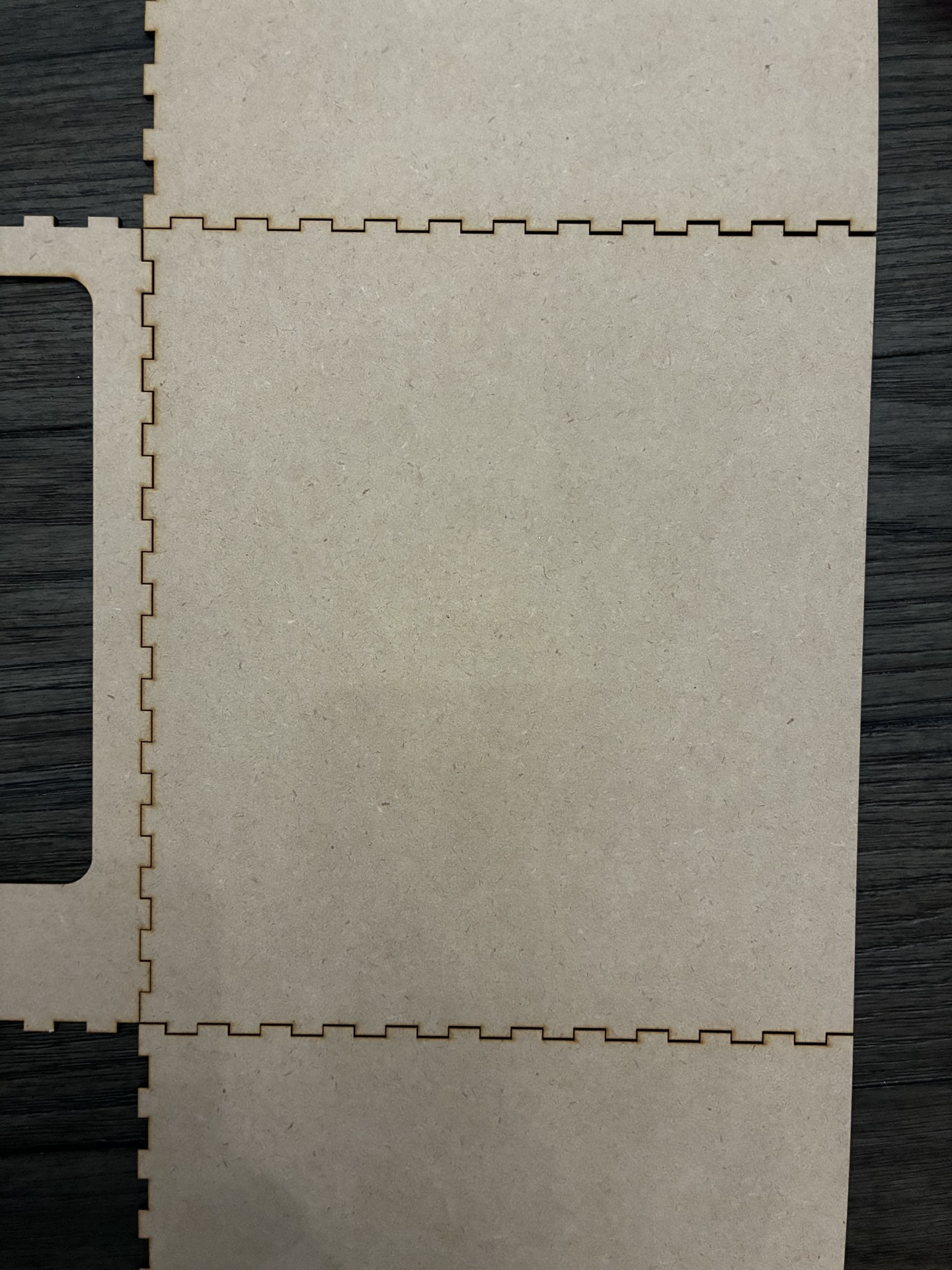
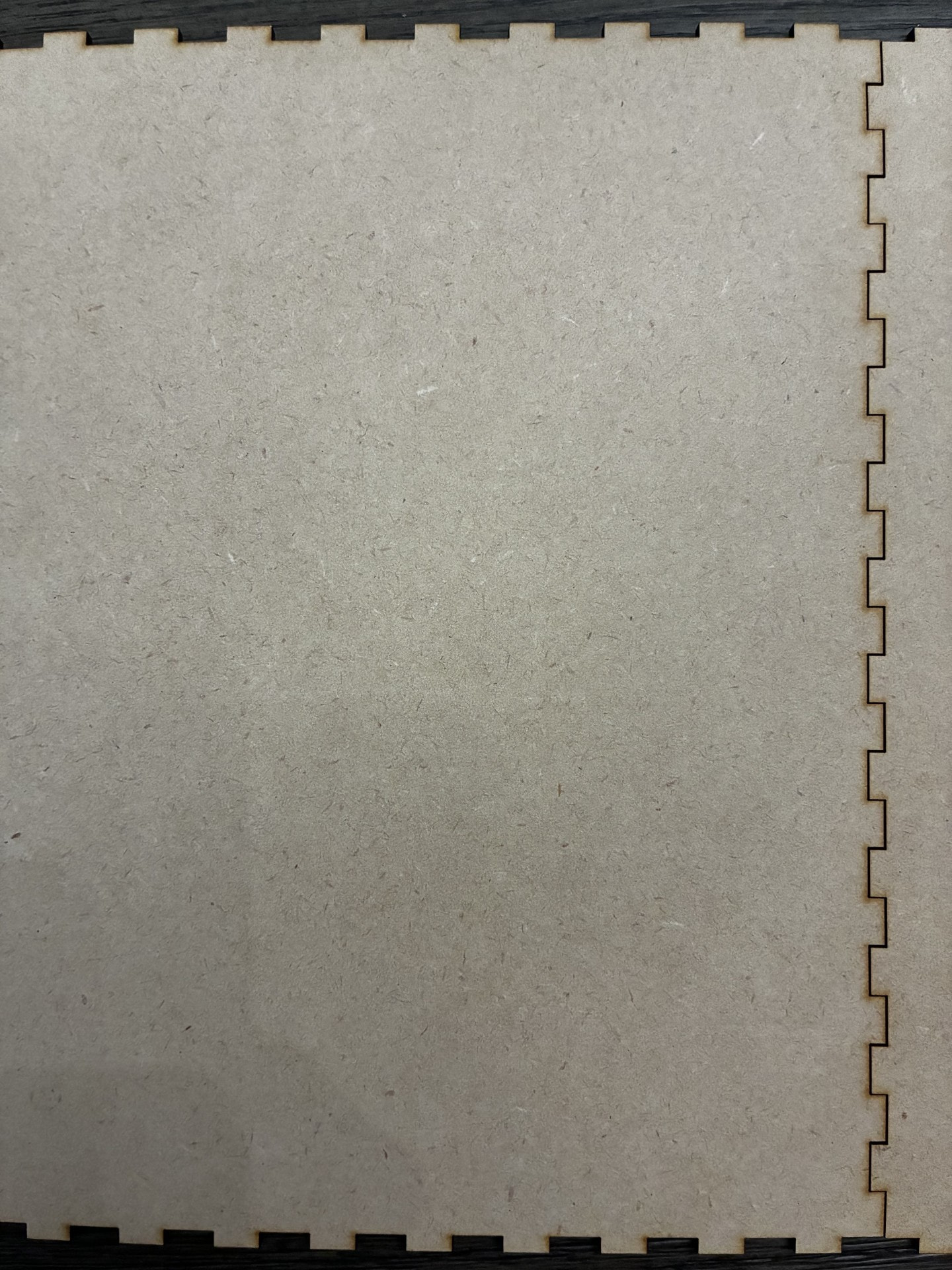
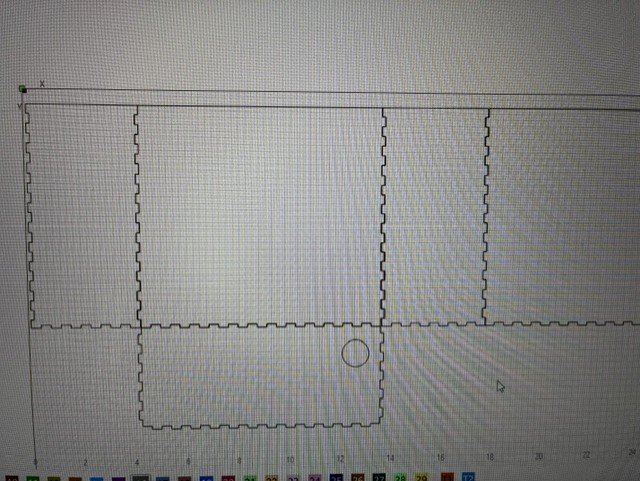
Thank you. Would like to review the file if you are willing. 
Hi Pam, the LB project files do not change by themselves, no one has reported this so far. As with all technical problems, systematic troubleshooting is the most effective way to identify and then solve the problem.
Since you write that the file has not changed (same kerf setting and units of measurement etc.), logically only the lasermachine remains.
I will start by reviewing my machine’s gantry, belts, pulleys,… everything mechanical that can change/loosen over time. (Often it is the small pinion screws that hold the pulleys on the shaft which has loosened a little bit, and it can be difficult to see it)
Depending on the machine type, the laser head and source should also be examined for errors.
An easy way to check the machine’s continued precise repeatability is to draw and engrave / cut a square, e.g. 100x100mm and measure the result with a caliper. With kerf setting set to 0, the result should be 100x100mm. Often a mechanical error will show itself more clearly at relatively high speed.
Also pay attention to the lines themselves, whether they are straight and not wavy, especially when changing direction.
Try it and still send your lbrn2 file so we can independently test and rule it out as a source of error.
Thank you. I will give that a try.
BN-002.lbrn2 (46.6 KB)
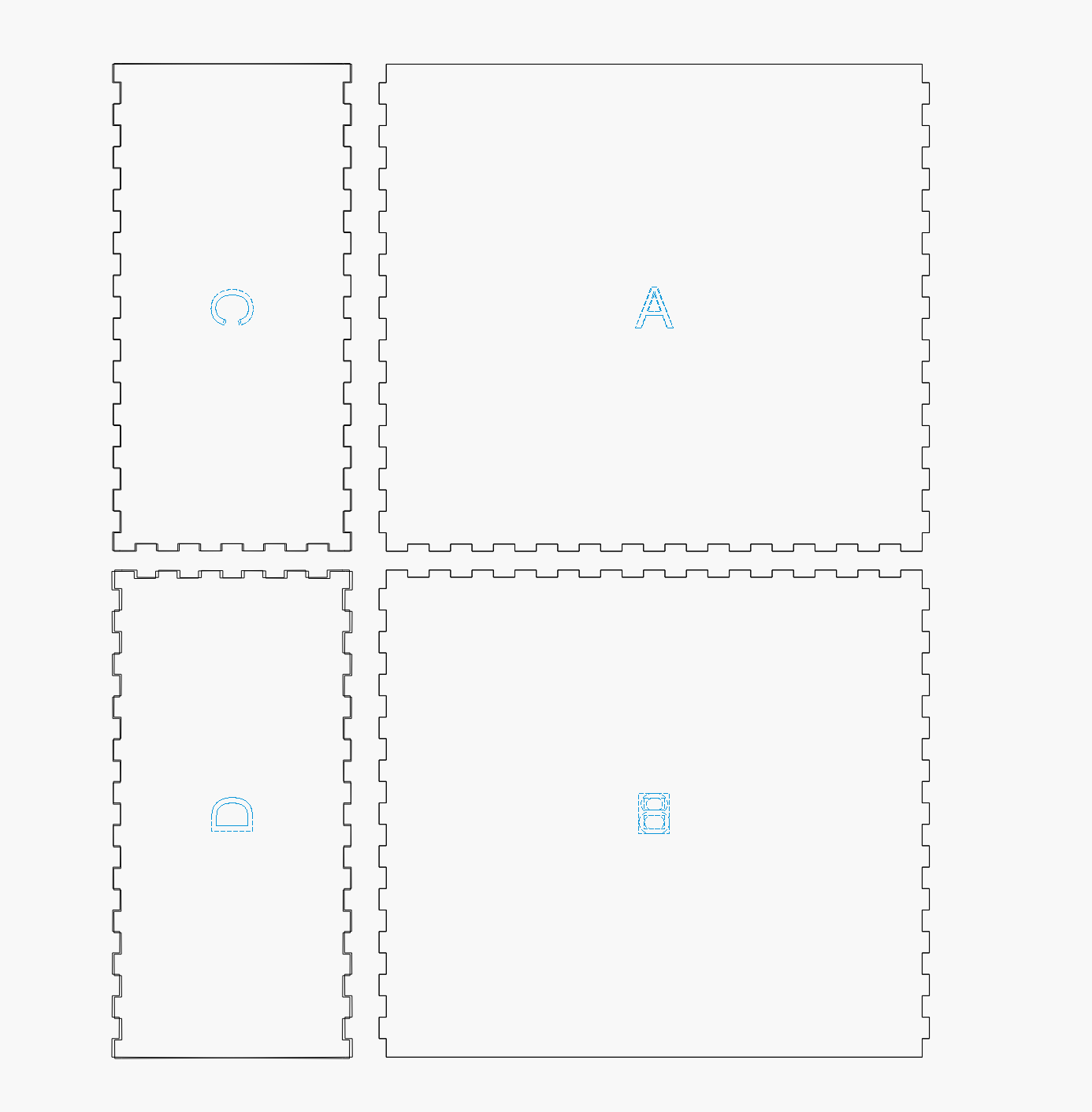
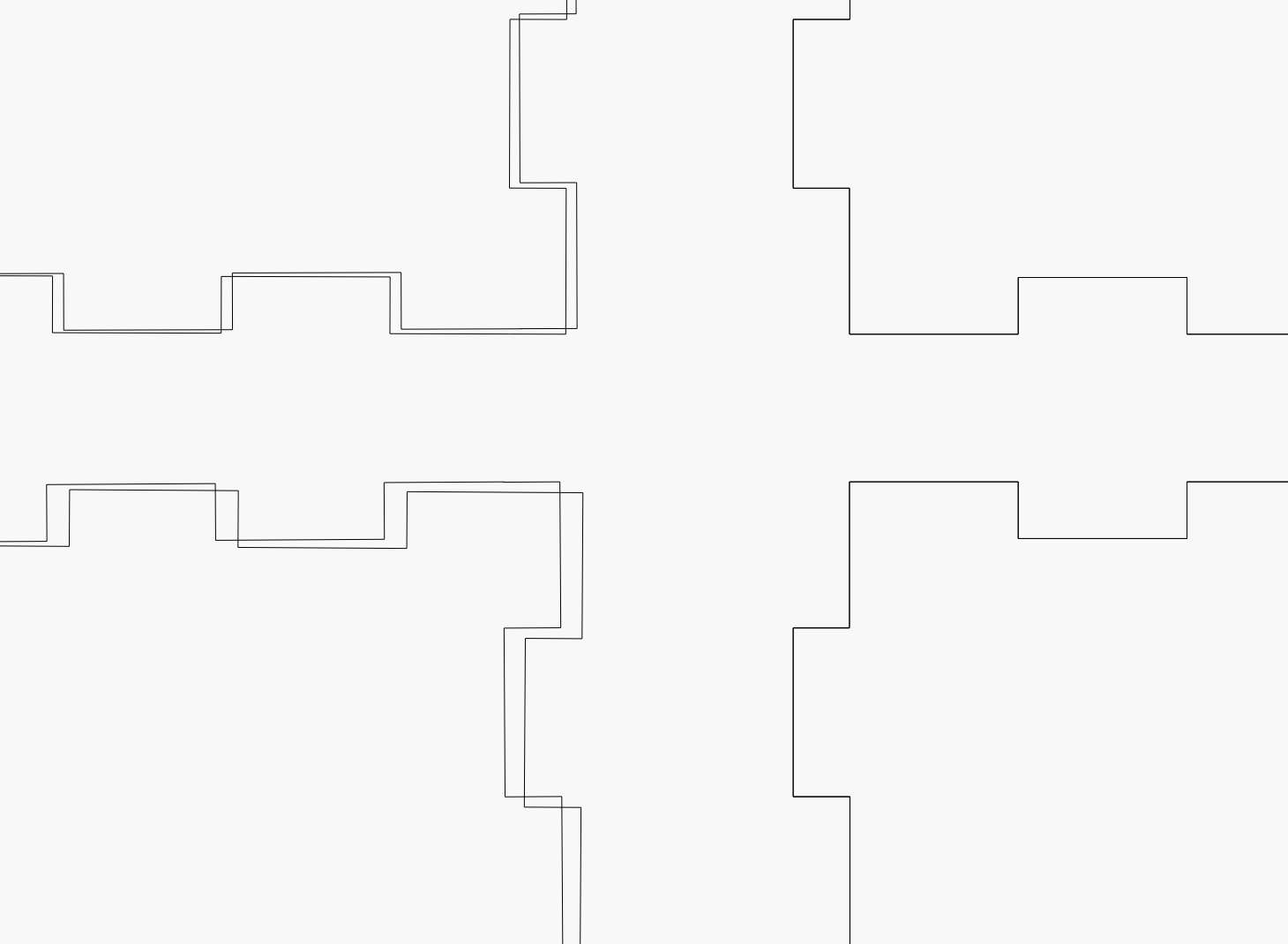
Ok, yes I see that now. My question now would be, why now? This is an issue with all the files I have that I have cut recently that contain notches and tabs. These exact same files previously cut perfectly. We have checked our laser cutter, the Omtech Pronto, 100 Watt CO2. Gantry, rollers all in perfect working order and no loose parts what so ever.
How does the laser behave with a “flawless” designed box?
Is your test square 100x100 mm with straight lines?
How do the errors occur in your designs? Are they drawings you make yourself or purchased projects?
Pam, you should at least report back that you have found a solution to your problem in some way.
Or report back that you did not…