Hi All, I’ve been using Lightburn for a couple of years now and have never had an issue that I can’t resolve by searching Google or YouTube, but this one seems to have beaten me. I’m using a file created on my old computer (win10) on a new computer (same LB version) but the Offset Fill isn’t working on the new. It doesn’t matter what I do, I cannot get the text to fill . . . . ? I was expecting to see lots of similar problems when I searched Google or YT, but it seems to be exclusive to me! Can anyone help please . . .
New computer - Windows 11 Lightburn Core 2.0.04 Laser: XTool D1 Pro
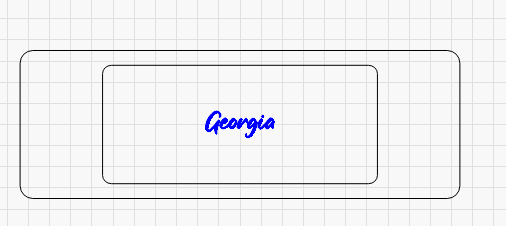
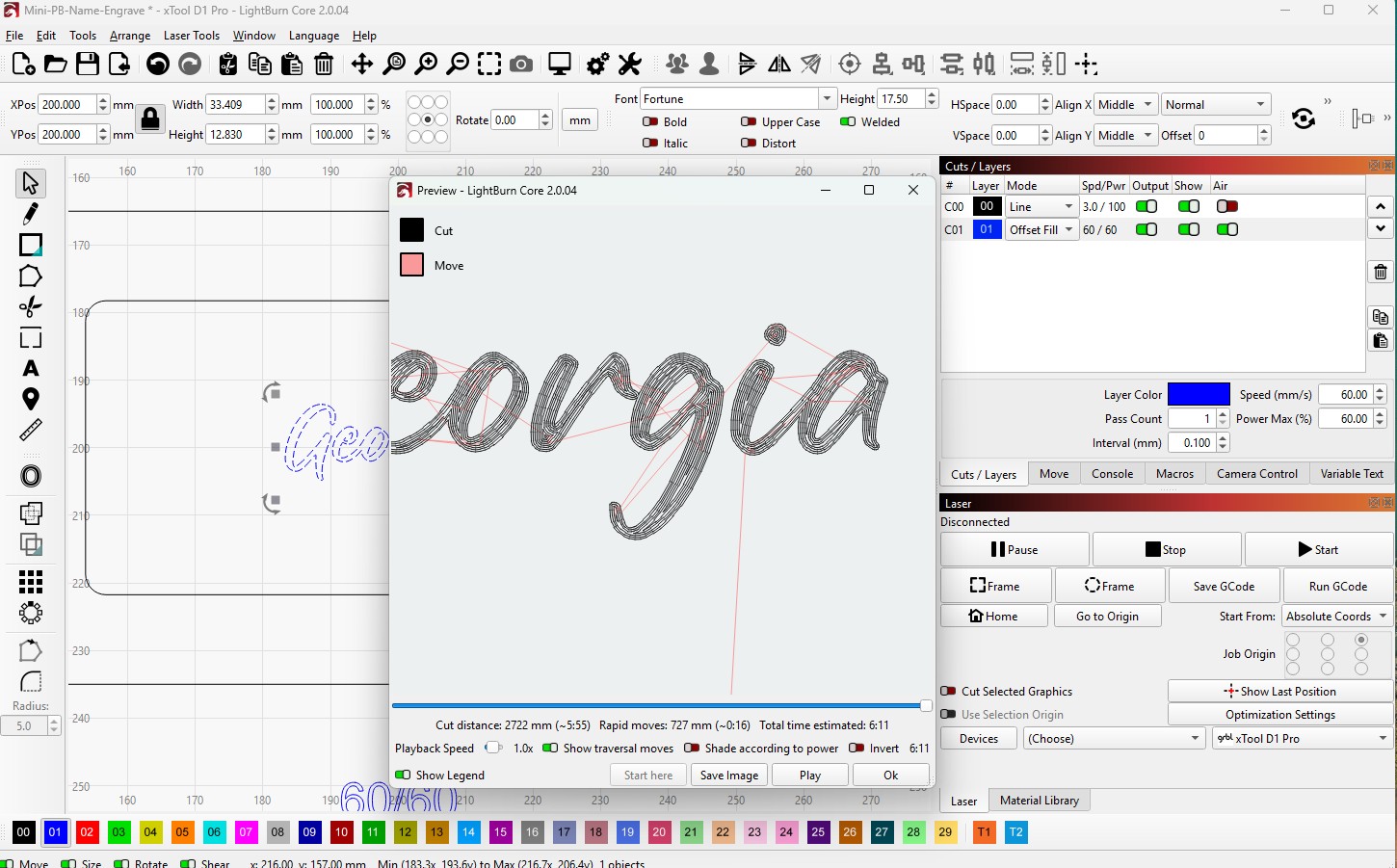
The first image shows how the file looks on my old computer, the second how it looks on my new.
In those images you are comparing Workares (top) to Preview (bottom). Two different views. You also have zoomed in on the Preview a lot. As @thelmuth said, what you see is normal. He also pointed out your lower image Workarea text is not filled.
Wire outline mode is how LightBurn was always intended to work
Filled rendering slows performance
Filled rendering makes it much harder to select inner shapes, and tell if they are selected
Filled rendering makes it more difficult to understand how Boolean operations work
Filled rendering makes it harder to use node editing
There is a hotkey to toggle it for spot checking (Alt+Shift+W for “wireframe toggle”) and that’s all it should ever be used for. I fought against adding filled mode for several years, knowing people would just turn it on and leave it on, but eventually gave in. It hurts my soul and you should get used to using the Preview instead.