After the latest software update, I am noticing my offset is not working correctly. I have a circle selected and then chose offset. I have outward selected, round selected, and optimize selected
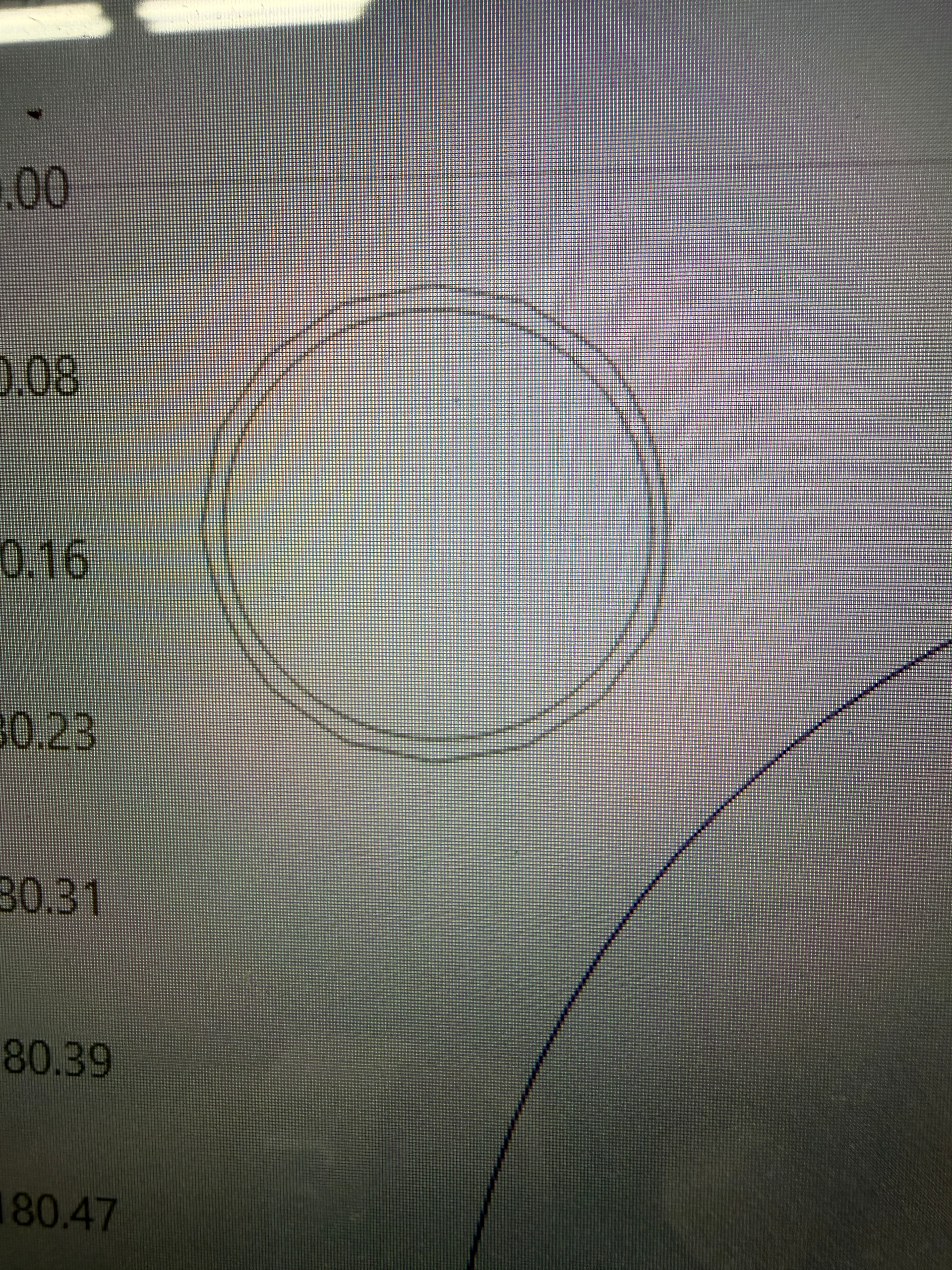
. Am I missing something?
The numbers along the Y axis suggest that is an extremely small circle, so you may be seeing the effect of a Low setting for Curve Quality in Settings → Display Settings:
Crank that up and see if the picture improves …
Thanks. It doesn’t seem to matter how large the circle is. It’s just strange that I have never had this issue before on the small circles. It is for an earring, so the circle is small.
I have increased it to perfect, without change?
Upload the lbrn2 file and a screenshot of the Settings → Display tab so the hive mind can ponder the details.
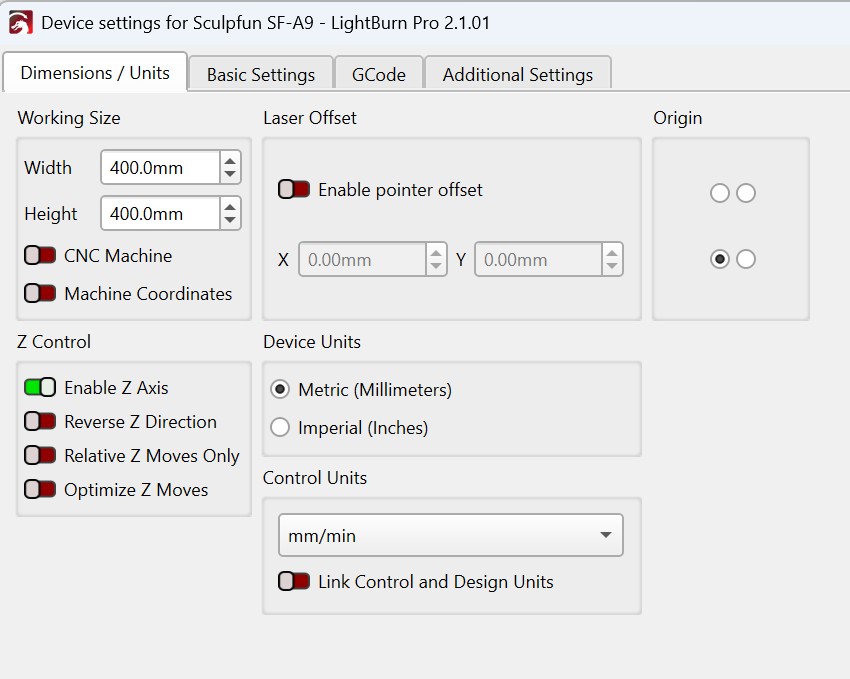
Thank you so much for helping. As I was preparing to send the screen shot, I realized my measurements had been changed to mm instead of inches. When I switched it back, viola, it was all fixed. Kinda crazy, not sure how that got changed???