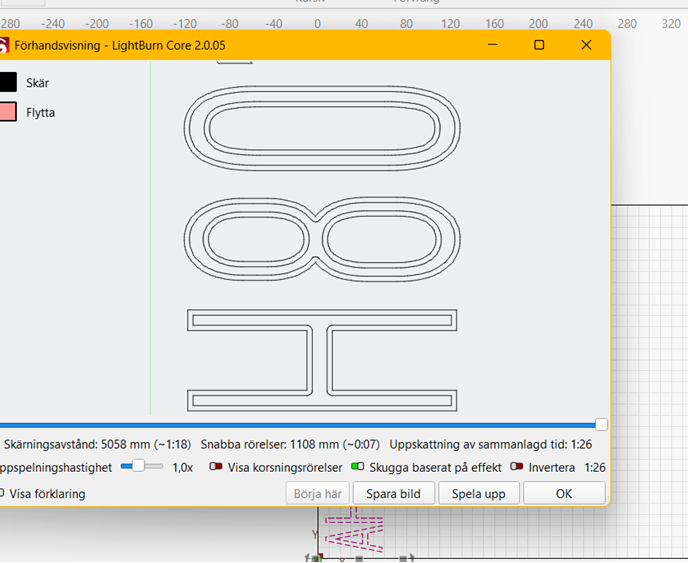
Hello, I would like to print a number in two lines, not fill. I know about the offset feature. However, with variable text this does not work since the offset text is not dynamic. I think i might have found some sort of solution by using on line and then a layer on top with offset fill at a number it will only go one run, so in reality to lines beside each other.
But for bigger prints i would need more lines, and lines are in my use cases most of the time the prefered mode due to its speed.
So is there any workaround for doing what i want, two or more lines next to each other? And also in the best scenario, with variable numbers?
I know it could work trying to find font that will print in the style i want, but i would like some more controlled way of working and use fonts i see fit for the purpose.
You can do this in a single layer by using a Line layer, then using a sub-layer, also set to Line, with an outward or inward kerf value set to however large you want the offset to be.
You can also do one outward and one inward, or use multiple sub-layers, each with different kerf values, to thicken a line.
That was awesome it could be done. Easy to adjust and control when making trial runs.
When quality does not matter, merely visability and lasting marking in wood, this trick saves a bundle of time. Avoiding “fill” which most of the time add alot of time.