I have an OMTech 2820 with a KT332N controller. I recently upgraded my laptop and started using the latest version of LightBurn. Everything seemed to work fine for a couple of days, but now the machine will not home correctly.
When I power it on or press Home, the gantry moves to the top of the machine as expected. It then slowly starts moving to the left, eventually speeds up, and crashes into the left rail. The machine’s home position is the upper-right corner.
To troubleshoot, I switched back to my old computer running LightBurn 2.0.05 and restored a backup of my machine settings from last year. Unfortunately, the problem persists.
The proximity sensors appear to be working. In the controller’s diagnostic screen, the sensor inputs change state both when I manually move the machine into the sensors and when I place a screwdriver in front of them.
Has anyone experienced this issue with a KT332N controller or OMTech machine? Any suggestions on what else I should check would be greatly appreciated.
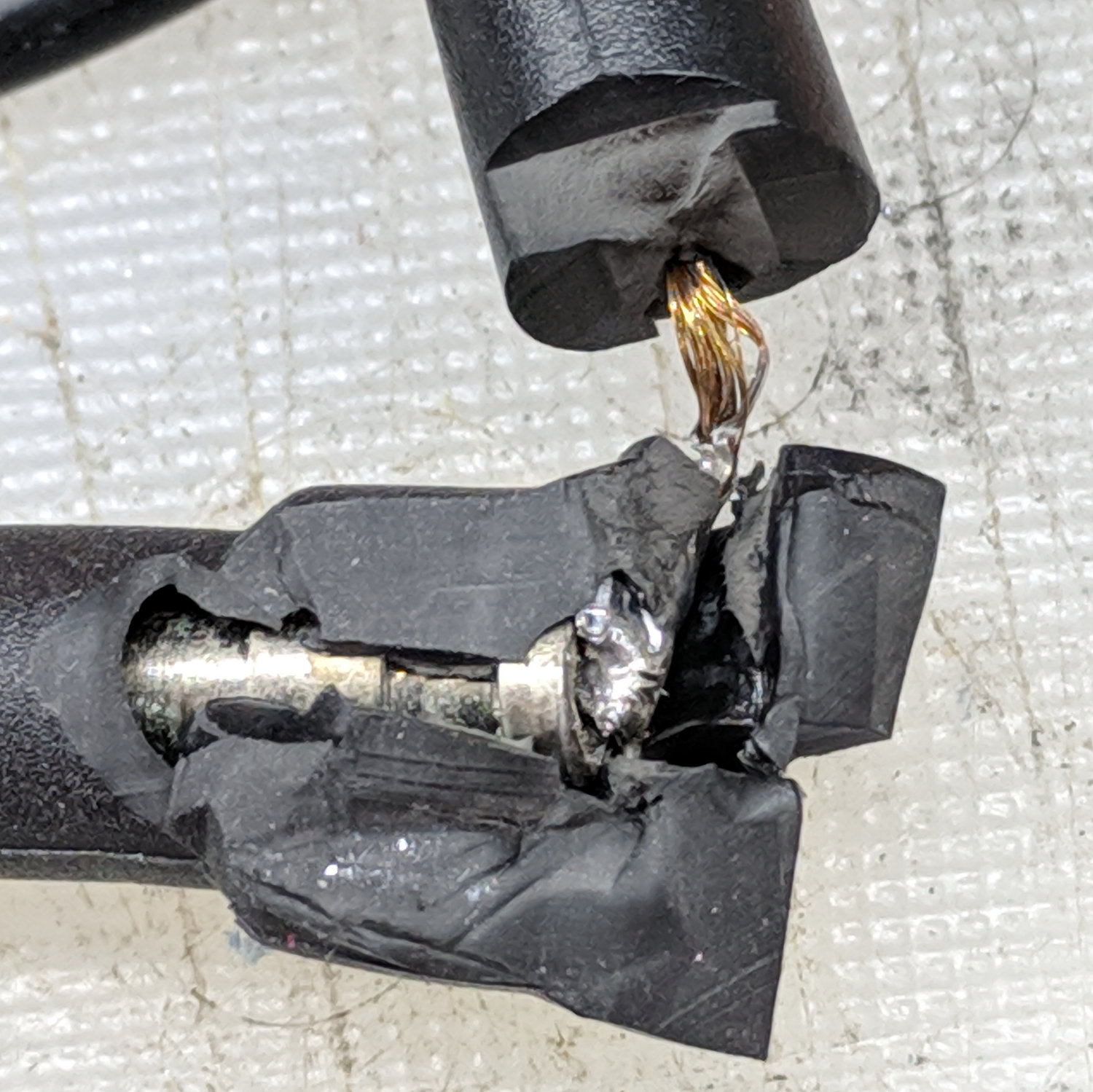
That suggests a broken wire in the X axis home switch cable: it works here, fails there, and is intermittent somewhere in between. The cable goes through the Y axis drag chain, where it gets pleny of flexing.
You can try (and I have tried) to be clever with an ohmmeter, but you’ll never put the gantry in the exact spot where the wire ends come apart.
While you’re at it, replace the brittle PVC-insulated wire with good flexy silicone-insulated wire: I used three wires peeled from a 26 AWG ribbon cable.
An old trick is to try to stretch the wire gently. That may be enough to confirm a broken wine in the cable.
If you can get silicone meter lead cable that is not too large in guage, that would be best. The strands are much thinner (and a lot of them) and tolerate flexing much better.