Omtech polar, keep crashing my PC?

Hi guys,

I have an Omtech polar, which I’ve purchased recently It was new in 2023 have the brand new version of Lightburn, however will let me work for a while Normally get one cut done completely fine, When I try to change some settings power or speed or retake a picture of the bed with the camera it will freeze, once it freezes I cannot end the programme in any way at all not even via the system END task, however if I switch the Omtech Polar off Lightburn begins to work again, would be glad of any advice with regards to this as I’m a bit flummoxed.

Regards

Dave

Are you connected using USB or Ethernet?

USB can cause issues if your cable is failing, try a new cord.

Better yet, try connecting using Ethernet.

1 Like

using USB at the moment, been trying today to set up Ethernet but having problems, do I need Ruida screen to do this as I’m not sure how i set ip up on the machine its self

You cannot change the IP without a console, but as far as I know they default to 192.168.1.100

Hang it off your lan and ping it. Might want to ping it first to ensure there isn’t a .100 address on your network. I’m hoping your domain is 192.168.1, if not it’s not going to talk.

You cannot plug this directly into a PC*, you need to route it through your router or switch.

*actually you can, but you have to know how to configure a single device with a static address to your machine.

:smiley_cat:

1 Like

ok, i was trying to plug it straight into the pc, so i will need an extander from my router?

You need to reach your lan, whatever that takes.

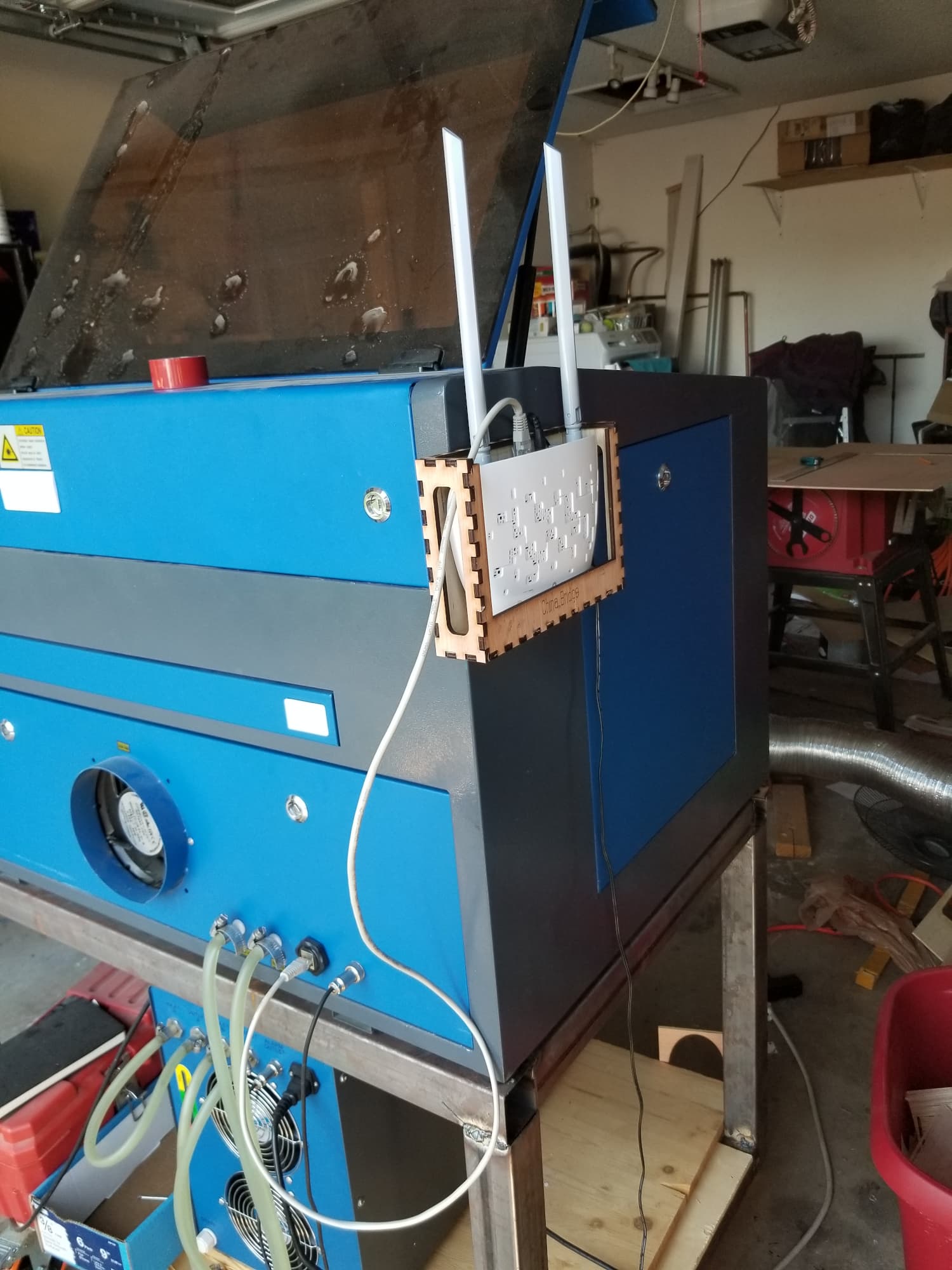
My laser is out in the garage, so I purchased a cheap wireless bridge from Amazon and I’ve been using that for quite a while.

The Lightburn Bridge needs it’s address to be 10.0.3.3, can’t remember exactly.

Don’t think theirs will work for you. Just configure the tp-link device as a bridge.

Then you don’t need an extender…

:smiley_cat:

OK, next problem, is the Omtech polar’s don’t have a console screen so Im not sure how to get round that, until i buy one.

You don’t need a console, it’s address should be the 192.168.1.100 no need to change it if your lans domain is 192.168.1.x

:smiley_cat:

yep my lan is defo that i checked

ok, im done in, its after midnight here. need sleep lol, will try again in the morning

1 Like

This topic was automatically closed 30 days after the last reply. New replies are no longer allowed.