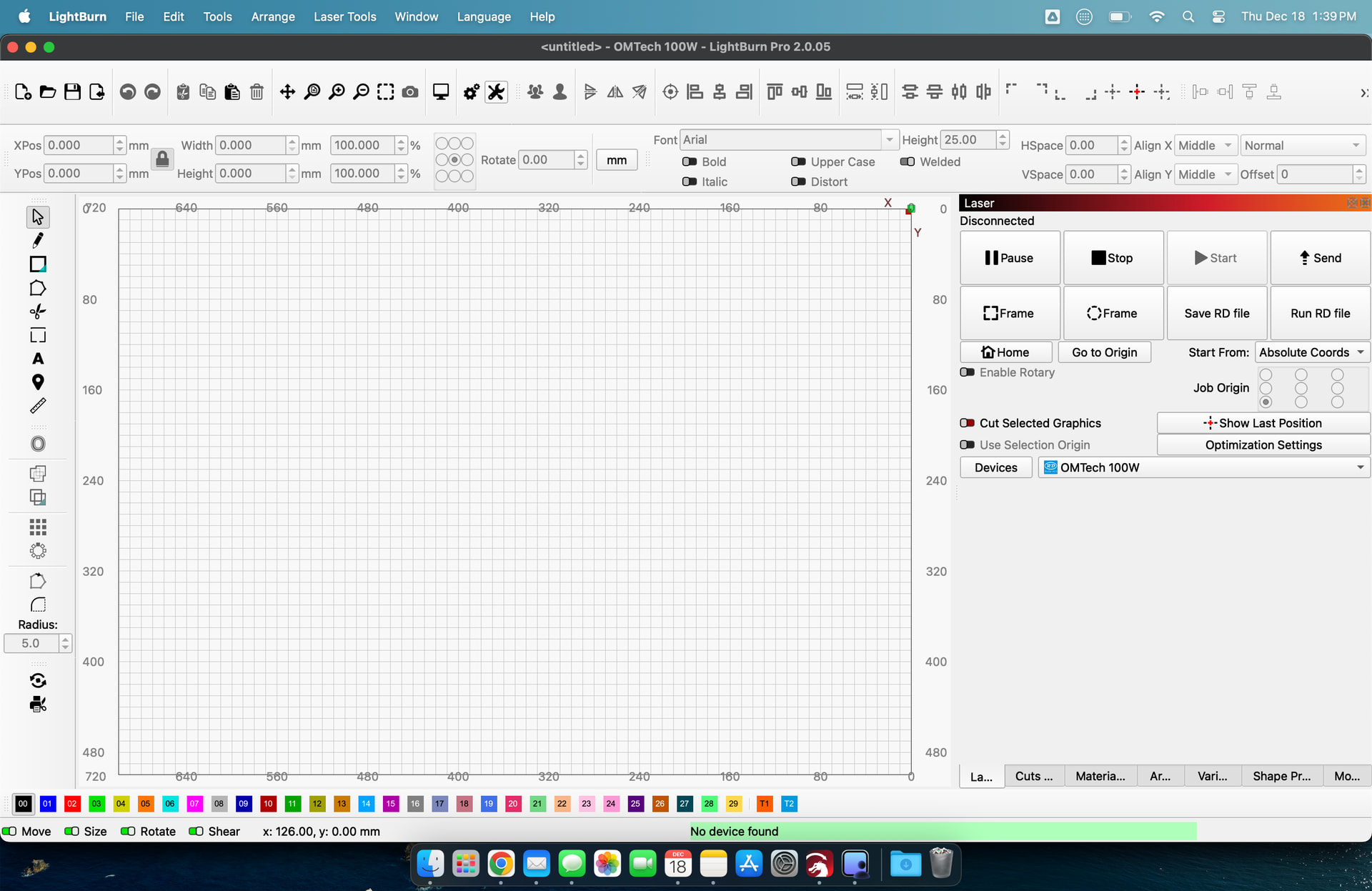
I’m having trouble grouping multiple library items [cut/layers, move, console. etc] into one window. I’ve been using LB for 2 years and it has been tough to configure. Even when I import preferences from one pc to another [3 pc’s allowed] - it does not transfer that. HELP?
Post a screenshot (not a phone pic, please) of your entire Lightburn screen. Also, what is your screen resolution? Right click on the Desktop and select select Display Settings. Resolution should be in the window that pops up.
This article has a video that shows how to get the windows stacked along with other helpful info.
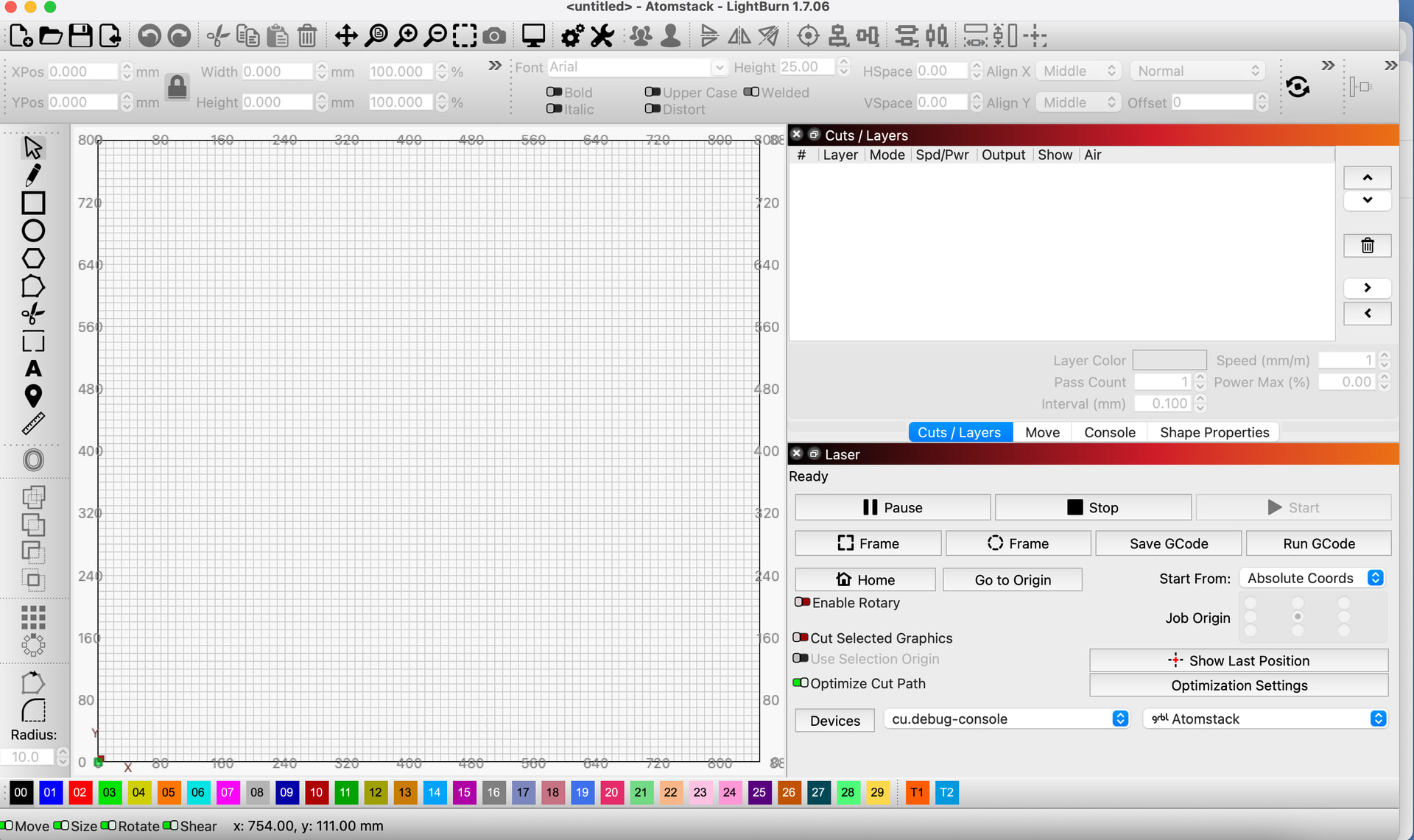
Resolution is the default [1470x956] - Macbook - this is the screenshot of my Mac the way I like it but when I added Lightburn onto my Windows 11 PC [3 PC’s allowed] that I use mostly for laser work, I can’t get it rearranged like this. I like these two windows [top one Cuts/Layers with multiple tabs - bottom just Laser] in this manner and I’d like it the exact same way on the Windows PC. Just can’t seem to do it. Importing preferences taken on this machine and then imported into Lightburn on the Windows machine doesn’t carry over the window arrangement.
Is the issue on your Macbook or PC? That’s the one I want the resloution from. On my Macbook I have the windows all on one layer, because that resolution is really not enough for stacked windows due to the vertical size required. If the PC has a lower screen resolution the same rules apply. If it has a higher resolution, 1080 or more, it may be an issue with Windows Scaling.