Hello,
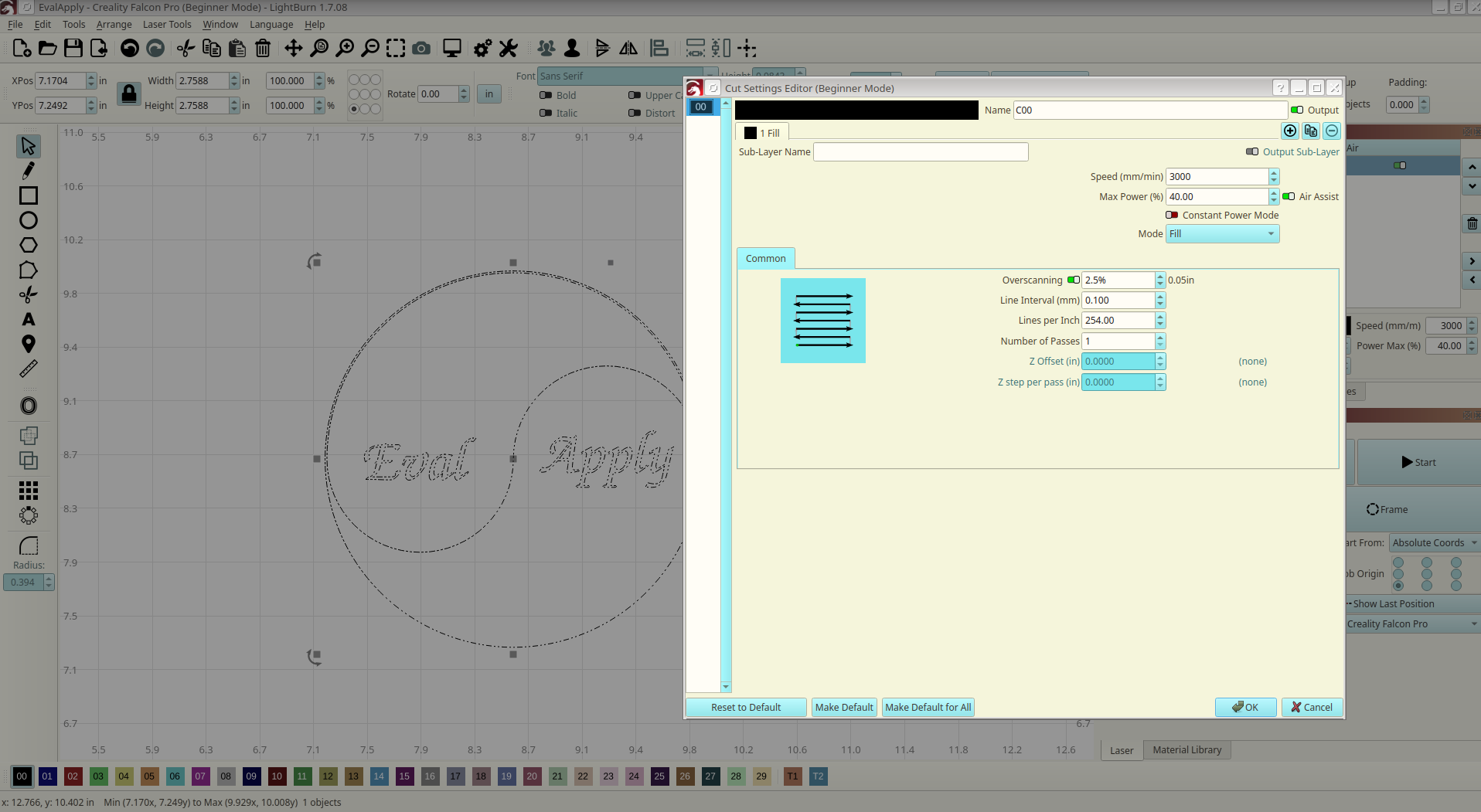
Quite often I have designs made of vector shapes that’d be better served by using vertical slices rather than the usual horizontal. For example, I currently would like to make a grid with some thin (yet some width) lines that are vertical. I also have some horizontal lines which are best served by going horizontal as LightBurn currently does. In the future, would you consider adding a setting the fill orientation per layer?
In general, it might be nice to have some sort of abstraction for a path width for vector strokes. (perhaps it’s there and I’ve missed it). I see the offset option but that defaults once more to the inefficient horizontal slicing.
Now, as a programmer myself I have one other idea that’d make for super efficient fills. What about a coencentric fill? This means taking the closed shape and continually making coencentric passes until it’s filled. There are probably some odd edge cases and islands that appear (possible overlaps too) but it’d be a neat efficient approach.
Sincerely,
Ryan Burnside