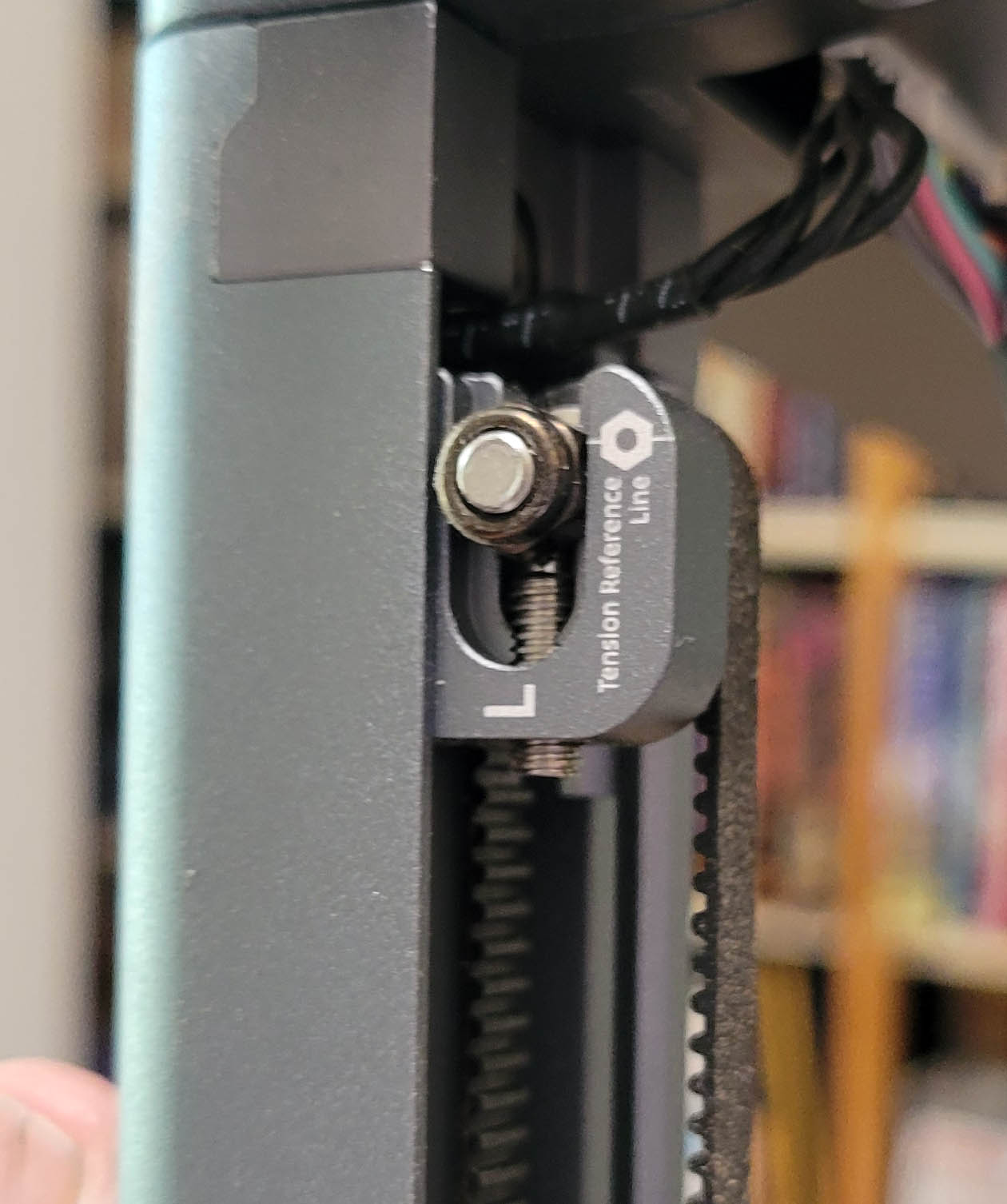
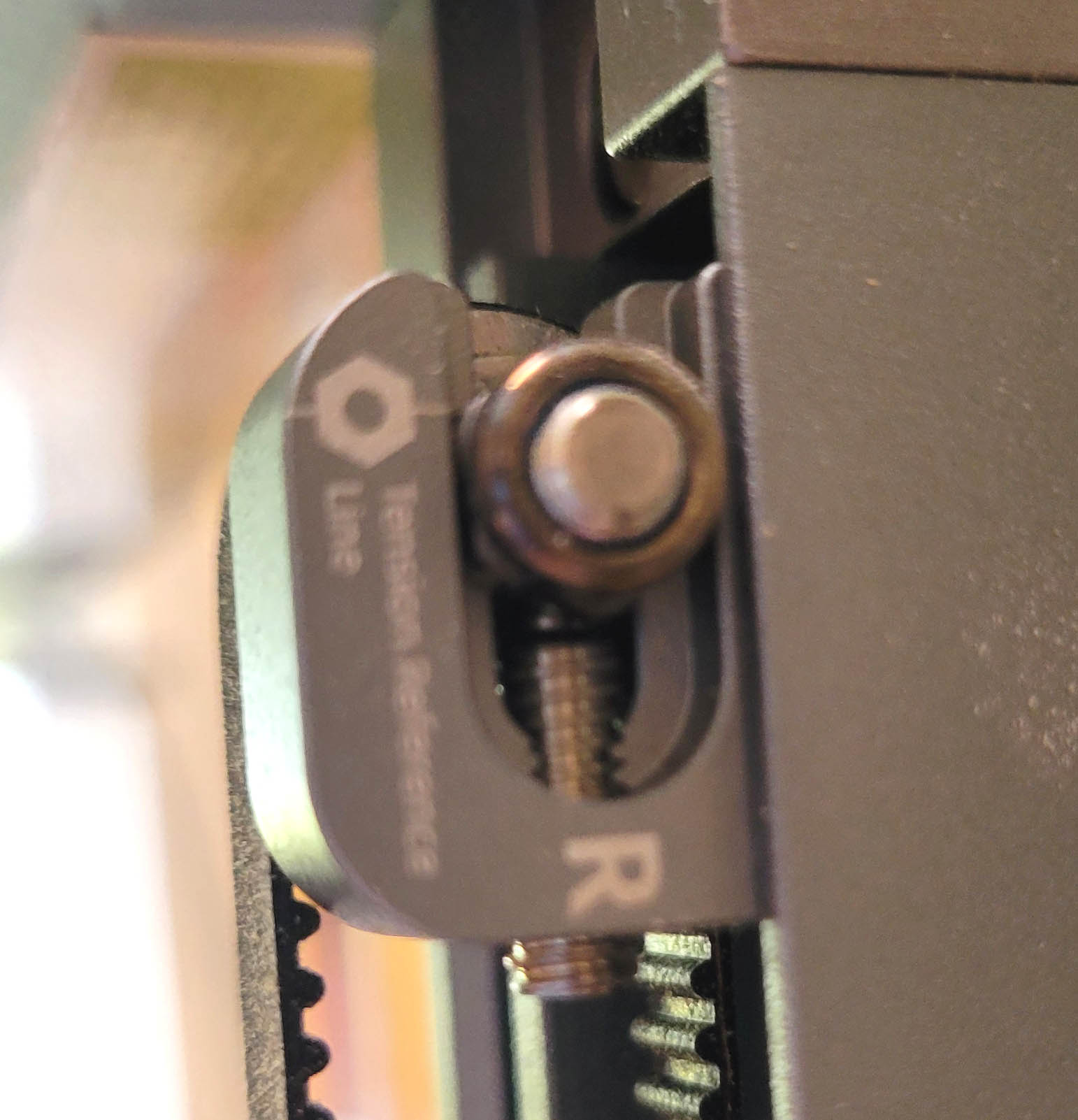
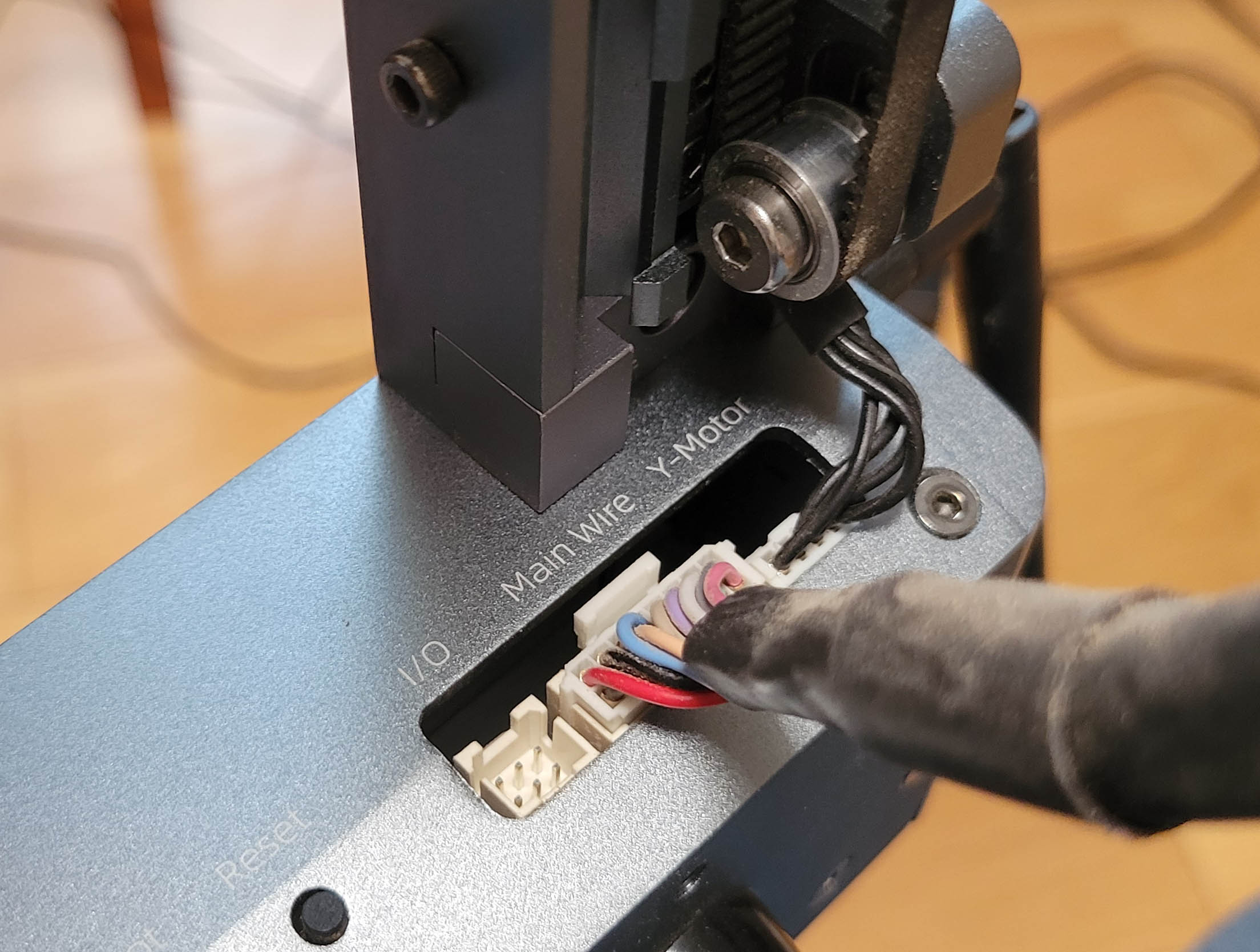
Greetings. Does a list of error codes for the Ortur LM3 exist? Both sound and light?
I have looked for these and my google fu is bad…My particular problem is the laser will not shake hands with Lightburn. I get one long beep and three short. The power button flashes rapidly between red and green. same behavior with SD card in or out, but interestingly I CAN do firmware upgrade which I did to ESP_OLM3_211 in hopes this would help. (no change)
Output from lightburn is below
Waiting for connection…
Port failed to open - already in use?
Waiting for connection…
Waiting for connection…
Waiting for connection…
[MSG:25:Info: USB SERIAL STREAM CONNECTED]
Ortur Laser Master 3 Ready!
OLF:211.
OLH:OLM_ESP_PRO_V2.4B.
OLM:GENERAL.
GrblHAL 1.1f [‘$’ or ‘$HELP’ for help]
[ORIGIN:China]
[PRODUCER:ORTUR]
[AUTHOR:LEADIFFER]
[MODEL:Ortur Laser Master 3]
[OLF:211]
[OLH:OLM_ESP_PRO_V2.4B]
[OLM:GENERAL]
[DATE:20230417]
[SN:71F81F13388E922A4F7515FD11E983C2]
[VER:1.1f.20220325:]
[OPT:VNZHS+,63,32767,3,0]
Target buffer size found
[NEWOPT:ENUMS,RT+,HOME,NOPROBE,TC,SED,UD,CLU,WIFI,FTP,SD,ITG,GT,YRR]
[FIRMWARE:grblHAL]
[NVS STORAGE:*FLASH]
[DRIVER:ESP32-S2]
[DRIVER VERSION:220327]
[DRIVER OPTIONS:GIT-NOTFOUND]
[BOARD:Ortur Laser Master 3]
[TYPE:OLM3]
[CLUSTER:16]
Cluster size found
[WIFI MAC:84:F7:03:E6:8F:32]
[IP:192.168.5.1]
[PLUGIN:Power Detecter v1.0]
[PLUGIN:Power Control v1.0]
[PLUGIN:gyroscope sensor v1.0]
[PLUGIN:Trinamic v0.09]
[PLUGIN:SDCARD v1.05]
[PLUGIN:ITG STREAM v1.00]
[PLUGIN:ESP32 WebUI v0.03]
[PLUGIN:GADGET v1.00]
[PLUGIN:YRR v1.00]
ok
Homing
error:8
Grbl ‘$’ command cannot be used unless Grbl is IDLE. Ensures smooth operation during a job.
Waiting for connection…
[MSG:25:Info: USB SERIAL STREAM CONNECTED]
Ortur Laser Master 3 Ready!
OLF:211.
OLH:OLM_ESP_PRO_V2.4B.
OLM:GENERAL.
GrblHAL 1.1f [‘$’ or ‘$HELP’ for help]
[ORIGIN:China]
[PRODUCER:ORTUR]
[AUTHOR:LEADIFFER]
[MODEL:Ortur Laser Master 3]
[OLF:211]
[OLH:OLM_ESP_PRO_V2.4B]
[OLM:GENERAL]
[DATE:20230417]
[SN:71F81F13388E922A4F7515FD11E983C2]
[VER:1.1f.20220325:]
[OPT:VNZHS+,63,32767,3,0]
Target buffer size found
[NEWOPT:ENUMS,RT+,HOME,NOPROBE,TC,SED,UD,CLU,WIFI,FTP,SD,ITG,GT,YRR]
[FIRMWARE:grblHAL]
[NVS STORAGE:*FLASH]
[DRIVER:ESP32-S2]
[DRIVER VERSION:220327]
[DRIVER OPTIONS:GIT-NOTFOUND]
[BOARD:Ortur Laser Master 3]
[TYPE:OLM3]
[CLUSTER:16]
Cluster size found
[WIFI MAC:84:F7:03:E6:8F:32]
[IP:192.168.5.1]
[PLUGIN:Power Detecter v1.0]
[PLUGIN:Power Control v1.0]
[PLUGIN:gyroscope sensor v1.0]
[PLUGIN:Trinamic v0.09]
[PLUGIN:SDCARD v1.05]
[PLUGIN:ITG STREAM v1.00]
[PLUGIN:ESP32 WebUI v0.03]
[PLUGIN:GADGET v1.00]
[PLUGIN:YRR v1.00]
ok
Homing
error:8
Grbl ‘$’ command cannot be used unless Grbl is IDLE. Ensures smooth operation during a job.
Thank you if anyone has any input…
Nicole