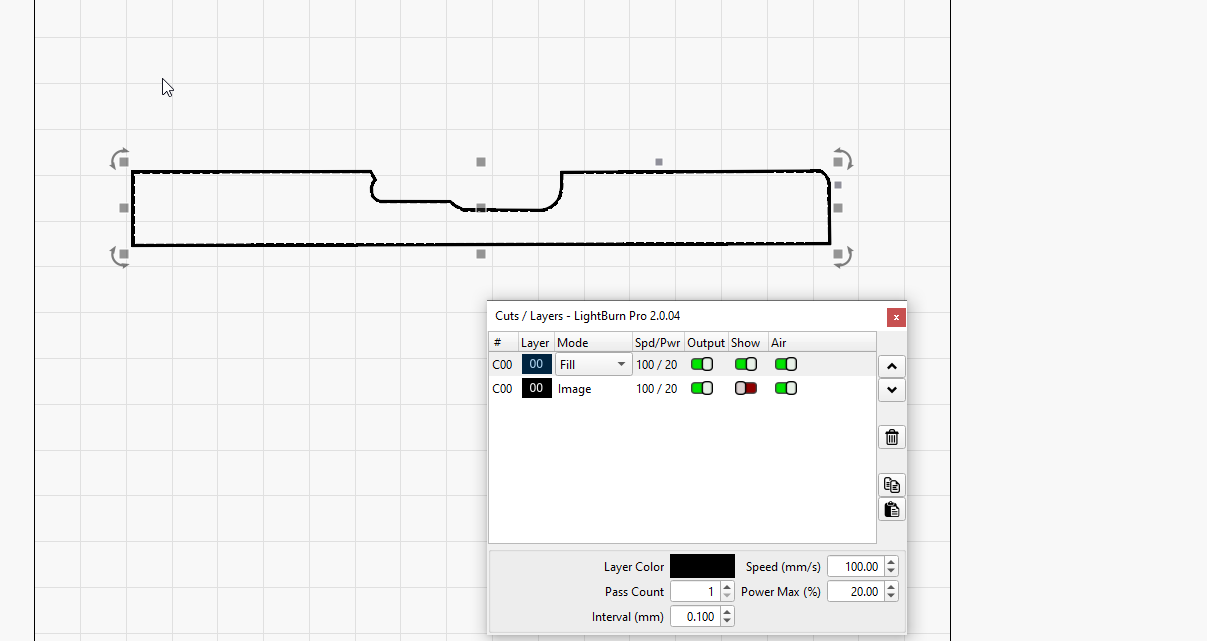
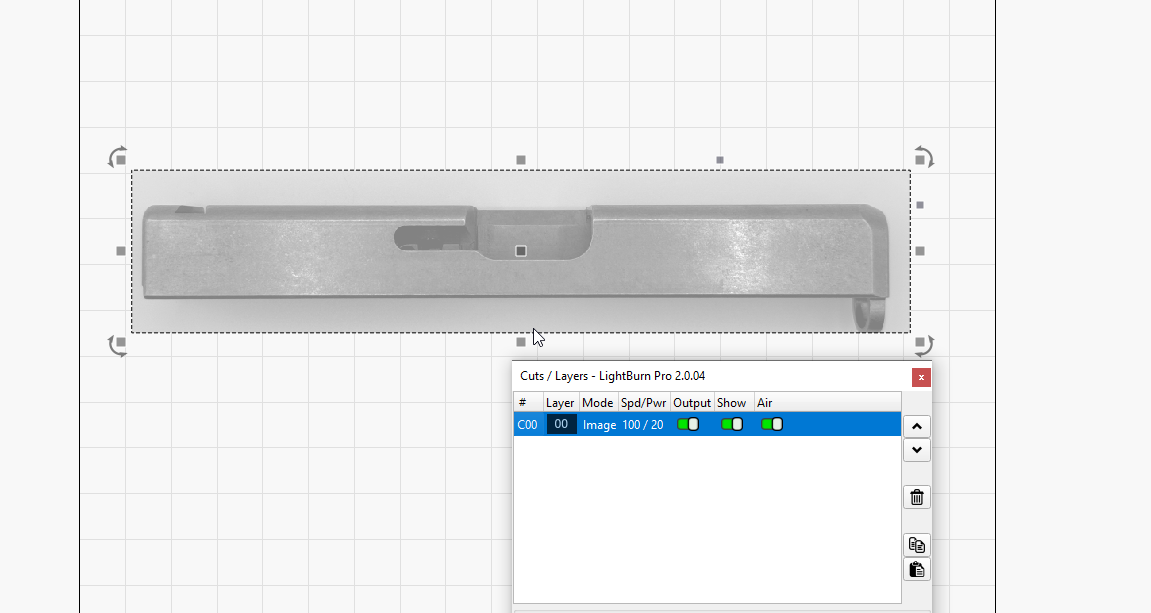
I used an actual photograph of a slide to create an outline of the side in LB. I’ve done it three times, but I can never get it to scale right when I frame it on the slide. It’s always off a hair or two, especially around the ejection port cut out. I used the line tool and the node editor to get the outline exactly where I want it.
I do the outlining on my desktop (a lot easier with a mouse) and move it to the laptop in the garage which is hooked to the laser. Both are running v 2.0.04. Desktop is Win 10 and laptop is Winn 11.
The camera optical axis likely wasn’t exactly perpendicular to the side of the slide and the lens certainly has slight pincushion / barrel distortion. Even if the picture looks perfect, it won’t quite match reality.
If you mean the slightly visible marching ants on the LightBurn workspace, perhaps more Curve Quality is in order.
Apart from those, uploading the file so the hive mind around here can ponder it will be helpful.
I use NODE EDIT a lot when making hand drawn items. I set the layer to FILL to make sure I create closed shapes, then nudge the nodes until I have a pretty decent vector version of an image. Switch back and forth from FILL to LINE as needed.
It is labor intensive but worth the effort.
+1 to the camera skewed from the piece. Perspective is evident on the barrel end of the slide.
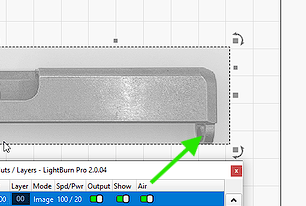
Your camera is tuned to the height of the workspace, the slide is about 1” thick, so the top surface is about 1” closer to the camera, which will induce errors in projection. Your picture shows the breach side of the barrel loop. If you did not tune the camera to the depth of the top of the slide, you will have precision flaws.
Thanks, but can you put that in English, please? I’m an ex-photographer (20 years removed) and don’t quite get your point. The camera (iPhone 16 pro) should be focused on the top. But I see, maybe, the guide rod hole is showing a little of its backside.
Nope, I am wrong. I thought you used the camera from your laser and LB to take the photo.
I still believe that the position of the camera is not square to the slide. In order to clarify the problem, can you show what exactly is the deficiency you struggle with?
The spot size of the laser is well under 1mm. Are you splitting the hairs a bit?
It’s one end of the ejection port or the other that’s off. I just need a good outline. I’ve ruined several slides trying to ‘make do’. Width and height are easy to fix but the port ends have to be x amount of distance from the ends. I tried adding a little space to one side but that didn’t work out.
I didn’t post it because I didn’t do the engraving. The ruined ones are from Etsy files I attempted to do in the past and I’m not going to engrave any more until I get the outline/frame correct.
There is a new site that will fill your outline with your desired design. I have used it with great results, but the outline was off. So, now I’m correcting the outline before adding the design.
Maybe you should keep spare batteries, just in case.
Given that this is being done on a galvo laser, the machine’s F-Theta lens has its own set of correction factors. Given the accuracy you need, it may be worthwhile to verify the lens calibration:
I’d like to believe the correction file that came with the machine / lens is accurate for that specific lens, but some experience with configuration settings for other machines suggests the file might have applied to some other lens installed in another machine from a different seller.
Well I don’t know how much more I can invest into your issue. Cut out the outline in cardboard. Hold it up against the slide, see where and how much the variance is. Make some slight adjustments. Repeat until success.
I highly suggest that you use some form of solid jig to hold the slide in EXACTLY the same location time after time.
Your results have never been posted - so we cannot understand HOW or buy HOW MUCH the program is not aligning with your expectations. The crystal ball just informed me that it is going on sabbatical leave.