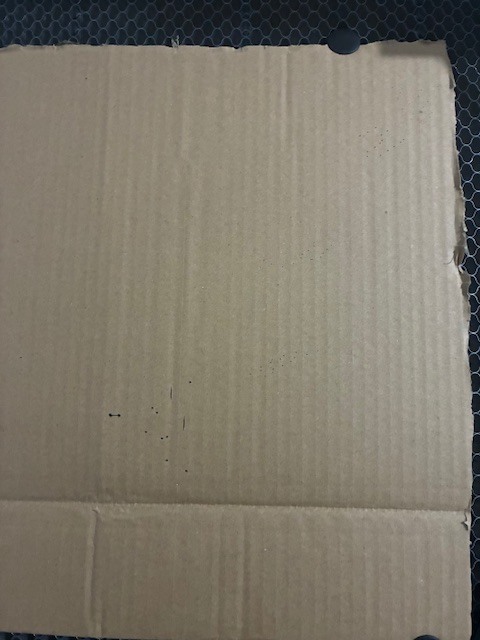
Output is nothing like image just a few dots and lines

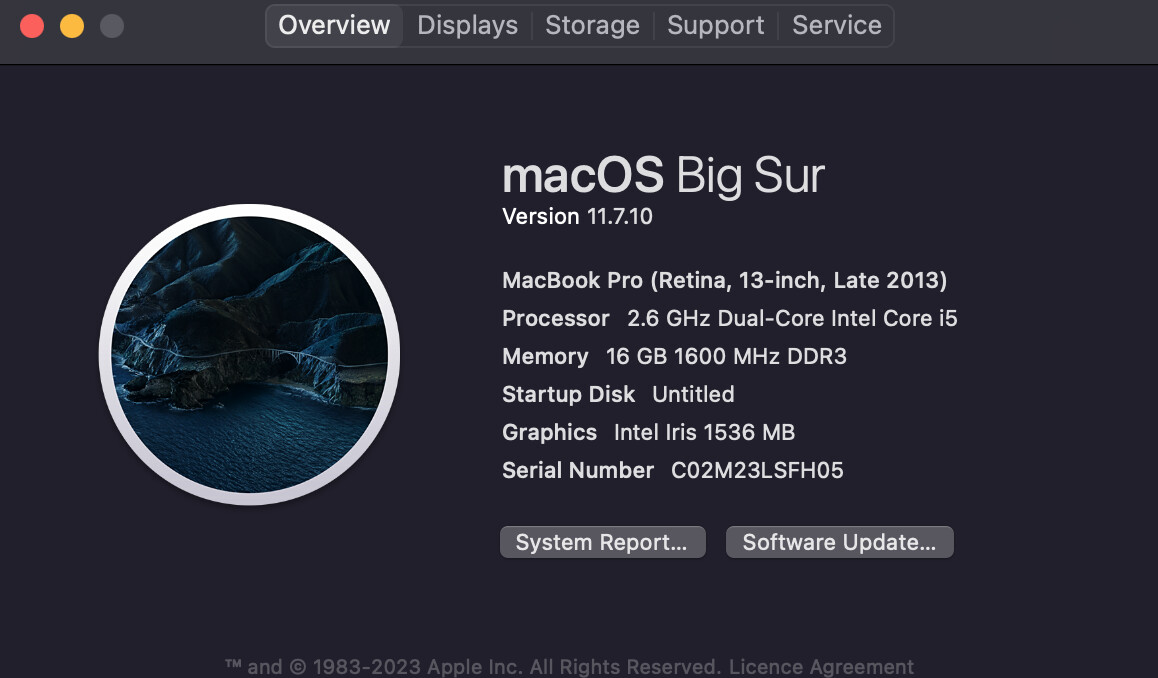
Hi,

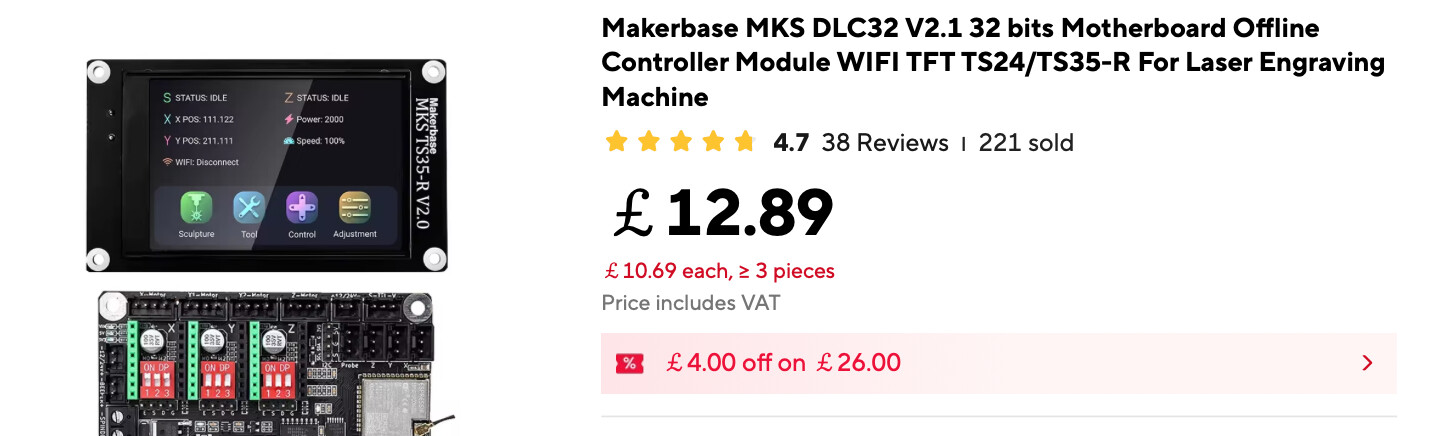
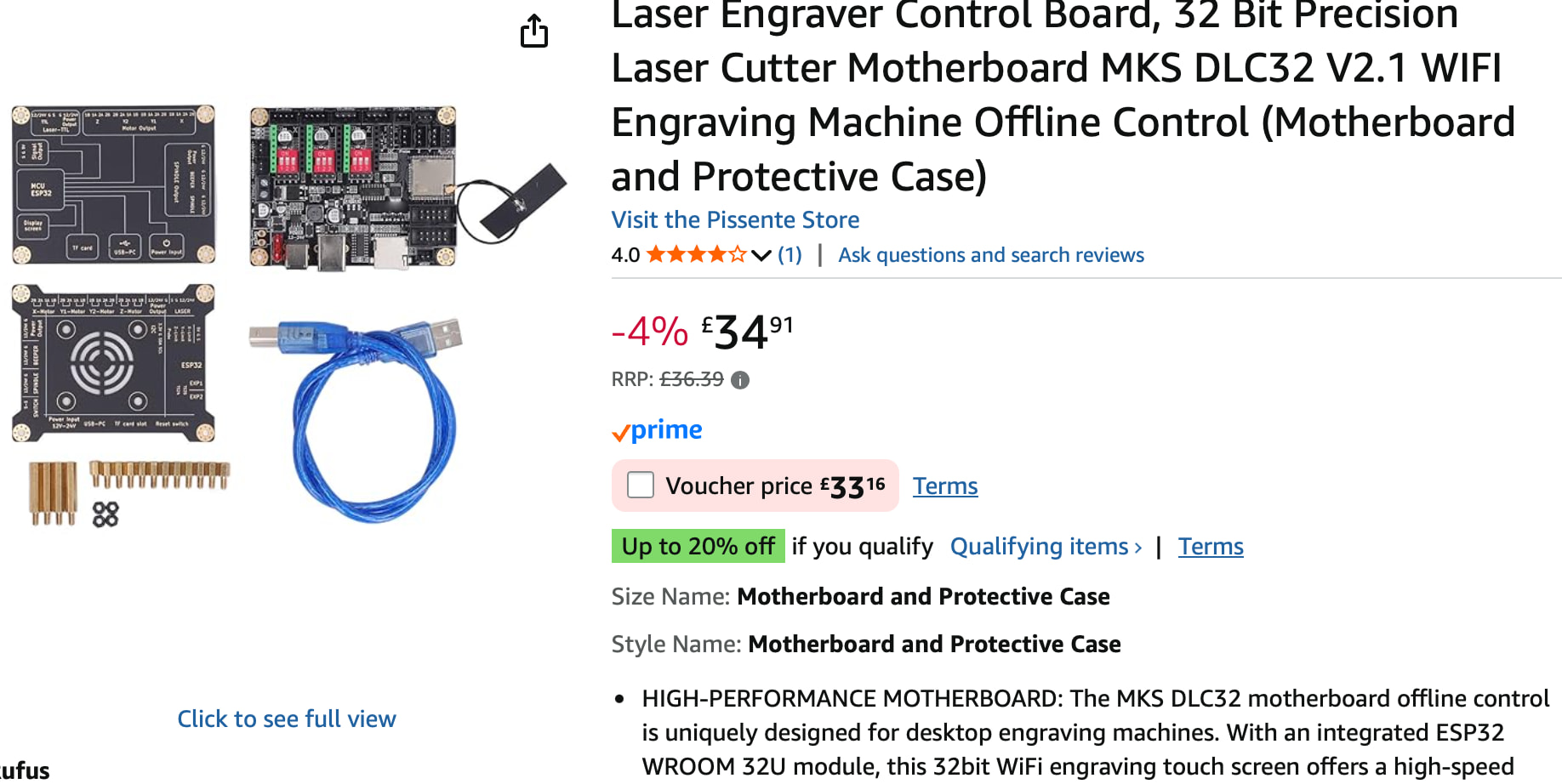
I have tried LightBurn very unsuccessfully a couple of years ago, I have since upgraded my driver board and retried with LightBurn. I am using a 2013 MacBook Pro with an unnamed laser cutter, all seems to connect fine but when I press play/send the laser just cuts dots and small lines which are nothing like the source image. I have been trying all settings, rechecking the machine etc, but it just won’t engrave/cut anything like the image - please help!!

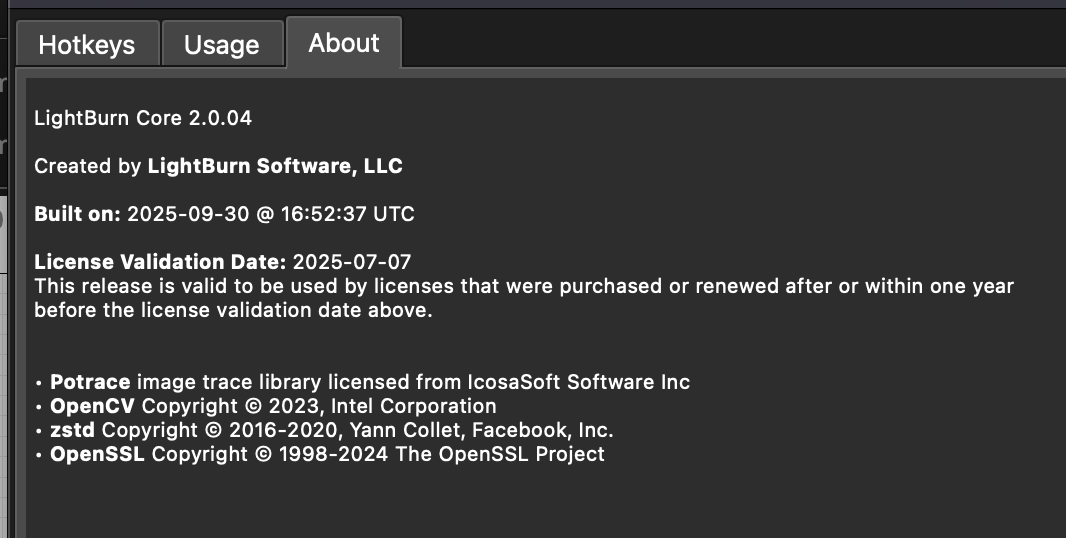
Probably need what version running on macbook and something better than unnamed laser in order to help.

3 Likes

Please SHOW us your problem.

Screenshots of:

What you are trying to engrave and on what media?

Preview window

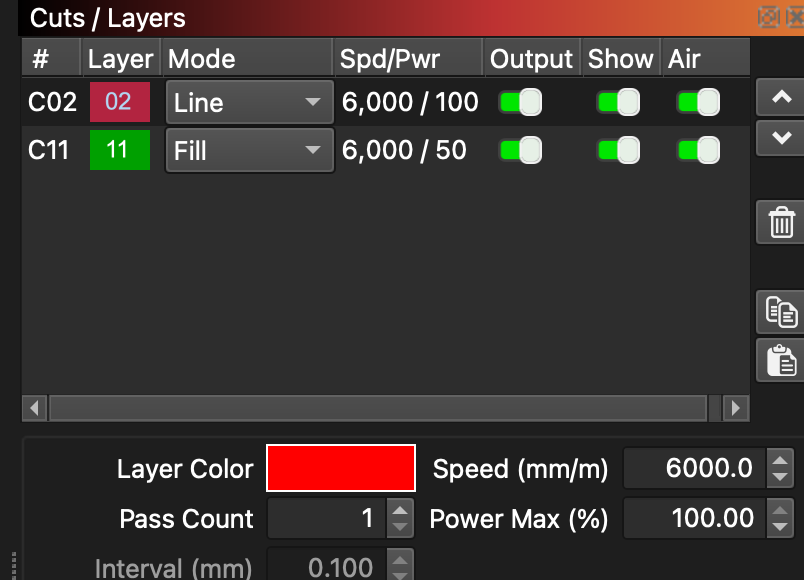
Cuts/layers window

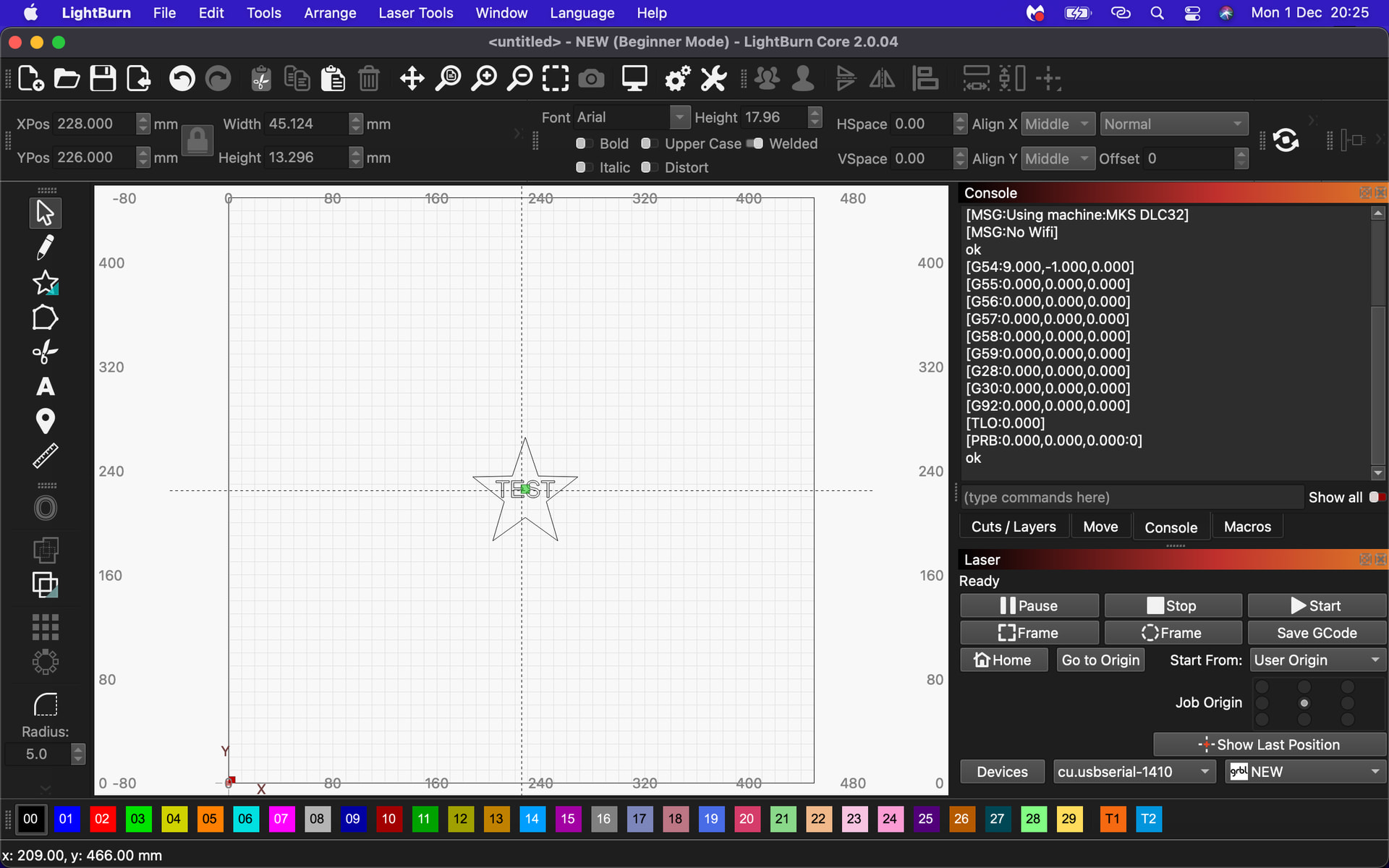
Workspace window

What, if any, results you are getting out

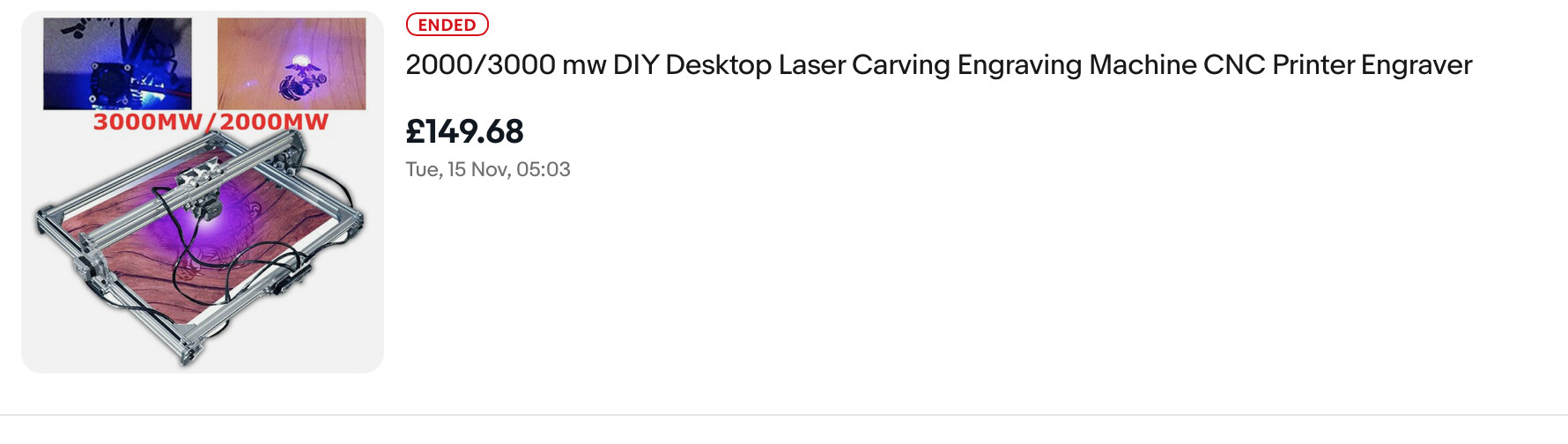
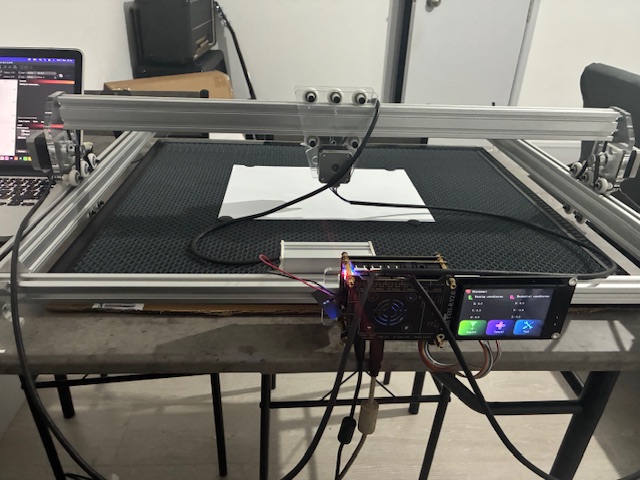
Picture of your machine loaded and ready to engrave

We want to help you, but don’t know where to begin.

1 Like

Please SHOW us your problem.

Screenshots of:

What you are trying to engrave and on what media?

Preview window

Cuts/layers window

Workspace window

What, if any, results you are getting out

Picture of your machine loaded and ready to engrave

We want to help you, but don’t know where to begin.

Hi,

I have taken screenshots and photos of all you have asked for,

the original engravers control board gave the same results - there must be something/lots of things I have set up incorrectly.

Any help would be gratefully appreciated,

nige

1 Like

First off, 6000 mm/m is HUGELY fast. Cut that to 2000 or 3000.

Let us know how that goes for ya.

***AND please double and triple check your focus length setting.

1 Like

Thanks, I’ll give that a try :crossed_fingers:

1 Like

Hiya,

I tried all that, Ive set the laser to go to each point on the star, it seems quite random in its positioning.

When I press Start, it goes off on a random rampage about 4 times the size of the image - its like the thing is possessed!!

When you have set the speed to LUDACRIS speed (that’s faster than Warp Speed) - the machine will have trouble getting the commands to synch up. In my experience, it is a must to

Learn to crawl before you walk

Walk before you run

Run before competing in a marathon.

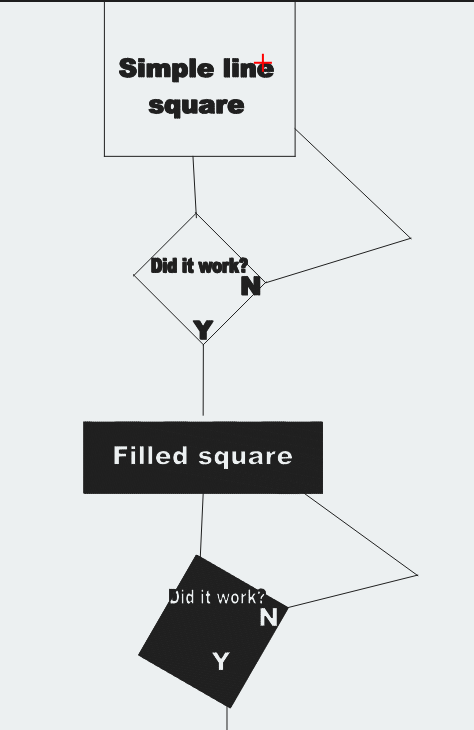
Here is small a flow chart for ya…

Make a simple line rectangle - get that basic test completed Yes=(go to nest step) / No? (do not try anything else until you get a YES)

Make a simple filled rectangle. get that basic test? Y / N - same flow.
1 Like

Cardboard on my 10W machine only needs about 15-20% power and 2000-3000 mm/m

Thanks Jim,

I’ll give it a go tomorrow :crossed_fingers:

Draw a 100mm square. Does it make a 100mm square?

HI, Tried a 100mm X 100mm square, it moved about 10mm in the opposite position and about 2mm up??

Hi, Still trying :face_with_spiral_eyes: I just can’t get it to go in any set direction??

Just what I was thinking…

Do you mean it will not move at all when you say it wont go in any direction?

Hi, sometimes it moves 10mm one way, followed by trying to escape through the rail on the x axis??