Just curious about something. If I copy SVG to the clipboard and paste it into Lightburn I am unable to use the Apply Text To Path option but if I save the same SVG as a file and import the SVG file into Lightburn then I can use the Apply Text To Path. Is there anyway around having to import the file?
We have no control over what format other applications choose to put on the clipboard. The path that LightBurn uses to import the data from a file or the clipboard is identical.
If the content in the clip has the <SVG tag then it would be easy enough to know that it is SVG content. I am sure it is more complex than that but just figured something like wouldn’t be that hard to add.
What I meant was that LightBurn does not treat importing an SVG any differently than pasting an SVG - they both go through the exact same code. If you’re getting graphics and text, and they look right, it’s already being interpreted as an SVG.
The application you are exporting or copying from is not one I have control over, and it doesn’t sound like that application is doing the same thing when you copy as it does when you export.
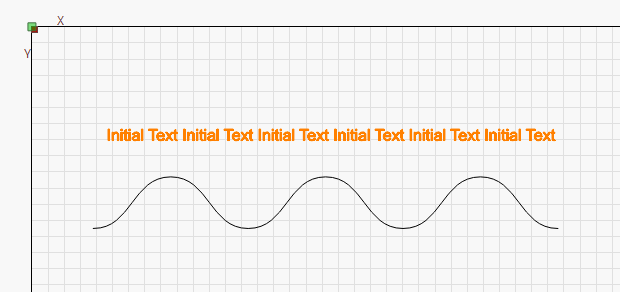
I have a web app that I am building that generates various shapes in SVG. I have an option that copies the SVG markup to the clipboard. If I paste the clipboard contents into Lightburn it adds the shapes correctly but just does not let me use the Apply text To Path option. If I save the clipboard contents to a SVG file and import it then the Apply text To Path works. This is a sample of what I pasted and was also saved to a SVG file.
<?xml version="1.0" encoding="UTF-8"?><svg xmlns="http://www.w3.org/2000/svg"><path d="M 0 120 c 60 0 60 -80 120 -80 c 60 0 60 80 120 80 c 60 0 60 -80 120 -80 c 60 0 60 80 120 80 c 60 0 60 -80 120 -80 c 60 0 60 80 120 80" fill="none" stroke="black" stroke-width="1" /></svg>
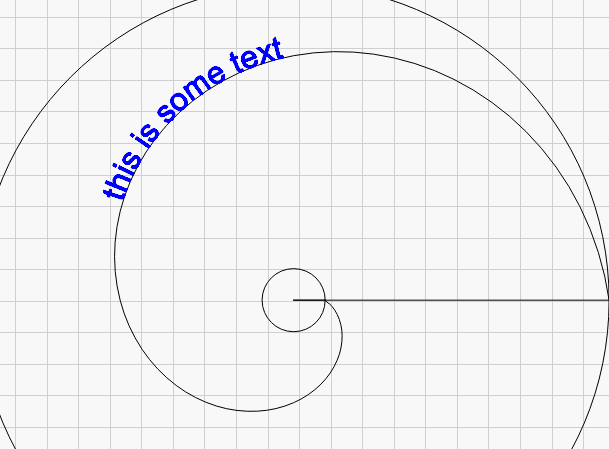
Some time ago I wrote an SVG spiral generator for Lightburn which allows you to save the SVG to a file or copy it directly to the clipboard. I’ve just tried pasting the generated geometry into LB and after ungrouping everything I had no trouble applying the spiral path to some text. Is your path part of a group?
Marcus raises a good point - By default, we group imported files, but it’s an option that can be changed in the settings.
no, my is not part of a group. Attached is an examp

le of what I am pasting from the clipboard
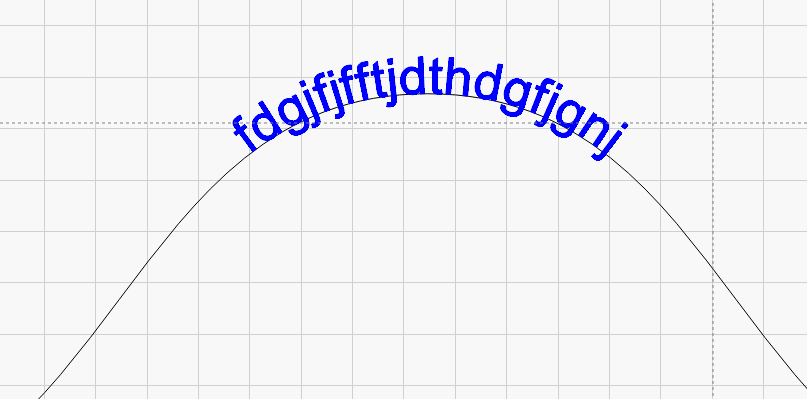
Apparently that is the trick, paste the SVG, select it in Lightburn, ungroup and use the Apply text To Path. I was not aware that it was added to a group when pasting which I guess kind of makes sense now.
 I thought that might be it.