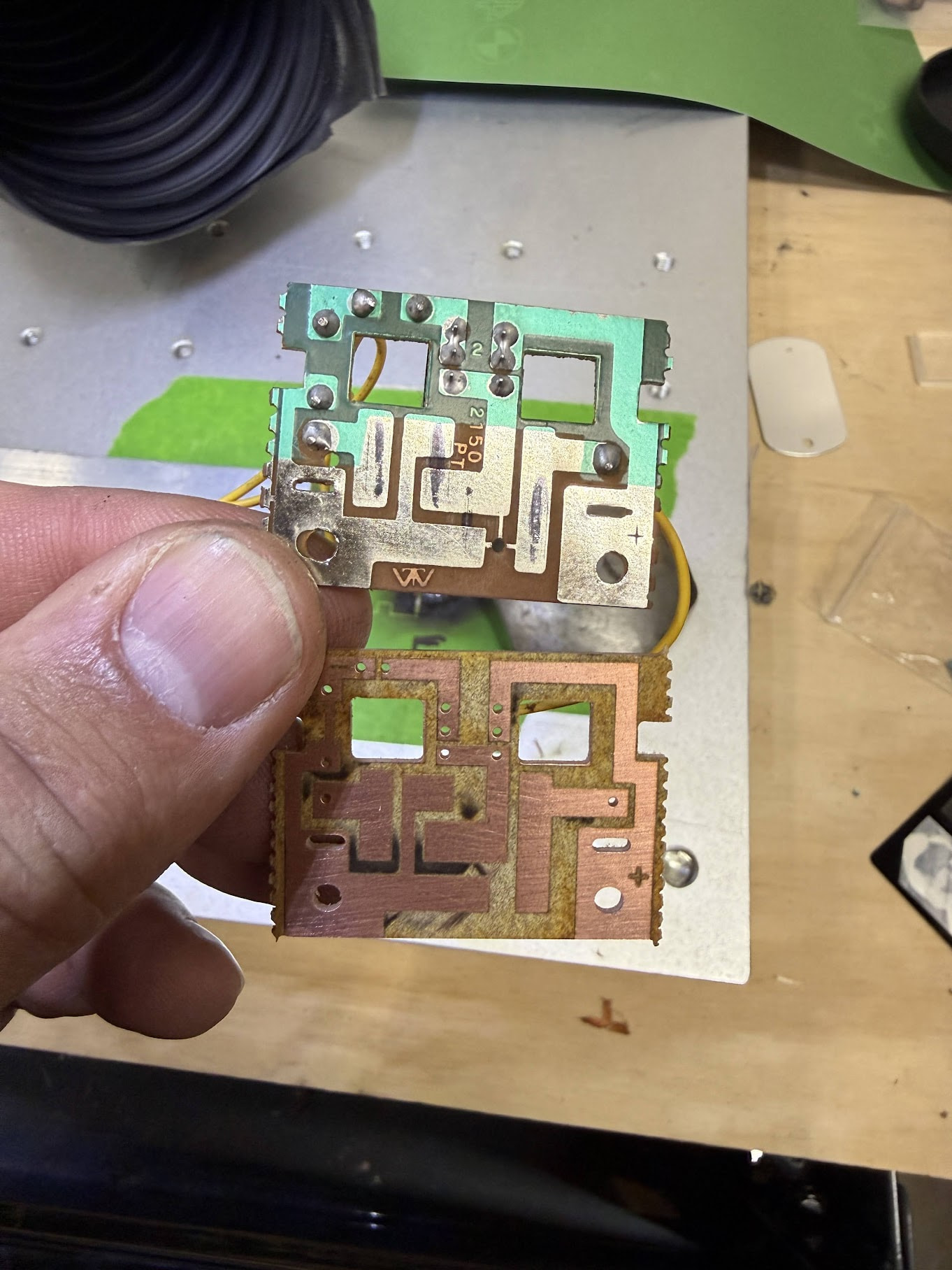
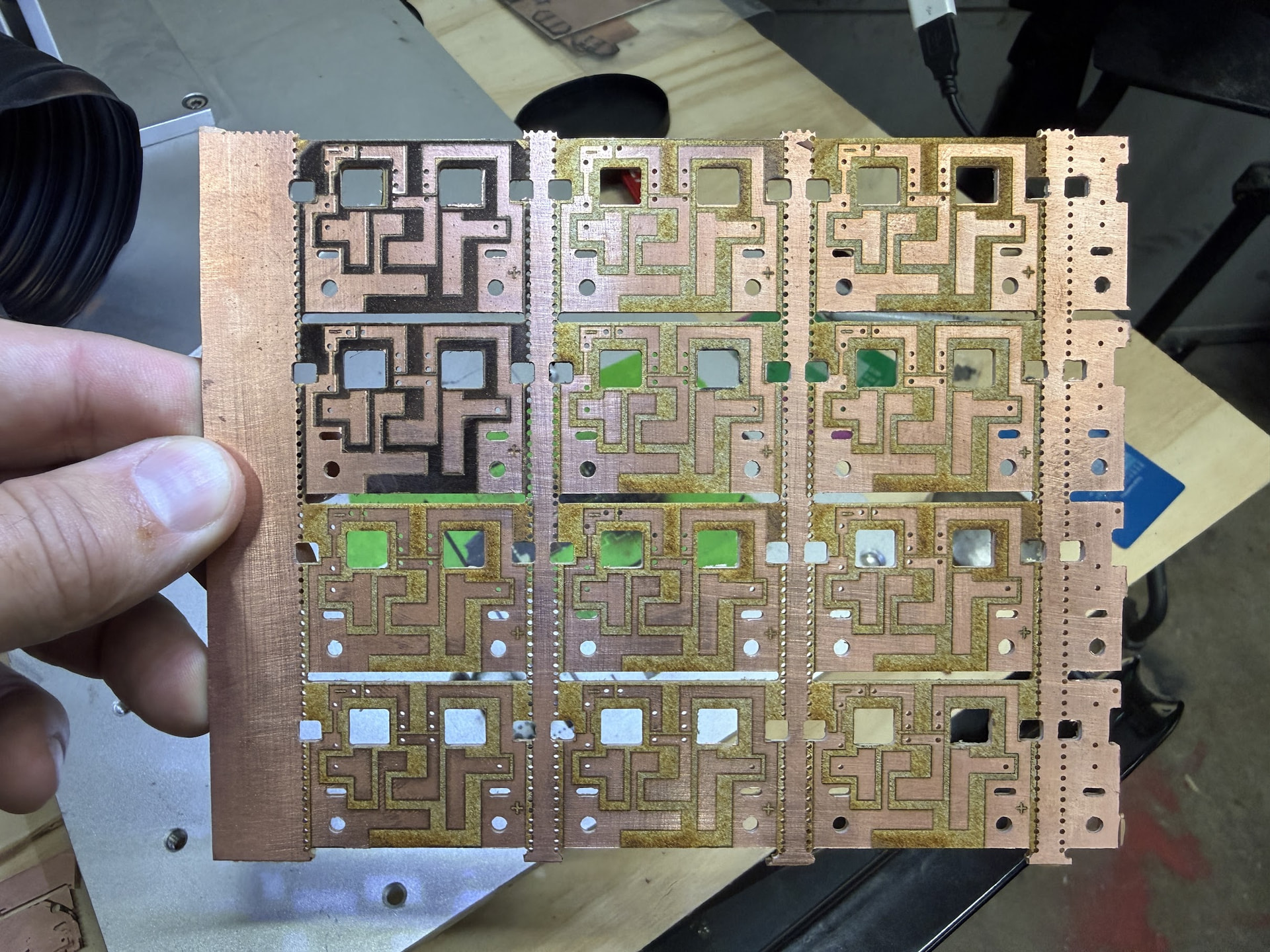
I have had success with PCB etching but it has taken using a MOPA Galvo Fiber laser to really be able to etch and ablate the copper in a way that is consistent. This process uses both MillMage and LightBurn to do the full process of drilling, routing and removing the copper.
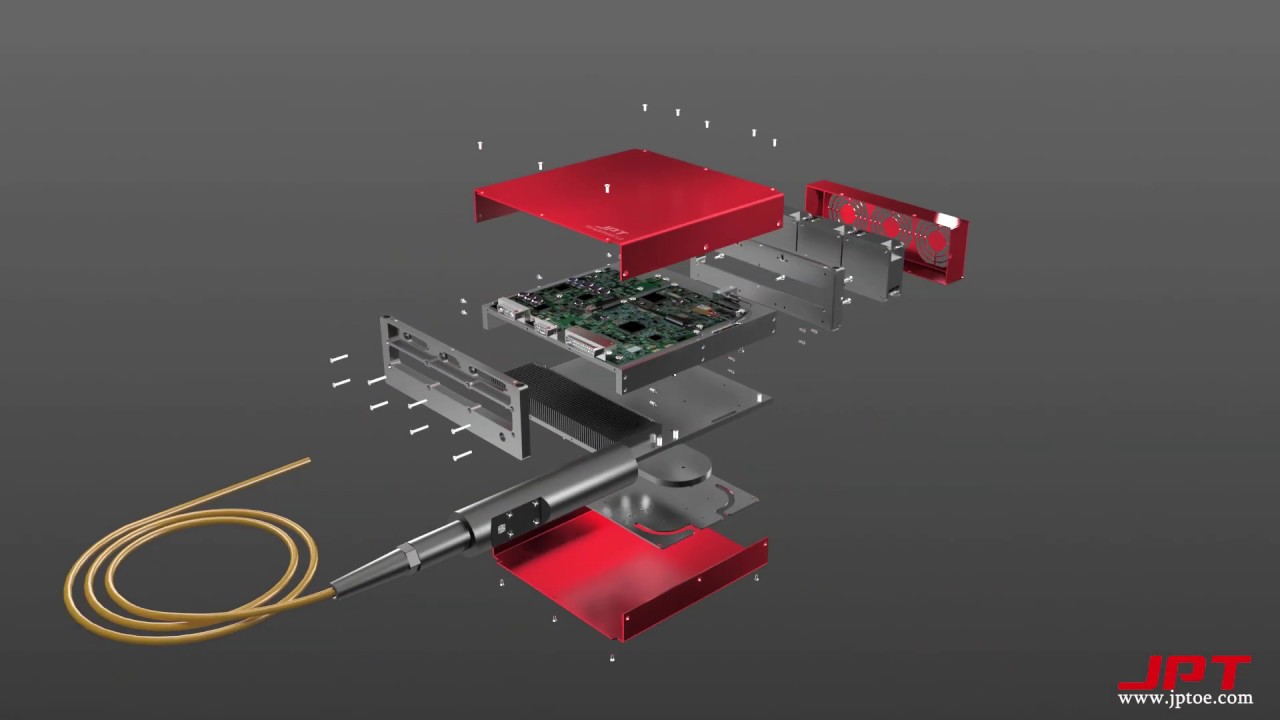
Laser Used: 50w JPT MOPA Galvo
Line Settings:
- Speed: 750.00 mm/s
- Pass Count: 2
- Power Max: 100%
- Frequency: 25khz
- Purpose: Create a cut line in the copper to separate the copper that will remain and copper that will be ablated in the Fill Layer Process.
Fill Settings:
- Speed: 750.00 mm/s
- Pass Count: 2 (single pass will leave a charred look, second pass cleans up the area)
- Power Max: 100%
- Frequency: 25khz
- Line Interval: 0.0250mm
- Lines per Inch: 1016.000
- Scan Angle: 45deg
- Angle Increment: 90
- Purpose: Ablating and removing copper in the areas that need to be non-conductive.
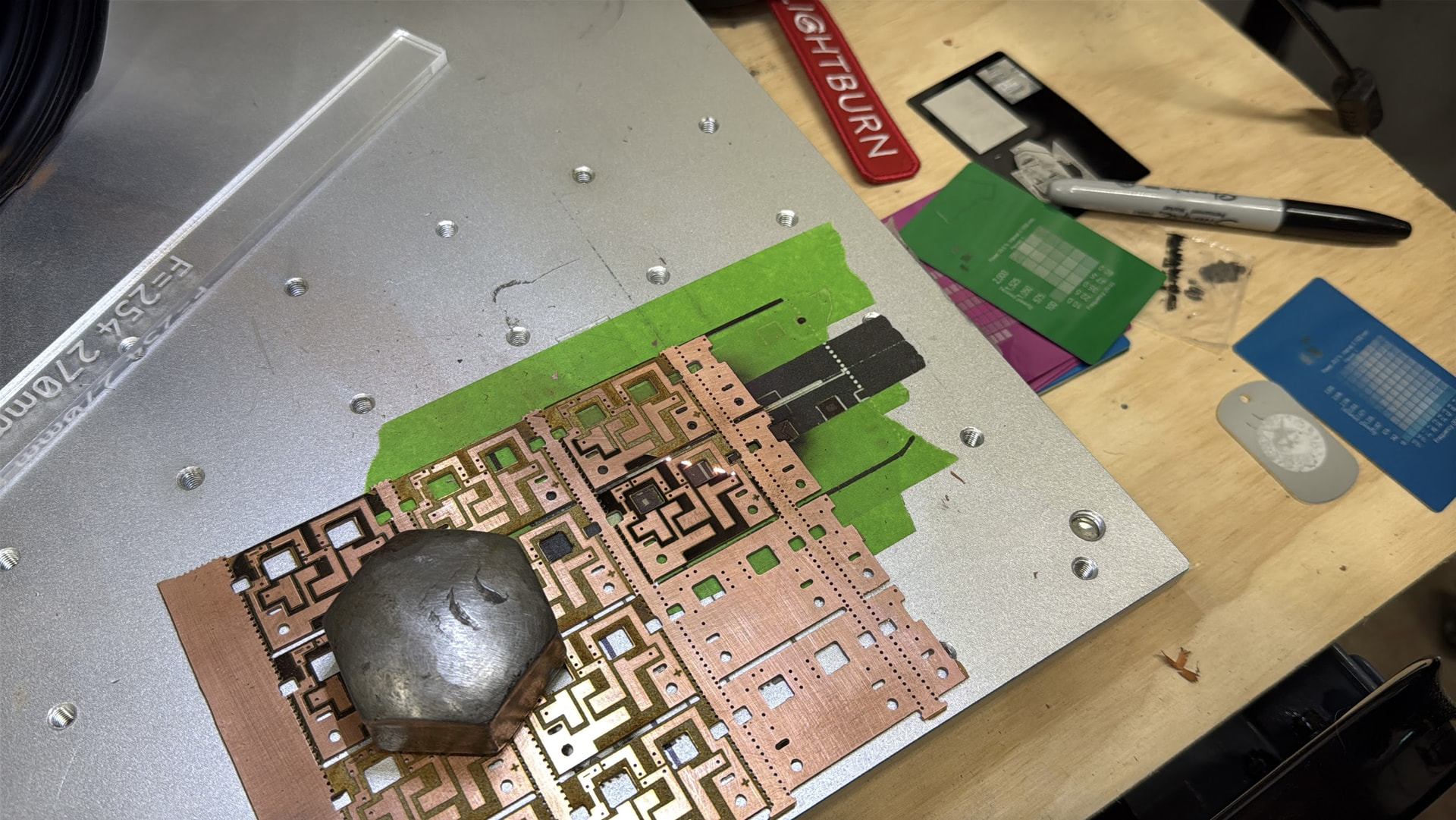
Focus is very important to maximize the strength of the beam. Copper is one of the harder materials to laser etch. I have tried doing this exact same board on a GWeike 50w BSL Fiber but was not able to get a consistent line cut or etch. Make sure to proper ventilate or filter during etching as you are vaporizing copper.
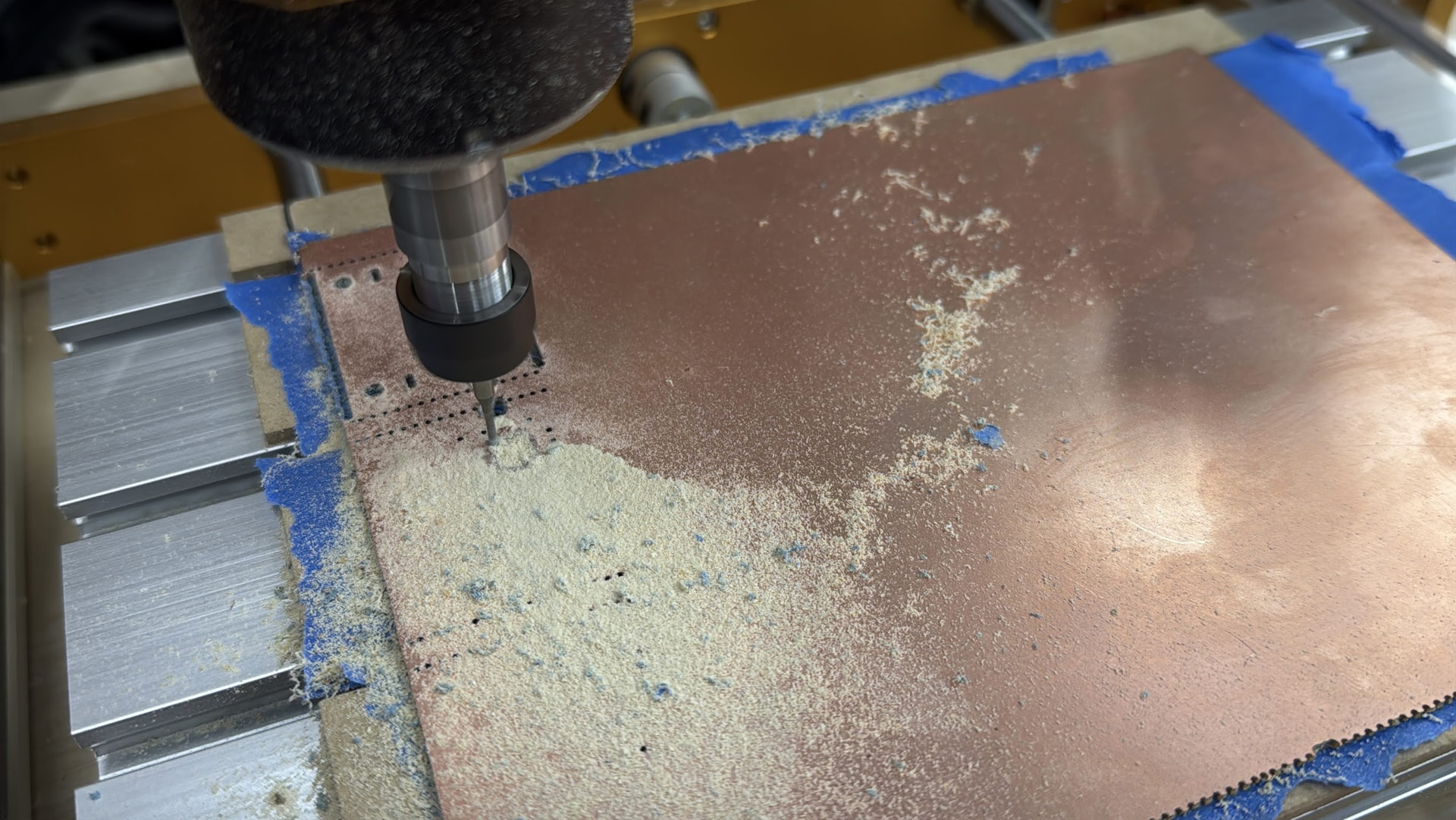
Drill and Routing was done with MillMage on a 3018 Pro CNC Router using a 1mm 2-flute drill bit (Union Tool NEU1.00MML009W) and a 1.5mm Burr End Mill for PCB Routing. The 3018 Pro CNC Router is the perfect little machine for fine work like this. Make sure to have proper dust collection as the burr routing will generate a very fine fiberglass dust that easily travels through the air. Outside of doing a vacuum table the next best hold down I have found is using painters tape on the table and back of the PCB board, then applying super glue between the tape layers to hold the PCB down for cutting. A vacuum table would be the most ideal hold down method but I have not gotten around to cutting a vacuum table yet and sourcing a vacuum pump.
Other hold down methods I have tried with PCB routing…
- Basic clamping: Issue here is the boards have a tendency to pull up in a burr end mill. On the edges it was fine but cutting a larger area (e.g. 150mm x 200mm) the middle would pull up into the bit when milling.
- Carpet tape: Carpet tape is a 2 sided membrane tape that typically is reinforced with threads running through it for reinforcement. It is very sticky and work great for holding down an object to the bed of a router. The But… It sounds great until the bit gums up and/or you have to remove the adhesive. Other applications this is a good technique but when it comes to PCB routing and the style of end mill you use, it is very easy to gum up a burr bit with a style of adhesive like carpet tape. Also there are issues with flatness to the table, especially if you get a bugger of adhesive which is not uncommon on the edges of the tape.
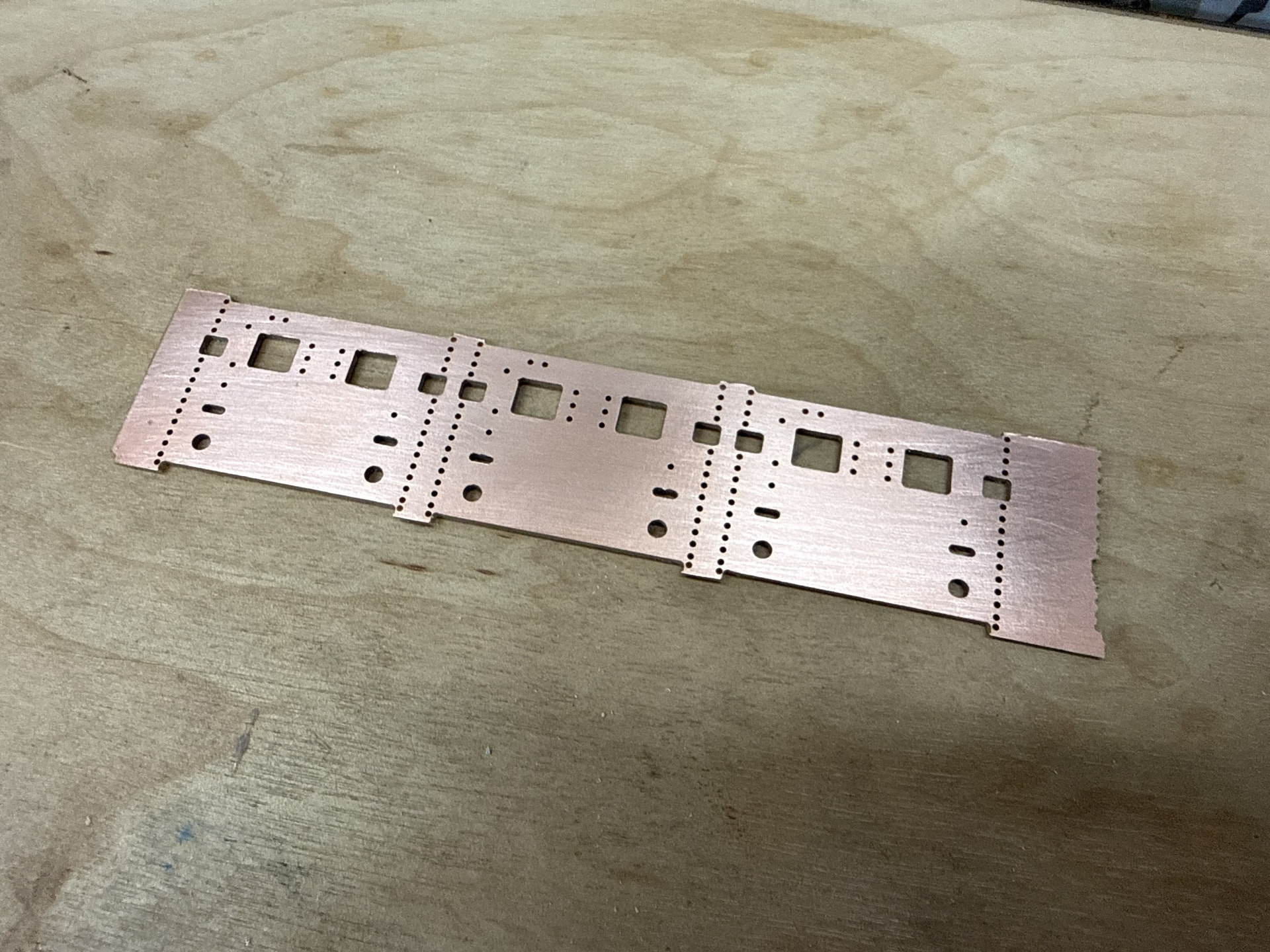

Next Steps to finish these boards will be tinning the copper using a thin layer of solder paste and heated air to protect the copper from oxidizing. I will likely be making a metal screen to apply the thin layer of solder paste just like you would do for surface mount components but instead for this to cover all of the traces.
Once tinning is done, silk screens will be made and solder mask will be applied to these boards.