Howdy.
I’ve alluded to a project I’ve been tinkering with for a while. Now is the time to finalise the goals, and since I’m off work until next year, time to hack at it!
There are a few frustrations in Lightburn for doing non standard and experimental stuff. I’m not knocking the devs; this is a commercial program with support (and a fantastic community!), supporting weird requests and implementing them costs time and money.
The goal of this project are to implement an (eventually) open source galvo laser controller on an ESP32-S3. Why an ESP32? They are cheap, and a have a whole bunch of different ESP32 dev boards sitting around. Why galvos? because I have a whole bunch of em too! Plus, I’m sick of paying $$$ for laser controllers.
The S3 specifically has a dual core LX7 processor running at 240Mhz, which should be plenty to implement the layer required.
One core will be dedicated to running the scanhead. The other will be for, well, everything else.
The XY2-100 protocol is pretty darn resilient when it comes to speed variations; The standard does specify 2Mhz, but it seems most implementations are pretty flexible when it comes to the absolute speed. Certainly will be aiming for 2Mhz though.
The ESP32-S3 has built in wifi and Bluetooth BLE5, but when these are in active use they hog various parts of the microcontroller, and reduce the available resources for other time critical tasks. As such, the plan is to leave them disabled, but, depending how the development goes, there may be enough extra resources available to re-enable them, allowing for all sorts of other possibilities.
I won’t be using Arduino or esp-idf for this, as porting to other boards in these environments is cumbersome and time consuming. This project will be built on the Zephyr RTOS ecosystem. Bringing up new board support in Zephyr is writing a devicetree file. Most of the time, that’s not even necessary, as there are 800+ supported boards already! By using their hardware abstraction philosophy allows great flexibility in overall software design.
Whilst most galvos are pretty darn standardises in their pins, behaviour and protocol support, the laser sources can be quite different. I mentioned in another thread that I’ve found various documented protocols for JPT, SPI, Raycus etc etc. I’ve also come across another few undocumented ones, including the one in my UV source. The vendor software is hot garbage, already had to poke around inside it to fix a bug that prevented it launching on a machine unless it had a specific Chinese font installed and was set to Chinese as the system default language! Thankfully, the protocol seems to be pretty well thought out, and the software is written in .net, so dnspy happily spits out enough source code to easily reimplement it without figuring out some nightmarish soup of unnamed functions and variables, or busting out ghidra or IDA pro. I was also dreading staring at usb packet dumps and writing a dissector.
The other side of this is there are different pinouts for different sources at one end, and variations between BJJCZ/BSL/Other controllers. They all have different drivers, software support, compatibility etc. There are certainly similarities with pinouts on these, but they are more for analog/parallel control rather than implementations of the vendor’s internal control scheme. Given the manual for my UV source is, uhhh… “lacking”, as it only describes 3 pins, I intend to implement the full serial protocol as a library. This “bit” can be considered another protcol layer, and will be abstracted to allow implementing others, eg JPT and Raycus.
The only open source driver I know of for any galvo controller board is galvoplotter, which draws on the work in baldor, which is compatible with the common JCZ boards. It also gives enough information in it’s implementation to write (yet another) abstraction layer in Zephyr. What this means is the initial design will implement the other side of the JCZ protocol as a starting point as currently defined by galvoplotter. This means the ESP32 can appear to a host running a JCZ driver to be a JCZ board. Which means instant lightburn compatibility  This can initially be a straight pass thru of the USB in to out, but does allow for modifying packets on the wire. This isn’t the final form of the design, but it does give a nice “out” in case my scanhead control code foo is weak as I can still use the existing board to talk to the scanhead and use the microcontroller to set source parameters.
So at the bottom layer, we have one microcontroller core to drive the XY2-100 signals, and another to talk to the laser source and the host. We have initial lightburn compatibility via spoofing the JCZ protocol. This is the primary goal, but what isn’t there is the hackability.
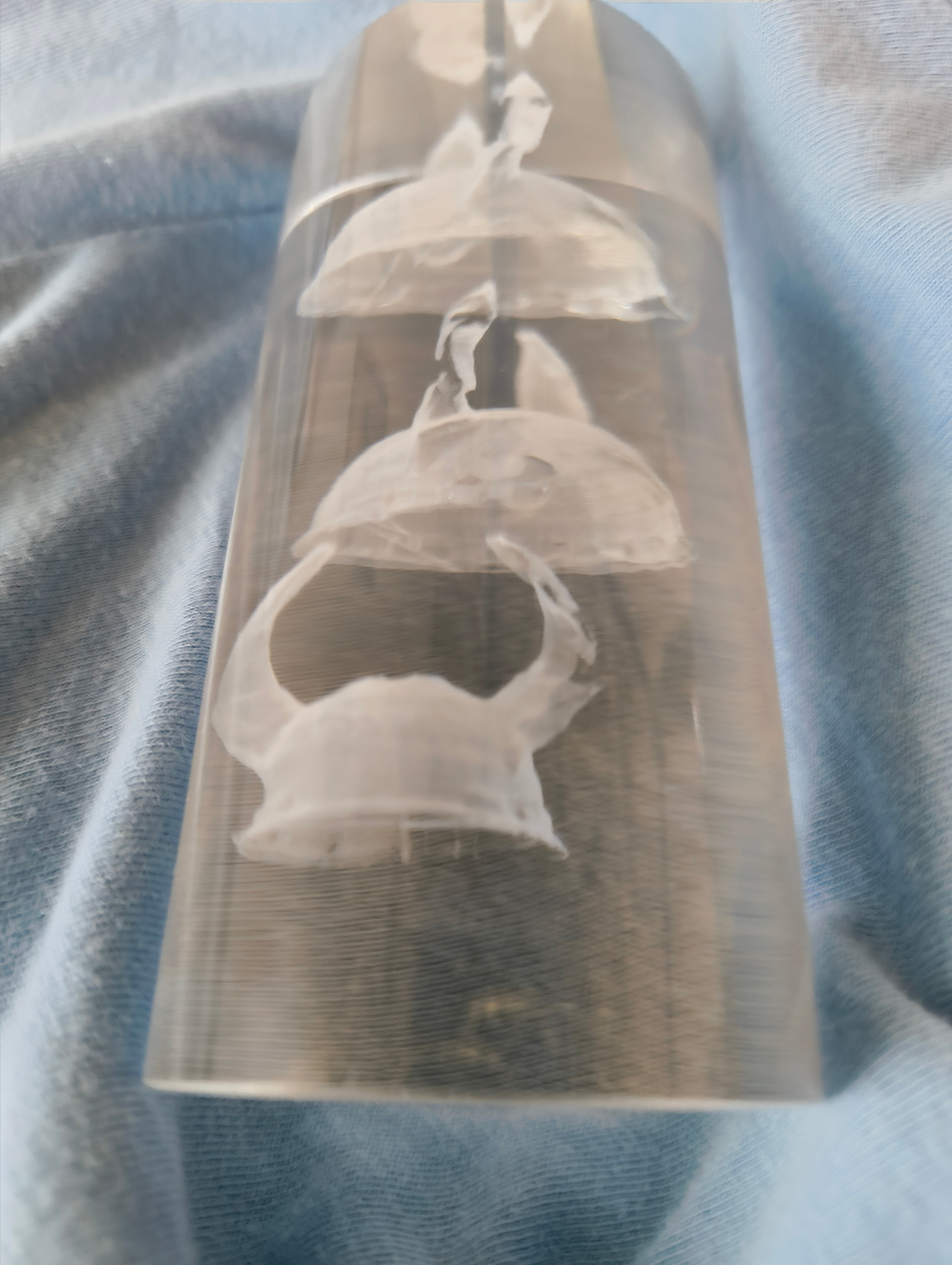
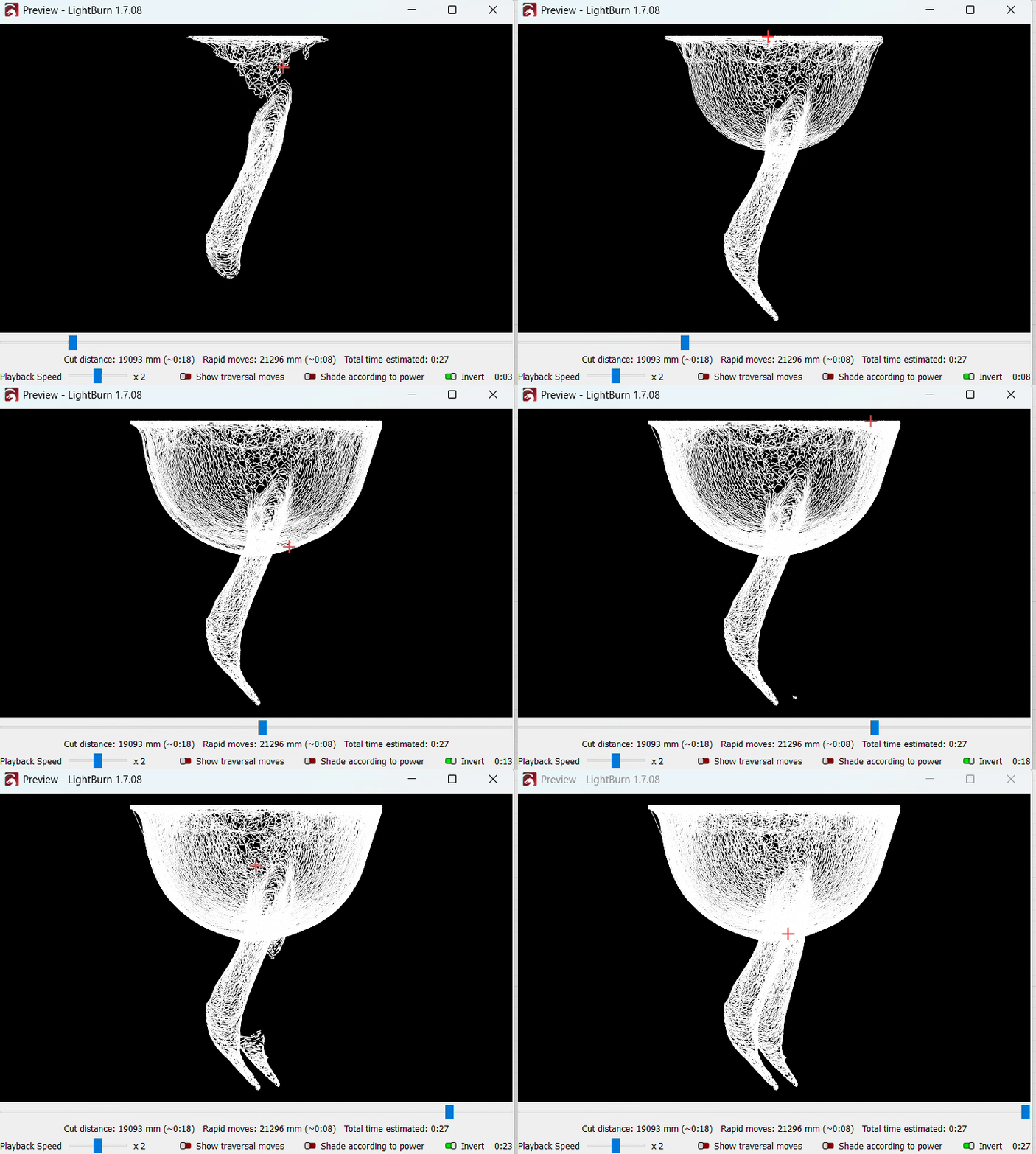
Onto the other software layer. This is where lightburn compatibility starts to break. As mentioned in previous threads regarding Z control, the way lightburn batches things wrt to the JCZ driver makes certain things difficult to implement. I won’t dwell on it here, but there is another way. I want Z control so I can do 2.5D bubblegram stuff. (The next hackathon is going to be building a tri axis galvo for true 3D stuff, but I digress). I also want to generate the bubblegram stuff from 3d data, so this layer has to be fully 3D from the ground up. Similarly, having several 3d scanners integrated into my various workflows I want to experiment with more direct 3d control. These may require protocol additions, and may start to break things.
What all this means is writing something like lightburn but in 3d. This bit may end up closed source for a while. I’m currently torn between implementing in Grasshopper 2 for Rhino, because of the exceptional nature of the 3d engine and the integrated python. But the Rhino license fee is pretty out there for most, and the learning curve can be brutal. Plus it’s Windows only, so getting the galvoplotter driver to work is a whole other thing.
The other option is implementing in Godot 4. Turns out, game engines and 3d laser path planning software are a great match! The downside is the 3d format support is limited compared to rhino, although that can be said of pretty much everything. (I just checked; Rhino 8 supports 72 different formats!). But, as an engine, it is very well equipped to deal with 3d data, and is well documented and open source. I have a bit of a codebase established in Godot to bring .lbrn2 file support. It was written in the first iteration of this project, but it’ll need a refactor, as I can smell the terrible code from here!
Since there are several use cases for how this could all go together, and will vary for different people with different setups, I’m trying to make the workflow modular. As such, I’ve decided on a node graph approach because a) that’s the core paradigm of Godot and Grasshopper, and b) it fits well with the level of parameterization that a laser workflow has. Plus, allows for essentially infinite layers. I got some cool gradients on titanium by smoothly varying mopa parameters 800 times over a few cm.
I haven’t set the final scope of the software in stone, but what it isn’t is a complete lightburn replacement. There will be no X/Y support, nor G-Code, nor direct design/CAD tooling. It’s a Galvo- and 3D-first software for doing weird things! Plus some secret sauce MOPA things…
Anyway, enough typing for now. Watch this space.