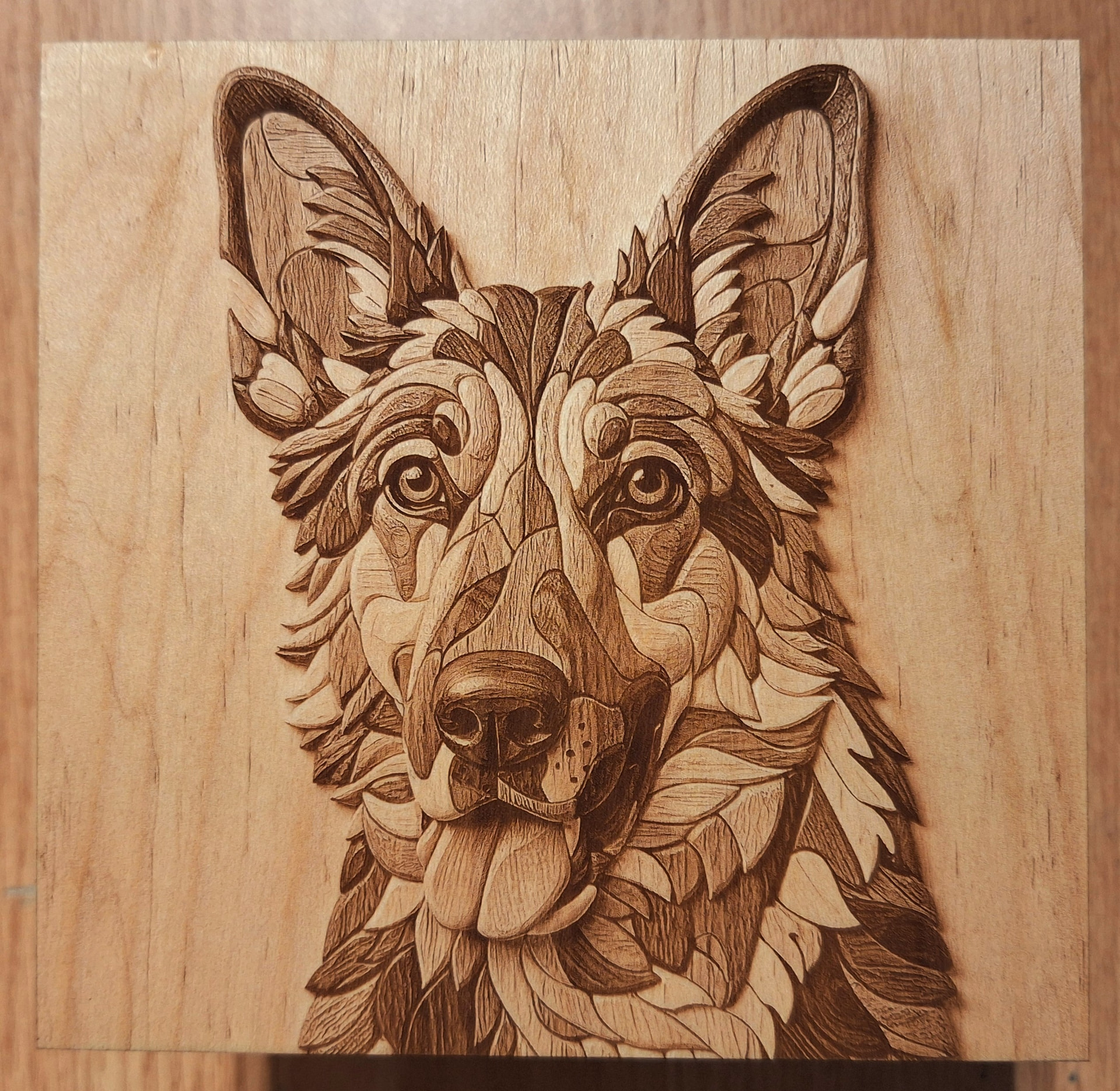
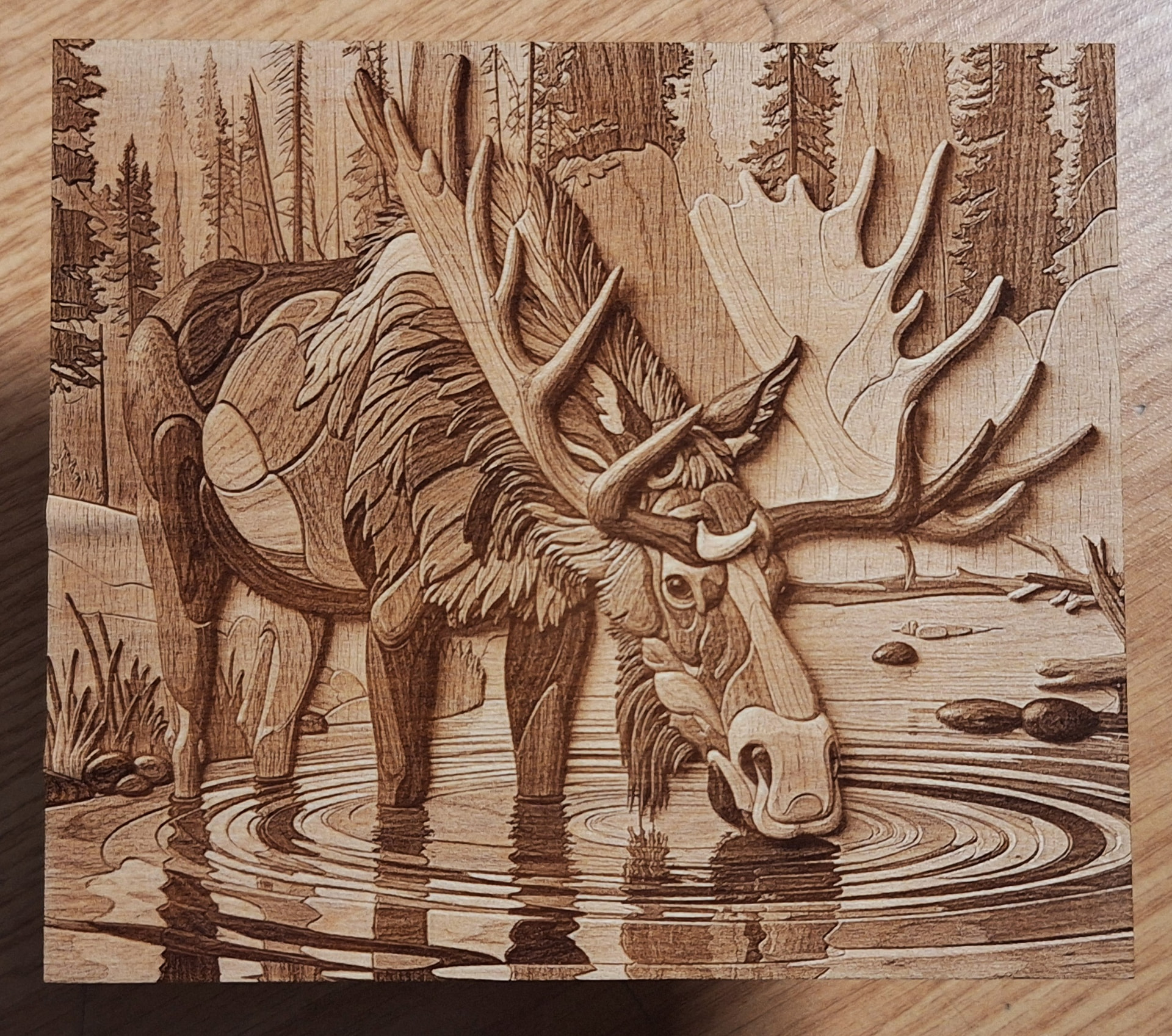
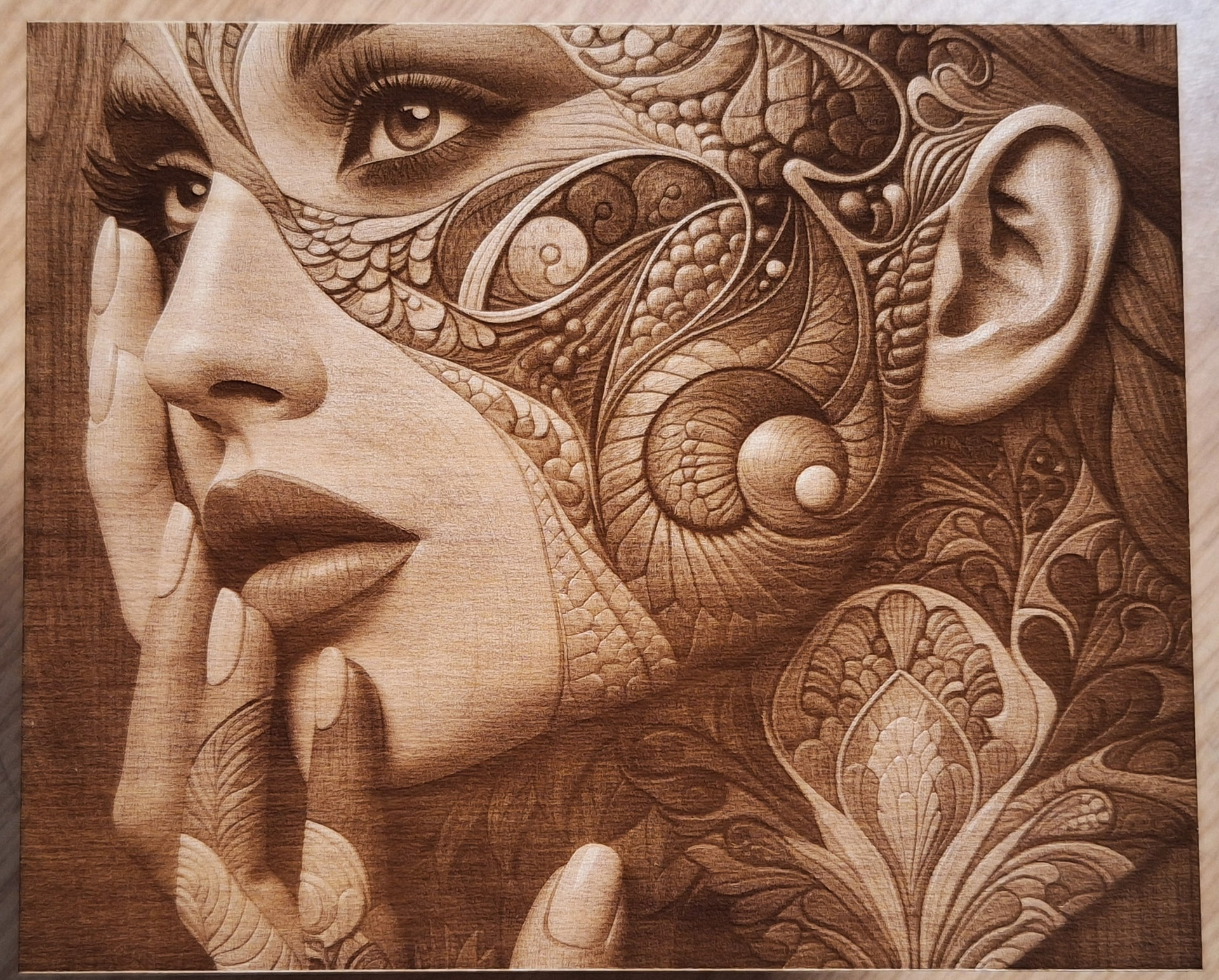
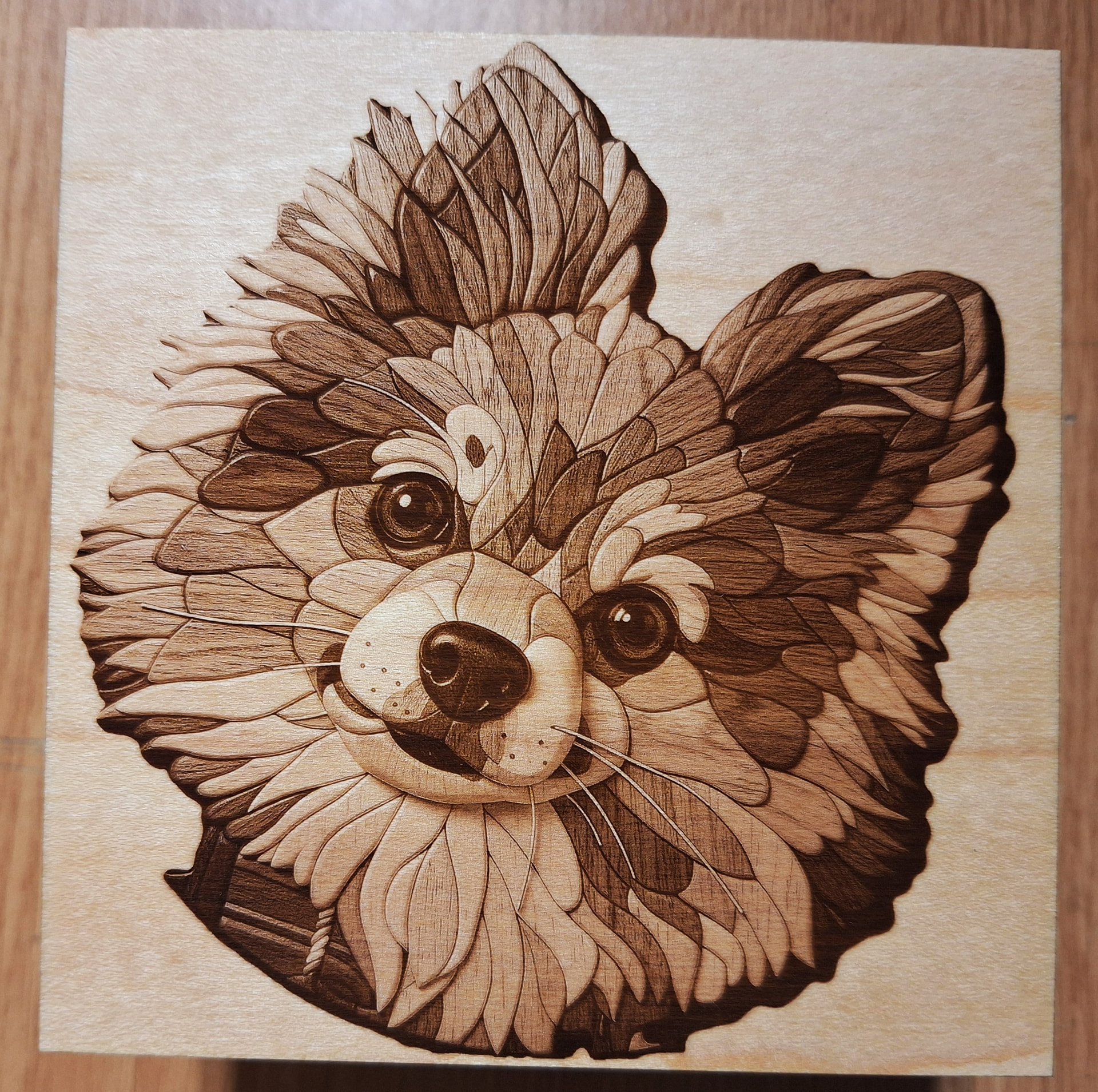
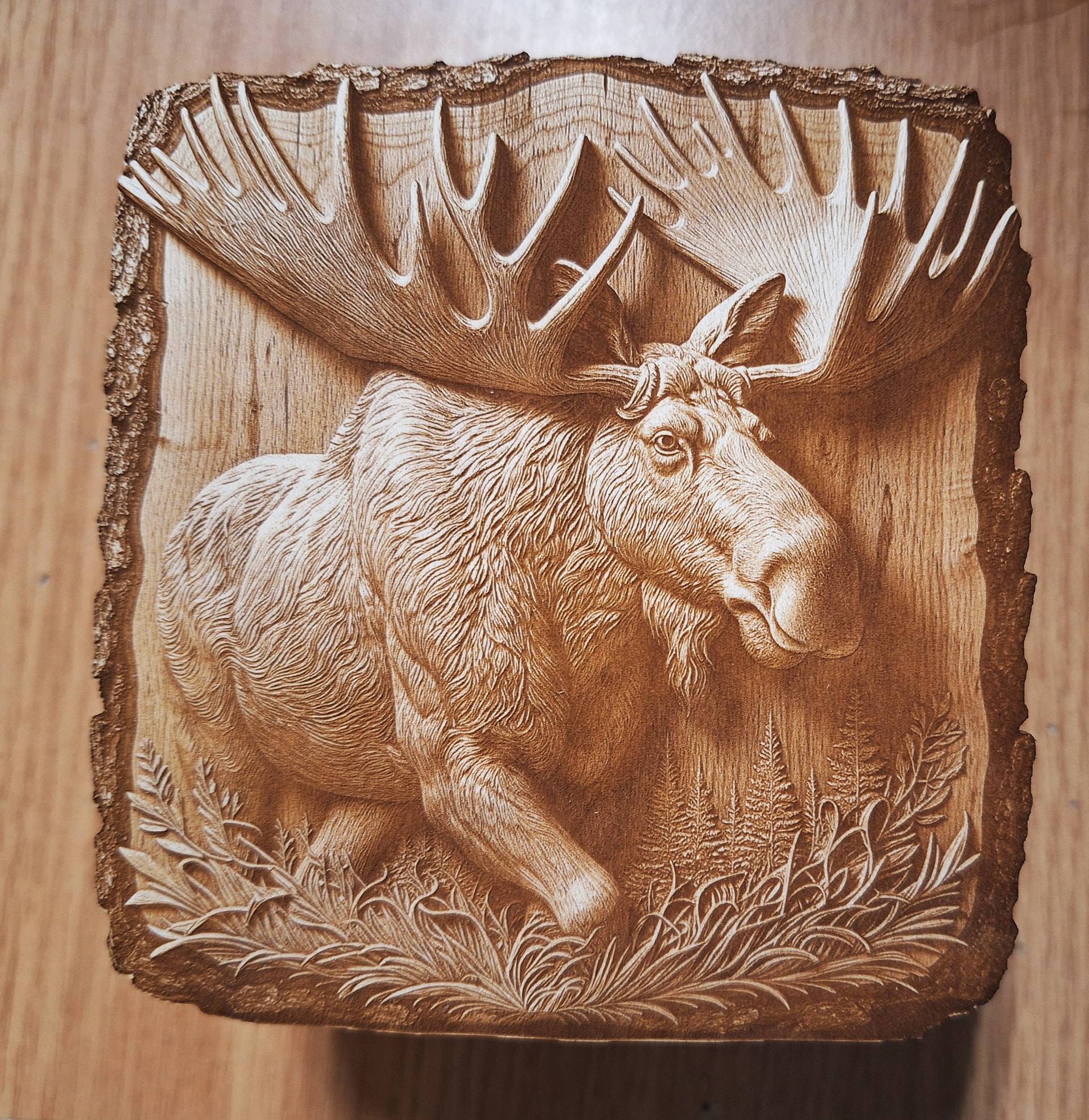
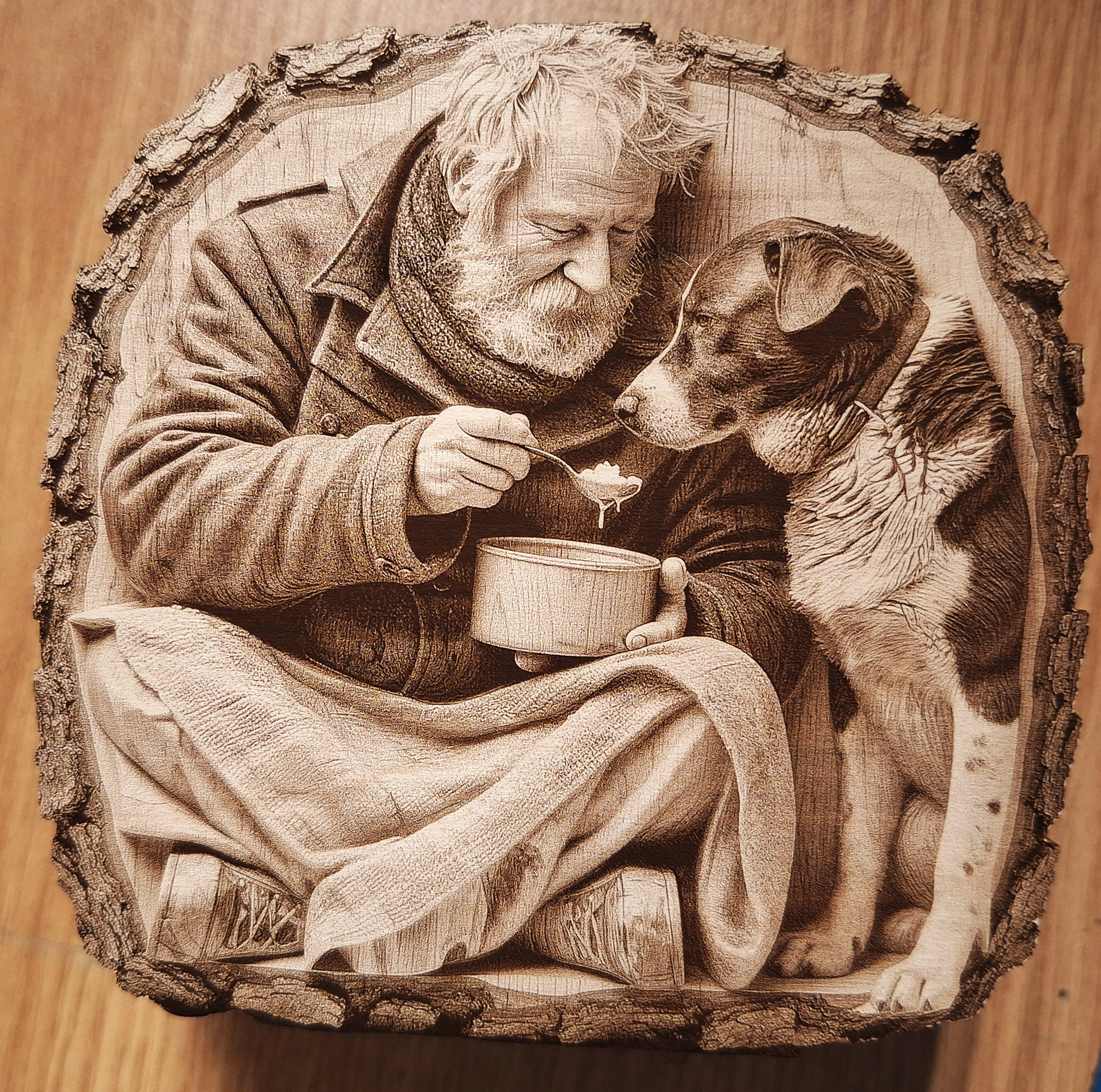
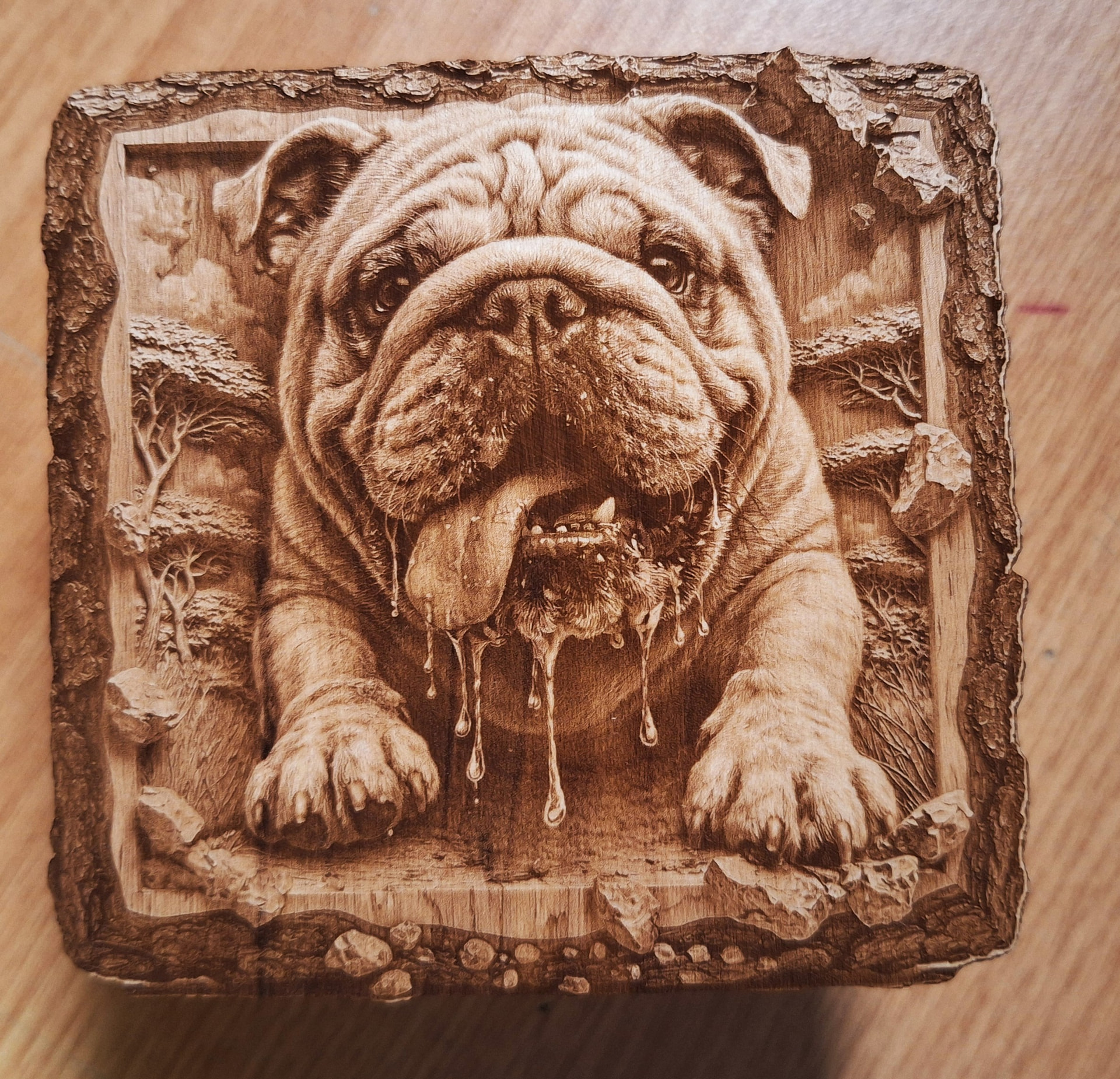
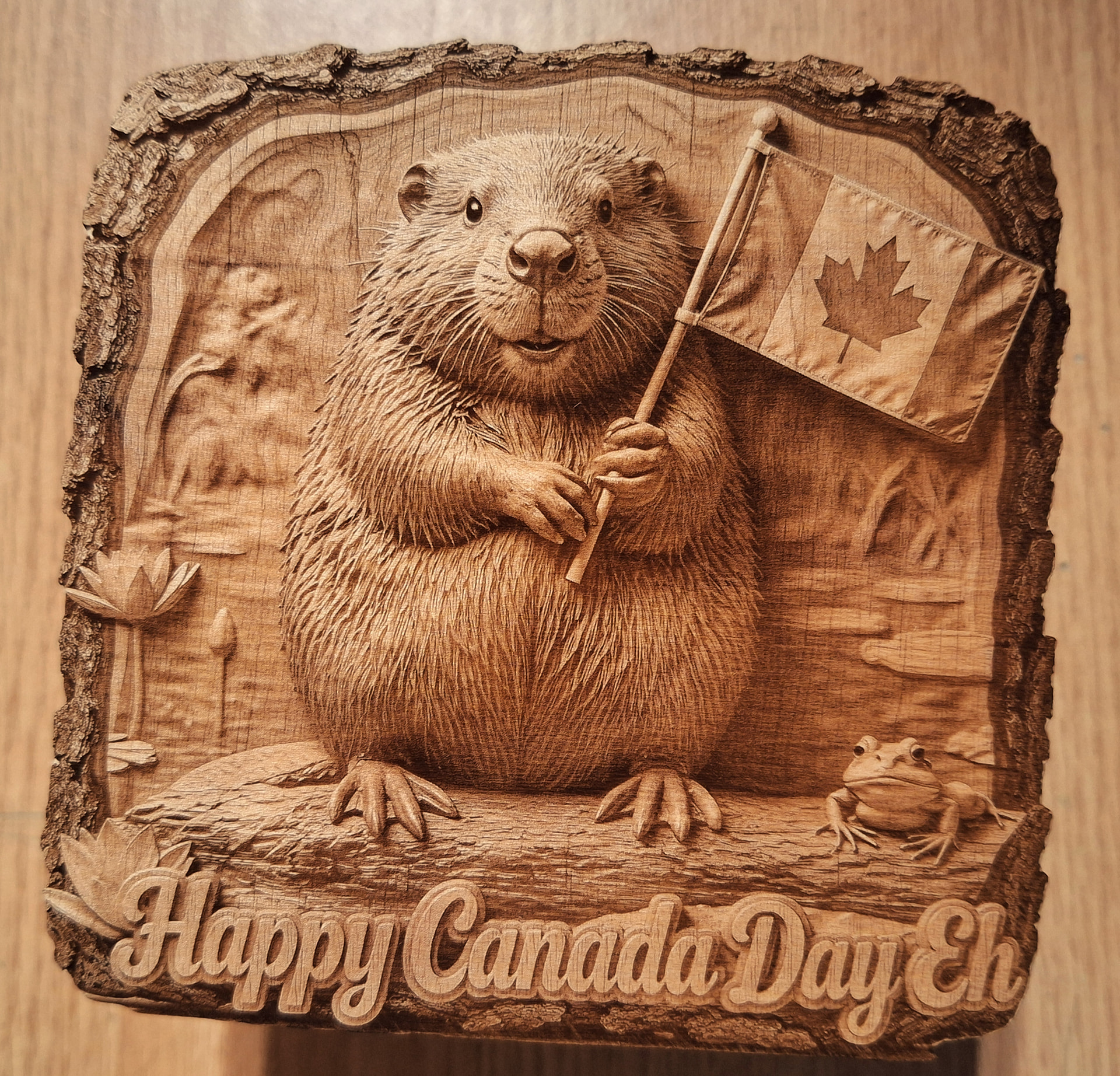
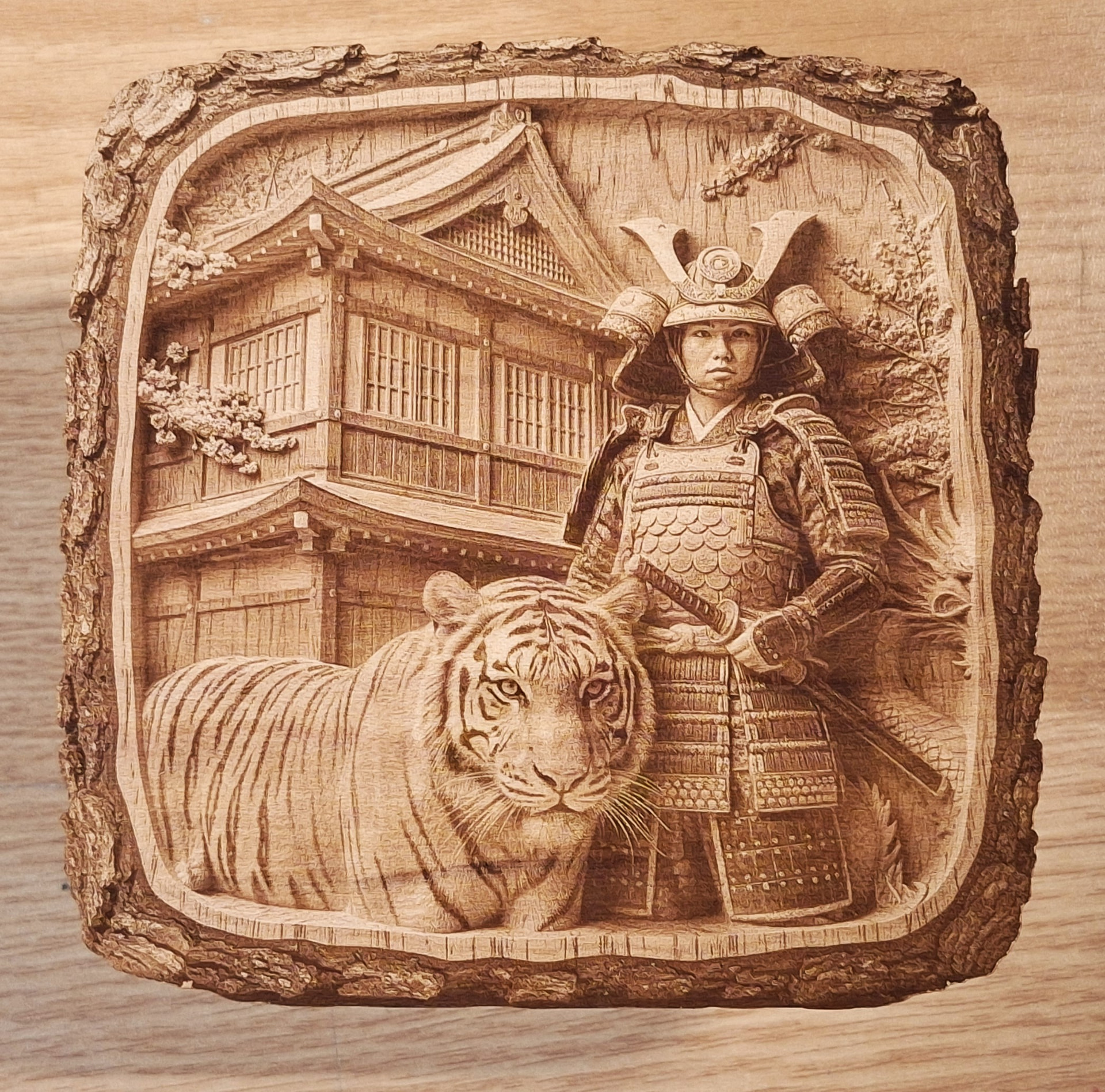
HaoTian 5 watt UV f330 lens
85/45kHz/3 ns
LightBurn Stucki dither 423 DPI
Maple Plywood
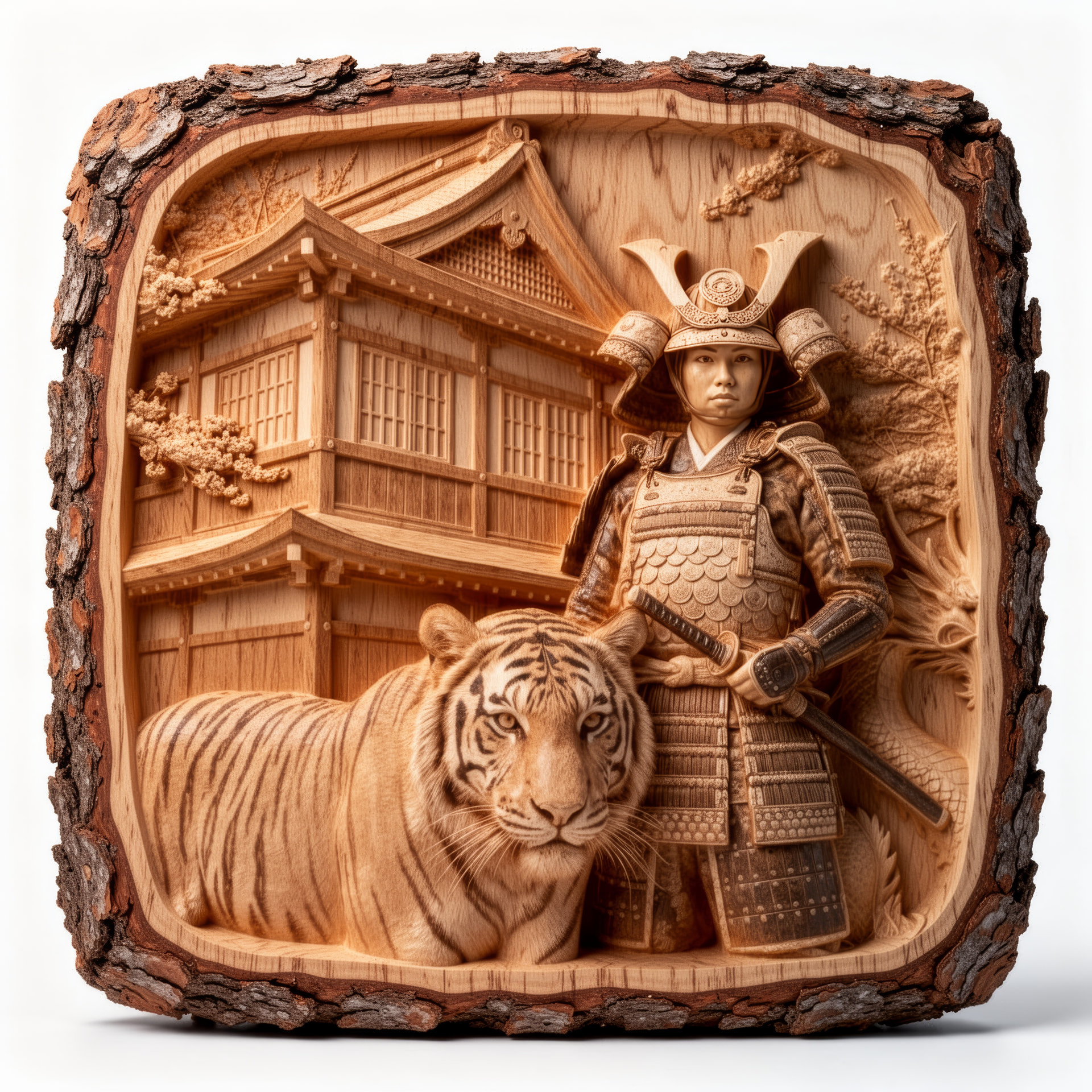
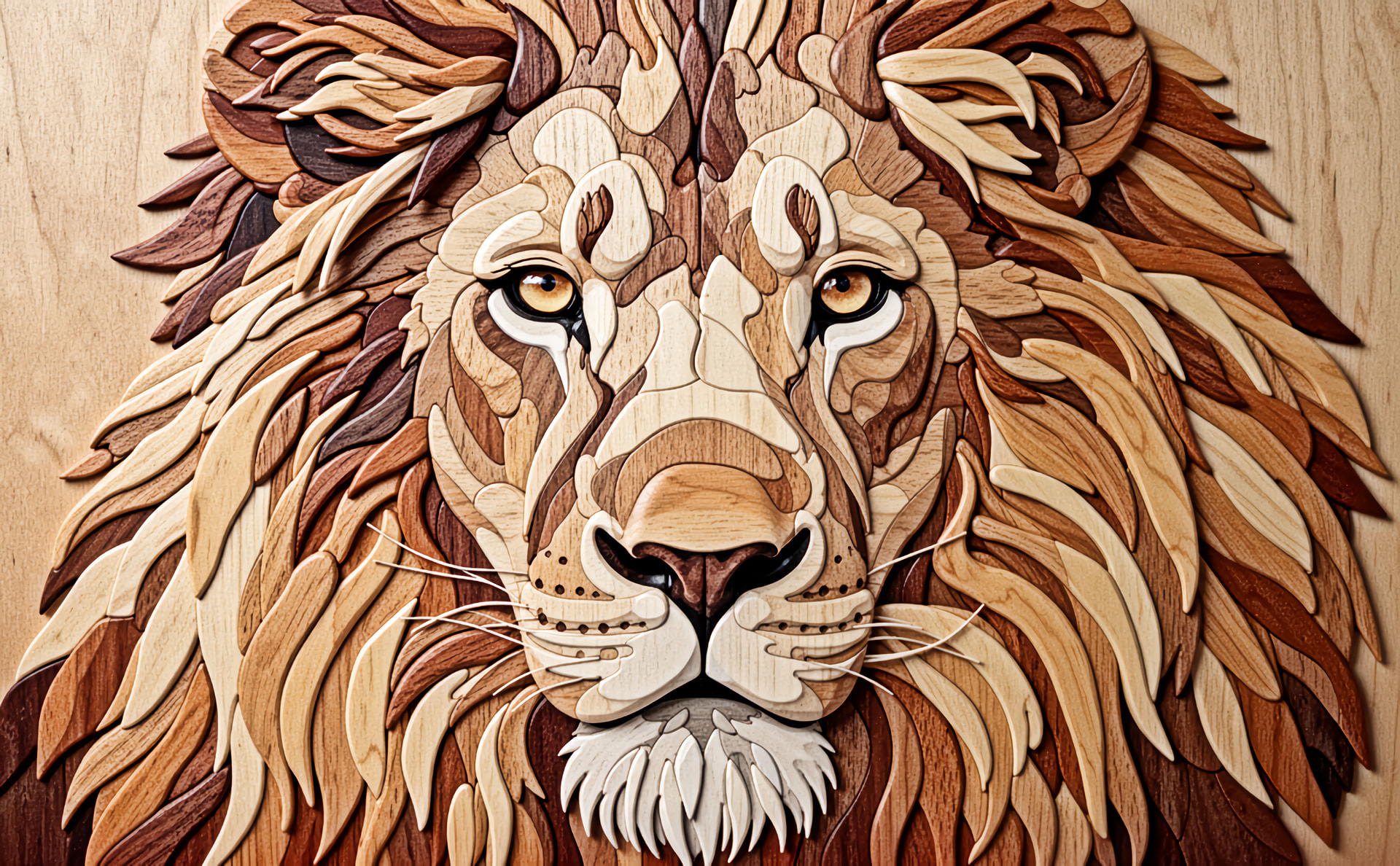
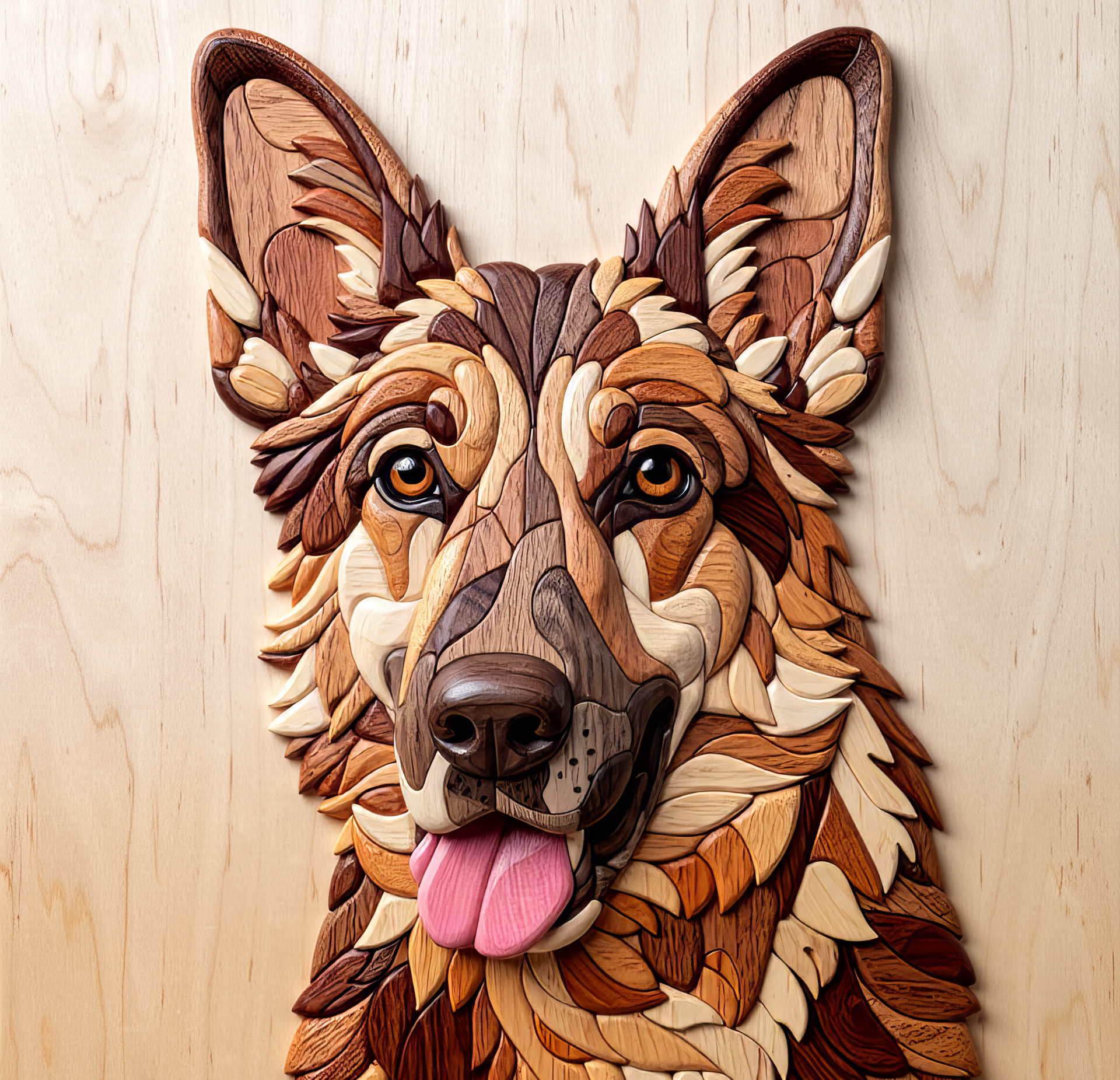
Using new on-line Program "Luma-Loft(.) com
Style Transformer
1/ Live edge wood illusion
2/ Intarsia wood Illusion

17 Likes
Hi @Bulldog
Thank you for sharing your makes!
Nice result — the depth effect comes through strongly on the maple ply.
Was the source image generated/transformed in Luma-Loft before engraving, or did you start from an existing photo/artwork? I’d be interested to understand how much of the result came from the source prep versus the LightBurn dither settings.
How is the bark effect achieved, you mention “live edge wood illusion” … but help an old chap… is this part of the engrave or did you post edit the photos? I don’t fully understand.

Yah that’s some great looking work. I am having enough trouble doing the basis stuff without trying this. My old brain just doesn’t work like it used to. Plus, I’m computer illiterate.
1 Like
@Bulldog I’d love to see a photo of the real-world finished items (I assume all you’ve posted are AI or AI enhanced?) and know your stucki cut settings.
@Dominic
The first post ARE the real engravings
Images used are posted a couple posts later
2 Likes
Hi @Bulldog
Ah, got it — thanks for clarifying.
The illusion is strong enough that I genuinely wasn’t sure whether I was looking at the engraved pieces or the Luma-Loft output, which I suppose is rather the point of the effect.
They really do look unusual. I’d love to know a bit more about the LightBurn side of it — speed/power, number of passes, any image adjustment before engraving, and whether you used anything beyond Stucki at 423 DPI.
I’m also not sure what I’m looking at here. This looks like the exact same log.
@Aaron.F
First image is actual engraving on maple plywood using LB stucki
Second image is source image from Luma-Loft
1 Like
Oh, the whole image, including the tree trunk, was engraved. Sorry, I was a little slow on the uptake.
1 Like
@Dominic
All my settings are in original post
ALL my images go through Topaz Gigapixel first to “enhance”
Then PaintShop Pro 23 to resize/set DPI/Convert to greyscale
Then import into LightBurn
90% of time I use Stucki
10% Jarvis
I always do some “fine” adjustments using LB "image adjustments "
1 Like

1 Like
Once I figured which is the images and which is the engraving…I put on my Super Wide Smiling face.
1 Like
Square logs eh, @Aaron.F 
4 Likes
Unbelievable quality, I can’t even imagine getting results like that. I’m still trying to get a decent phot engraving. Well done
1 Like
@Nje Thank you
Hours!!! put in
Lots of failures …
2 Likes
@tattiet
You got to be kidding
This is what I got
First image original
Second was from LA Hobby guy "best site "
Third image from Luma-Loft
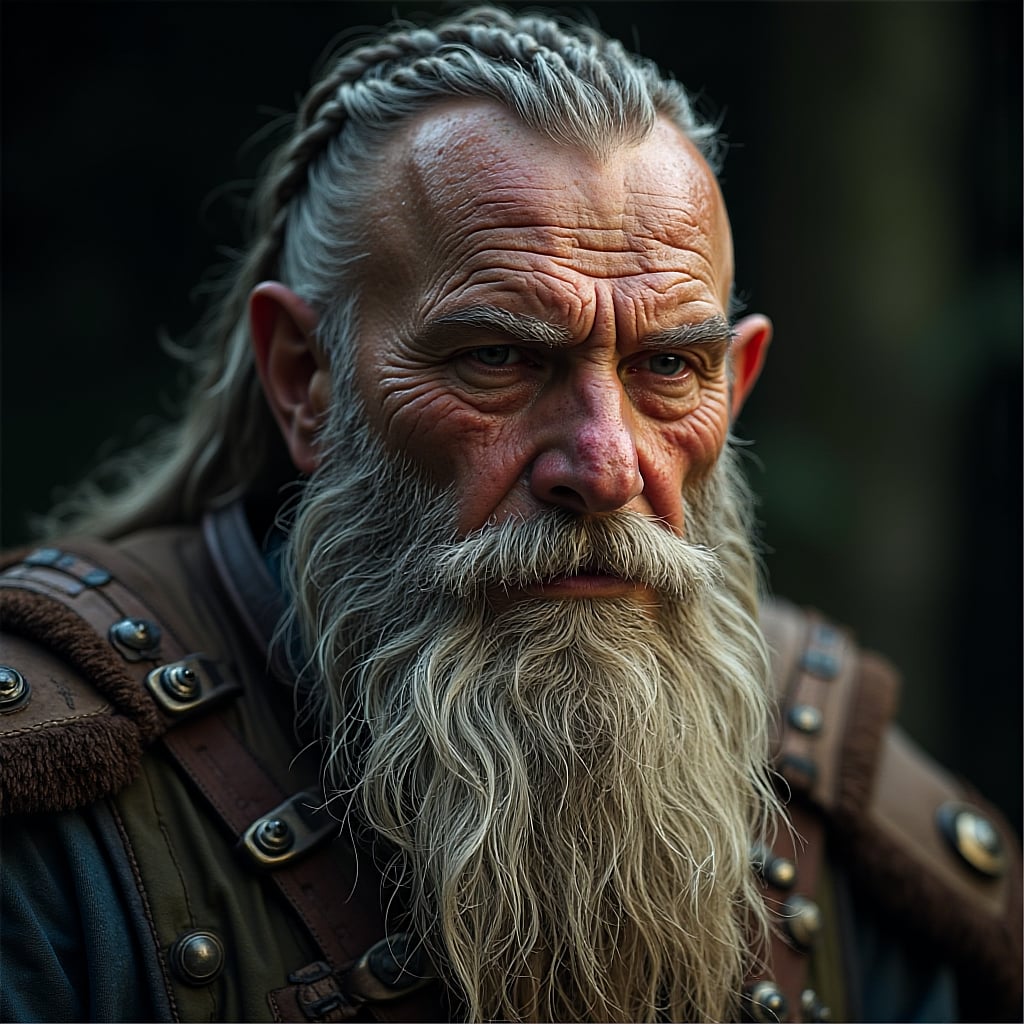
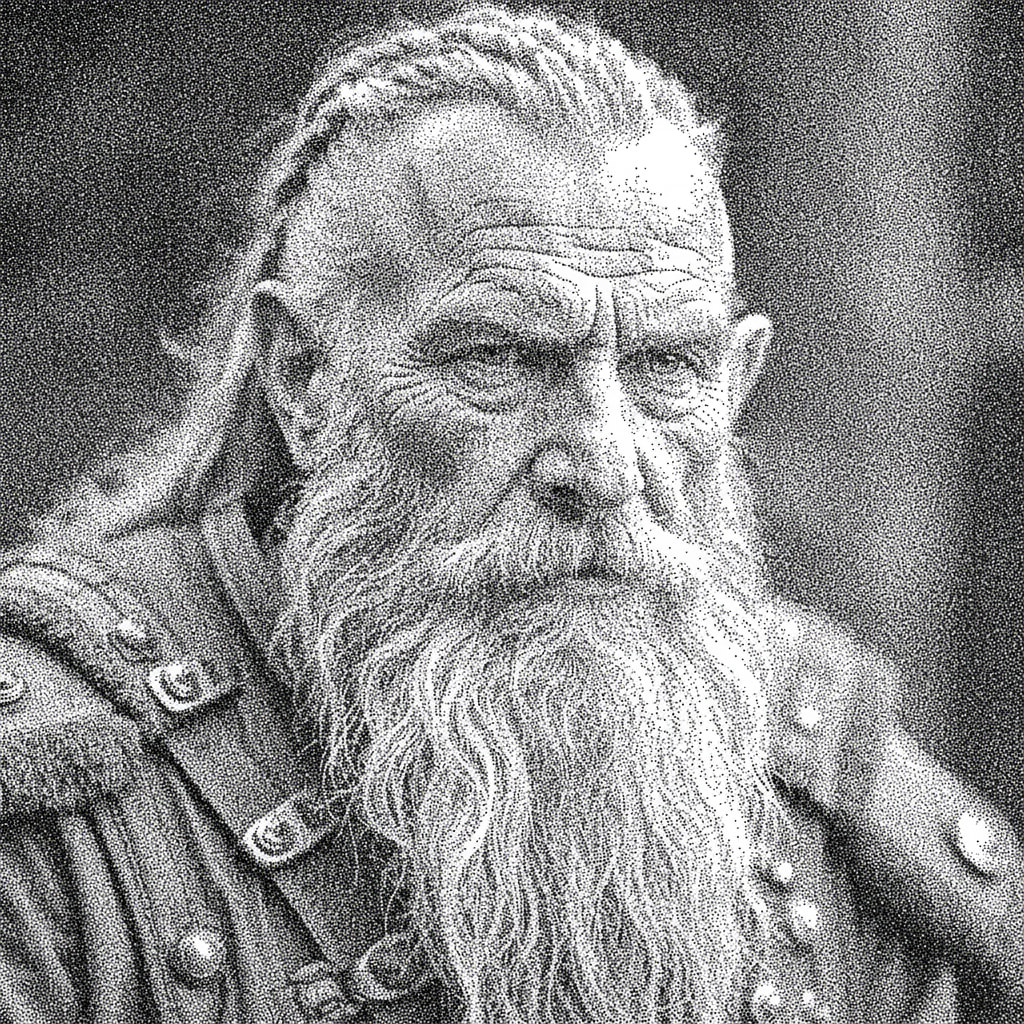
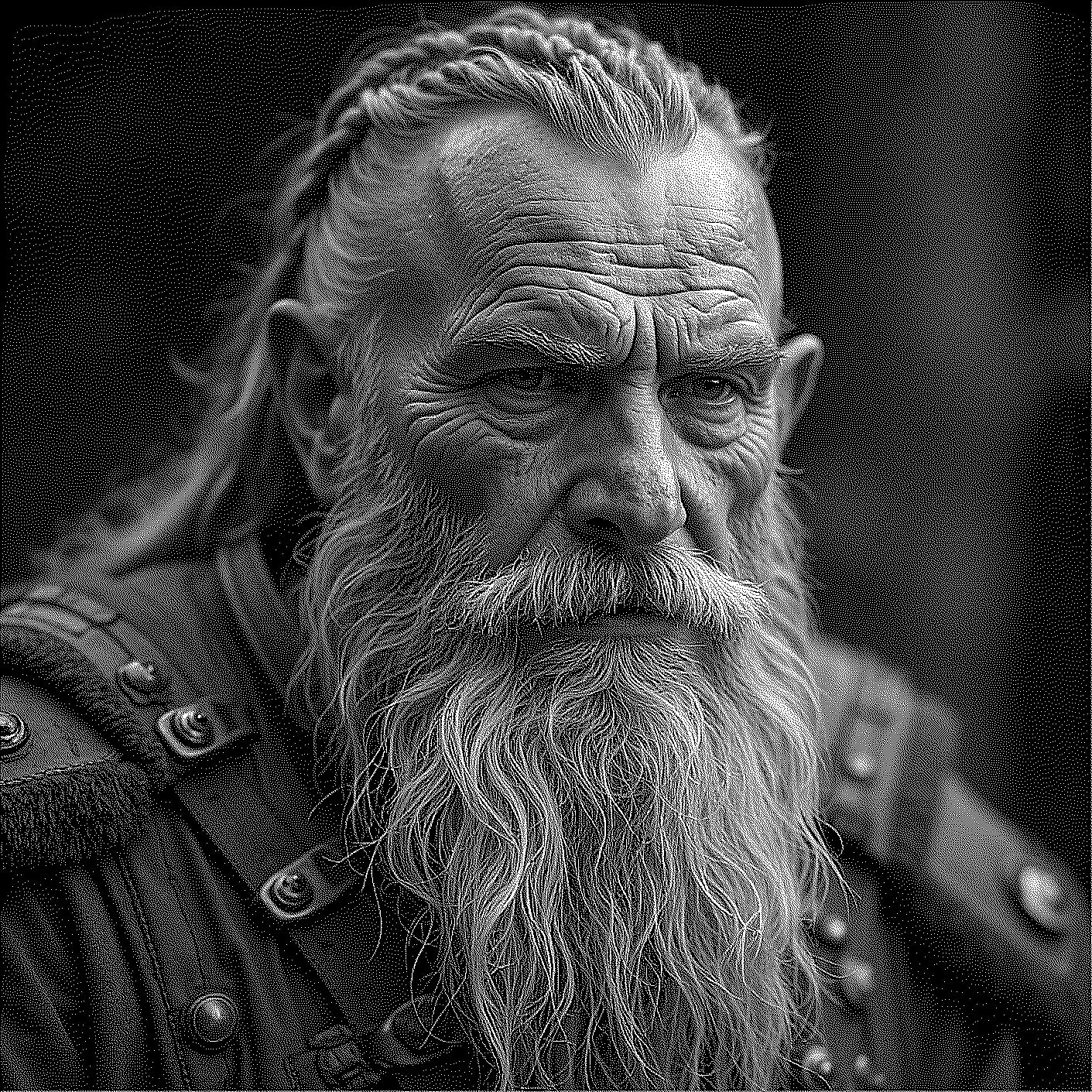
1 Like
That is an incredible difference!
While writing this, the order of the last two reversed. Tell us now, did Luma-Loft win the challenge?