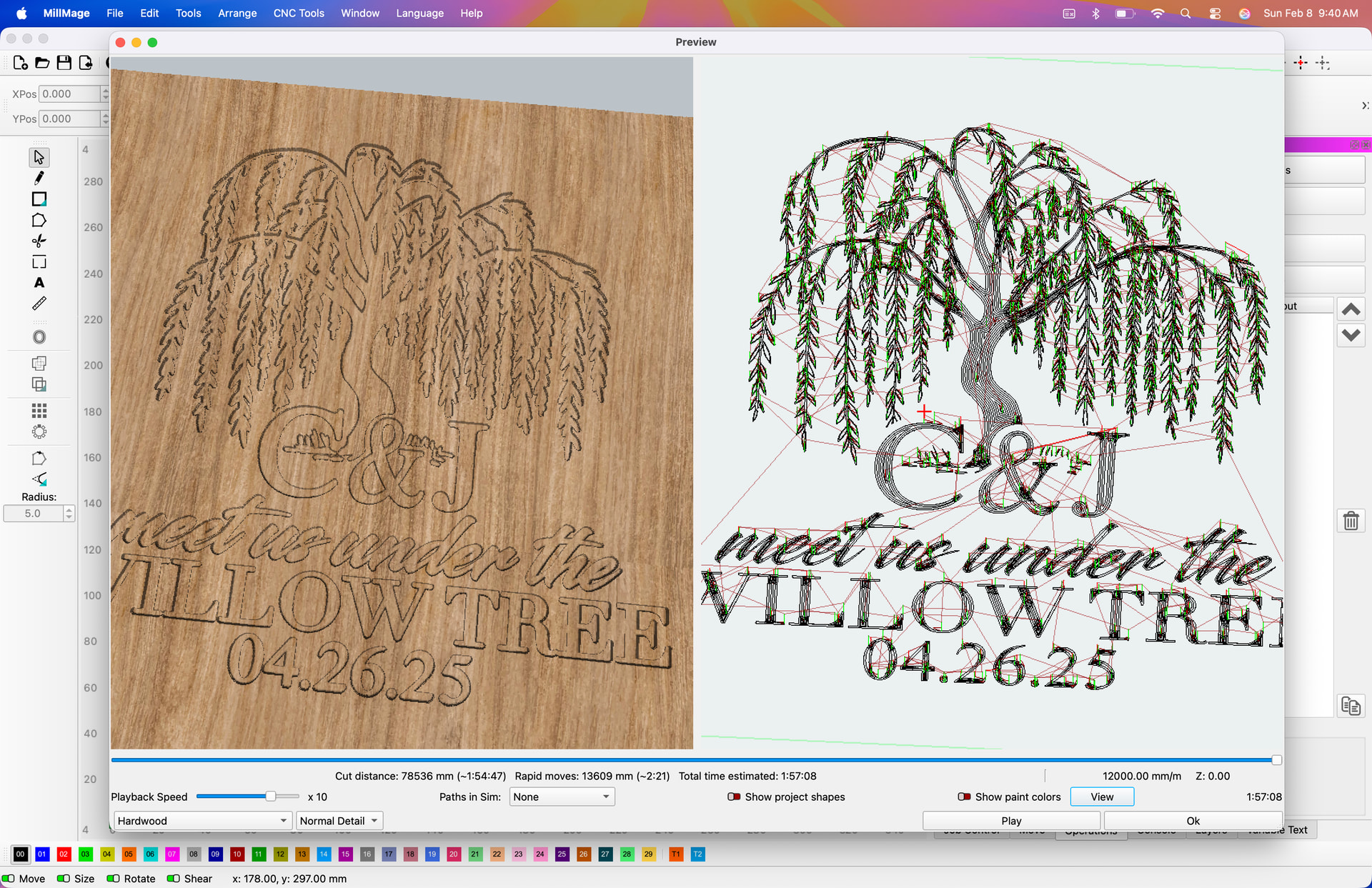
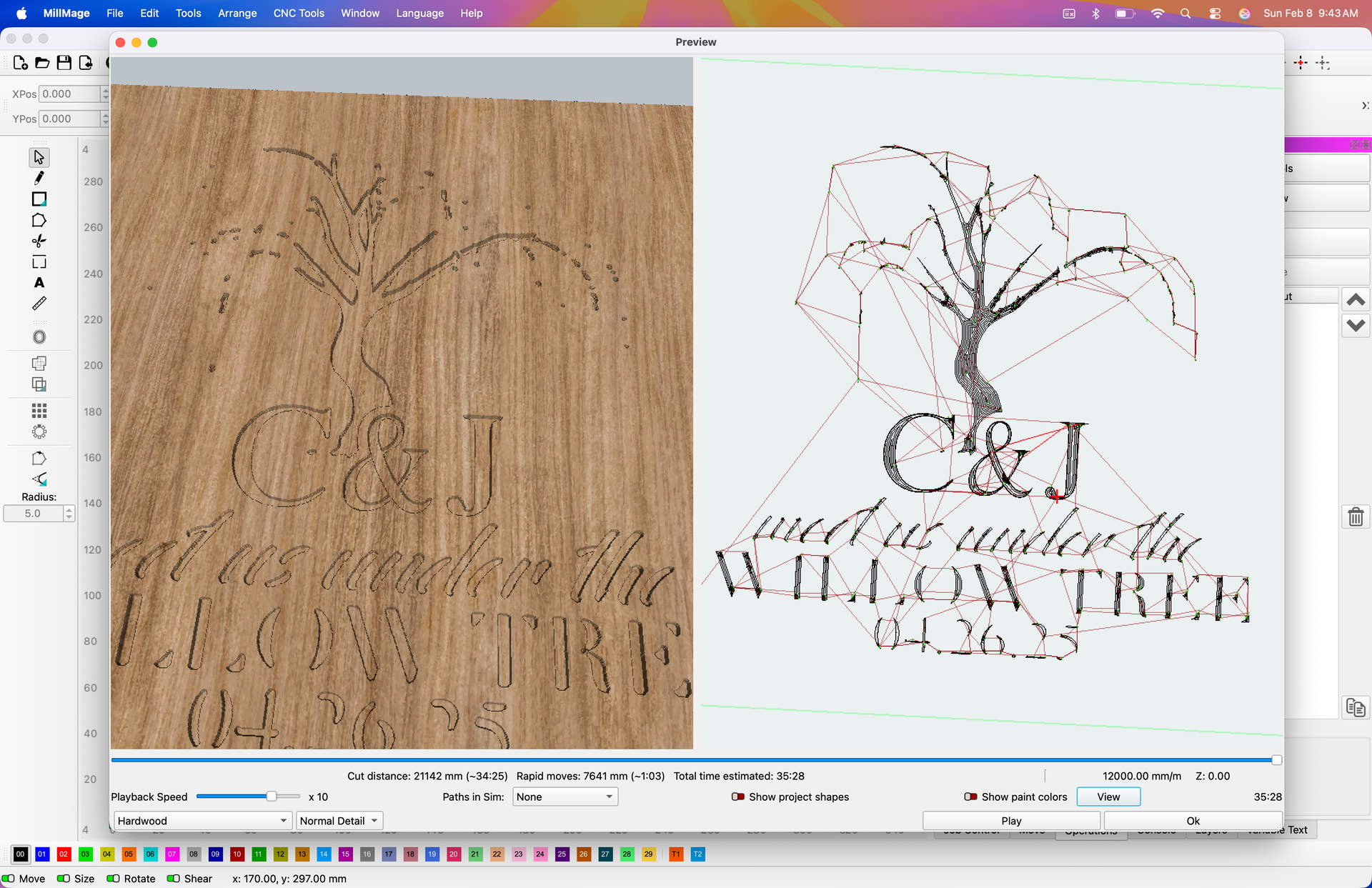
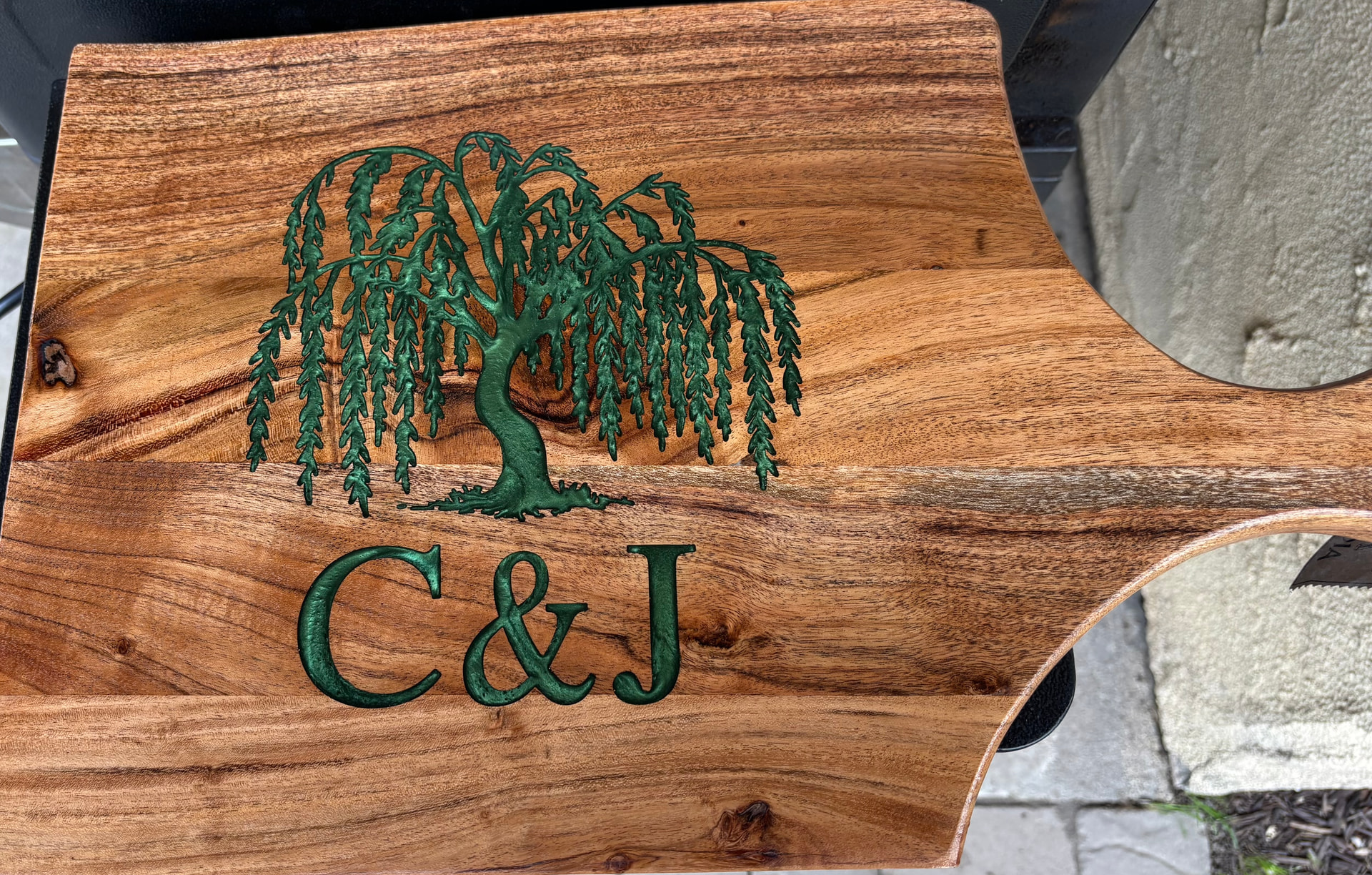
I was reading a post about pocketing in the V1e forum and decided to check a previous project I had done. It looks normal in RC13, but the preview in RC14 is missing A LOT of detail. What changed that made such a difference in RC14?
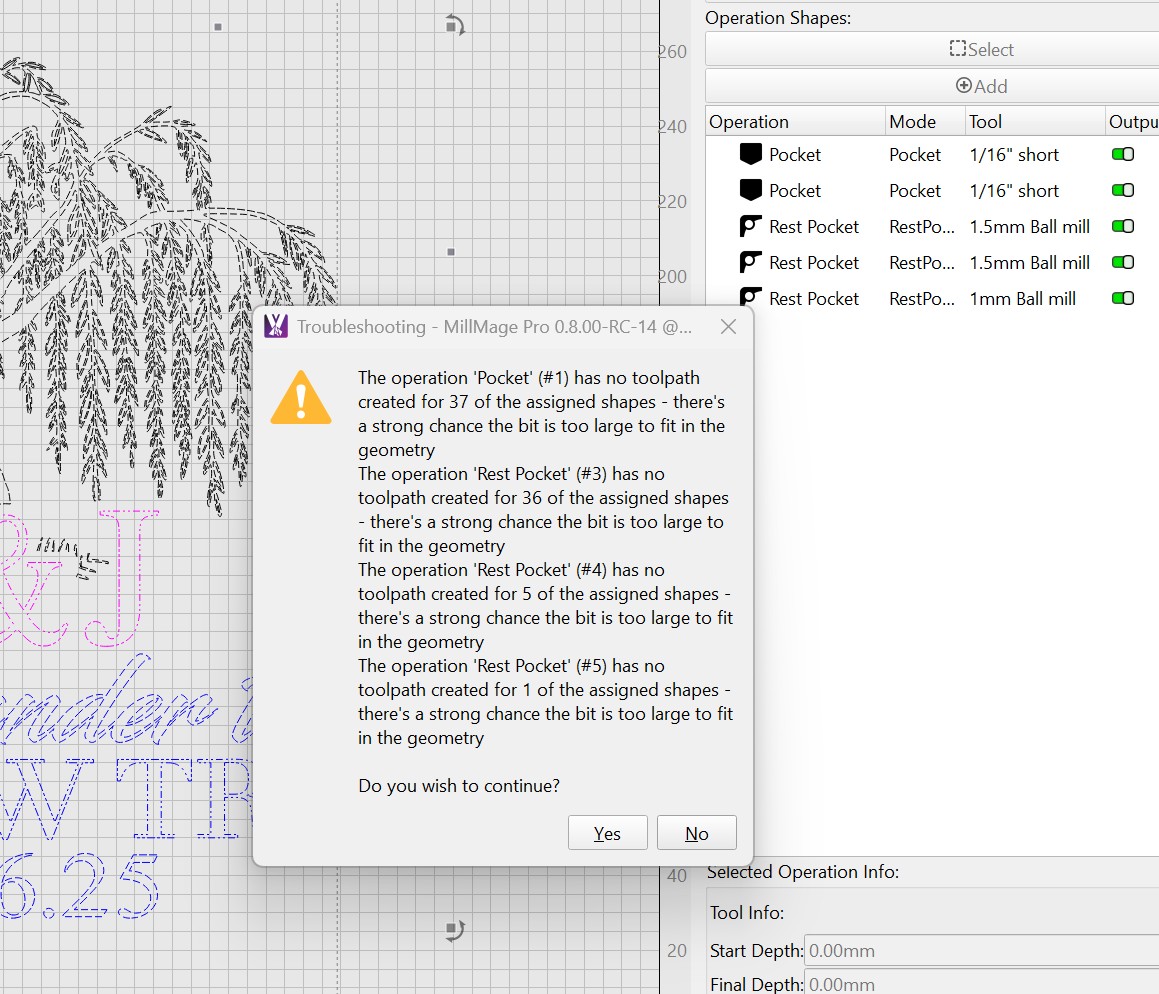
This will happen if you have a larger endmill or you have resized and reduced the image size. Both will cause the the sides of the shape to be too small for the endmill causing the exact result you are showing.
I didn’t change anything in the file. The preview is the same file in RC13 and RC14. I don’t remember which RC I used last year to actually cut out the project in the picture.
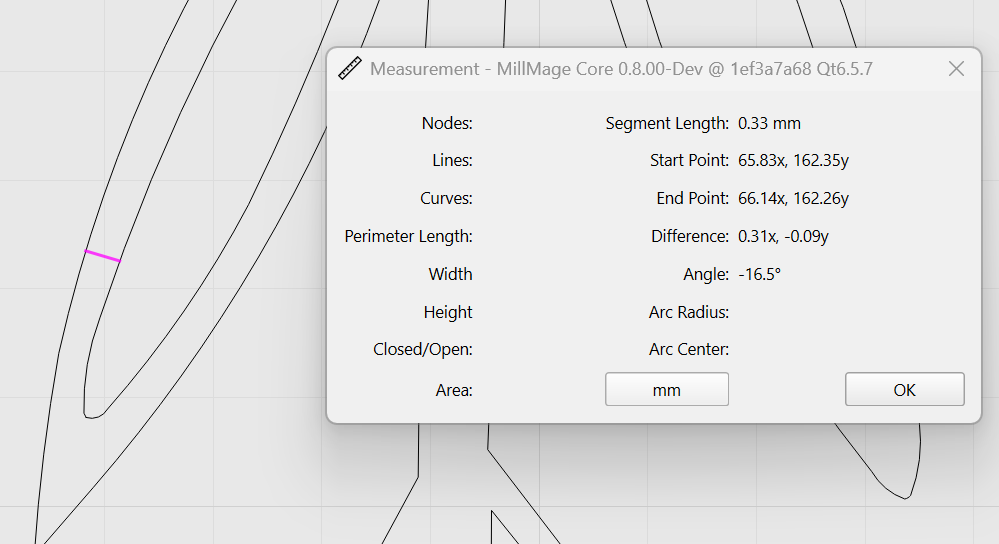
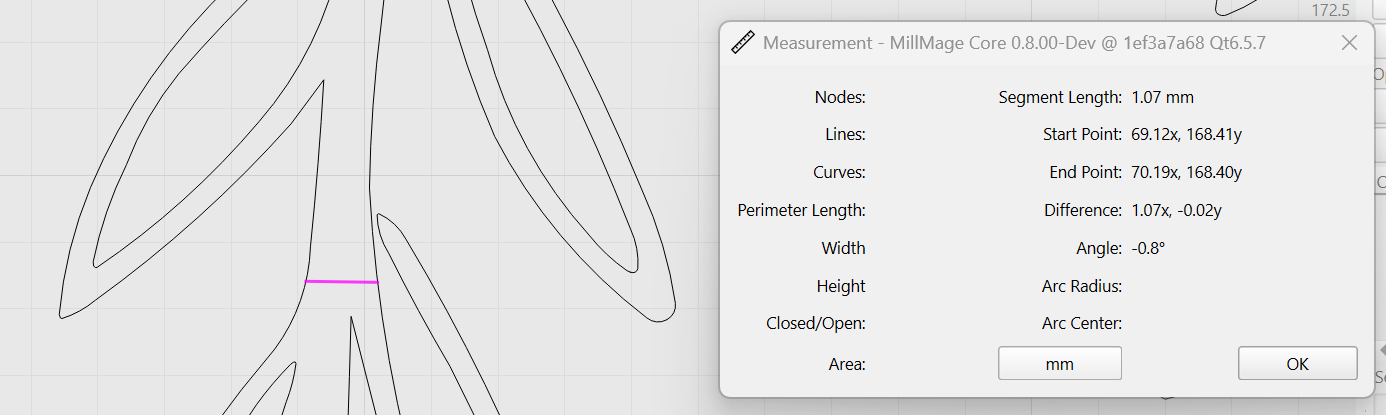
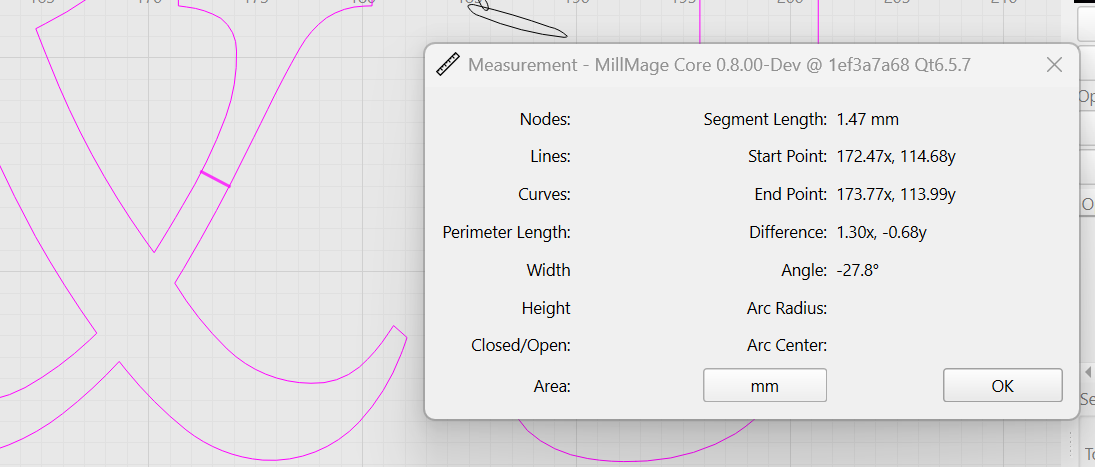
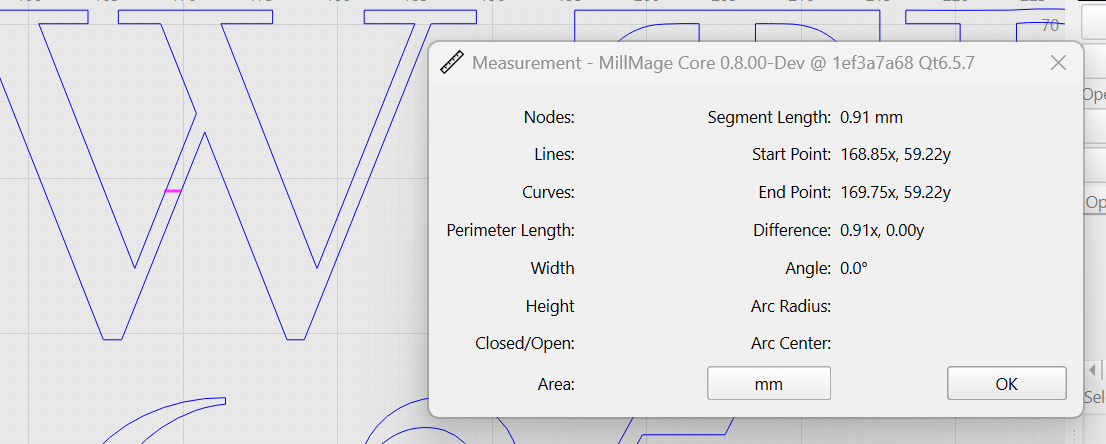
I think what’s “wrong” is that we’re now properly computing the radius of the ball mill at the selected depth, and previously we weren’t. You asked for a pocket, using a 1.5mm ball mill bit, and gave this geometry:
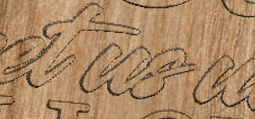
You’re trying to pocket a whole bunch of places where the chosen bit simply won’t fit, and clearly didn’t fit in the previous version screen shot you showed - Look at the lower part of the ‘s’ in ‘us’:
There’s no hole there because it was wiped out by running the shapes anyway. The new version is actually working more correctly, reporting that in many of your shapes, the bit is too large to fit into the geometry you’ve provided.
I suspect you’re used to V-carving, and we’re not done that one yet.
No problem - And, looking at your bits, they’re labeled “ball mill” but they’re actually V bits with a ball tip, but the same issues will apply.
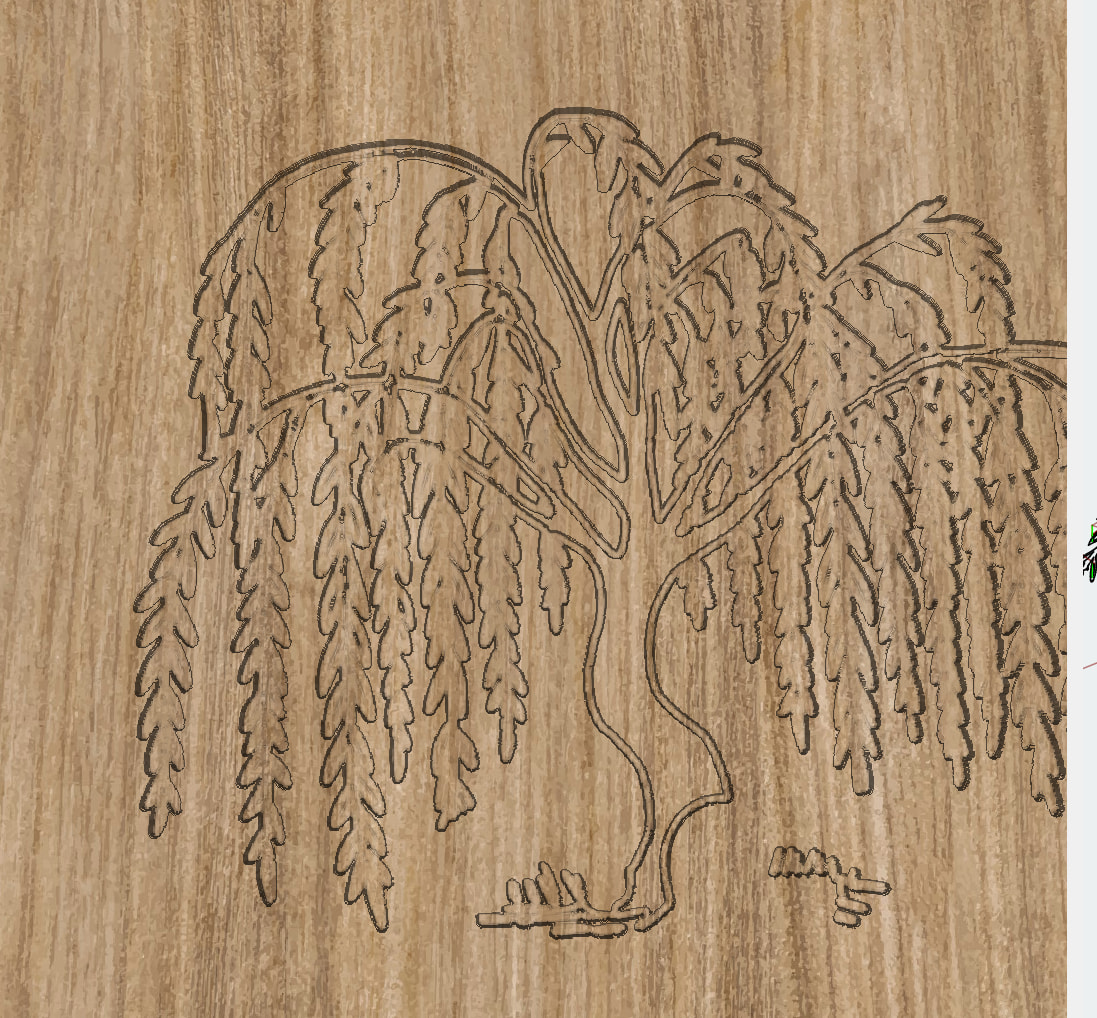
If you run over the exact same vectors with a Profile pass, set to “Along line” it will likely give you the same result you had before. This is just the tree, with a profile pass only - look at the leaves - they’re basically the same as you had before:
But you can see in the “trunk” of the tree, where the bit actually fits, you’d need to pocket that as well to get the same look. Another approach would just be to offset the entire tree shape by 0.75mm (or a teeny bit more) to make sure it was able to fit a 1.5mm bit everywhere - that would also give you basically what you had before.