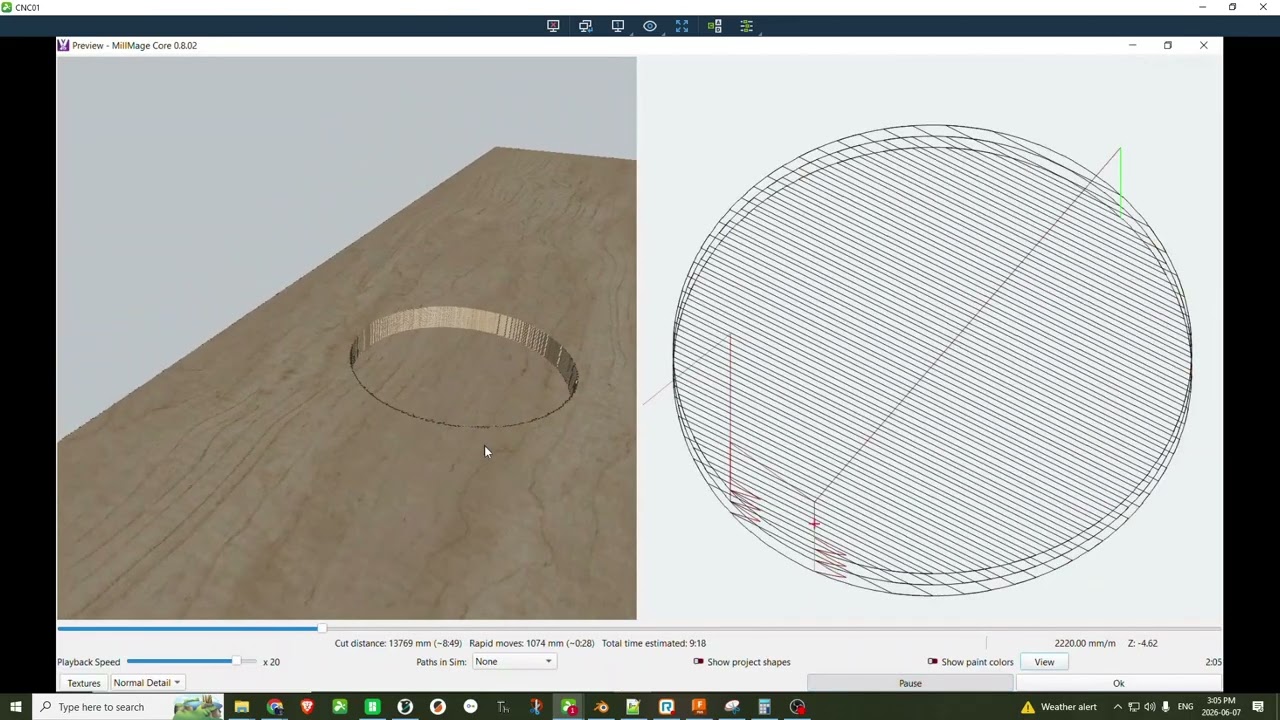
I am not sure if this if the first time I have done this or just the first time I noticed this but when creating a pocketing toolpath that has two shapes even if grouped will be treated as two independent operations inside one toolpath.
Is this expected? Its not what I have seen in other CAM tools so I was surprised.
So the Circle and the rectangle are grouped or ungroup it does not matter but if I assign them to the same pocket operation it will mill out the circle and then the rectangle. This adds alot fo extra time to the operation.
Yes for sure I could trip the objects together but it causes issues when I need or want to nest more objects inside say another circle and I want that circle to be centered inside the larger circle so its much easer from a design stand point to leave the objects as separate.
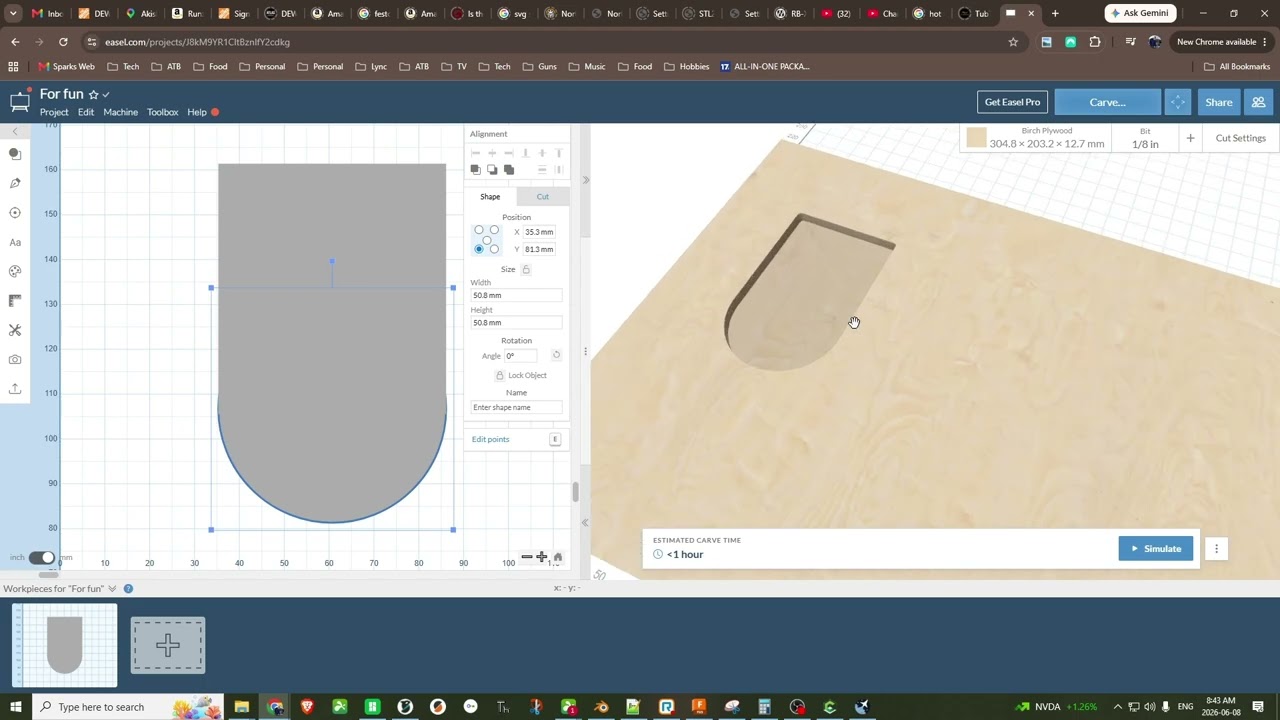
I used both Carbide Create 6 and Easel to test this behavior as well as had a friend with Vectric test it and all had the same result. With multiple overlapping shapes and a single toolpath the objects despite being separate in the design when it comes to CAM they are treated as a single object and the path is generated as if it was a single object.