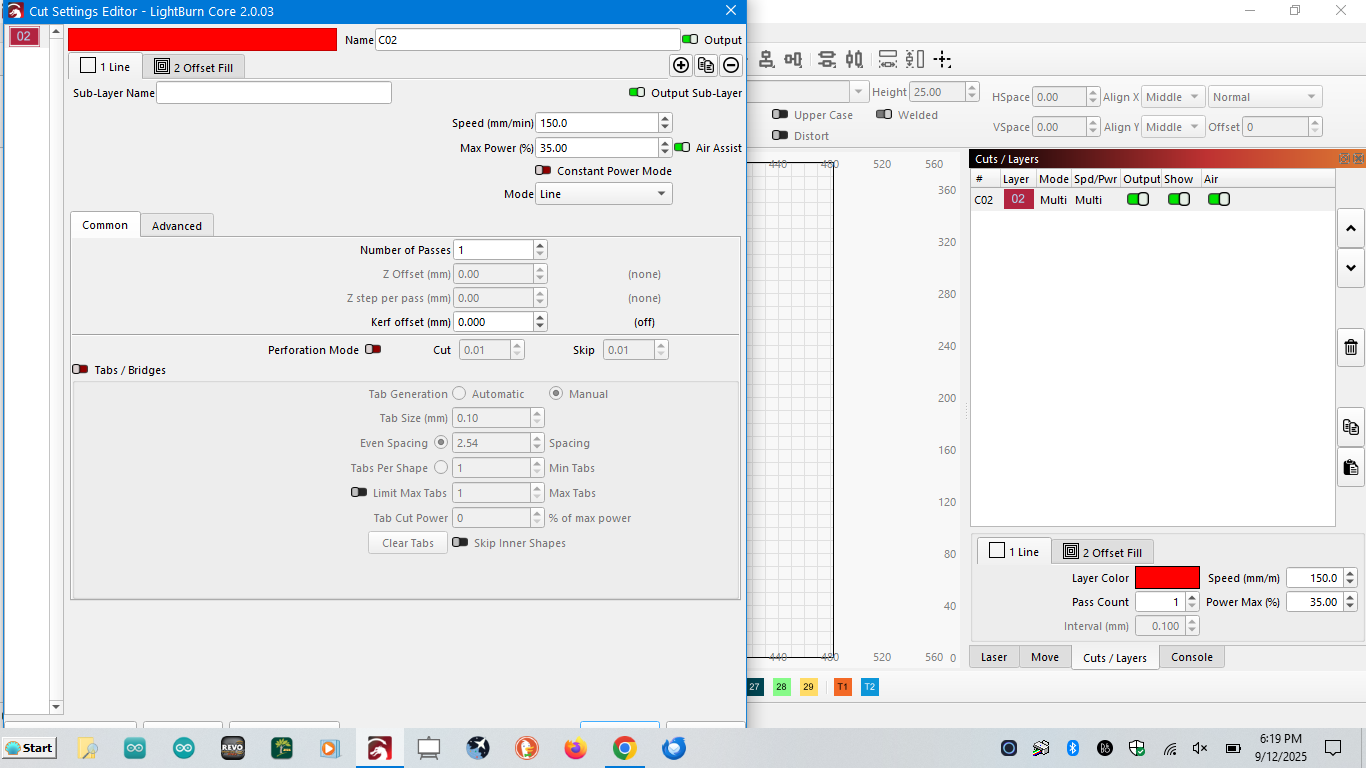
Cannot resize the cut layer pop up window after upgrading to 2.0.03. It’s so big you can’t get to the OK or Cancel selection buttons on the bottom of the window.
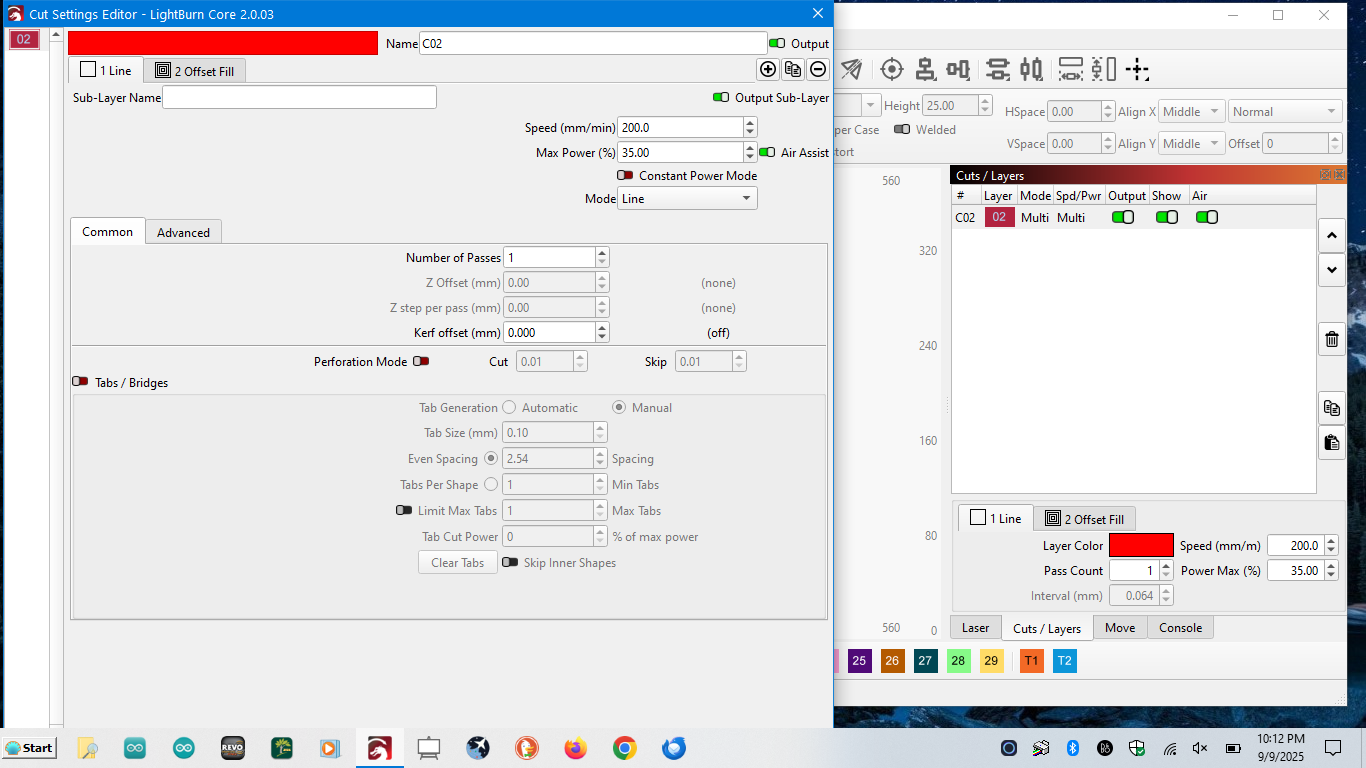
As a hint until it´s fixed: Press [ALT]+[SPACE] and then [M]* and you are able to move the window with the arrow keys.
*depends on language of Windows.
I know this doesn’t fix the resolution issue, but… If you press the enter key, it’s the same as clicking OK. If you hit the escape key it’s the same as clicking cancel.
resolutions of 1366x768 is the very absolute minimum that will support the LightBurn UI.
Go to your Settings–> Display, set the font size and toolbar icon sizes down until you can start to fit your windows.

Thanks Jeremy, I tried all of that, even reduced the font & icon sizes down to the minimum setting (so small you couldn’t read the text) but that window still is so big you can’t see the top or bottom. You can grab the title bar and drag it down about a 1/4" and them move the window up enugh to just see the tops of the selection buttons but not the bottom of the window to try and resize it. You can resize the width of the window. And my screen resolution is 1366 x 768.
Starting to sound a little bit more like a window scaling issue. Try disabling High DPI scaling from the LightBurn settings first.
Also check your windows settings. Make sure that you are set to 100% scaling rather than 125% , 150% etc…
This topic was automatically closed 30 days after the last reply. New replies are no longer allowed.