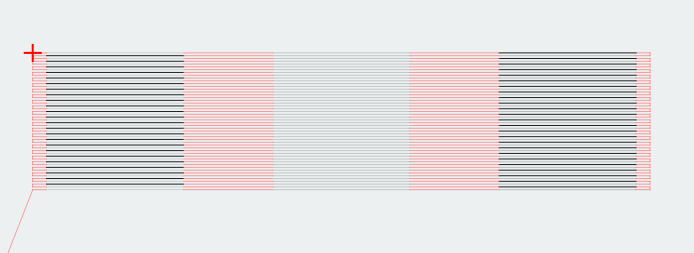
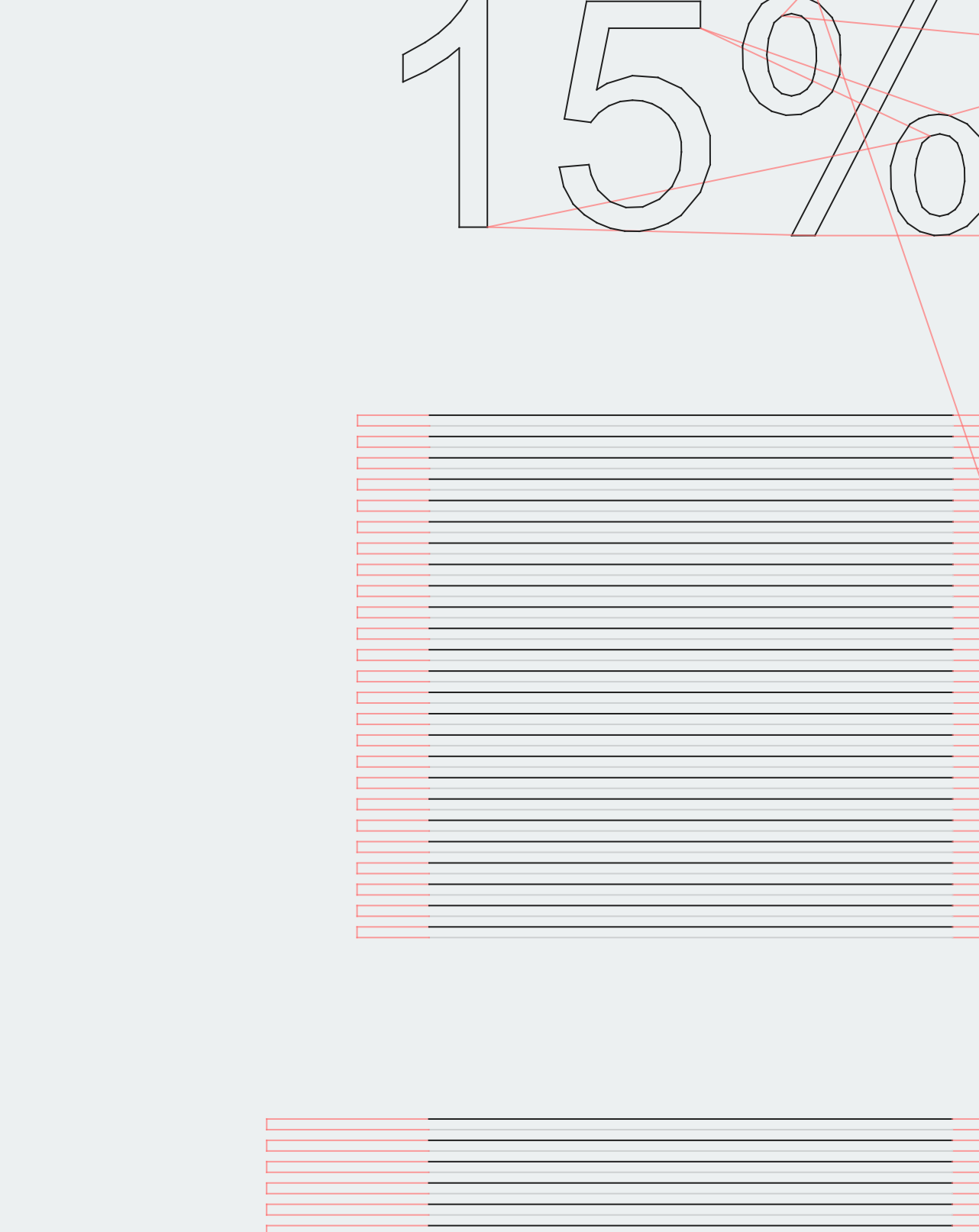
Wondering if there’s a bug with rendering when using “shade according to power.” In the leftmost columns of horizontal lines, every other line renders as though it’s full power, alternating with lines that render as low power. In the first attached image, you can see that the 15% power column in the top portion looks darker than in the 20% column. I’ve included a closeup of that area so you can see the alternation. Also in the bottom portion, you can clearly see that every other line renders as full power. I believe the lines going from right to left are rendering correctly while the lines going from left to right are rendering too dark, and it’s only on the lowest power parts of those strokes. I don’t think I’m actually getting full power on those passes––I presume that this is a rendering error, not an output error.
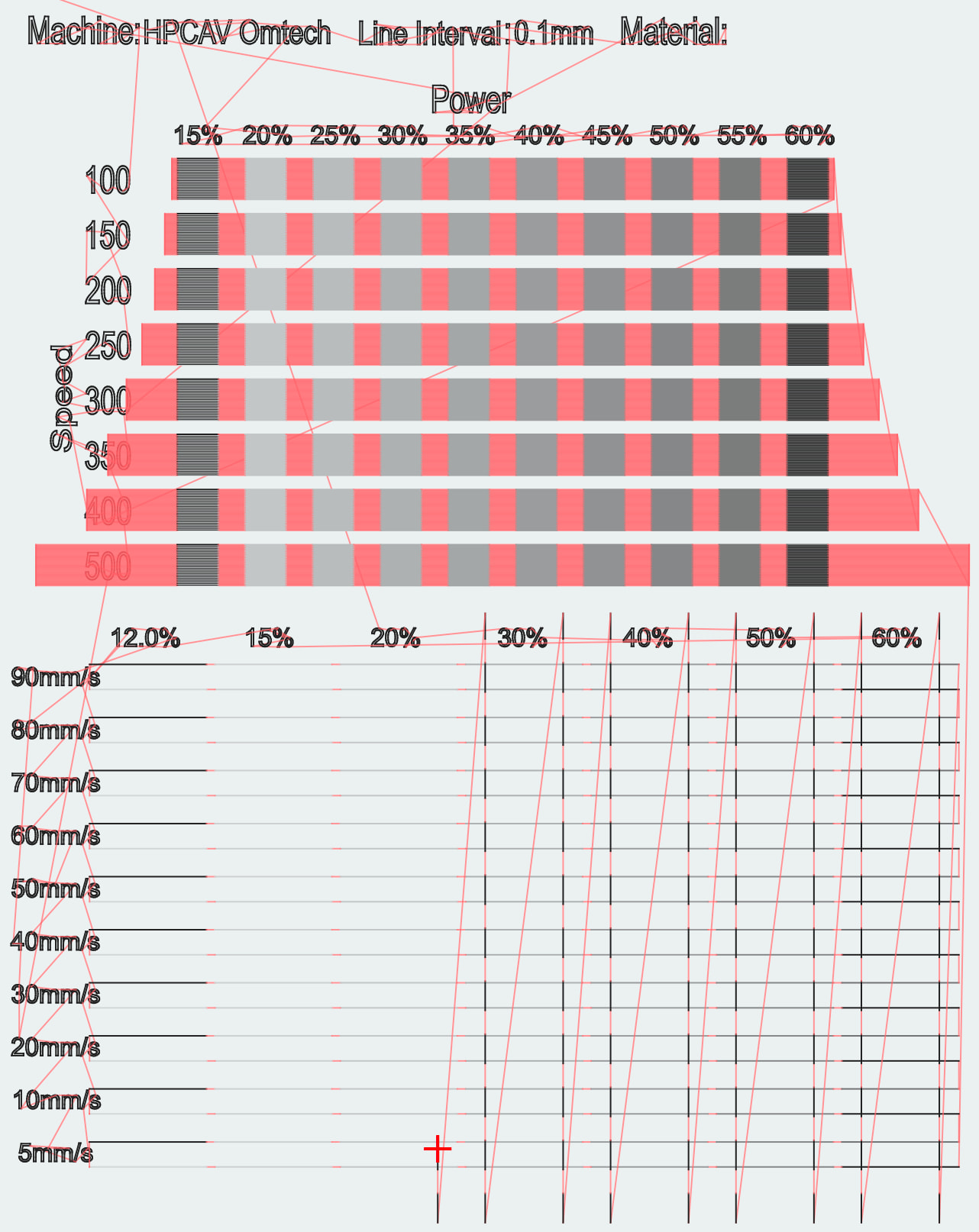
Sounds like you are correct. Can you upload the Lightburn (.lbrn2) file so we can investigate it?
I played with the file and it seems what you see is how the rendering engine shows things. I ran the cubes part and changed nothing except adding more power to C00 for the text.
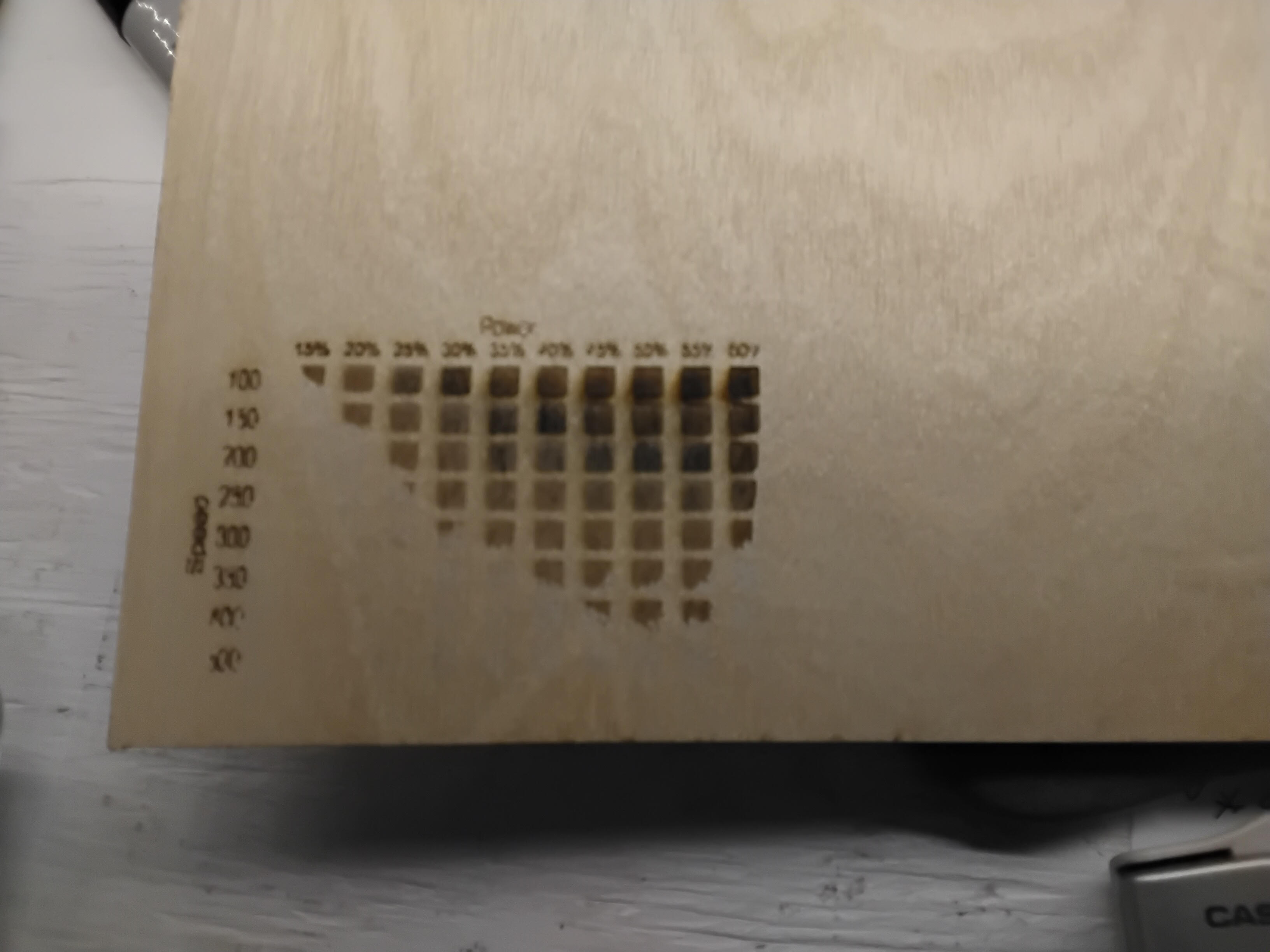
I then started selectively showing cubes in the Preview and noticed this effect when I selected any 3 of them in one row. The first one is dark, second is light, and the third was dark no matter which one was selected. The image is the first three in the top row.
It appears this is a bug in the rendering section, but to me is more of a nuiscance than an issue.