Hello! I was very new to Lase Engraving, personally own both IR and Diode Laser, but I was wondering if it is possible to frame the edge perfectly instead of only roughly frame the smallest possible path with Rubber Band Frame?
Especially for some more complex shapes, it will be far easier to align everything when you can clearly see the complete edge (Especially with Images with circles)
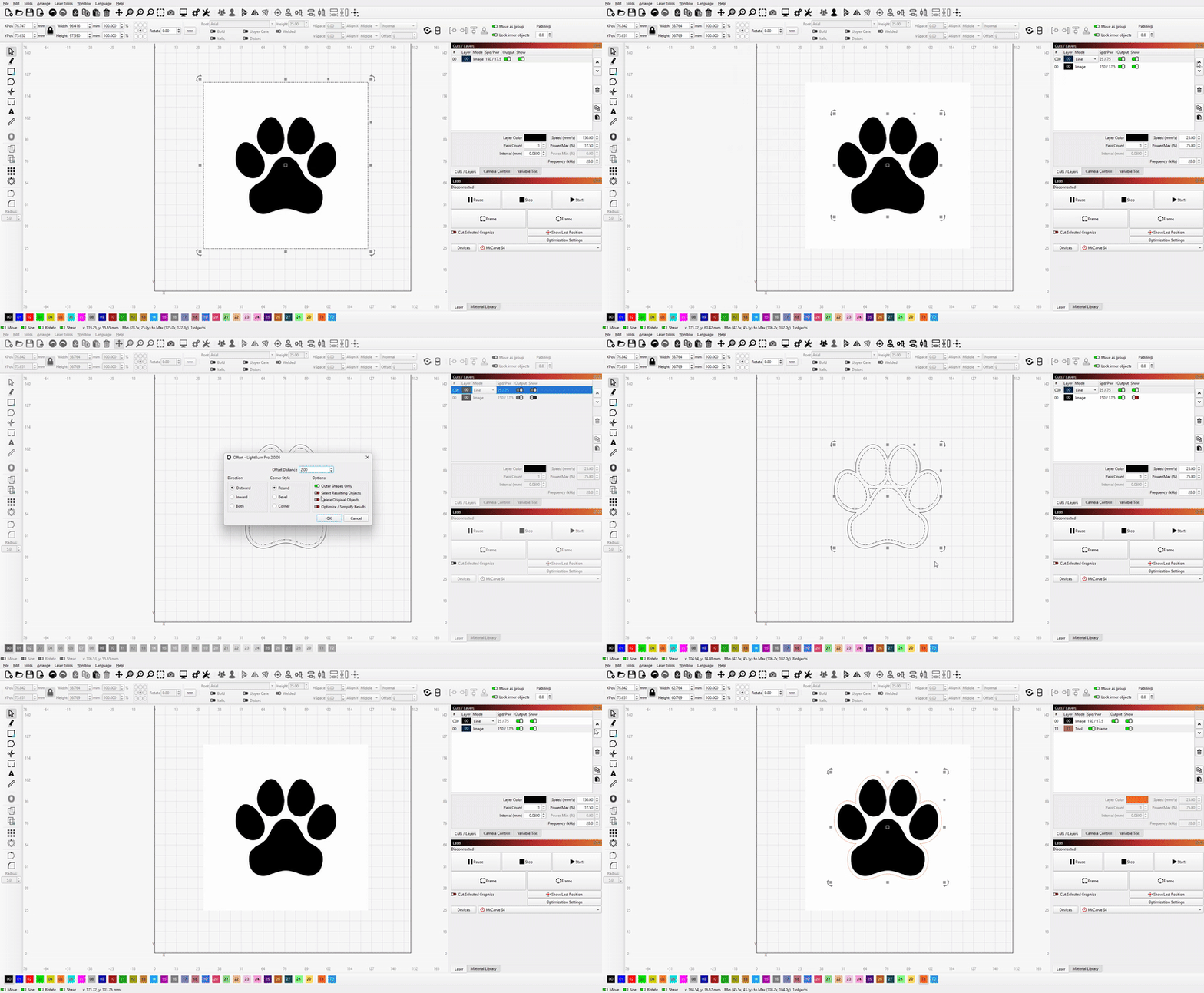
A trick that you could try is to do a image trace, and set the resulting outer boundry as a tool layer. A double trick is to do a Offset of the resulting trace, set to OuterShape Only
Ya I have done image trace already, which seems to work fine, but if it’s a complex shape, rubber band frame only seems to trace the smallest path, not the exact shape, so far the only solution I found is to just run it with 1% power so I can get the exact path.
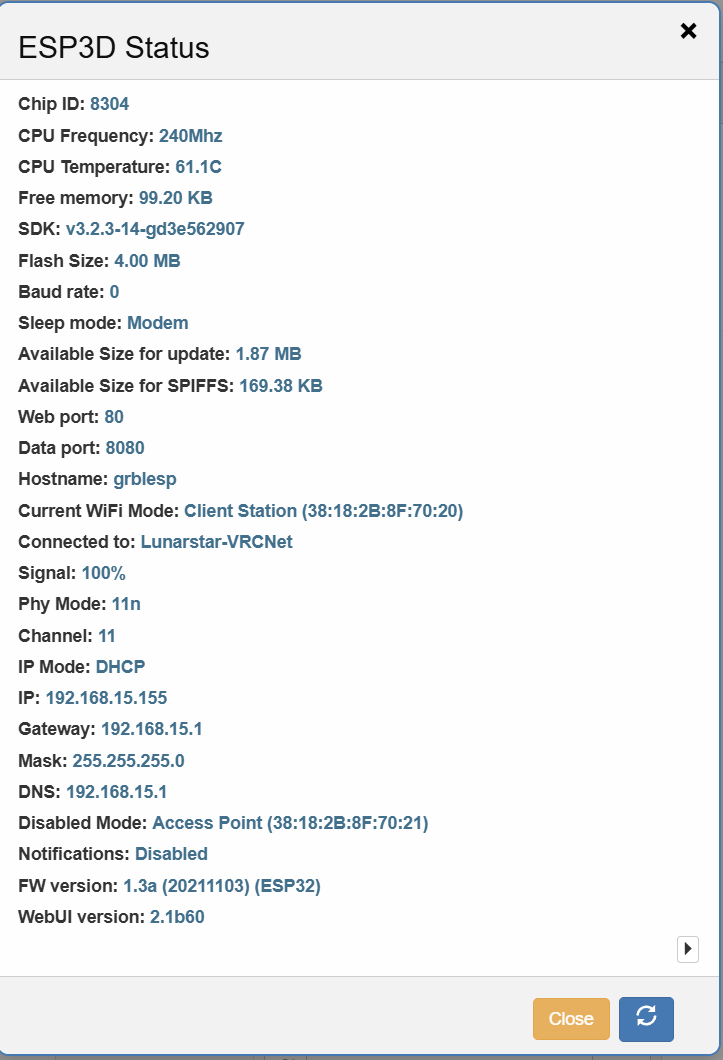
Also another question while I’m here messing with Lasers, I’m having an issue that my printer currently runs over WiFi using Telnet(Need to put it outside so it don’t smell).
But the problem is that if I use Buffered, the laser will lock up completely randomly during a print, and if I set it to sync, the text won’t look as good at all.
Are there any settings I can change to try and get it working over WiFi?
LightBurn also doesn’t seem to have the function to upload to the SD Card and Print directly either :v
The Firmware that came from the factory seems to be quite old as well so I don’t believe Clustering is supported unless I need to figure out pinout and go FluidNC.
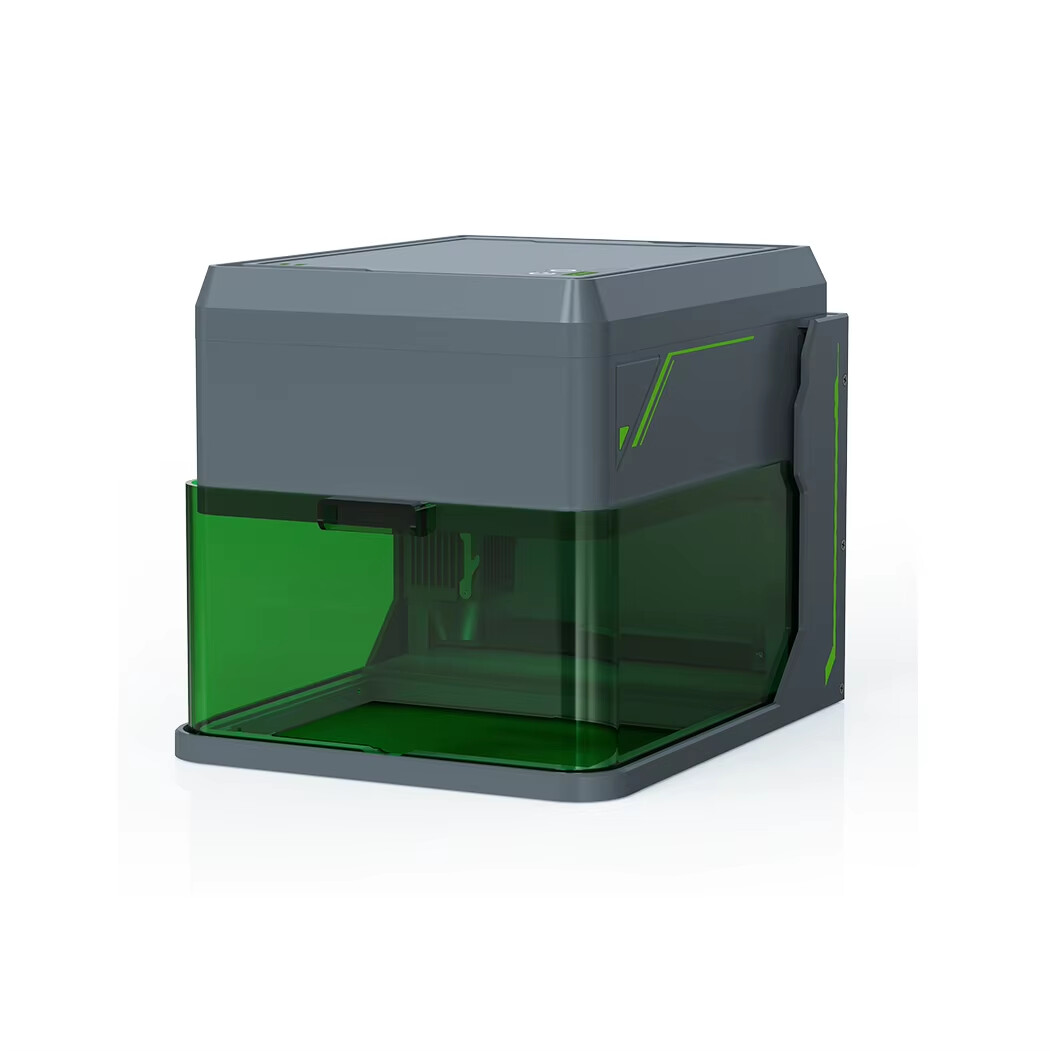
Another quick note that this is one of those Smaller Gantry Laser (100x100)
I don’t think so. Of course, you can try to increase WiFi signal strength, but those tiny ESPs are not the best WiFi devices in general Very tiny antennas and not that much processing power. Often, firmwares have a bad WiFi implementation as well. But since all those low budget devices use standard ESP32s, you should be able to flash FluidNC, but this will open another topic
It more or less does. Not directly. But you can export the generated G-code to a file, copy it to the SD card, move it over and start it.
Another option would be to connect a Raspberry Pi using Octoprint via USB to the laser for remote lasering. There is a grbl plugin that works quite well. But of course, introduces another piece of hardware.


 Very tiny antennas and not that much processing power. Often, firmwares have a bad WiFi implementation as well. But since all those low budget devices use standard ESP32s, you should be able to flash FluidNC, but this will open another topic