Hello,
I discovered a bug today when trying to previsualise the project, lightburn crash.
I join you the file, to reproduce the bug, you should open the file and click visualise laser path. I use lightburn v1.7.07 on windows.
elephant_tole.lbrn2 (27.7 KB)
Not getting similar results. Please provide any crash report you receive, along with the steps you were taking at the time of the crash. 
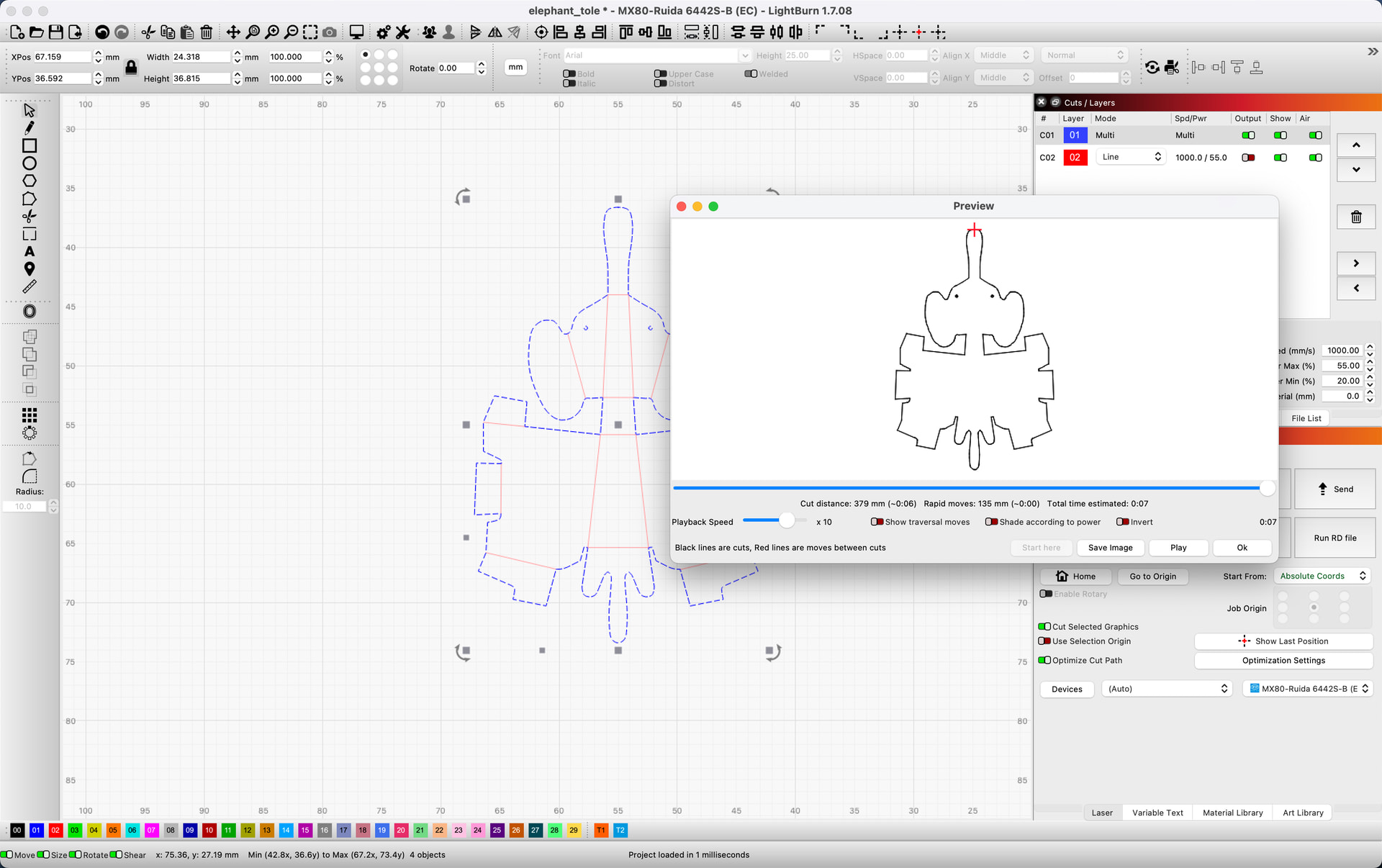
Thank you for this quick reply. On my side when I click on the previsualisation lightburn freeze rather than really crashing. I need to terminate it.
Where can I find the crash log in this case ?
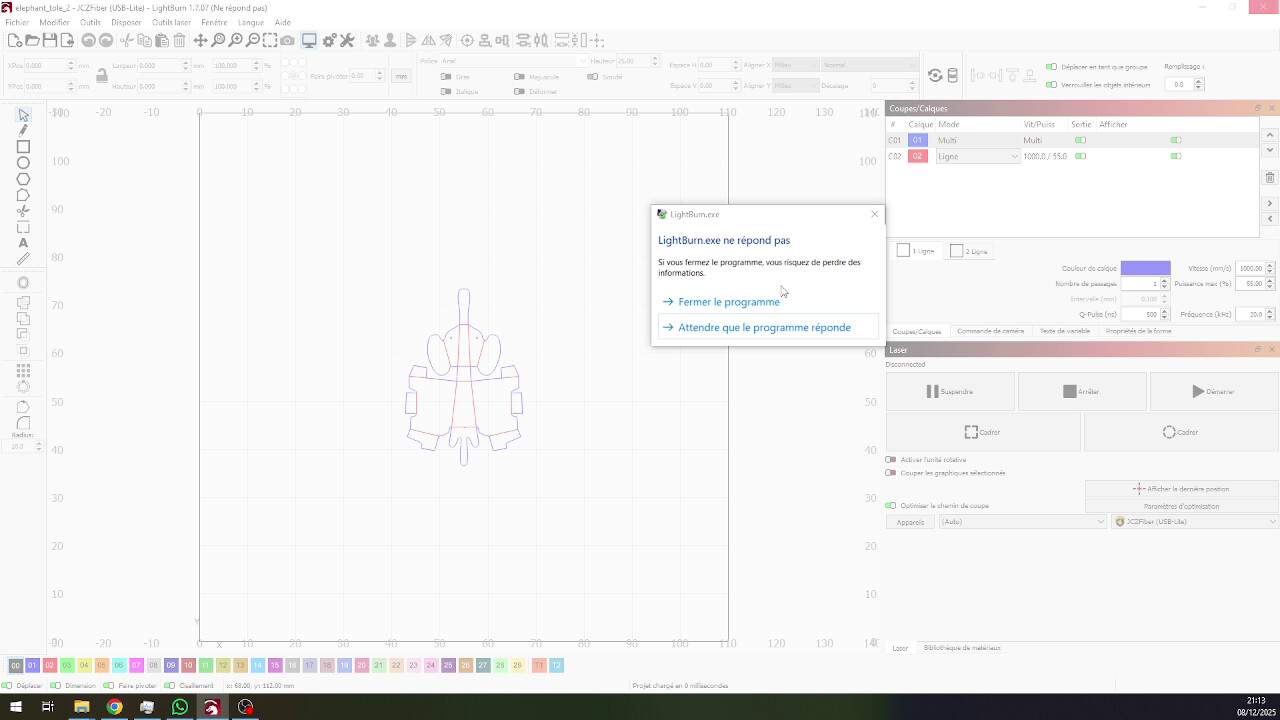
Have a look at your Event Viewer to see if there is a log there.
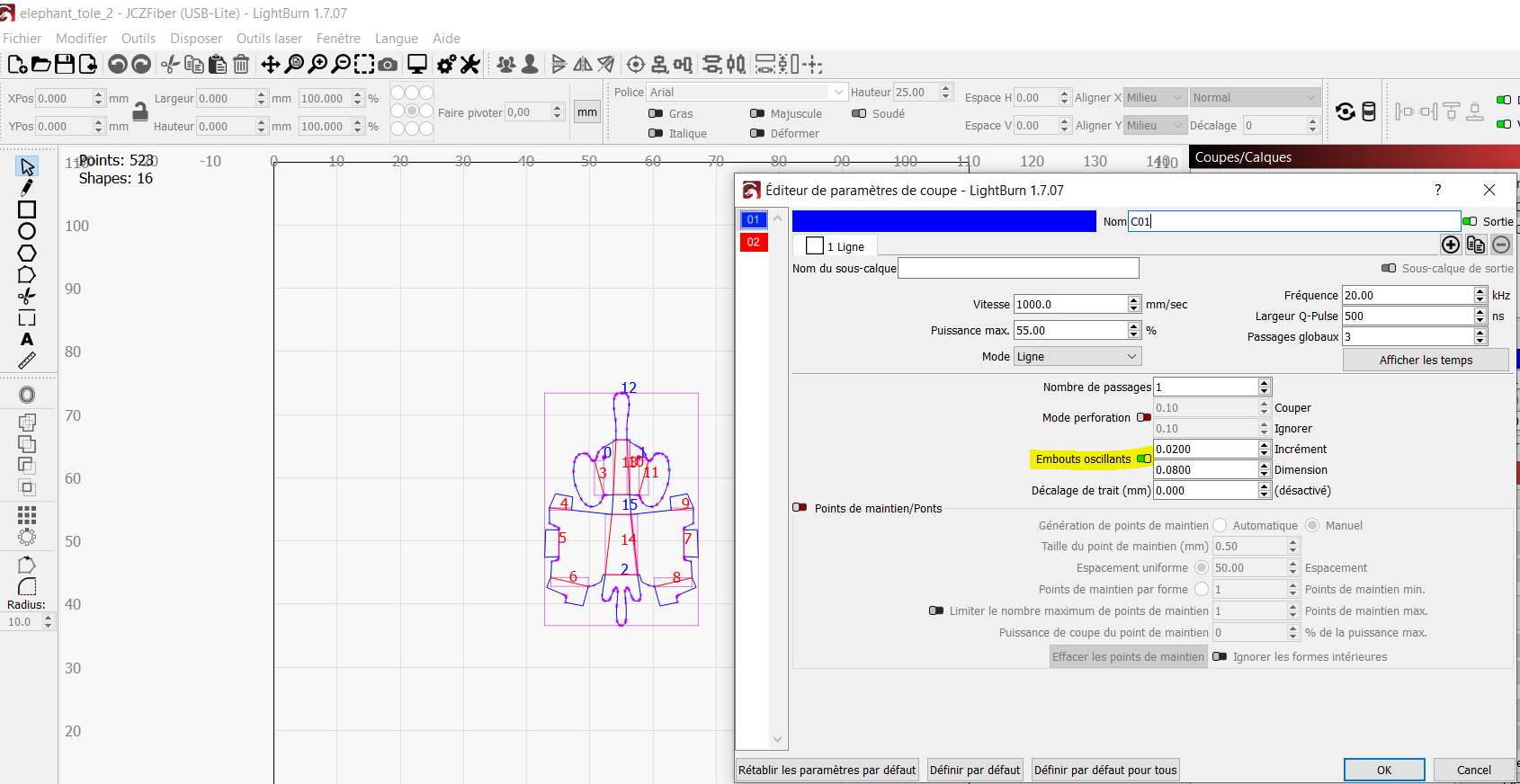
This crash is very specific; if I disable the wobble option, the issue disappears.
I don’t know how to enable the event window. I tried to activate the debug log with no success, I don’t see the created log file. The version of Lightburn you appear to use is 1.7.08, I don’t know if it has an impact on this issue.
Thank you. If I flip to a Galvo based system, I can reproduce the issue you mention. If Wobble is turned Off, then Preview, things work as expected. Turn the Wobble back On, that now allows the Preview to work as you’d expect. I will generate a report to investigate further.
I am not able to reproduce using the current 2.0.05 release. You may need to renew your key to gain access.
Thank you Rick for your support. I found a workaround and the preview works fine now.
This topic was automatically closed 30 days after the last reply. New replies are no longer allowed.