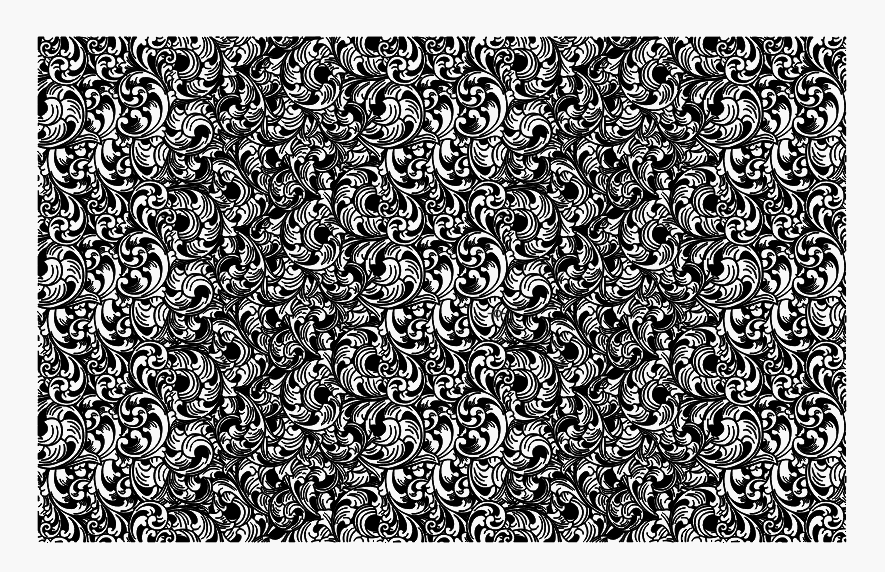
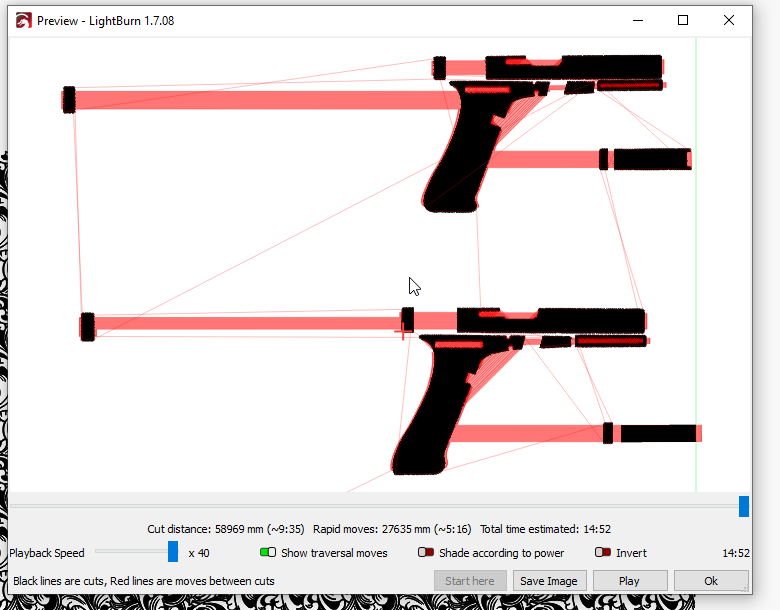
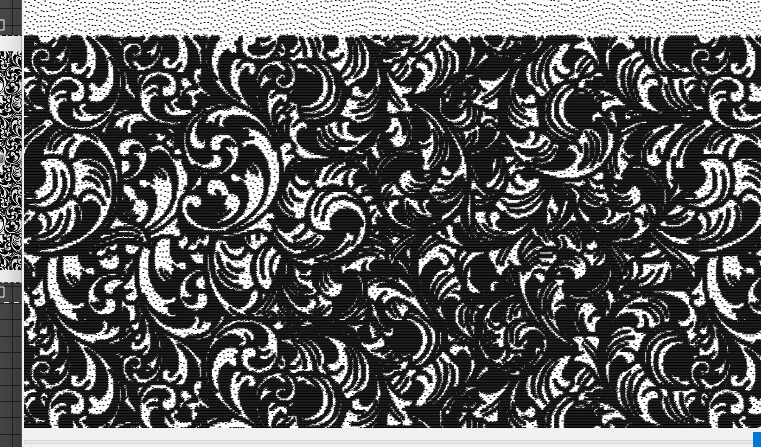
I’m trying to save the selected scrolling as a png, but when I hit preview, it shows something altogether different. What’s up with that?
Thanks.
I’m trying to save the selected scrolling as a png, but when I hit preview, it shows something altogether different. What’s up with that?
Thanks.
Can’t begin to guess what the problem is - we can’t see your workspace or your cuts/layers settings.
Are you trying to place that image on a hand grip and slide? FWIW, .png Image is terribly difficult vs SVG objects to get done well.
What is your laser?
Practice getting your procedure right, on cheap material like recycled cardboard from Amazon box or USPS priority boxes.
Ok, my bad for leaving out info but I thought my stuff was in the profile.
I’m trying to get that scrolling out of Lightburn and into Photoshop to do some editing. It’s part of a larger file of Glock templates. But the preview shows the above. Why?
50 W fiber.
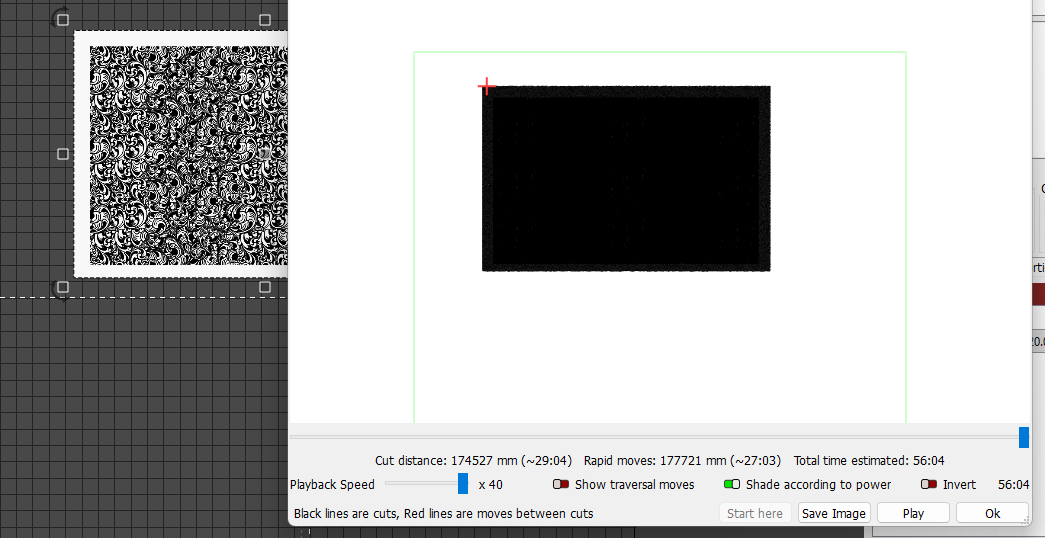
zoom in on the black part - you see your image there?
Have you successfully burned an image of anything? on anything?
Have you successfully engraved or cut anything?
We don’t know how to help you because we don’t know anything about your experience or your project or its application. Image engraving is advanced LB application. Won’t help to speak advanced LB if you are not ready for that.
I am not a fiber guy, but I am not a mind reader, either.
Bad day, Jim?
I’ve been using Lightburn and a fiber laser for about a year. I didn’t ask how to burn it into something. I didn’t ask about anything laser related. I just thought someone would know why that preview is happening. That’s all.
Just forget I asked.
Hi Phillip - if you can share your .lbrn2 file we can take a closer look. I presume if you have the stippling pattern in LightBurn you’ll want to use Cut Shapes to trim the unneeded parts out.
Nope, having a great day. Trying to help you get good answers.
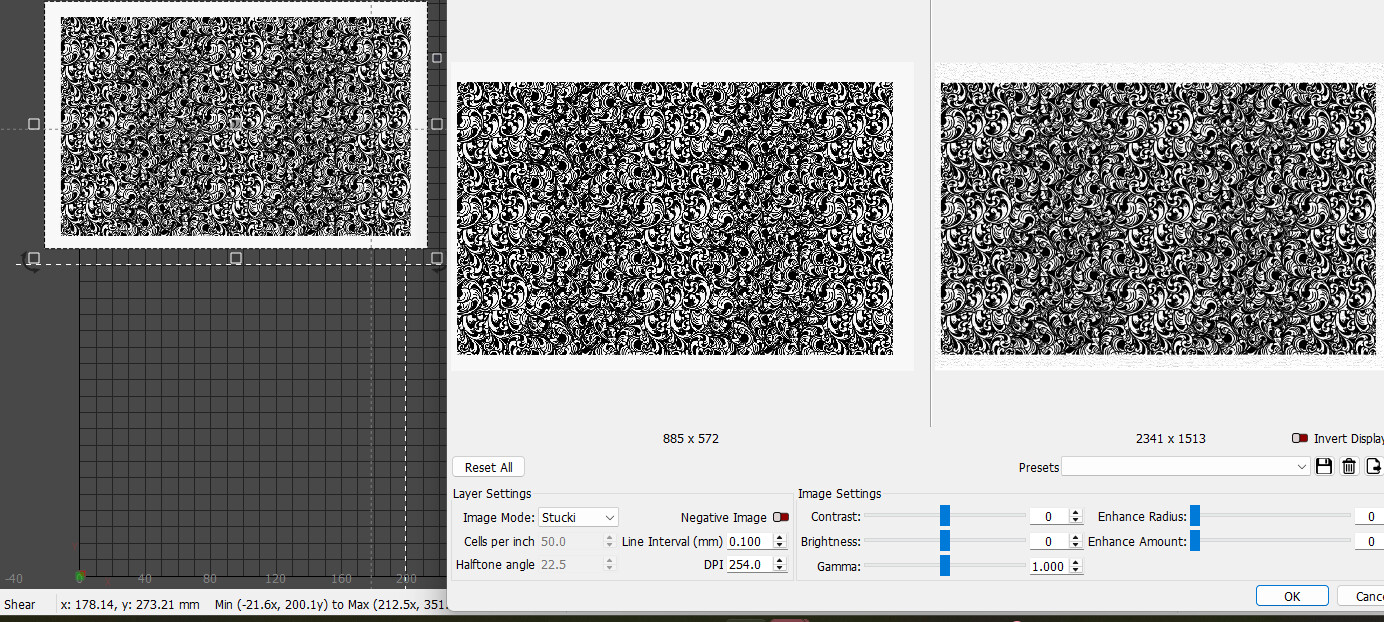
Again, have you ever used IMAGE layers in lightburn? It has some significant differences from vectors. I am betting on your answer to be NO. If you right click on the image you can open the ADJUST IMAGE menu. There you can choose your interpolation scheme… Greyscale or Black and White, Stuki, Half-tone etc.
Heck, here is a screenshot for ya…
Does this look like something you have worked with?
Here is your image, previewed - see how it is all black like your photo?
Here is the same preview, zoomed in a little bit.
This topic was automatically closed 30 days after the last reply. New replies are no longer allowed.