Hi Tim, I have updated my post with this info.
I have sent that over. Just to note that this is also happening when I trace an image from the camera and try to cut. It is off by what seems to be the same amout.
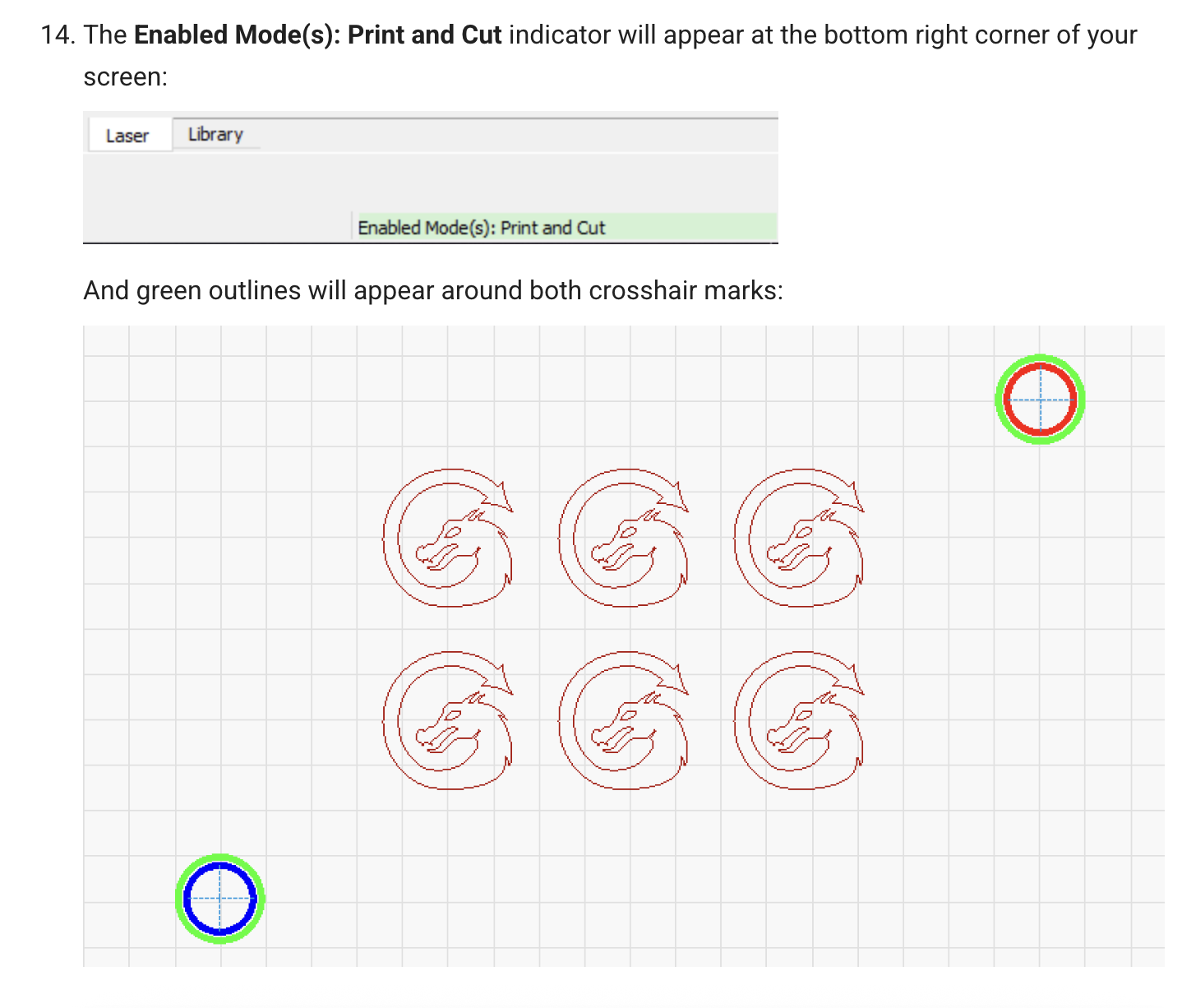
I have not tried P&C with version 2 yet, but one thing I notice is it doesn’t say Print and Cut Enabled in your screenshot. Nor do the targets have the green outline. I think we need to wait for Oz to look this over.
2 Likes
Haven’t use print & cut before, just new to lasers. I rebooted everything and now print & cut works after I changed several settings. I used the Xtool LBDev file from Xtool site, should I replace that file with the LBdev file from LightBurn (didn’t know there was a file on your site)
1 Like
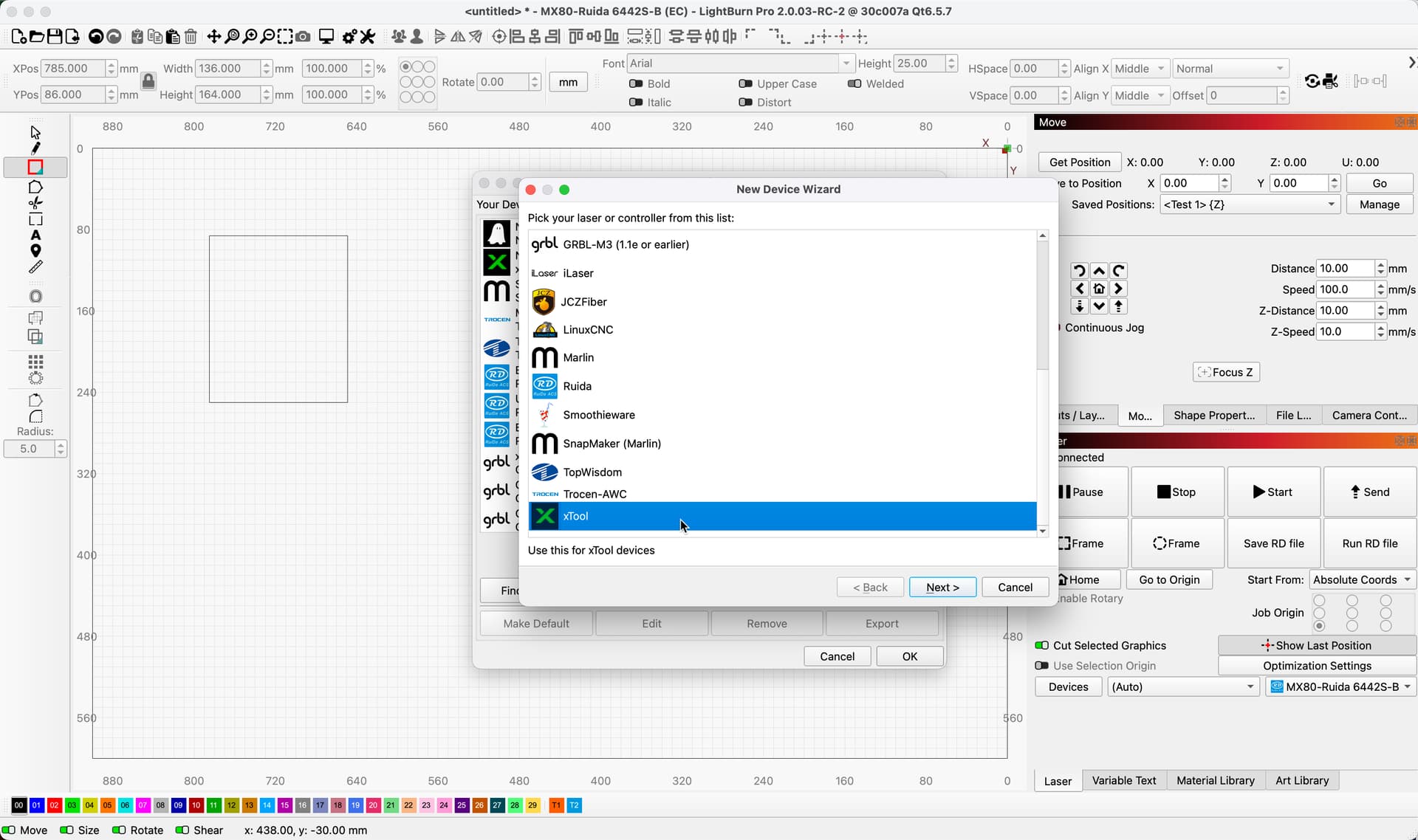
If it’s working now you should be ok. There’s an “XTool” specific device type in LightBurn that you can switch to, instead of using “GRBL” that bypasses a few bugs in the XTool firmware.
Many many thanks :). I’ll replace the Xtool file with the LBdev file from LightBurn.
Laurel
So many questions, sorry about that. Where do I find the LBdev file? Xool website or Lightburn website? I’m having a hard time finding it.
Found it. Thanks

Caught it!
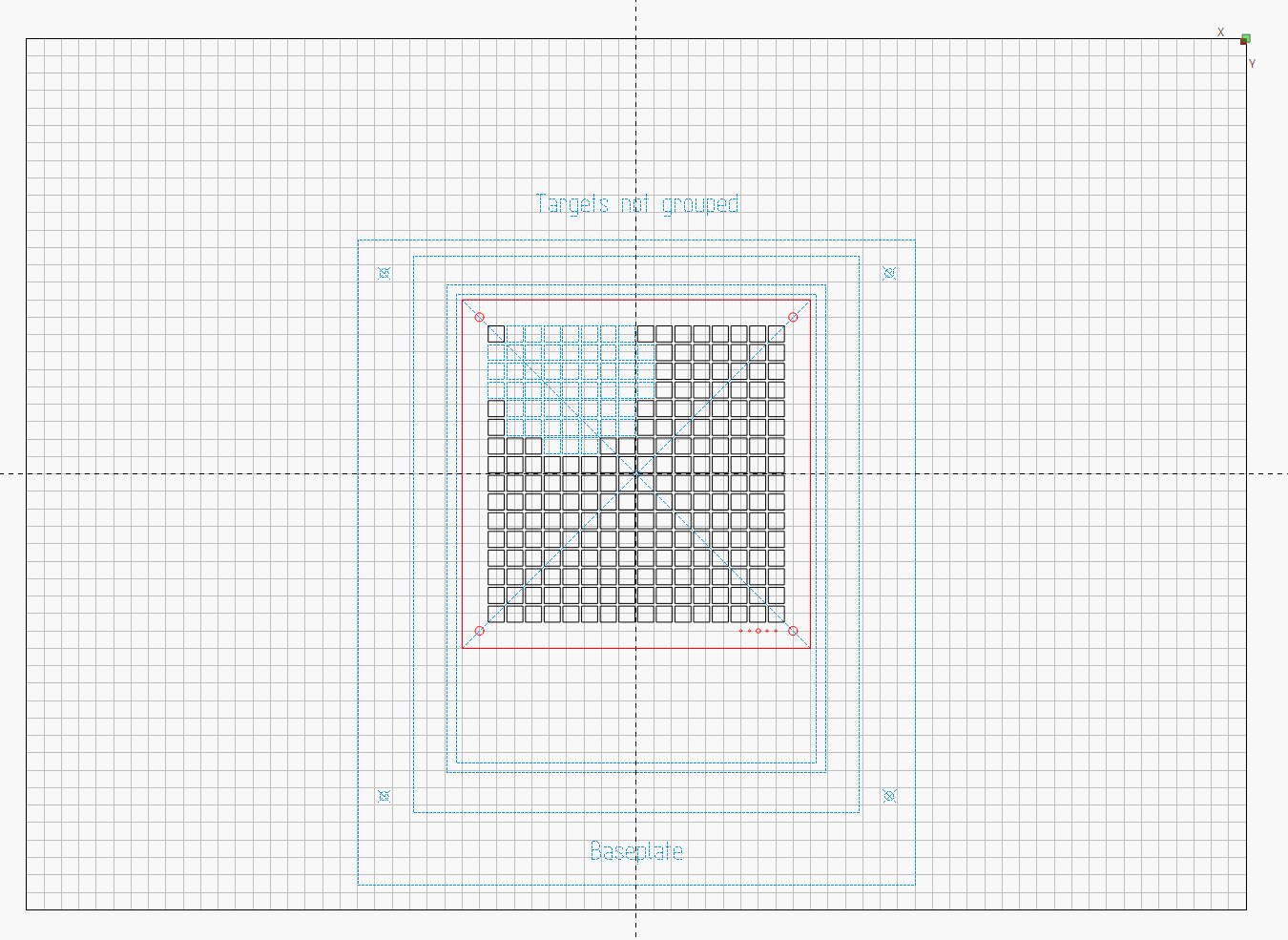
This is the template:
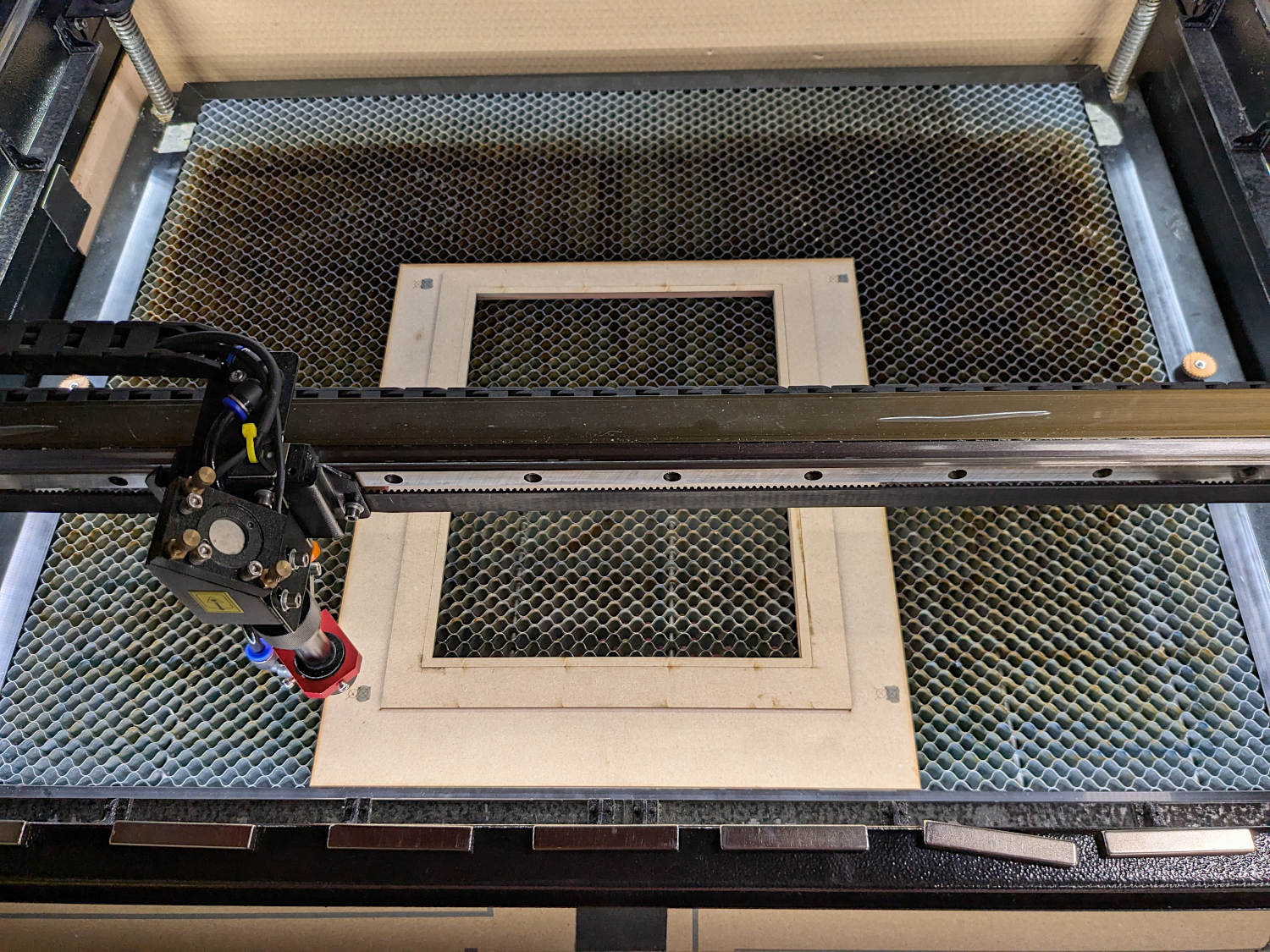
The fixture on the platform:
The first PnC alignment failed:
LightBurnLog - bad PnC.txt (6.5 KB)
I used the upper-right and lower-left targets. After jogging the laser to the target, I used Get Position and the coordinate matched the machine display.
Framing the cut pattern showed the PnC alignment was off by about -25 mm on Y (toward the rear of the platform). Eyeballometrically, it looked as if PnC wasn’t turned on; next time I try this, I’ll put the fixture over on one side.
The second PnC alignment worked as it should:
LightBurnLog - good PnC.txt (10.7 KB)
Again, the Get Position coordinate matched, but this time the frame motion was correct.
1 Like
@Tomfalcon - As far as I can tell, Tim is correct - there’s nothing in your log that suggests it’s not working, or gives any reason why it wouldn’t.
The only thing I can see from the log is that after your second point is tagged, it’s not automatically enabling the “Align output to targets” thing for you, which I think is because you haven’t picked the option to align with scaling or without. You have to pick one of those.
I think I figured out that I was deleting the two target marks instead of putting them on a separate layer and turning off their output. I changed that and it’s working perfectly. Thank you to everyone here for all the help and feedback.
1 Like
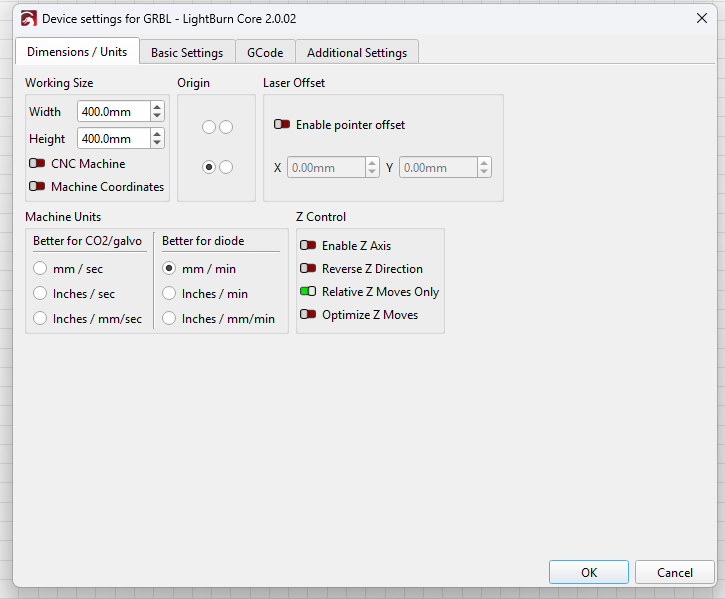
Check the settings in this menu. I don’t quite understand your problem, but I think you need to look for the problem in the laser settings.
1 Like
PnC does not use the camera.
Alignment happens by jogging the laser head to the target on the platform, selecting that target in the LightBurn workspace, then telling LightBurn to match the physical and workspace coordinates.
The doc explains how that works:
2 Likes
With the debug logs you submitted I was able to find and fix the issue. We have to release a 2.0.04 patch shortly to fix a bad library file we got from BSL, so this should end up in there too.
2 Likes
This topic was automatically closed 30 days after the last reply. New replies are no longer allowed.