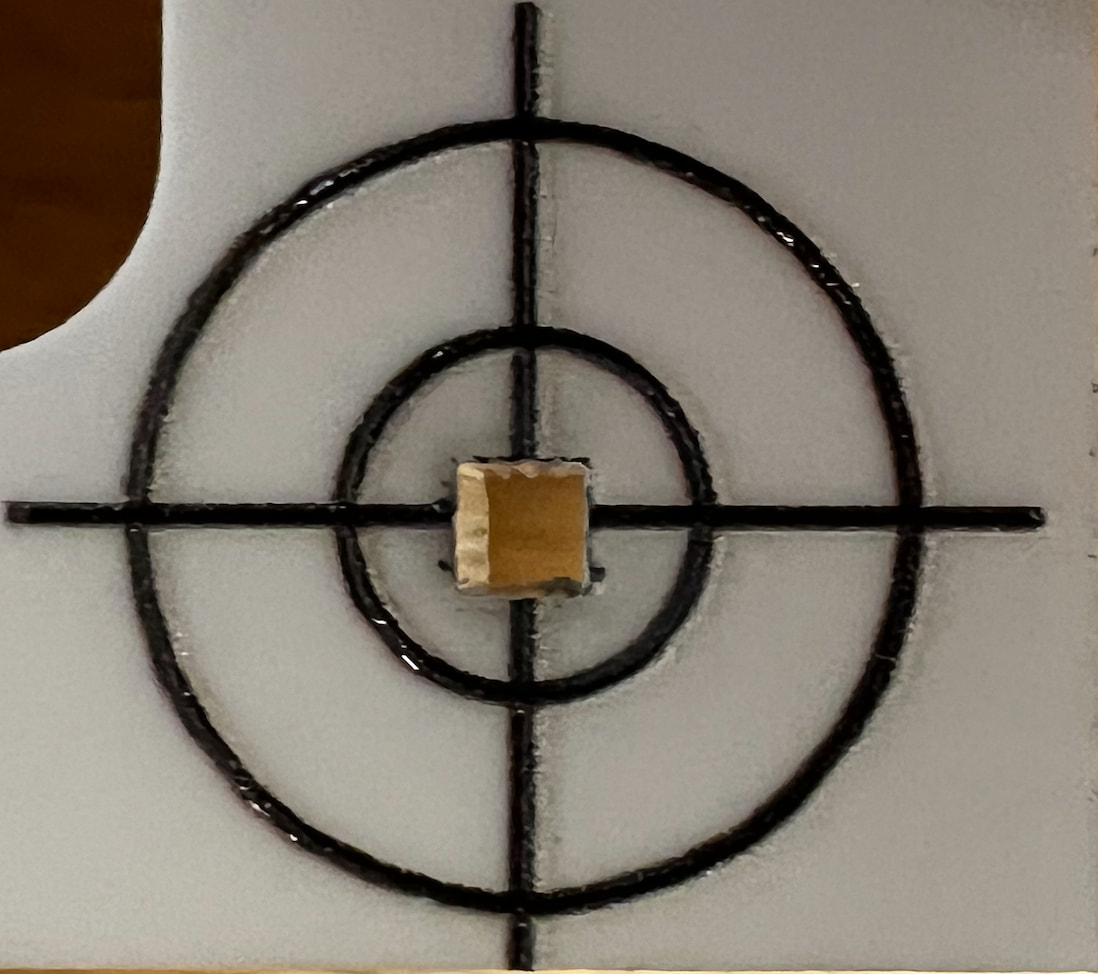
See photo below. The print and cut is cutting my target locations. In addition to my project. This is new I do not understand what is happening in the reasoning behind it. Previously when I set my target, it would just go to the first position and begin cutting. It would not cut the center of my target.
Most likely, that little square in the LightBurn workspace is now (inadvertently) on a layer set to cut, instead of a Tool layer. It’s easy to do if you select the target and then (inadvertently) click a layer in the palette along the bottom of the screen; been there, done that.
Or the layer with the square now has its Output switch (inadvertently) turned On, instead of Off.
If that’s not it, upload the offending lbrn2 file so the hive mind can come up with other suggestions.