Hi All
I am having a problem with Print & Cut registration. I have tested my cut measurements and steps per MM they are spot on. So no drive belt slippage.
I am trying to cut a circle 400mm dia on a polar + with a bed size 510x300
it has pass through at the front only. Therefore I cut the first half with 2 reg points, rotate the work and the design in Lightburn Pro 2.1. Follow the set up wizard and set both points exact. But the 2nd cut is spot on in the Y axis but about 3.45mm out in the X axis. Any advice gratefully received.
OK I have rechecked everything again.
-
Check X & Y Axis measurements by drawing a square inside a circle at 120mm - Perfect burn, no slippage on belts.
-
Cut first pass
-
Recut using Print & Cut without moving material.
-
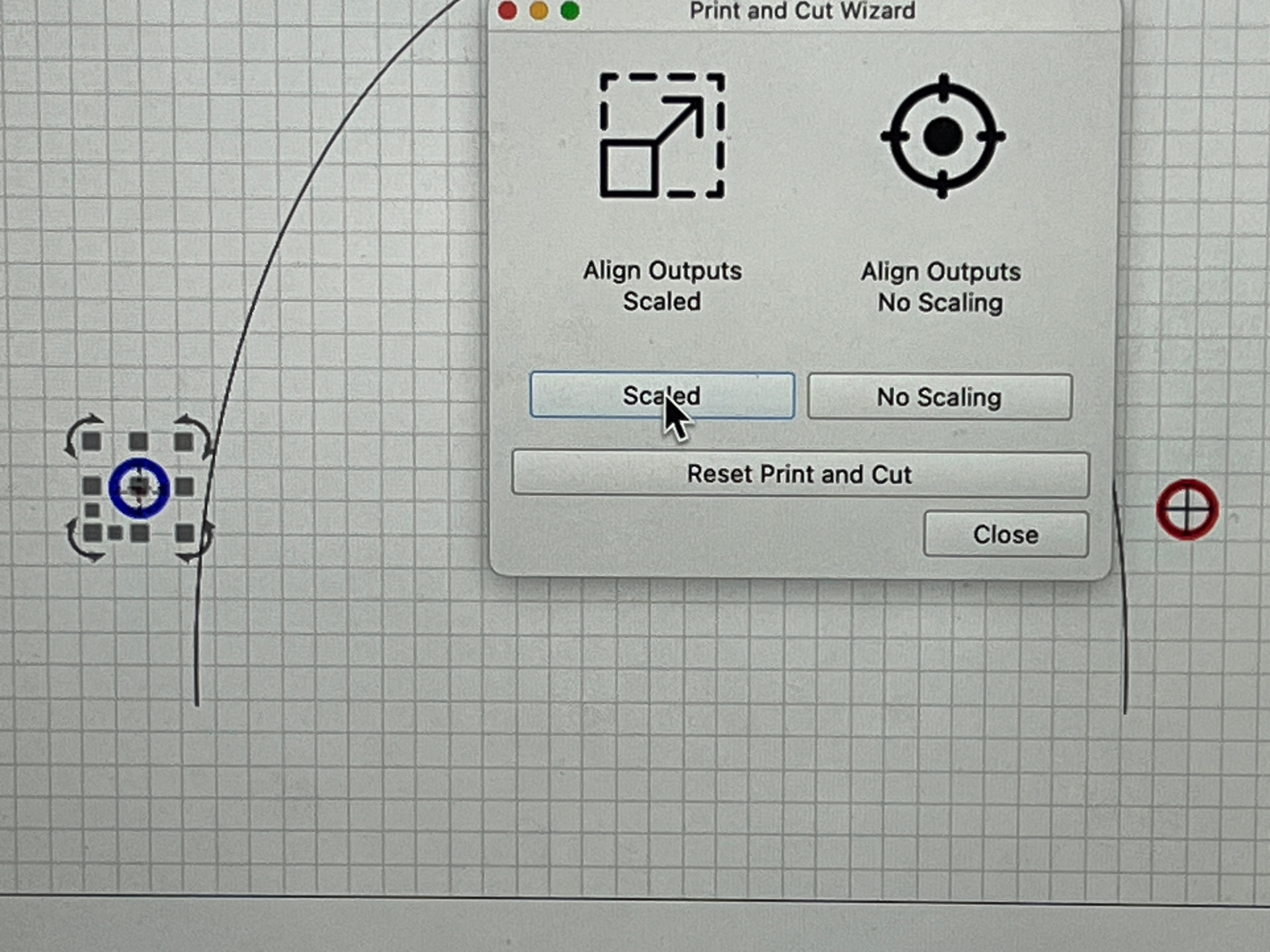
Set position 1
-
Set Position 2
-
Choose no scaling.
-
Recut
-
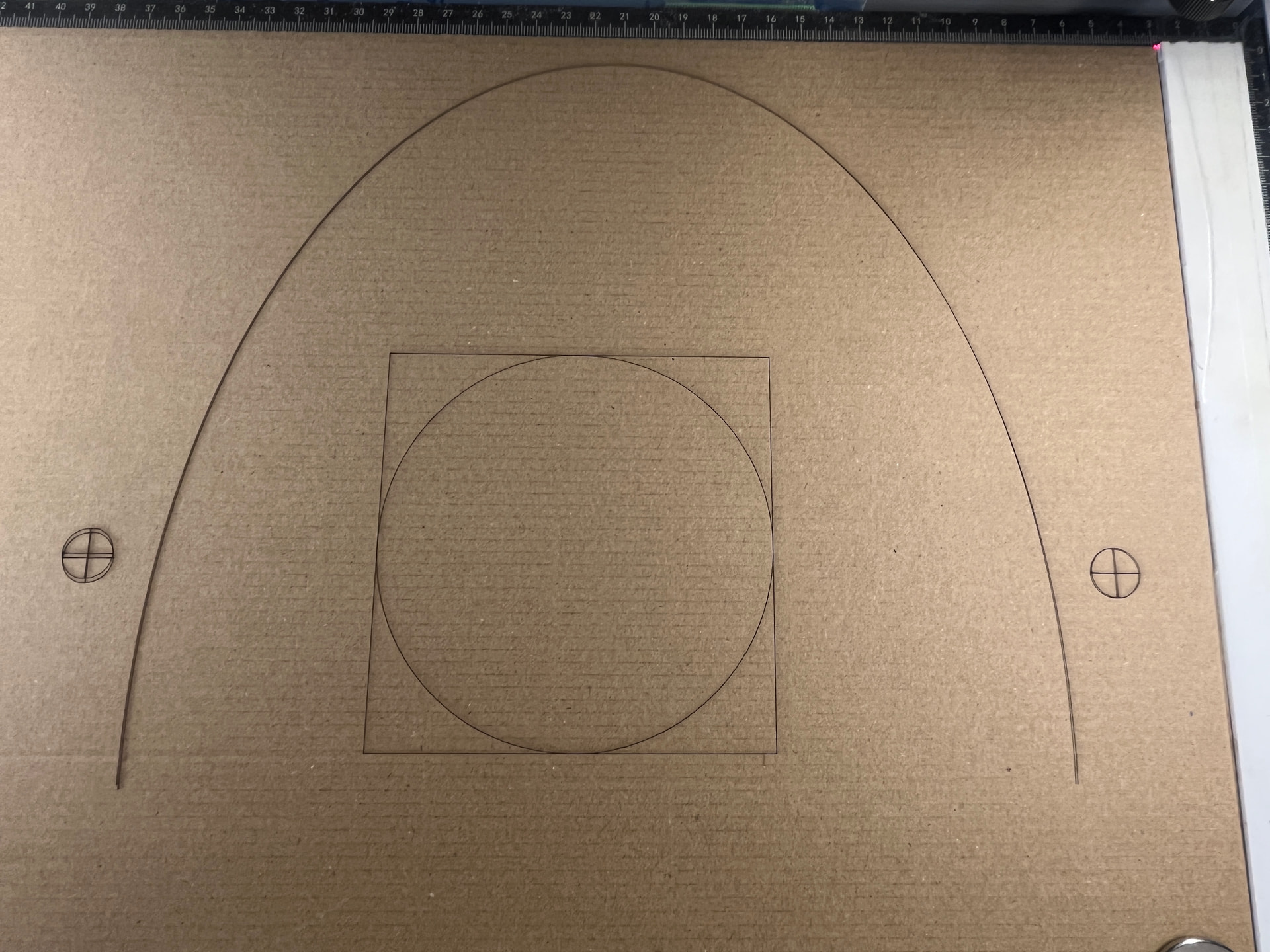
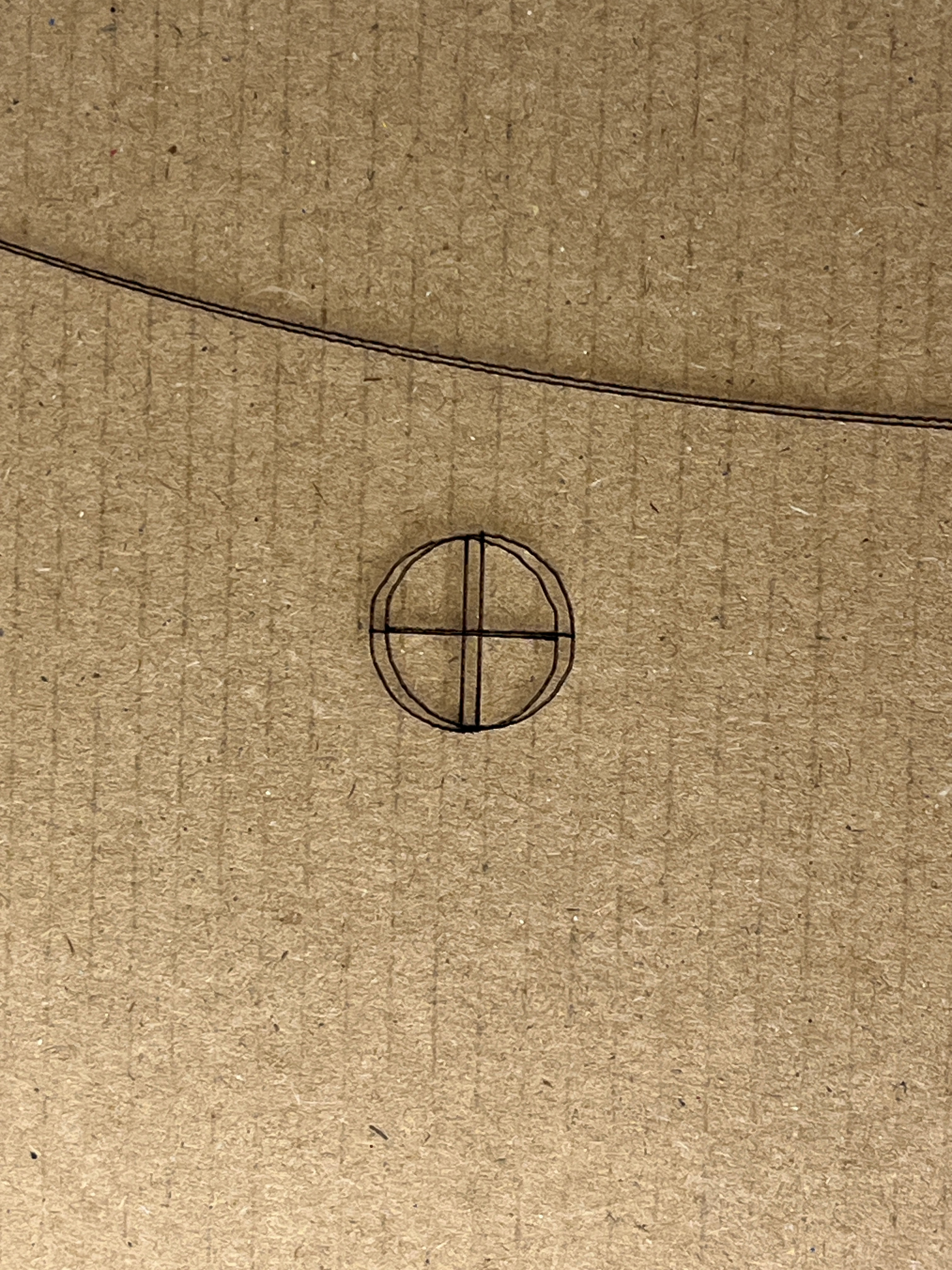
Result is out by a couple of MM this time on Y Axis, but only on target 2
Target 1 is spot on.
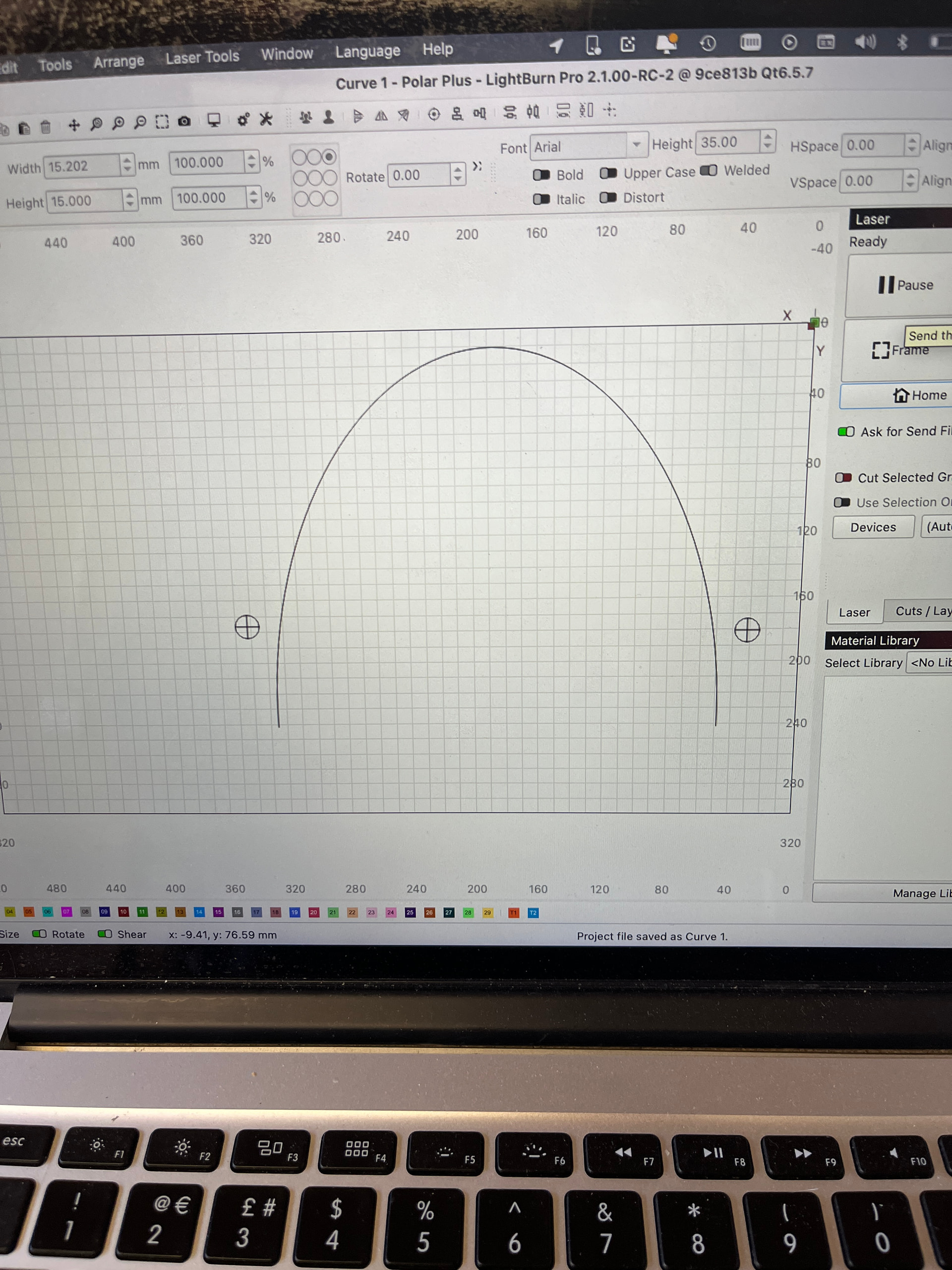
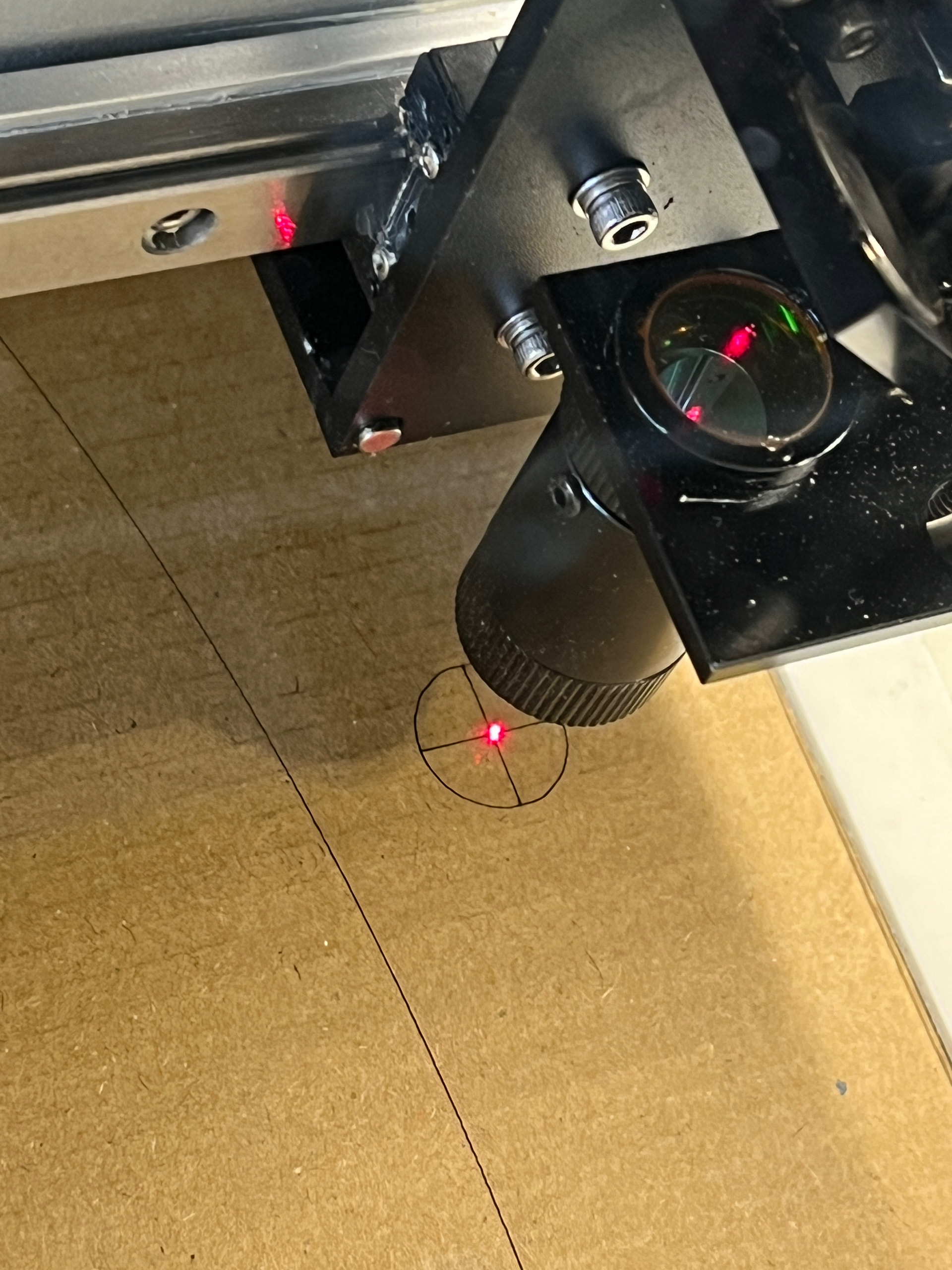
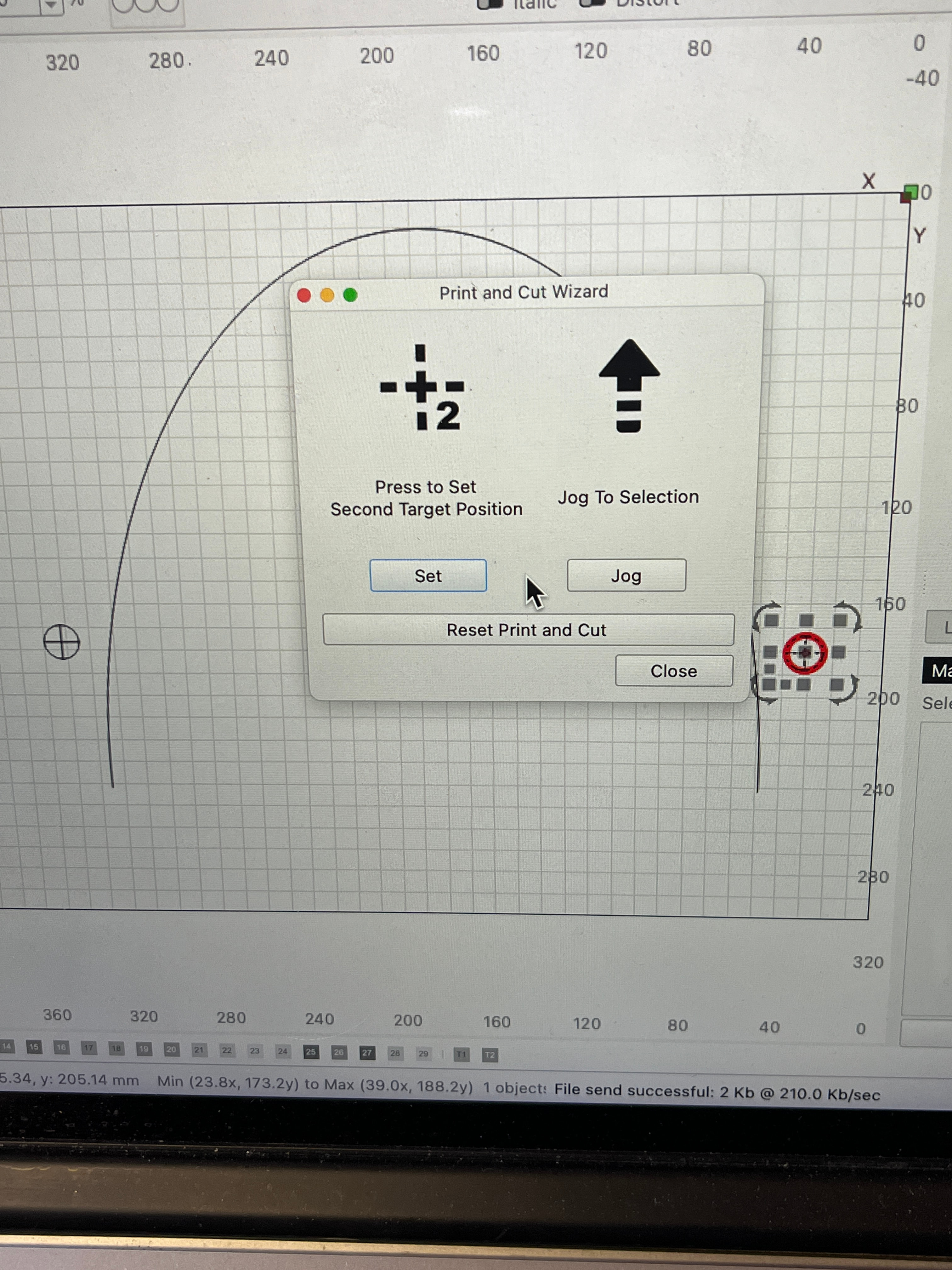
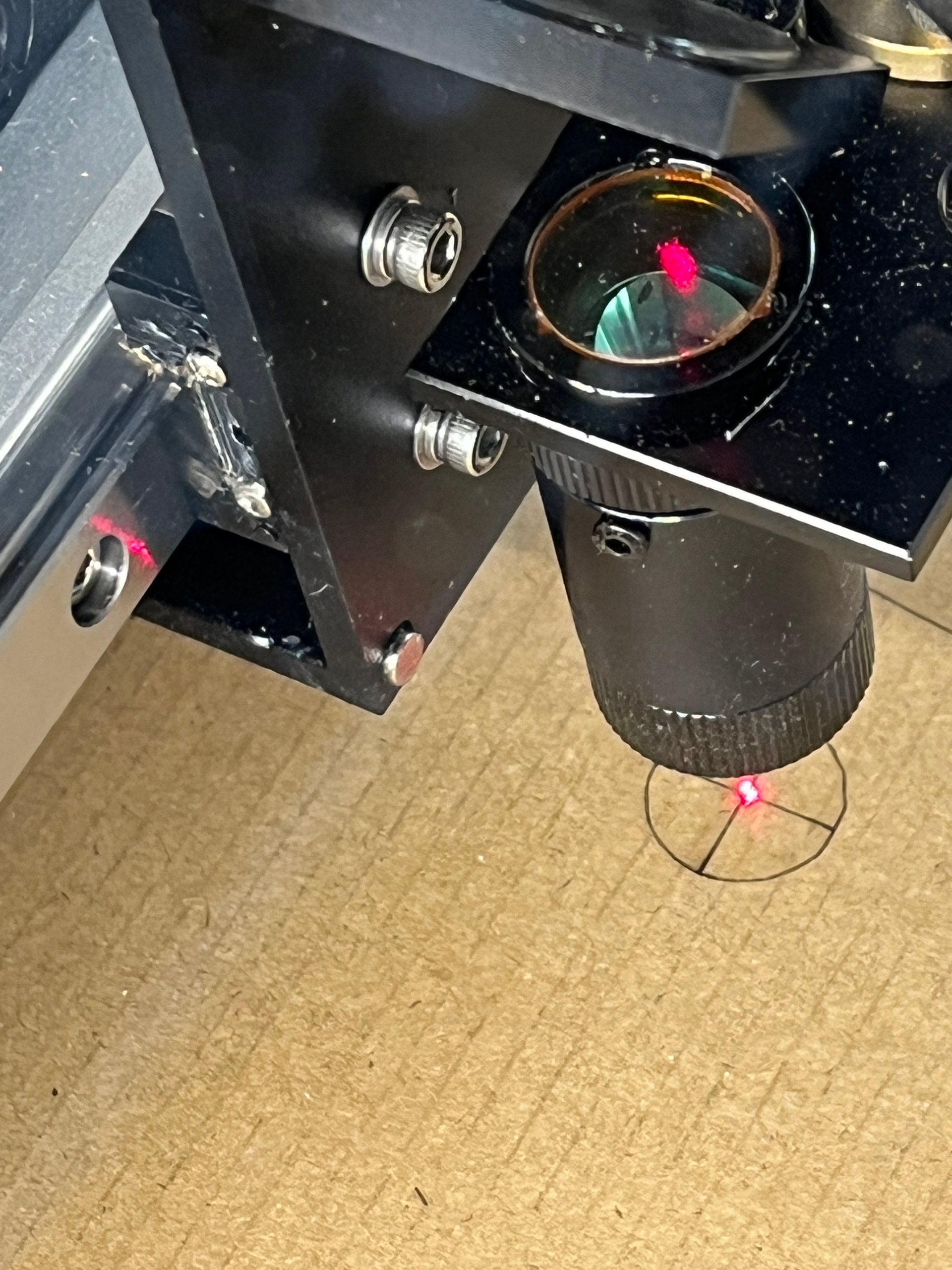
Can anybody see what I am doing wrong or is it Lightburn?
I would verify that your red dot is perfect in all positions by aligning it over the targets, then pulse the laser. The burn should be centered on the targets. If not, your red dot is not in perfect alingment and you will have to use the pulse location for alignment. Mine is off slightly from the laser depending where on the bed I am.
I should have mentioned that the red dot is spot on, but I will do a rerun to check again. Thanks for the comment.


Test firing your laser and using that as your spot to find your target is probably more accurate than using the red dot.
On this test I did not move the material. Just cut it twice. First as normal and 2nd using print & cut.
Thanks Guys It is amazing what a small difference makes. I re-tested. This time firing the laser to check position and run 3 tests:
- With no P&C
- Move material only slightly out of position and use P & C
- Rotate material 180 degrees and run with P & C again (remembering the new target positions)
I could hardly see any variation in the 3 cuts.
Use wafer magnets to hold the work in position.
A bit of clear tape over targets between each laser zap will help identify the new laser mark.
Thanks for the advice.