Any suggestions as to why a .lbrn2 file wont print direct from the “PRINT” option.
I have a file, created in lightburn from .dxf files, that is a gear train or a wooden clock. When I try to print the file (fits on a A4 page) I only get a black dot in the centre of the page. A single gear produced in the same way prints OK.
I am using version 2.1.04 on a asus laptop with 8 mg memory running windows 11.
I attach the file for your perusal
[K&J GEAR TRAIN 1.lbrn2|attachment].
Thanks for any suggestions
here is the lightburn file
K&J GEAR TRAIN 1.lbrn2 (518.0 KB)
Thanks @Novaman2,
Please upload the LightBurn file again, as it failed to load here.

It would also be helpful to see a full-screen capture showing the entire LightBurn screen with your file visible. 

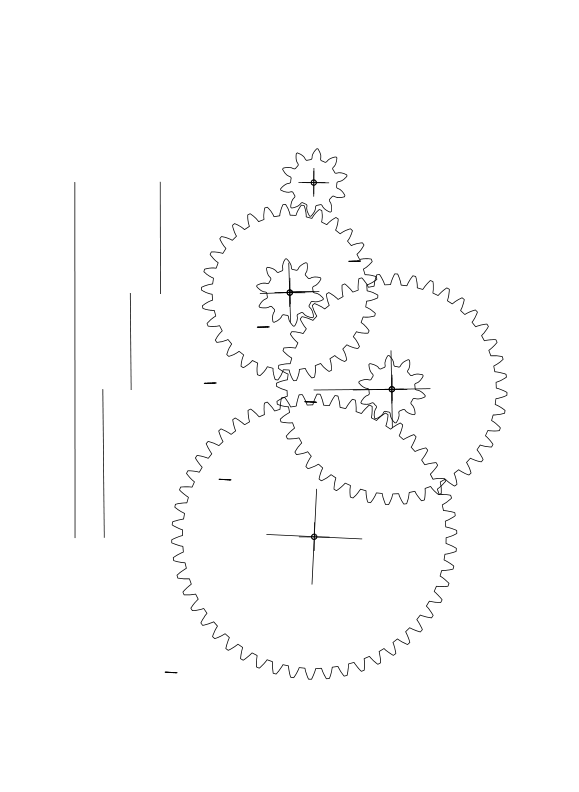
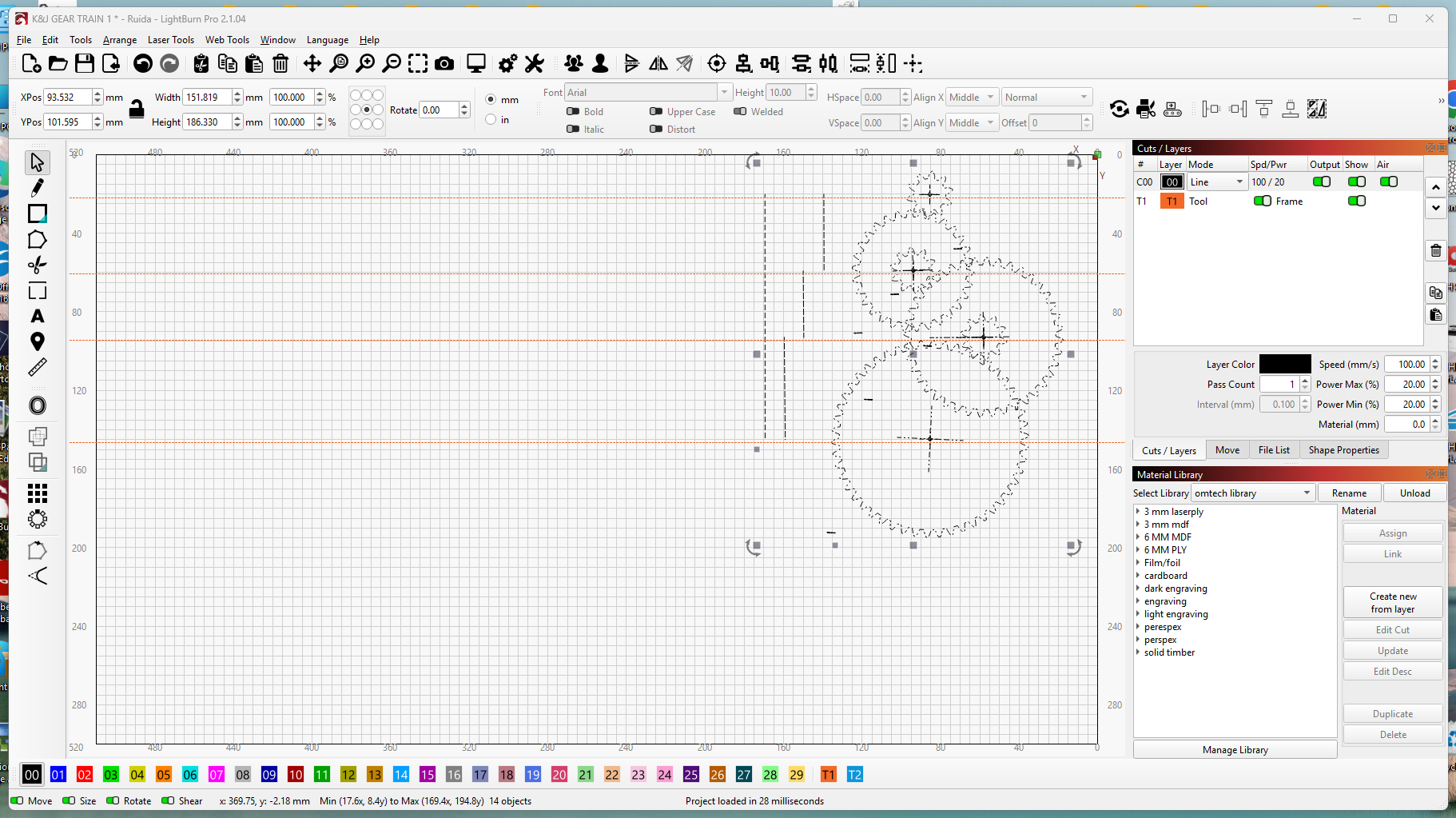
Thanks for the reply. I am confused with what you sent about a “Tool Layer”. Irrespective of how I select the layer (Only one) it still does not print, yet if I only select 0ne gear shape it will print ok.
Problem solve3d. I had a unwanted line of a different color in the file.
Oonce emoved all went OK