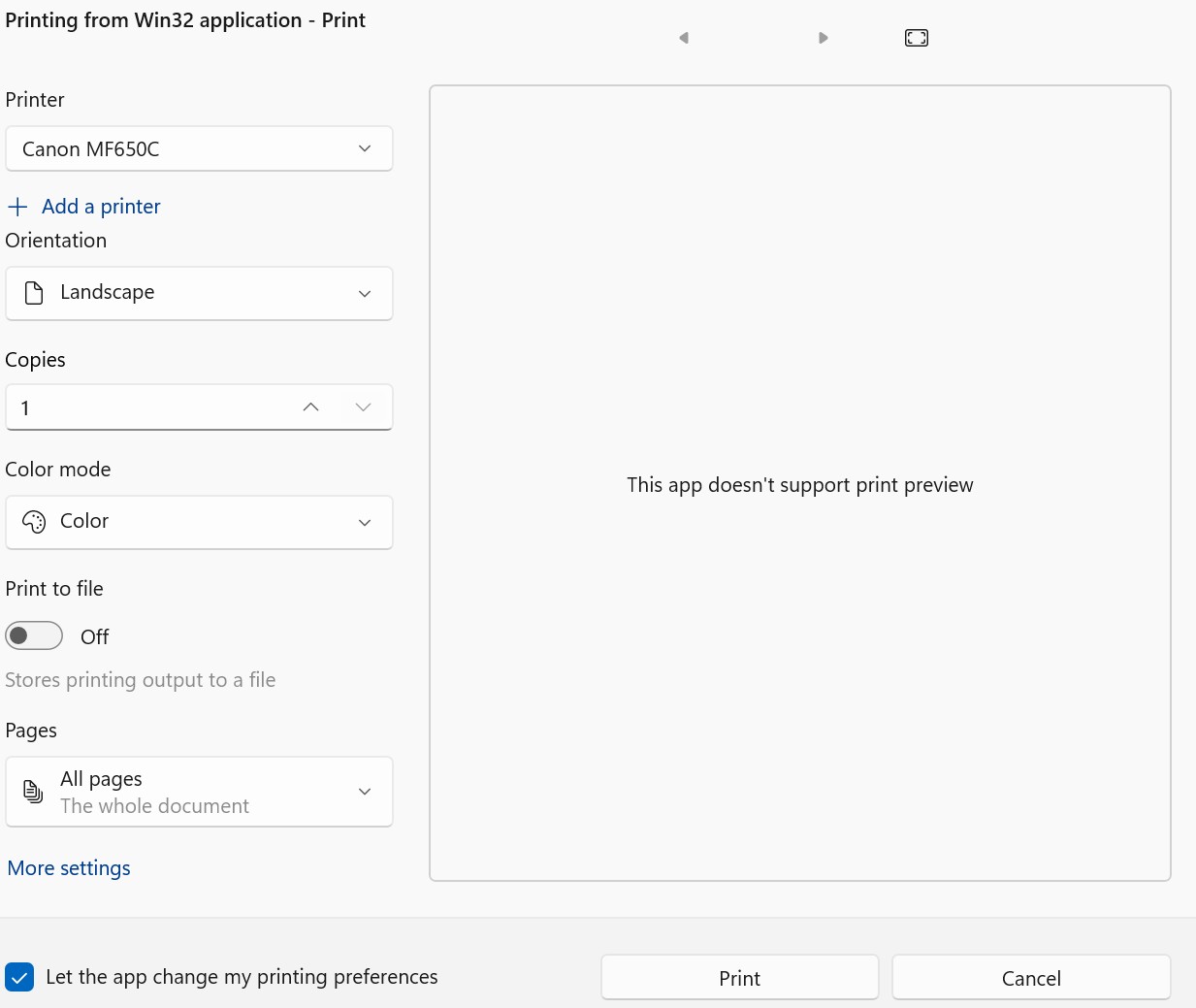
This is interesting. I’m running MacOS 15.6.1 Sequoia and LightBurn 2.0.5.
I downloaded the kerf tool and I’m generating working print previews in PDF and Saving the print as a PDF file and both are working.
With the Kerf tool in the workspace in LightBurn, please confirm the following.
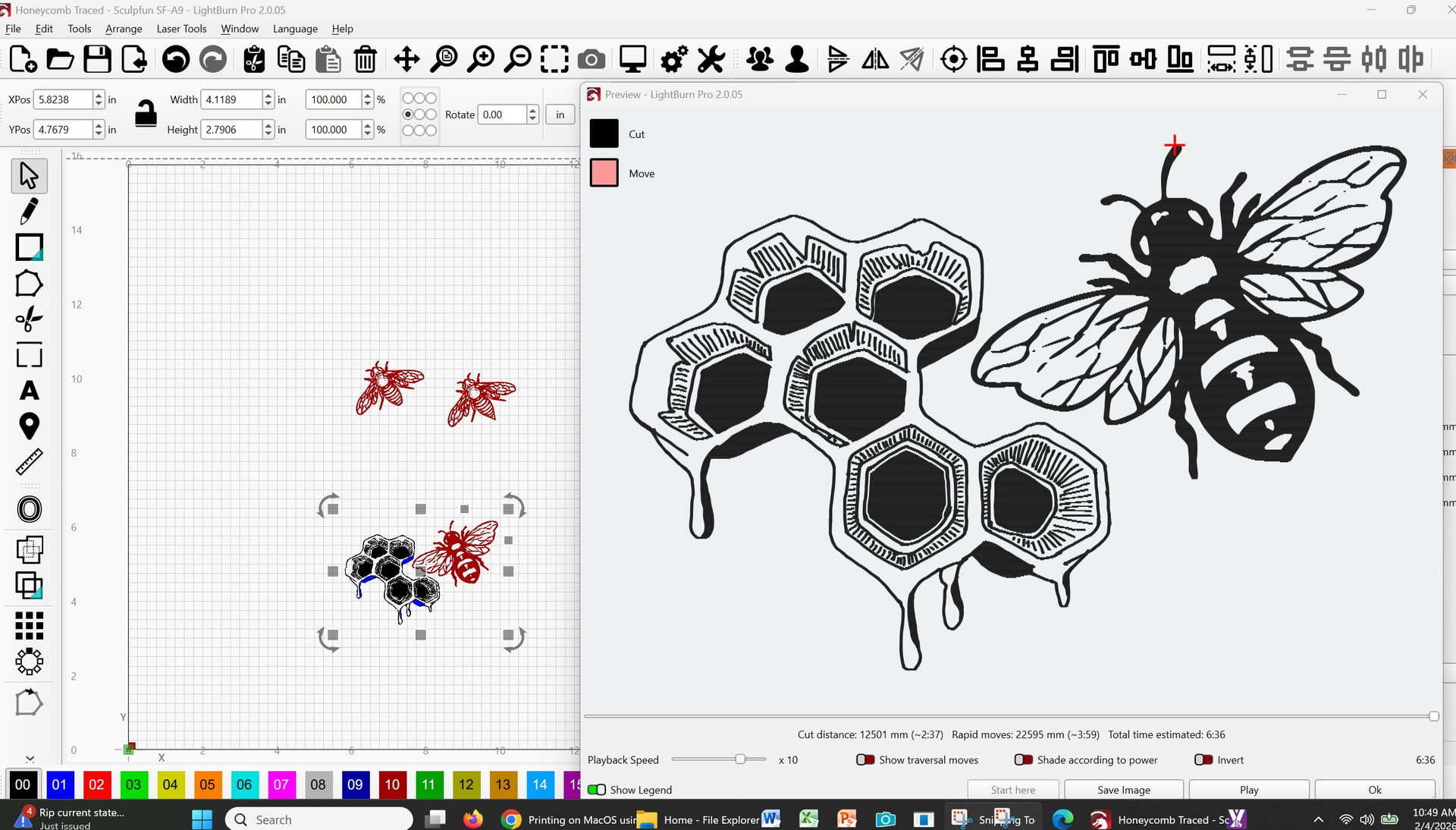
In the Preview window, you are seeing what you would expect to be sent to the printer.
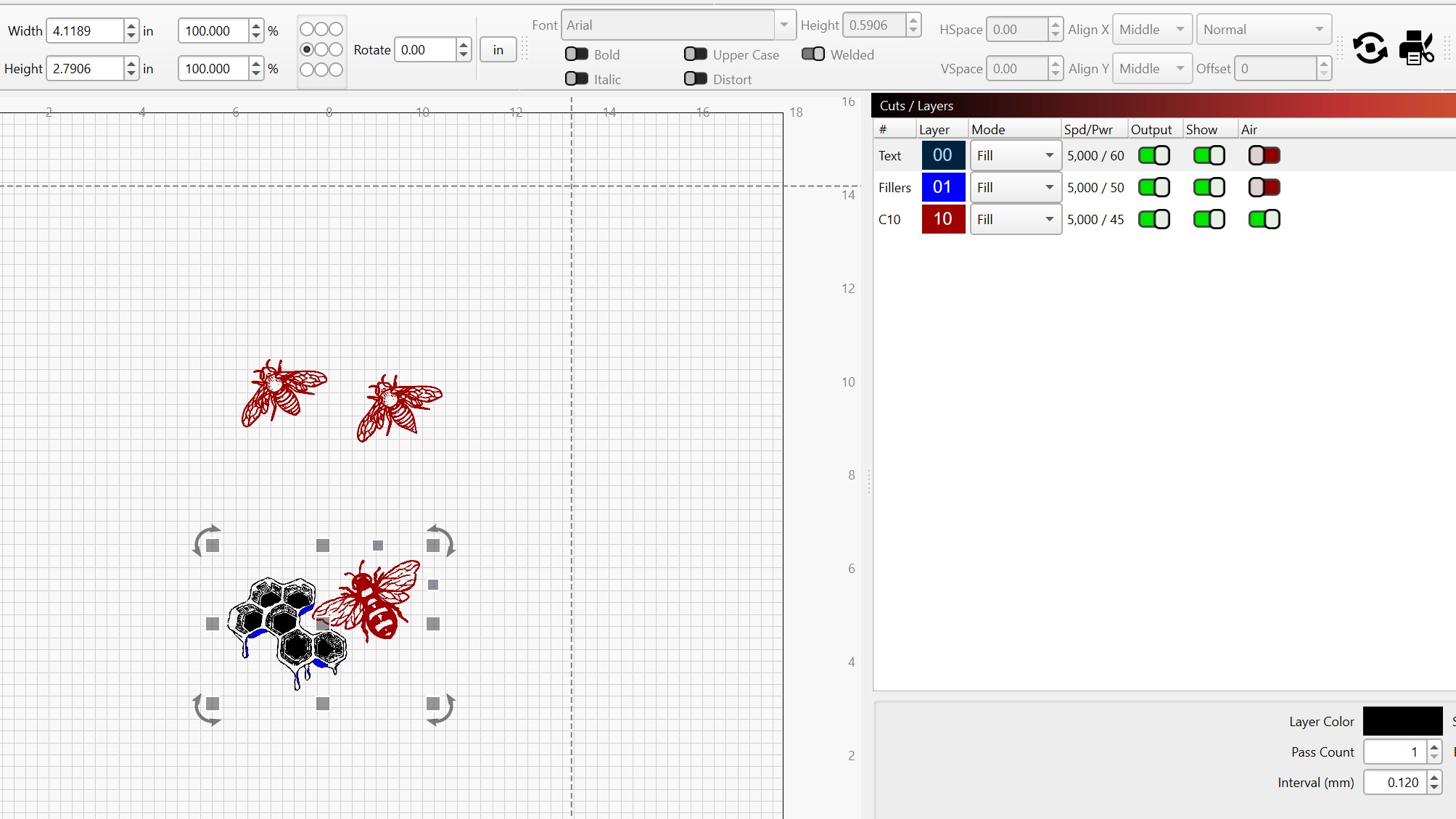
In the Cuts/Layers Window the Output switch next to Spd/Pwr is switched on for both layers.
In the Move window, the switch for Cut Selected Graphics is switched off.
The Preview Window generates a warning message if no layers are switched on (to Output) or if Cut Selected Graphics is enabled with none of the graphics selected in the workspace.
Even with the switches set to prevent output, i’m generating complete pdfs.
Yes, in the preview window all looks good.
Yes, output is enabled for both layers
Yes, “Cut Selected Graphics” is turned off (but that is in the “laser” window not in the “move” window)
I enabled the logging then opened the project (by clicking the downloaded file), the first did “print/pdf/send to preview” and “print/pdf/save as pdf” (both empty) and got this output:
17:31:28.214 D: “LightBurn Core 2.0.05” “Wed Feb 4 2026”
17:31:49.543 D: Clipboard data present:
17:31:49.543 D: QList(“text/plain”)
17:32:15.282 D: Releasing Tool: Selection
17:32:15.284 D: Created Tool: Selection
17:32:15.291 D: EV: 1018 took 360 uS
17:32:15.291 D: EV: 1013 took 516 uS
17:32:15.295 D: EV: 1018 took 14 uS
17:32:15.299 D: EV: 1009 took 7818 uS
17:32:15.299 D: Shape count after close (should be zero): 2365
17:32:15.301 D: EV: 1018 took 8 uS
17:32:15.301 D: EV: 1015 took 305 uS
17:32:15.308 D: ReadProject: 4 ms
17:32:15.308 D: Import: 4 msecs
17:32:15.309 D: EV: 1001 took 11 uS
17:32:15.319 D: EV: 1018 took 14 uS
17:32:15.320 D: EV: 1018 took 18 uS
17:32:15.321 D: EV: 1009 took 12174 uS
17:32:15.321 D: EV: 1001 took 3 uS
17:32:23.461 D: Clipboard data present:
17:32:23.461 D: QList(“text/plain”)
17:32:44.859 D: Clipboard data present:
17:32:44.859 D: QList(“text/plain”)
17:32:44.956 D: Page DPmm: 47.2209 DPI: 1199.41
17:32:51.539 D: Clipboard data present:
17:32:51.539 D: QList(“text/plain”)
17:33:35.723 D: Clipboard data present:
17:33:35.723 D: QList(“text/plain”)
17:33:35.816 D: Page DPmm: 47.2209 DPI: 1199.41
17:33:50.009 D: Clipboard data present:
17:33:50.010 D: QList(“text/plain”)
Neither choice works on mine. Did a Log file (attached), but I see nothing helpful there, I also included the .lbrn2 file, which I also suspect will not be helpful.