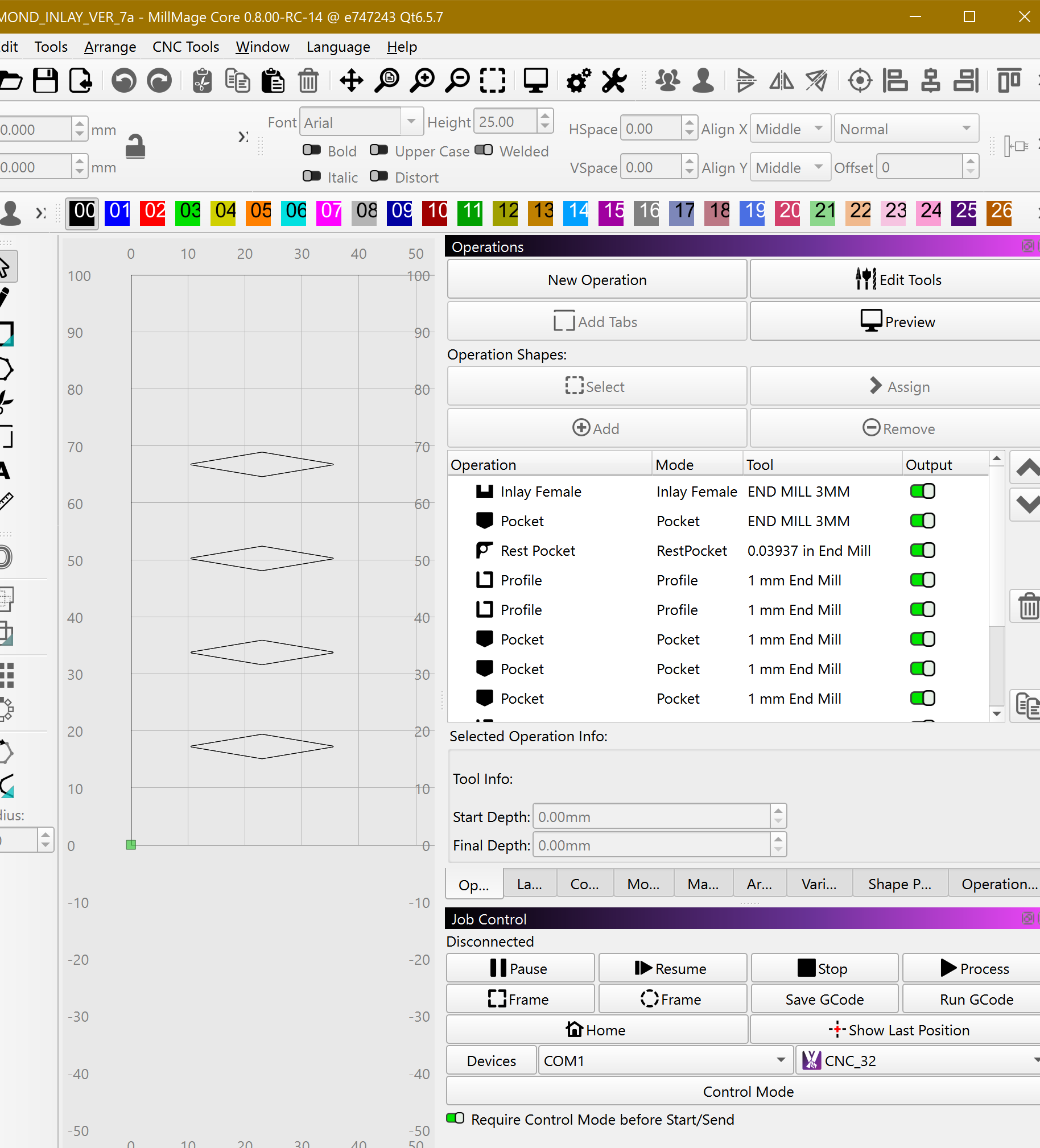
just downloaded the new ver MillMage Core 0.8.01-RC-3 @ 204e2b7 Qt6.5.7 and could not create a new operation, tried profile and pocket
Could you explain step by step where and how it failed to create an operation?
Are you on Windows or MacOS?
windows 11
i opened a file with no operations (with simple design), then clicked new operation, selected tool and parameters and then clicked ok, but nothing is showing up in the operations window.
Just before you press Save, to finish the operation add, did you update all the manditory fields?
I’m on Windows 11 and had no issue making a profile and a pocket op.
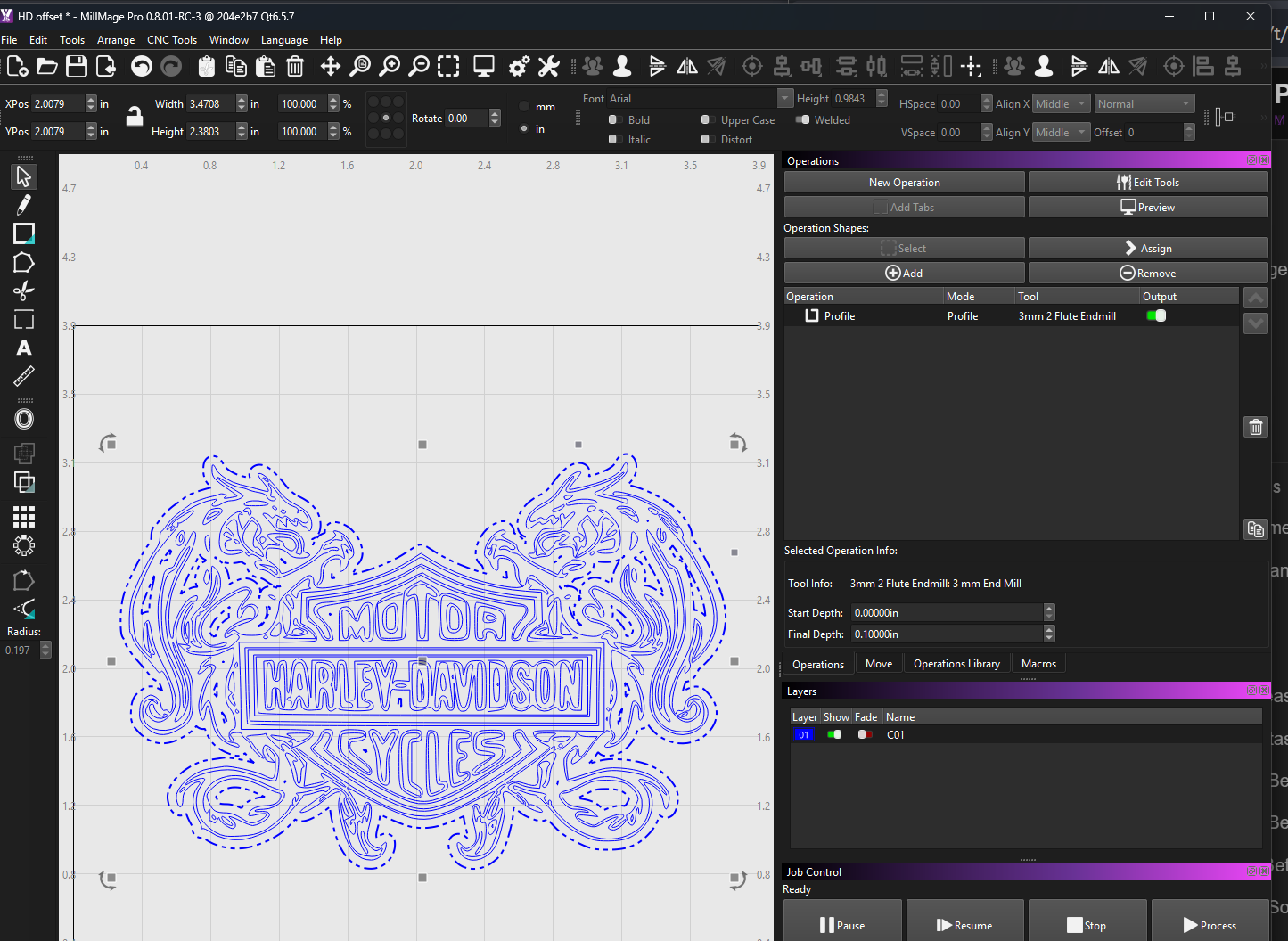
yes, i made a lil windows snipping video but the upload button wont allow the file upload
screen shot 3 steps
DIAMOND_INLAY_VER_7a.mage (28.8 KB)
I can replicate this with same file, whether shapes selected first or not, on second MillMage window with the same Tools library as the first window, if this helps.
no_operation.mp4.txt (838.6 KB)
This is odd, if I create similar shapes fresh second window I can create an OP.
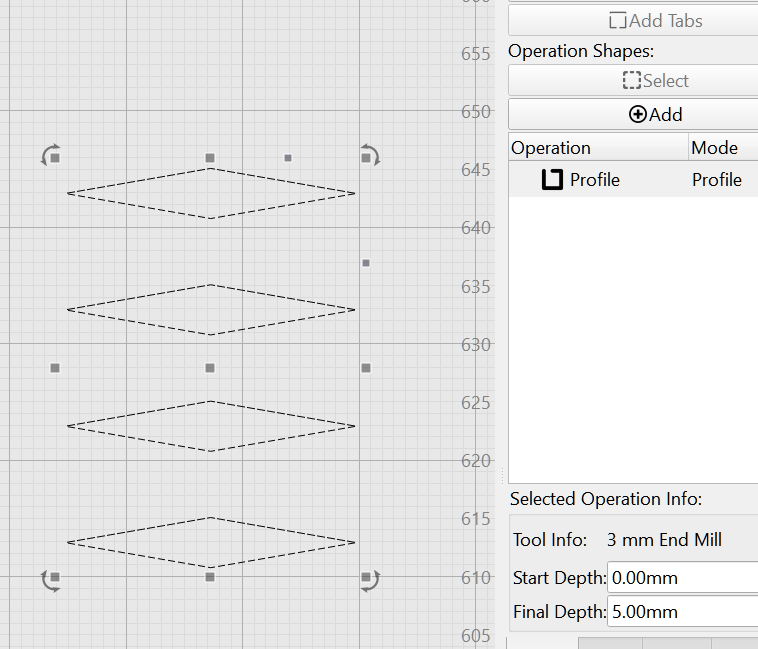
The same bug happens with MillMage Core 8.0.00.
.
.
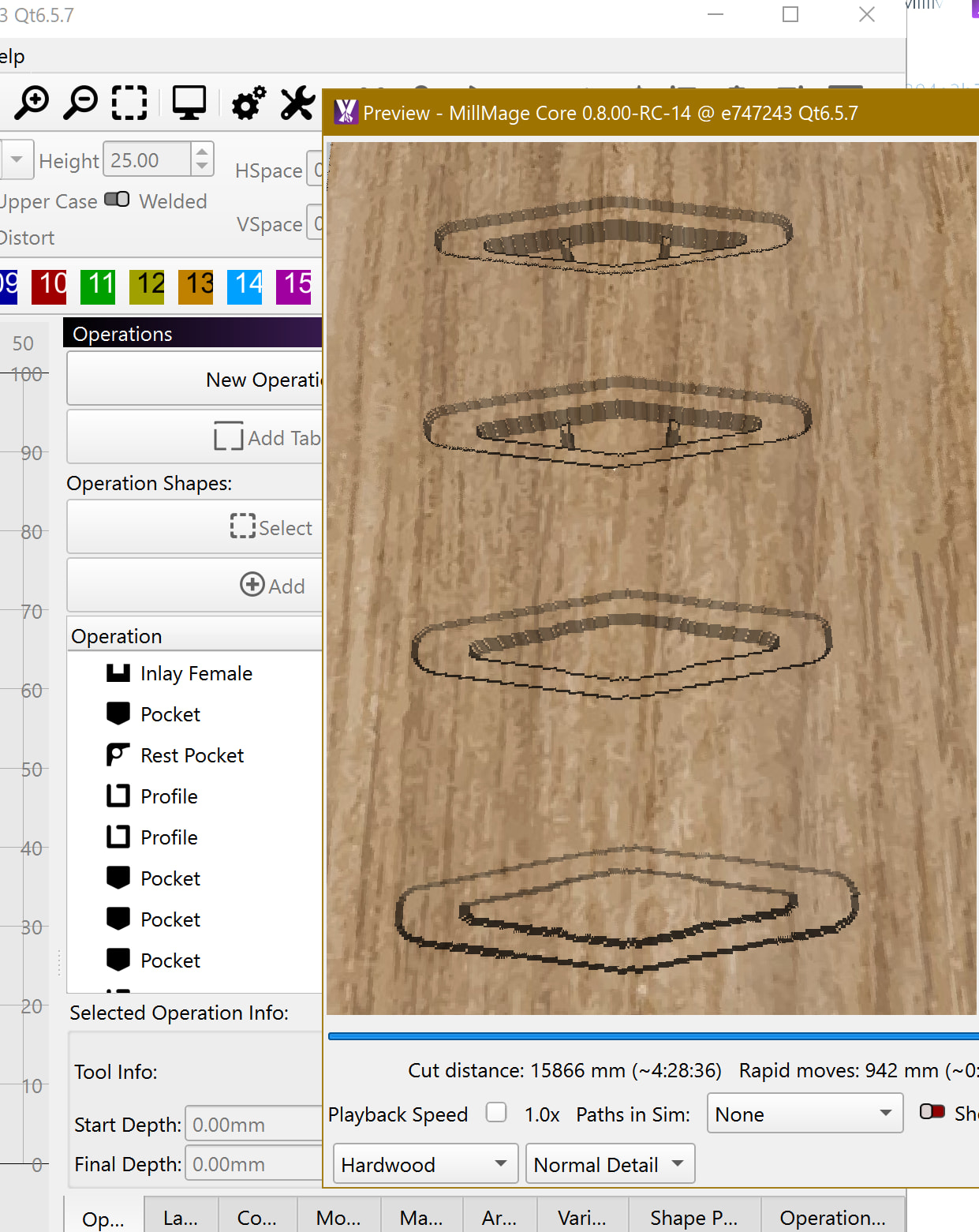
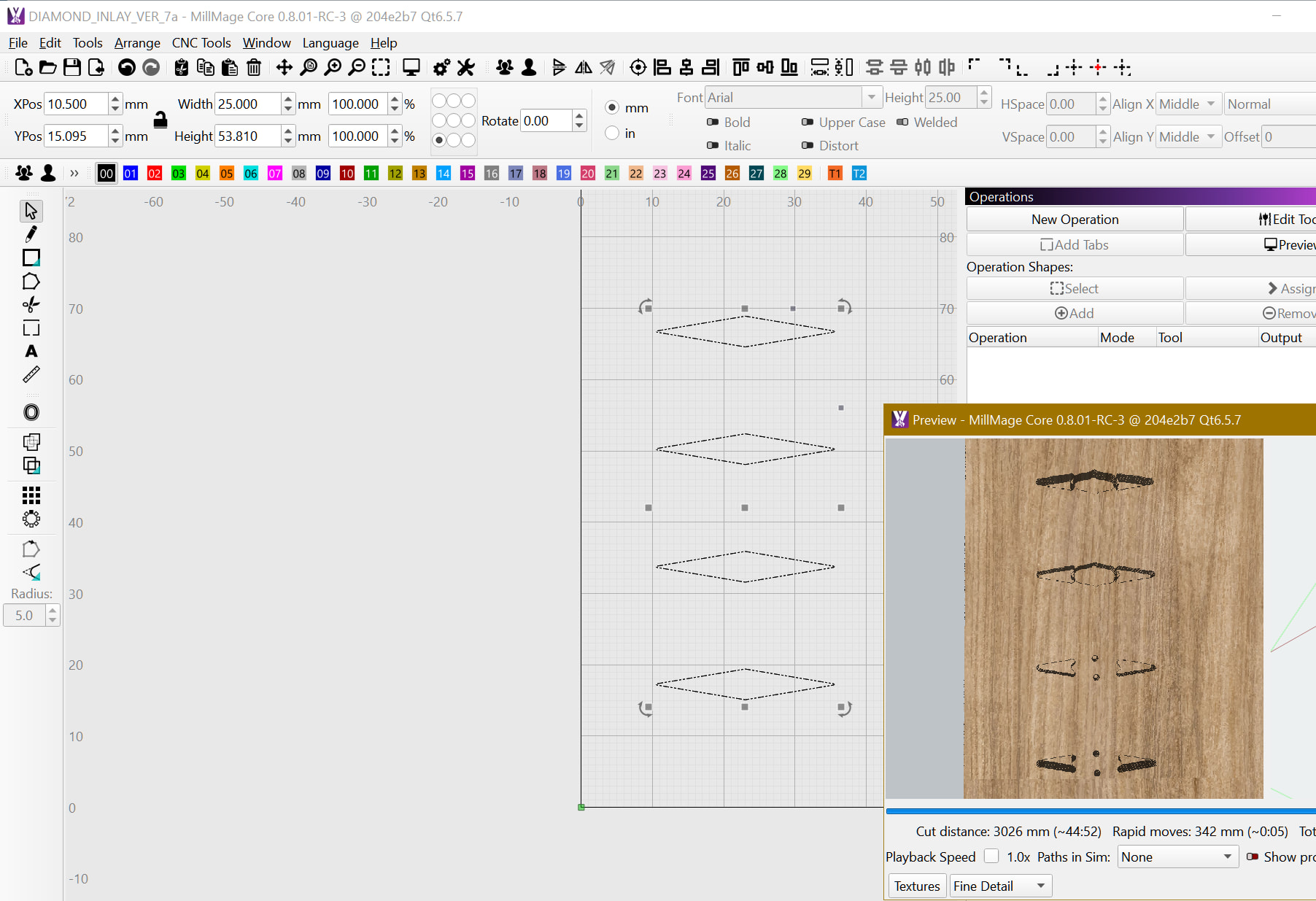
I can do a preview with your file without OPs showing:
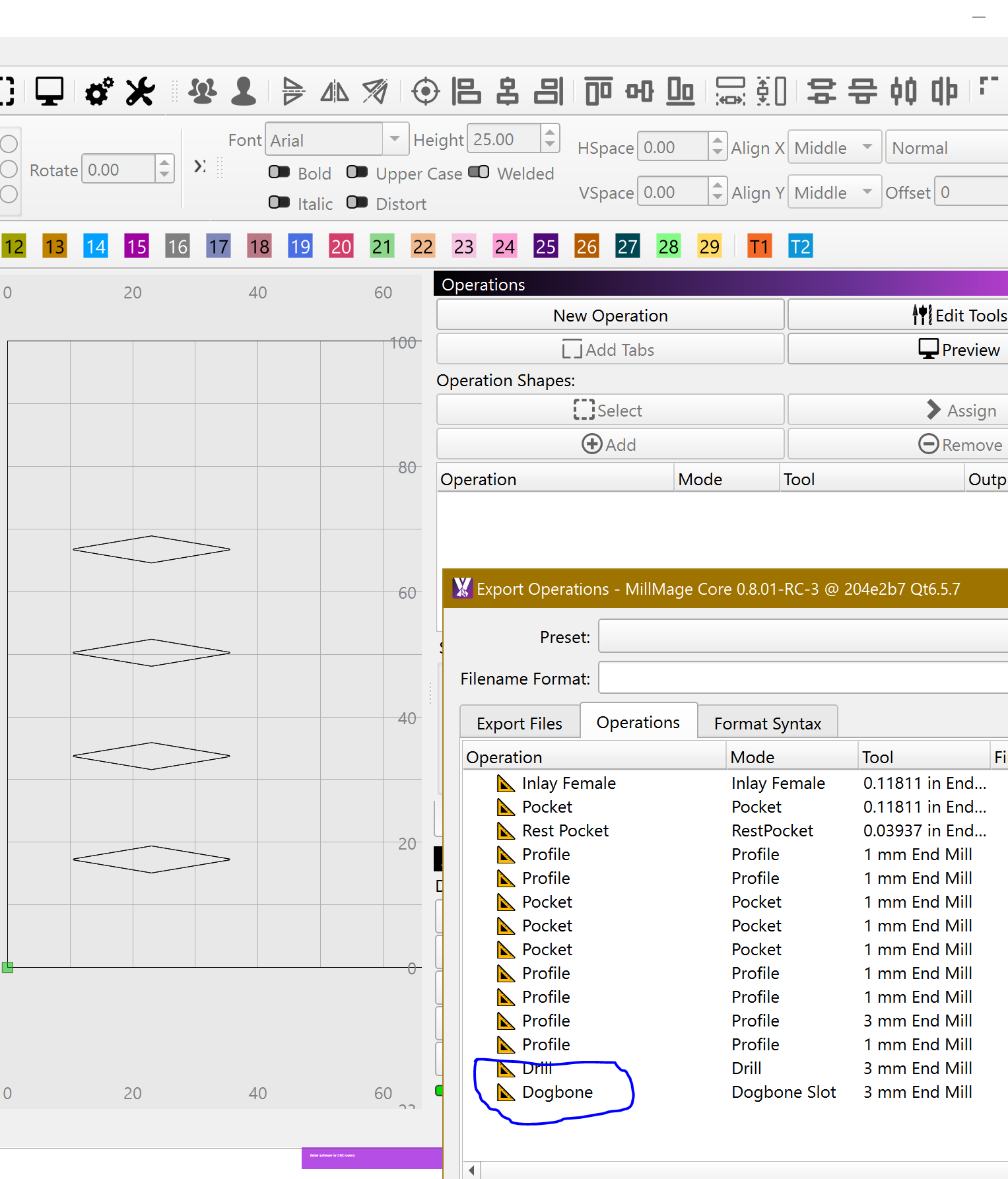
So you have the following operations set:
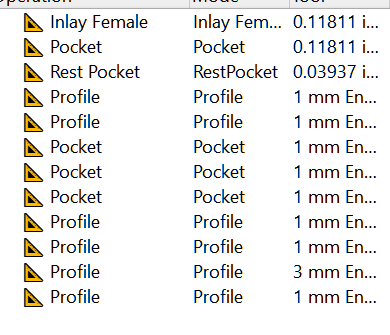

Why they didn´t show in the OPs window??
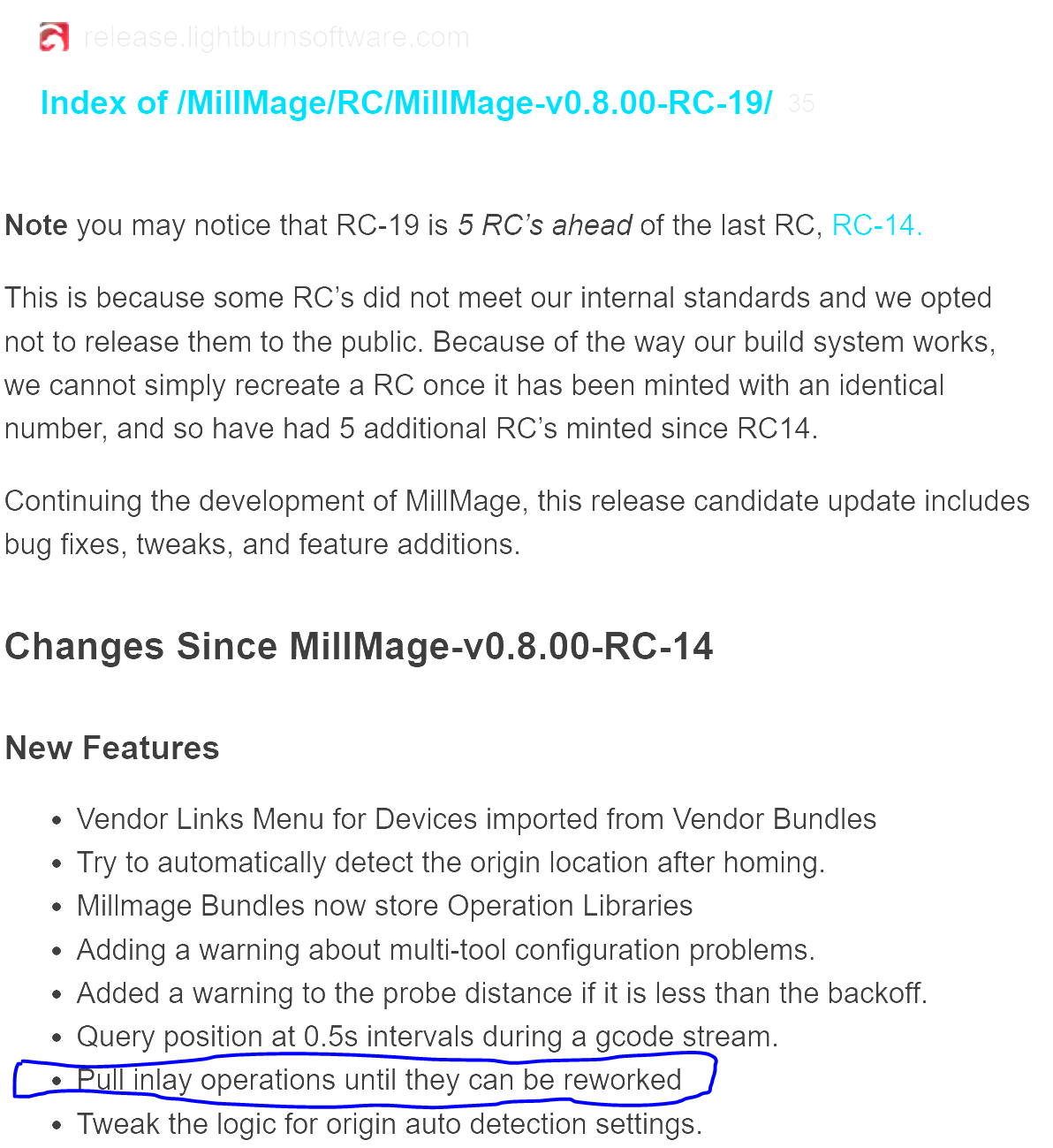
Have you created your file with MillMage RC-14?
i can create a new file and the op will work, its just a simple file, but i should be able to add operations to this file.
i just downloaded the newest version of mm when this problem occurred, i have never had a problem with creating op before. but was just testing the new version. i can open a new project and cut and paste the objects into the new file and then create op with no problem. but still???
just a question for you; how did you get that list with operations set listing?