Hi everyone, I’m importing a PDF generated by CAD into Lightburn and when I start cutting I realize that the lines aren’t continuous but rather pieces of lines that sometimes overlap, resulting in wasted time in transfers. It doesn’t give me the option to convert to a path. Can you help me?
what CAD program are you using?
I don’t know, they gave it to me already drawn, taken from images on the web. I don’t know CAD, I can find out more.
Are you able to share an example PDF with us to play with?
how do I do it?
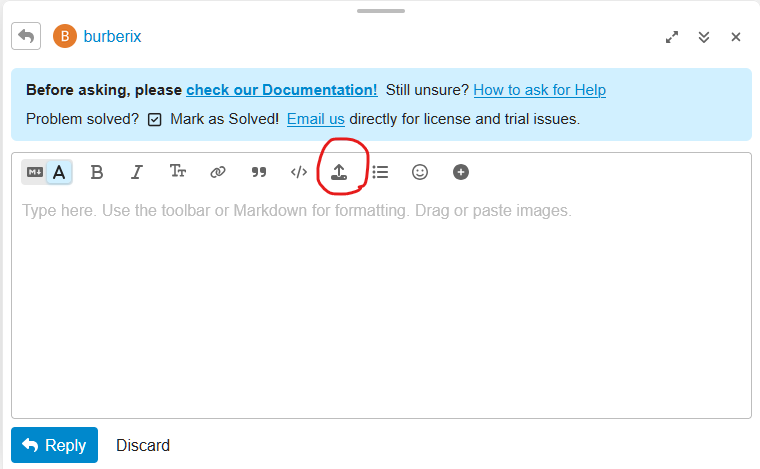
strong textIt won’t let me attach PDFs
Try appending “.TXT” to your file to get around the forum limitations on uploaded file types. For example “myfile.pdf.txt”
equilibra2_1.pdf.txt (27.3 KB)
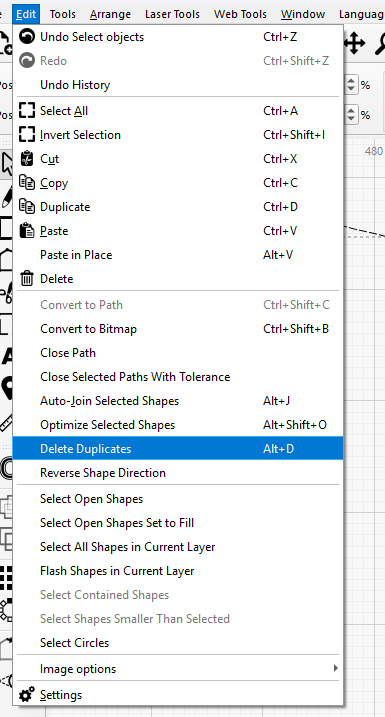
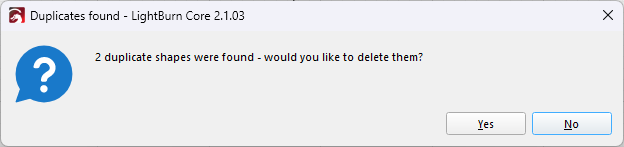
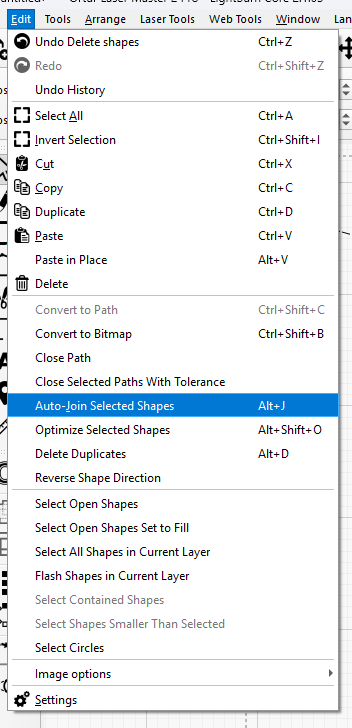
I’ll try it when I get back. Thanks in the meantime.
From what we’ve seen around here, CAD programs generate terrible PDF files.
If all possible, have them export it in DXF or SVG format, because doing so will eliminate a myriad problems:
It works perfectly
I’m pleased that worked for you. Just one thing… you seem to have marked your reply as the solution by mistake.
SOLVED It works perfectly
What @Marcus_Wakefield is asking is “What did you do that solved it?”