It is only the change in object diameter that changes how far the rotary turns.
If I set its circumference to 90mm it goes as precisely one turn as I can get it.
The diameter of the chuck is 80mm, so that is 251mm circumference.
If I set the spr to 6400 and 90mm circumference, it goes one full round, and if I set the spr to 16000 and 90mm circumference it goes one complete round.
I can`t seem to find that setting in my controller, the closest I get is step lenght in µm.
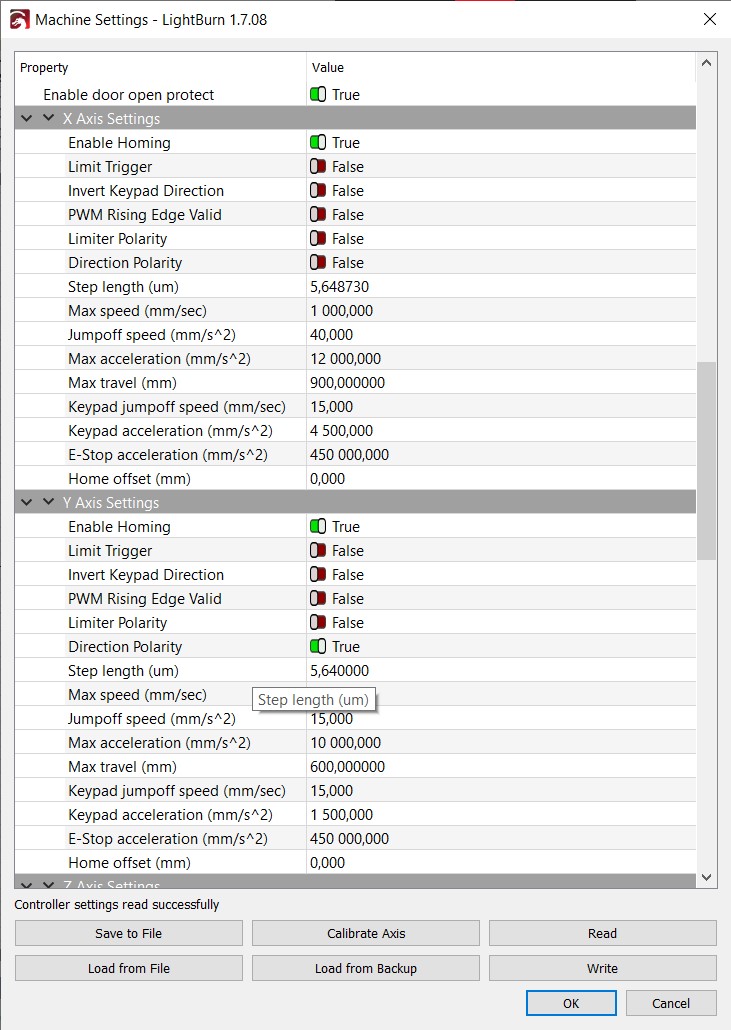
Also if I have rotary enabled, the rotary wont turn if I try to send a square of 50mm. But if I dont have rotary enabled it will turn the rotary, but then the Y-axis of the square won`t be 50 mm, but closer to 100mm.

