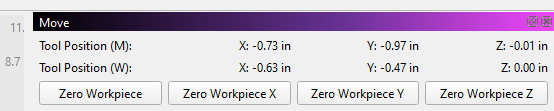
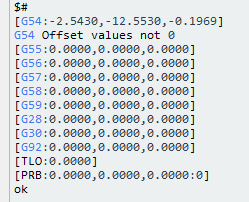
I have not had much experience with CNC or MillMage yet. A after I home my machine and jog the machine to the center of my material, I click to zero all axis, all axis show zero. If I jog off the center point when I click goto xy it returns to within about 3/4 inch of zero. It must be something I am doing wrong in MillMage. I dont seem to have the problem in gSender.. Any Idea what would cause this.
I am having a hard time following exactly what you are doing, but this jumped out at me…
Once you Home, the Origin (Zero) is set for all three directions. After that, you should only change Zzero to be at the top or bottom of your material. You should be working in Absolute coordinates. Changing the Origin (X & Y) position means you have both experience with coordinate systems and a reason for changing it.
How you did things in Lightburn may not easily translate to the CNC mill operations. Can you provide a list of the specific steps you took so we can reproduce what happened to you?
I guess I need to find a video showing how to use and set up the coordinates in MillMage. I am using a CNC I built, I am not even sure it is working correctly. I am sure I am not understanding how it is supposed work. I was trying to use the center of the workpiece for origin
If at any point you do not understand the terminology or the meaning of something, come back to the Forum and ask questions. Playing with MillMage and your machine is your best teacher.
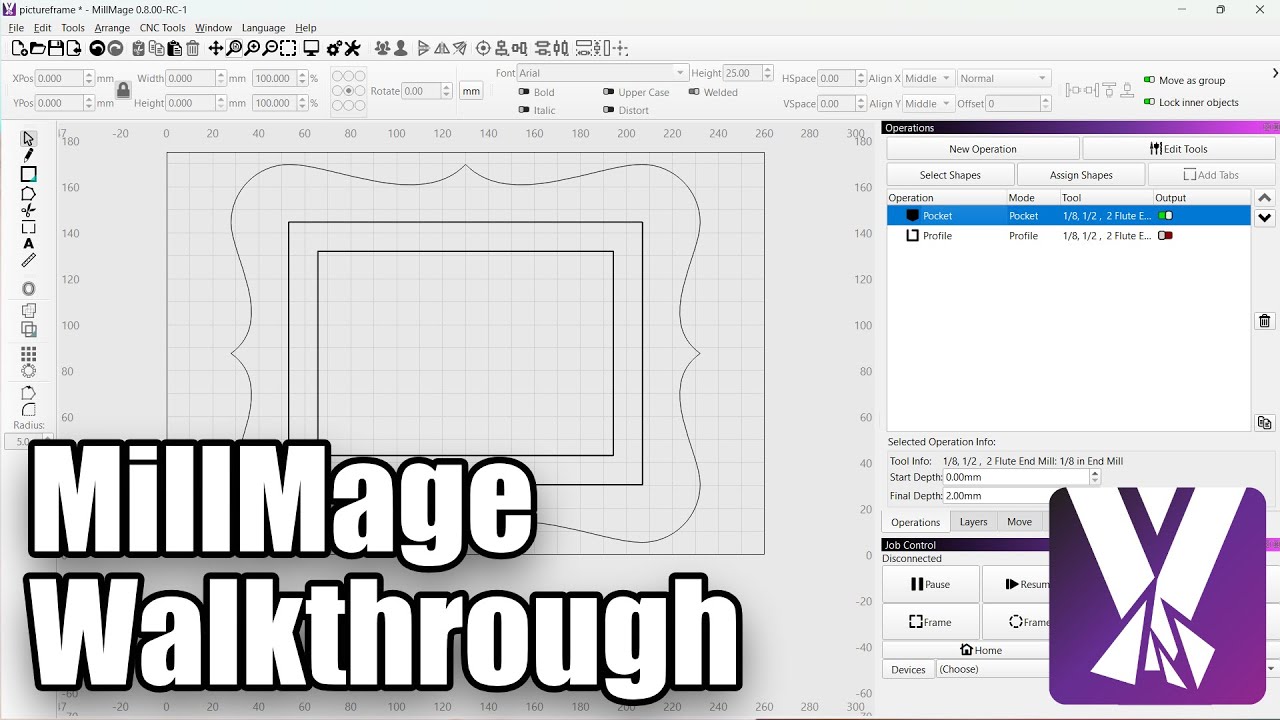
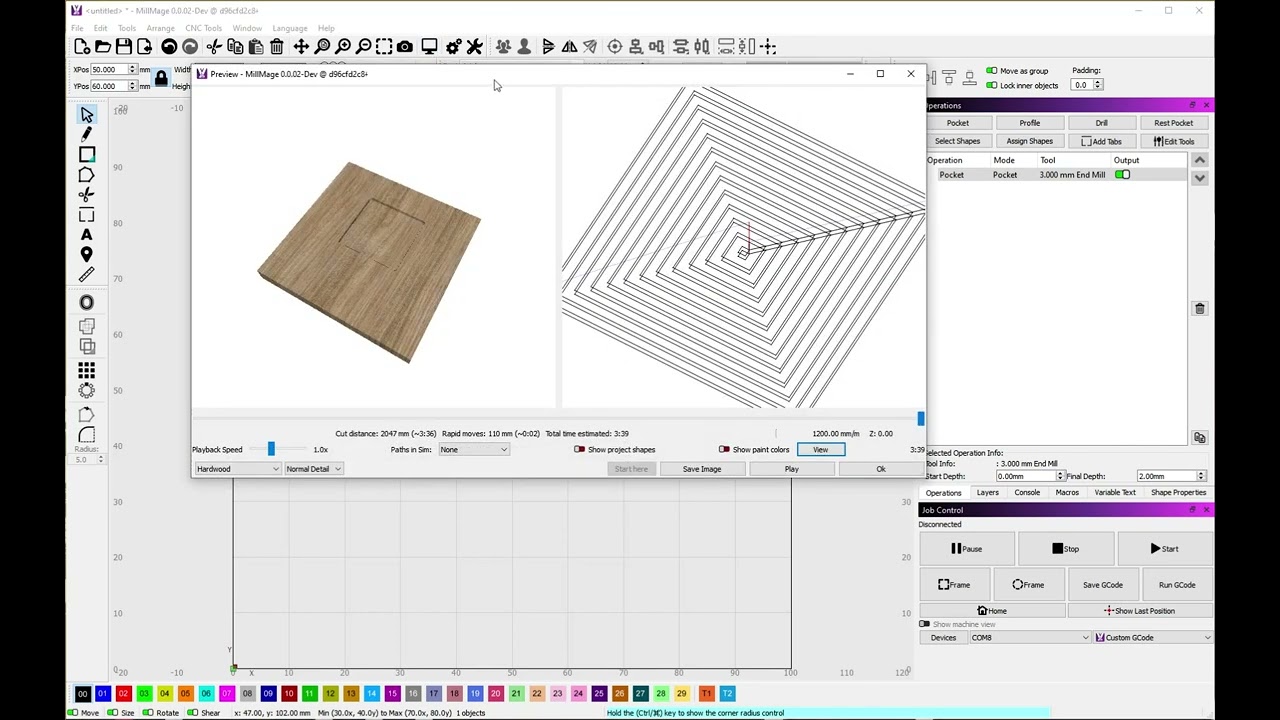
Getting Started Docs
Getting Started Video
MillMage Basics (Jumpstart) Video
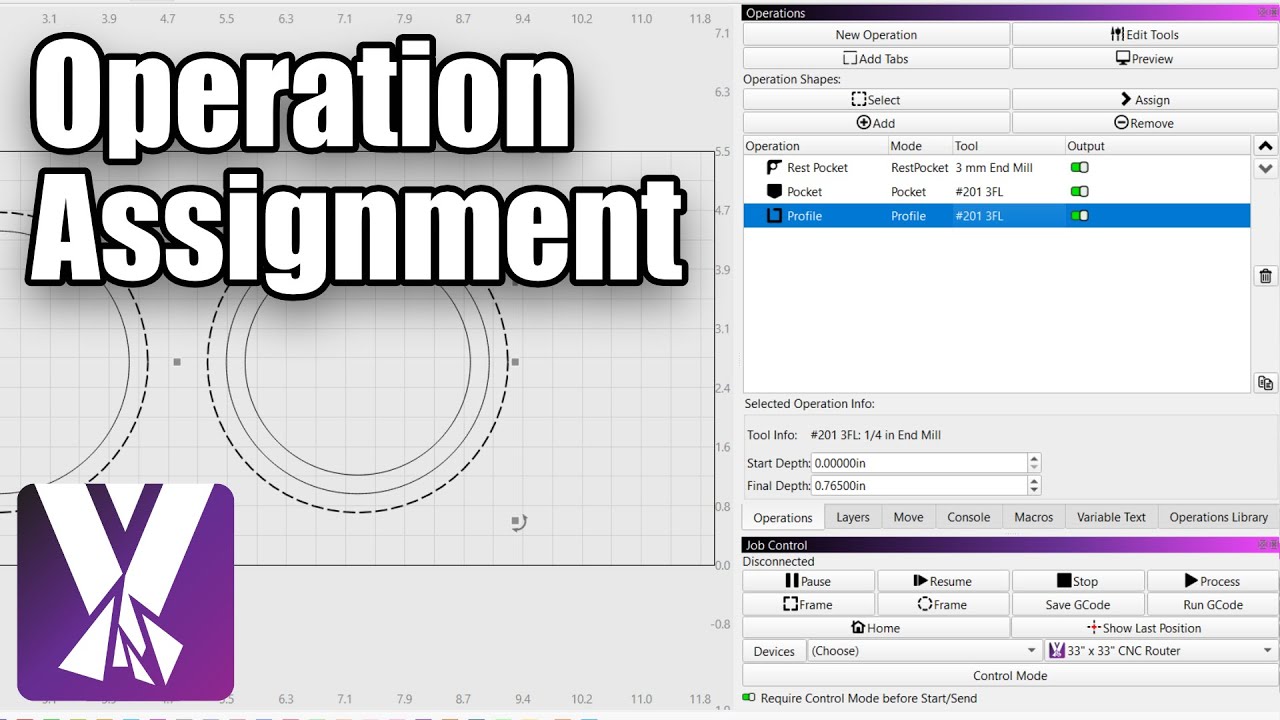
MillMage Assigning Operations Video
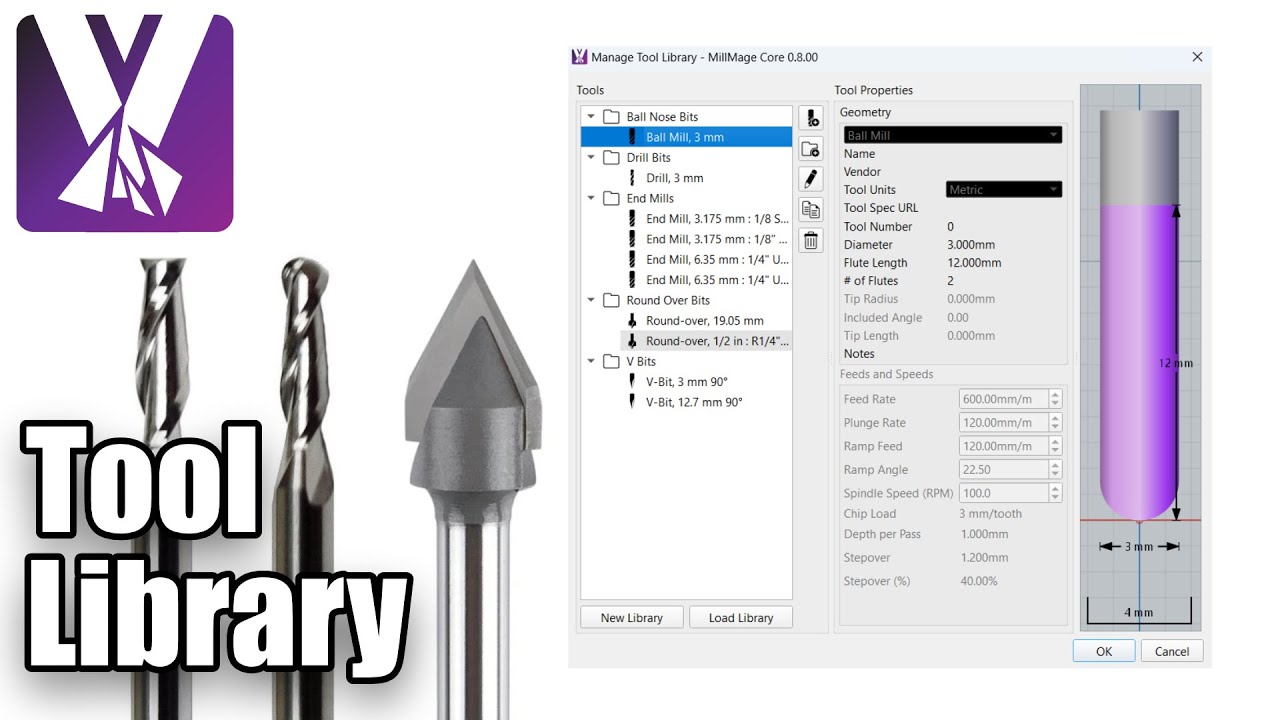
MillMage Tool Library Video
MillMage Online Documentation
I am including this, but bear in mind MillMage has changed a lot since these were written. You may find differences between what you see on the screen and what is documented.
Thank You for the videos. I started them this morning. The first thing I noticed is that when I home my machine. It uses the distance the machine comes off the switches as the machine home position. It is never 0. Is this correct or is something set wrong.
Tim, I had same issue. Zero as you did then jig where ever you want. After jogging always go home before telling it to go to XY zero. Works every time for me and then once I go back to XY I use current position not absolute position. Learned this trick in V-Carve and it also works in LightBurn
Or stay with Absolute Coords and have your design location match the jig location. Then there is no need to use a goto or set an X&Y zero after you Home the machine.
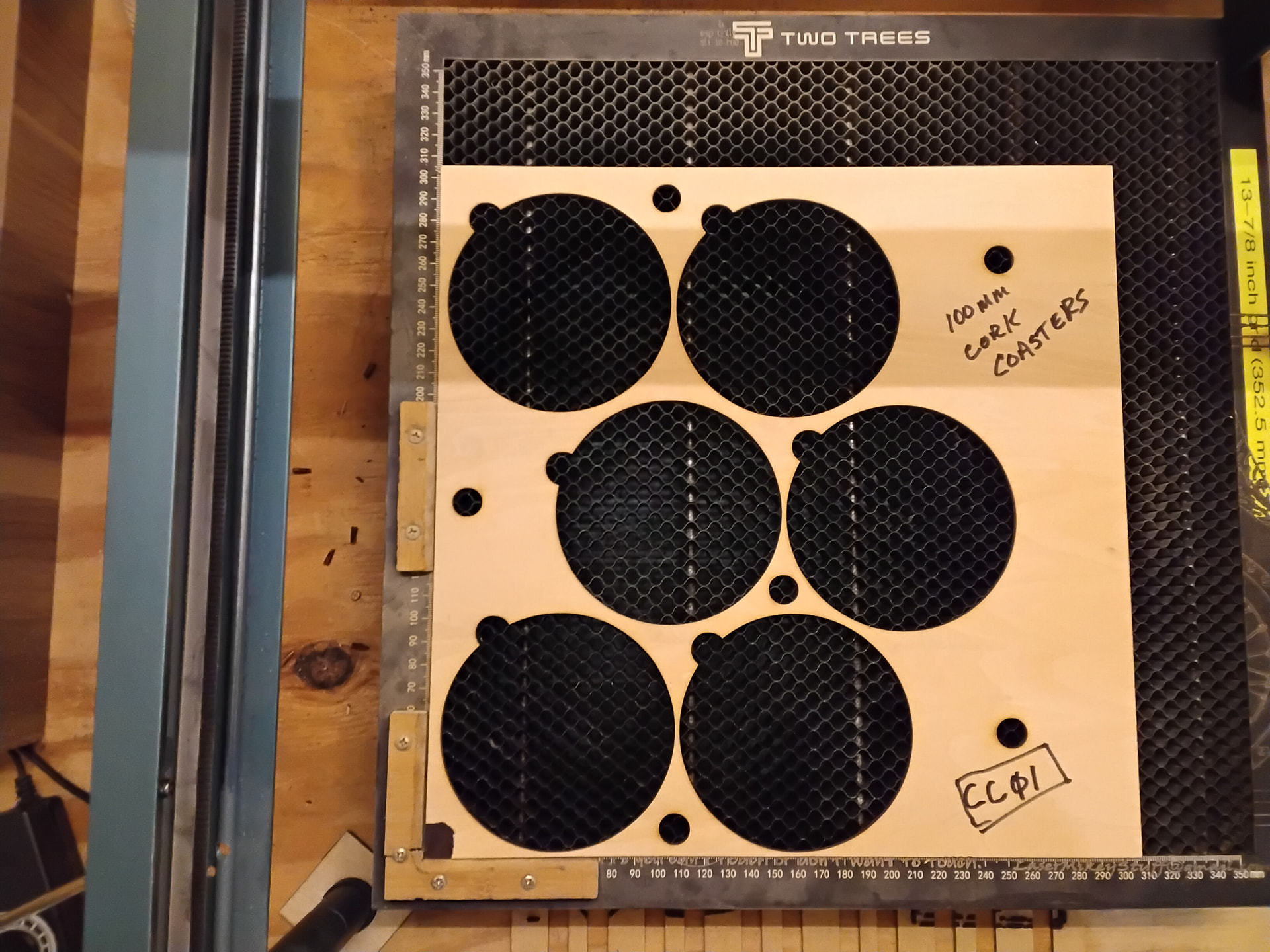
I use my part program to create the jig and then it always matches. I locate the jig in the front left corner of the honeycomb. I load the program, put text in the circles, load the fixture with product, and hit start. Of course, the laser frame and honeycomb must be secured so they cannot move.
I am not sure you are dealing with the same thing I fought with or not, but since you are trying to start from the center of your workpiece, I just wanted to mention that you need to have your project origin set to center as well. I was used to using Lightburn and once I did that, I centered the bit on the workpiece and hit start. All machining is calculated from that centerpoint. I stopped worrying about the coordinates, as mine homes to the -400 at lower left.
I am not at my machine now so I cant really tell details now. I found that MillMage was sending wrong codes when I clicked xy zero. It would always go close to workpiece zero. It didn’t matter whether it was center or bottom left corner. . I finally figured it was off the same amount as machine home was from the limit switches. I found the correct codes online and put them in a macro. And it works every time. I realize it could be some setting I changed in Millmage but I am not sure where.
I really like the way Lightburn works. I just used the camera and put the design over the image. worked every time.