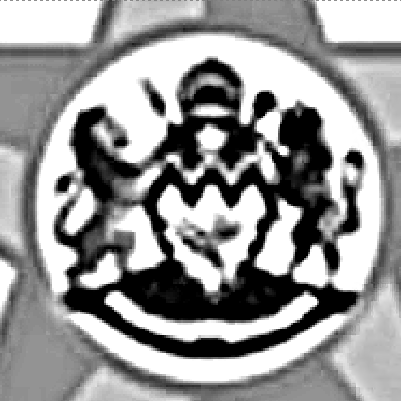
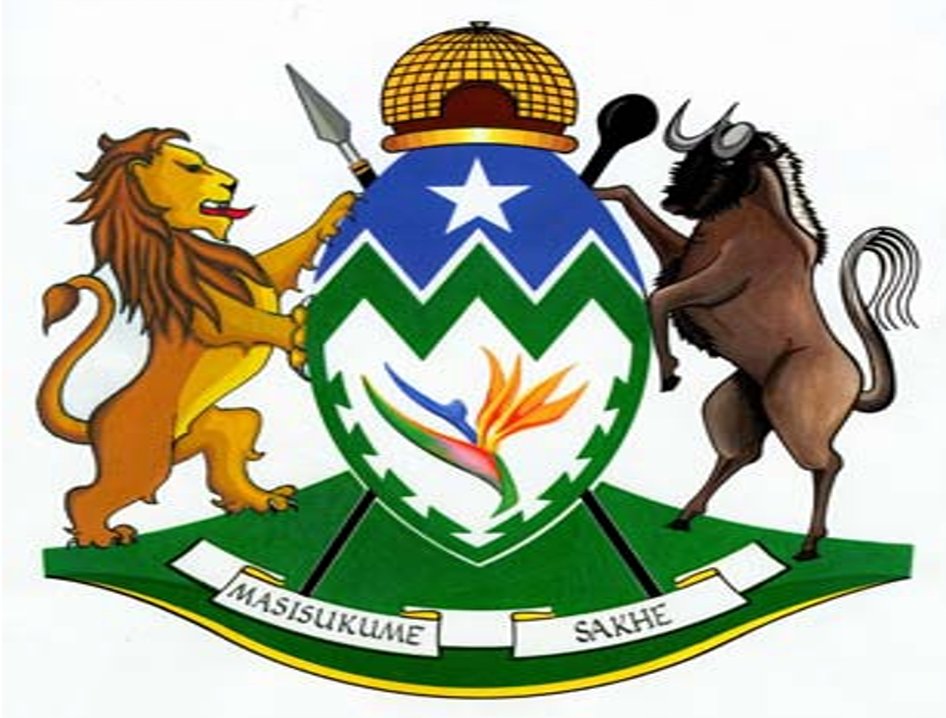
hi im struggling
t.p.lbrn2 (199.8 KB)
to get an image clear please help
There is no way to get a “clear” image given the poor resolution and JPEG compression artifacts:
Without a high-quality original picture, there is no way to get a high-quality result.
thanks for ur help i tried for hours now thinking im doing something wrong
but now i know its not me lol
Remember that you can draw lines and move nodes by hand. Use the image as a backdrop and you can get some decent results by hand tracing.
When node editing, turn off FILL to make your outlines, then turn on FILL to be sure your shapes are closed.
You can play with the sliders under ADJUST IMAGE and under TRACE to get the best results possible. If you set your interpolation protocol to THRESHOLD, you will get straight black and white image to trace.
You also can trace multiple times, getting different parts of the image at different slider settings. It takes a while to manually improve your images, but it can be done (sometimes  )
)
Although I think Lightburn is a wonderful program, I believe this needs to be solved outside of Lightburn.
This topic was automatically closed 30 days after the last reply. New replies are no longer allowed.