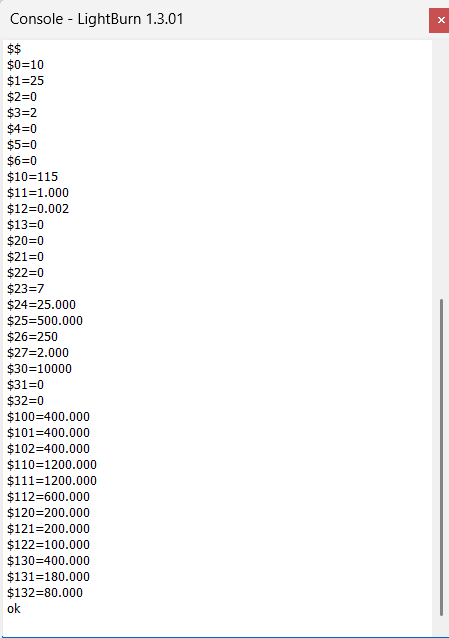
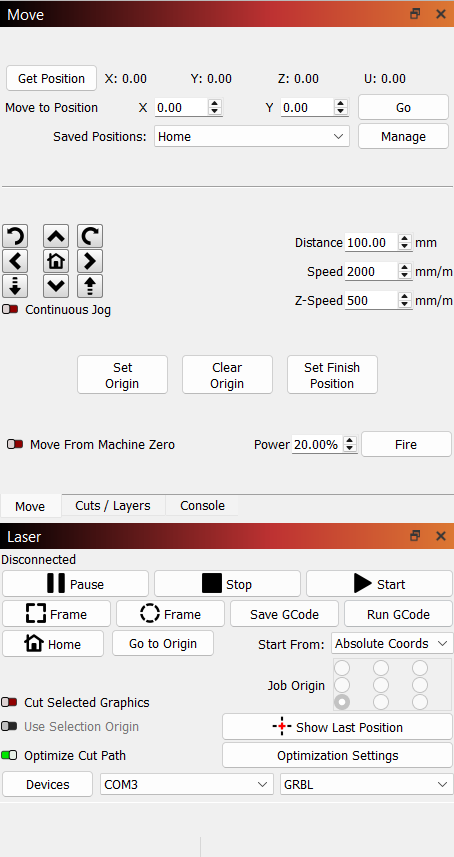
I have been off Lightburn for about 9months and now I cannot zero my machine without shutting down lighburn and re-starting with my laser at the zero position that I want. I used to use G92 x0 y0 z0, but that doesn’t work anymore. I have tried G10 L2 P1 X0 Y0 Z0, and that doesn’t do anything. How do I go about zeroing my start point?
Also, after I zero and start the job, my machine tries to start at a point that is no where near the desired cut. I tried burning a 50x50mm box at x50, y50. When I hit go, it moved the laser to the far X axis side to the stop (past x400). When I jog using the direction controls or the ‘move to’ commands, it goes to the right x50, y50 spot. What is going on?
No limit switches, yet. I am trying to get things working 100% before adding parts and variables (this build has been a bit of a challenge).
I have always used “absolute coordinates” so that I have a known and repeatable start point and position on my board. Easel uses “current position” and can be problematic if things are not set perfect.
Could this be an inverted axis? It almost acts like things are flipped, but the manual movements are correct.
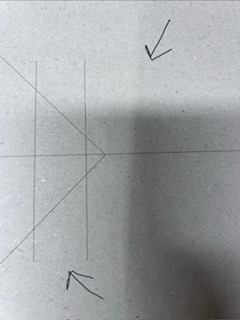
New problem. Now I am getting “ghost” lines between cuts. I noticed the laser isn’t turning off between lines and is leaving these faint lines where there shouldn’t be a line.
Any ideas what might be causing this?
This is contradictory. To use absolute coordinates, you need limit switches. Of course, you can use mechanical stops, but this is not the correct approach and is never exact. If you don’t have limit switches, you usually don’t use absolute coordinates. Use current position and move the laser head manually to the desired position. Use framing to ensure correct positioning.
Show the output of $# command in the command line. I guess you set some offset during your tests. Maybe just reset them using $RST='#.