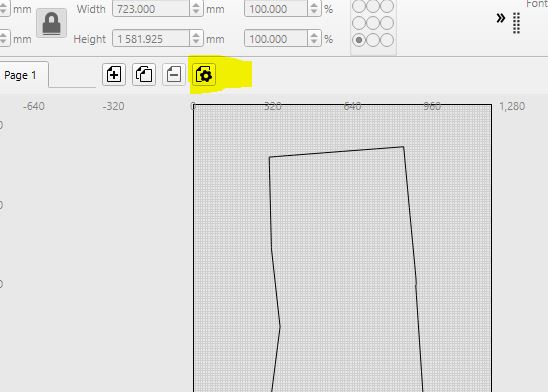
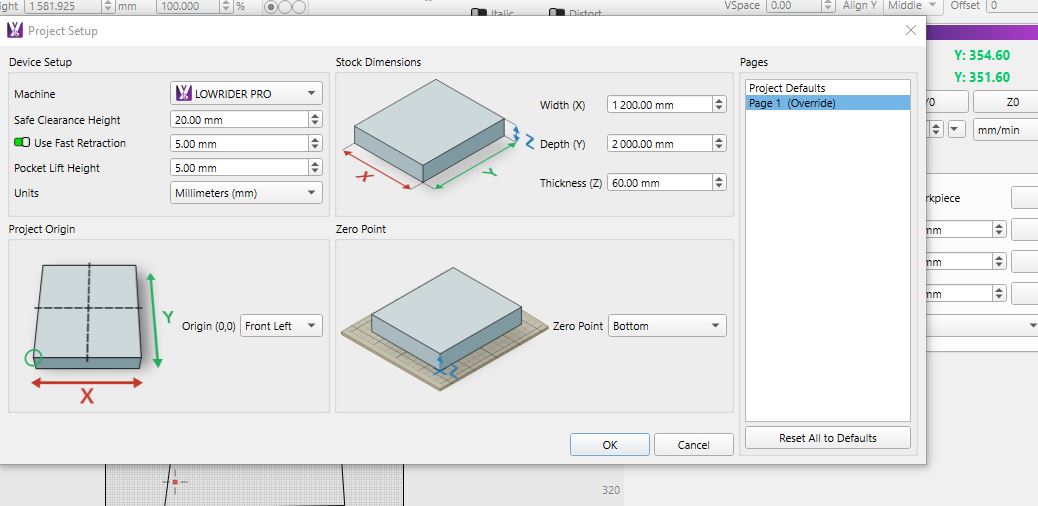
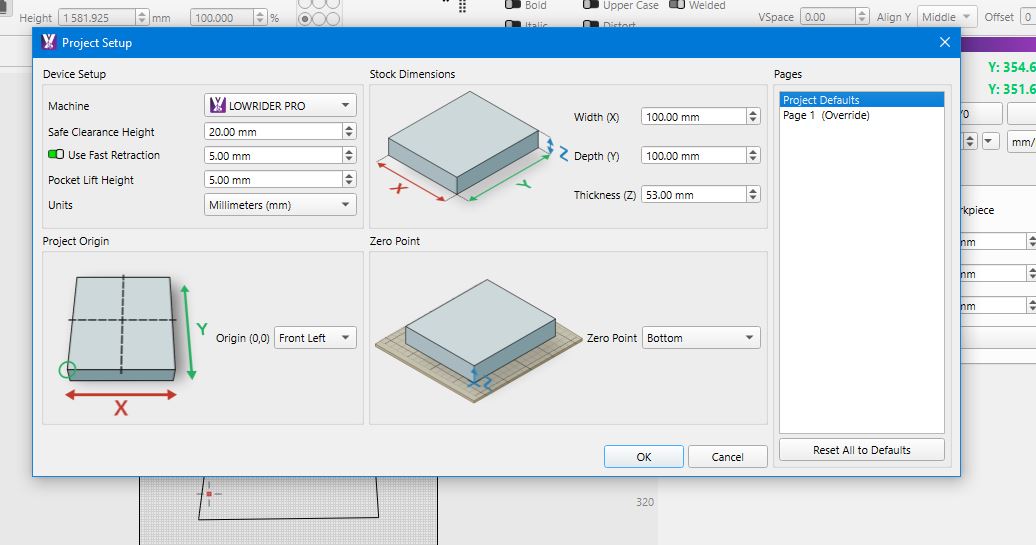
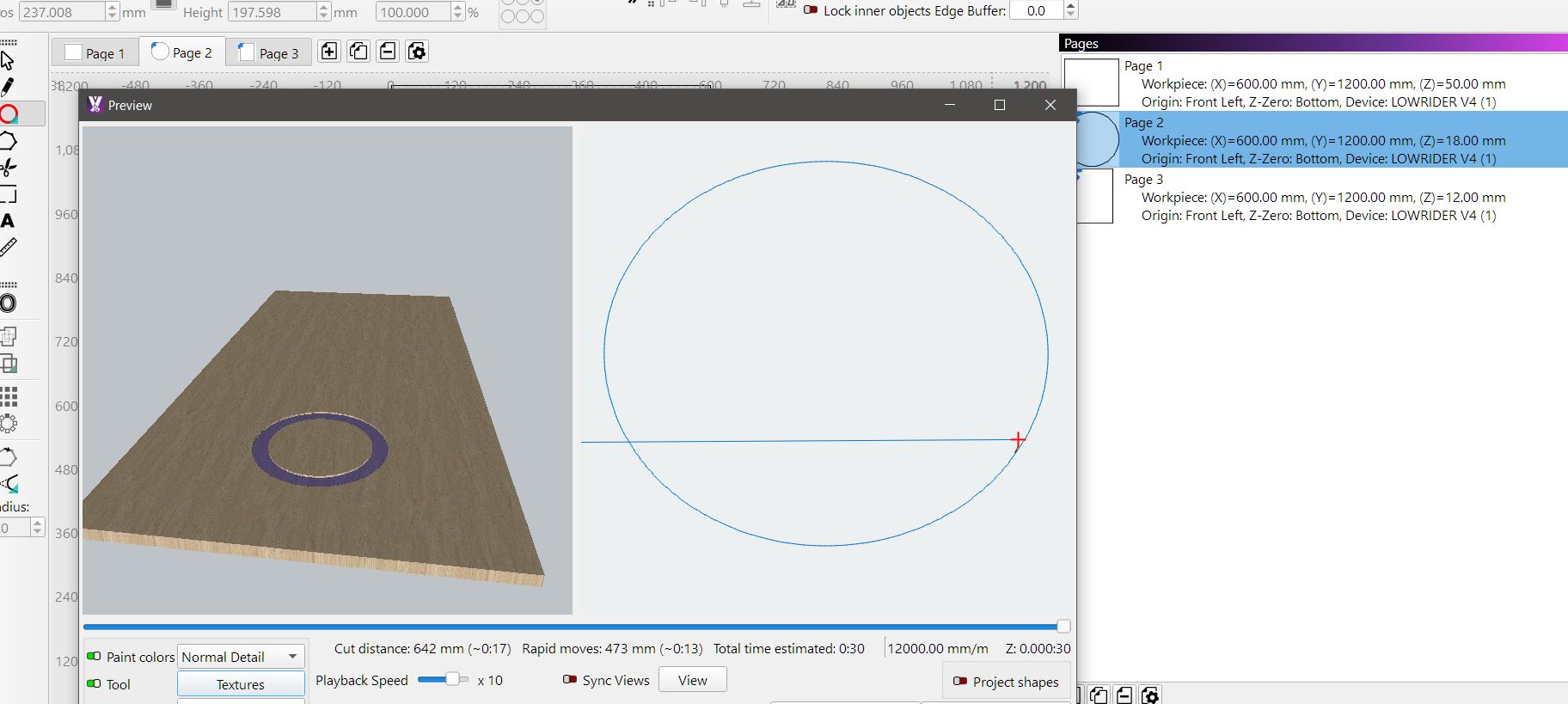
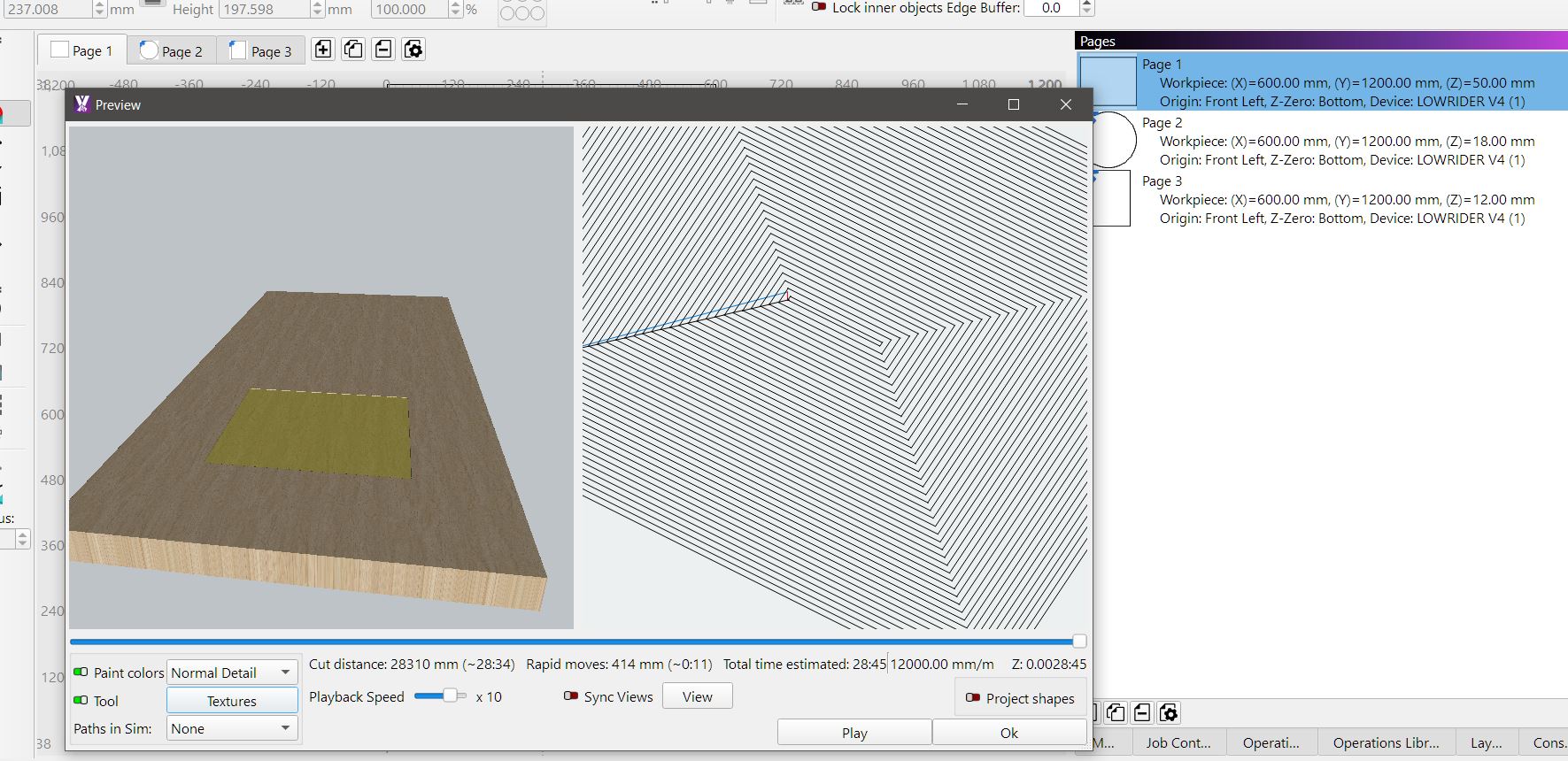
im probing from bottom. with them different heights when starting job z goes to table to start job , if i make them the same it starts above material like it should
the reason i have change to bottom probe is working with lot of random slabs at present,
so its just not practical or impossible to control MM to probe when say im at opposite end of table if that is where i want my probe height if going from top
some will say move xy set new zero probe from top etc , that’s still lot hassle , easier to throw slab on table trace it set op and run some slabs i have less than 5mm between tool and top,
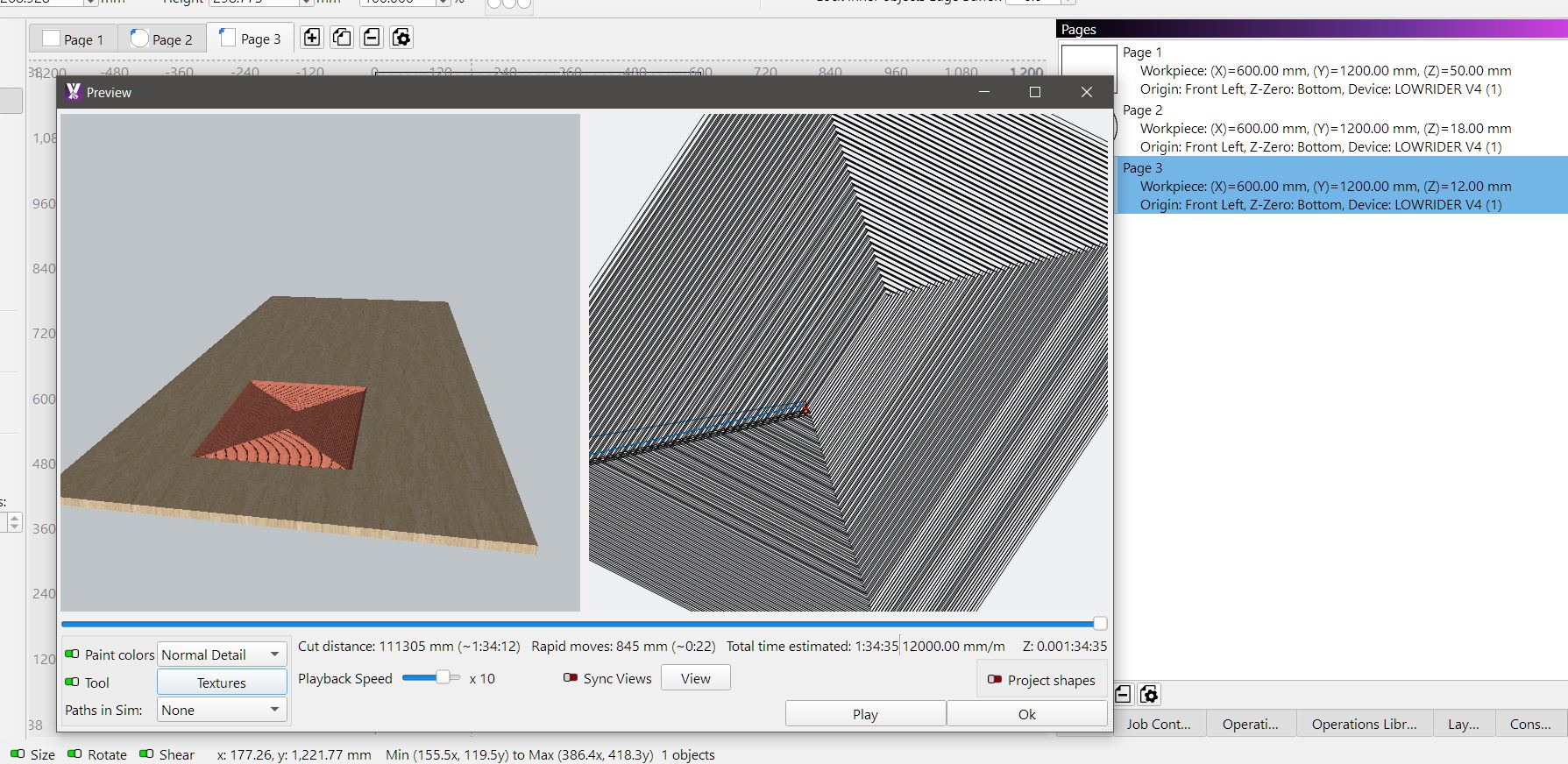
From what I understand after watching the video, multipages will be used to create double-sided projects, left and right sides, perhaps tiles…
It´s a “baby” option that needs some refinement for special use case like yours.
Regarding the random slabs and to better understand, let`s say the stock is Z=10mm and probing on bottom, if you set a 3mm Pocket Op are you expecting a 10-3=7mm pocket?
hmmmm didnt think of it in that way , i was looking at it from the point ,say you design a kitchen , backs can be 4,9 or 16 mm, carcass’s generally 16mm ,fronts 18mm , in freecad once ive designed kitchen i move all parts into tech draw different pages for different thicknesses. than import them into MM as dxf, so i went ok its like excel you have 1 main file with various tabs and each tab holds its own information
no still only expecting a 3mm pocket, as far as the operations are concerned they all cut to correct depths etc as long as default is manually changed to match override ,to me the word override means it will be the page dictating what the default does
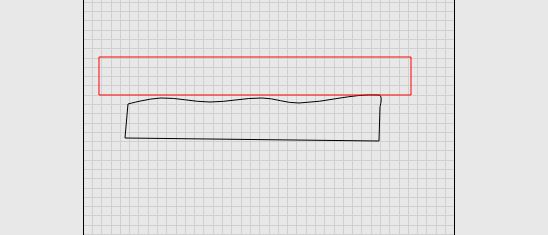
every slab gets surfaced prior to final operations on, the way i do it is say black is slab red is straight edge finding highest point of slab measure to table that is stock thickness, as some stock is that hard can only do a .5mm pass
for final operations i put start depth as final surface height, i know can be done other ways,
i really create new operations i use pre-sets from operation library, all i have to do is change start height . I find this is quickest and less chance of error, 1 box 1 change , done