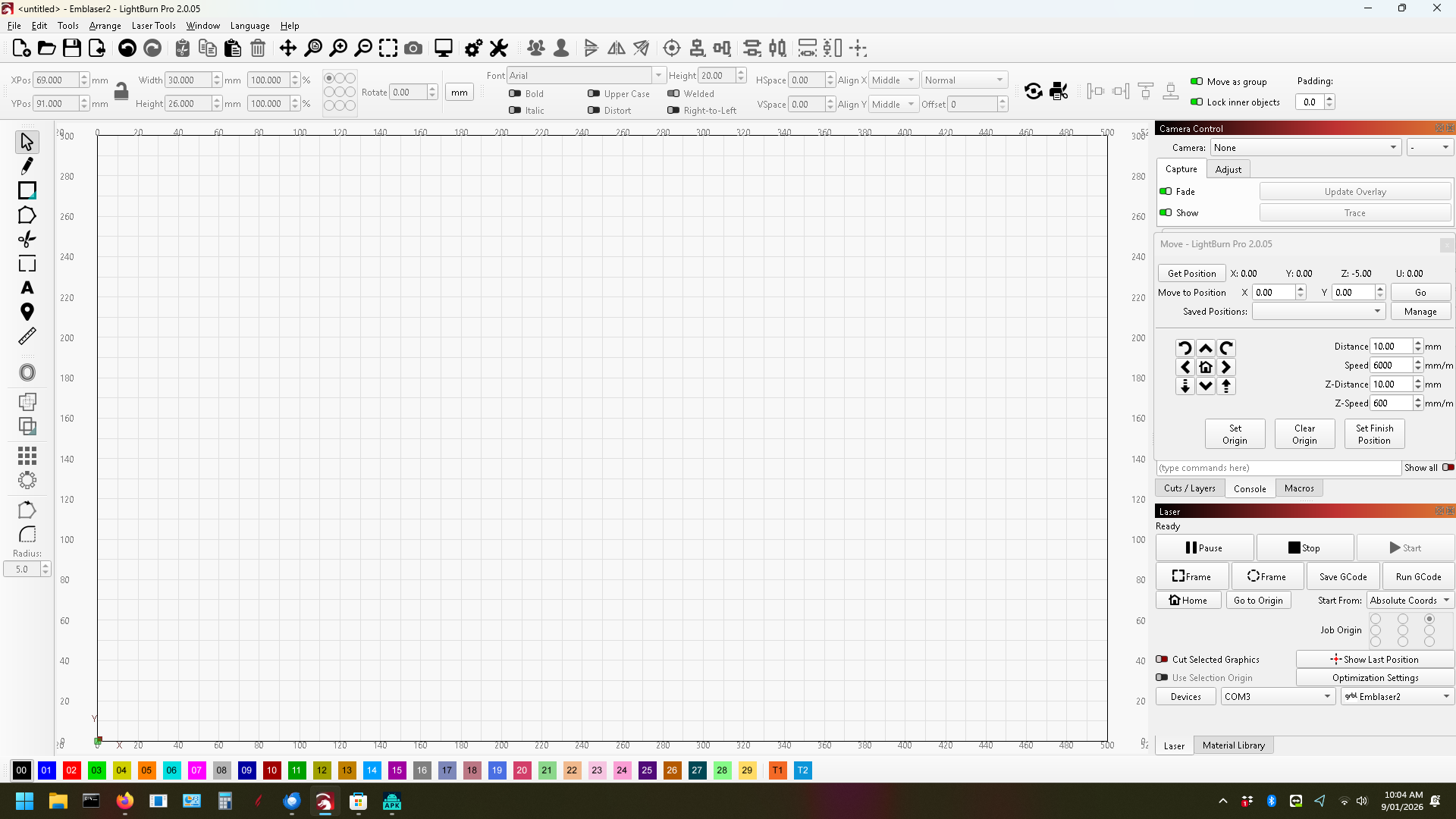
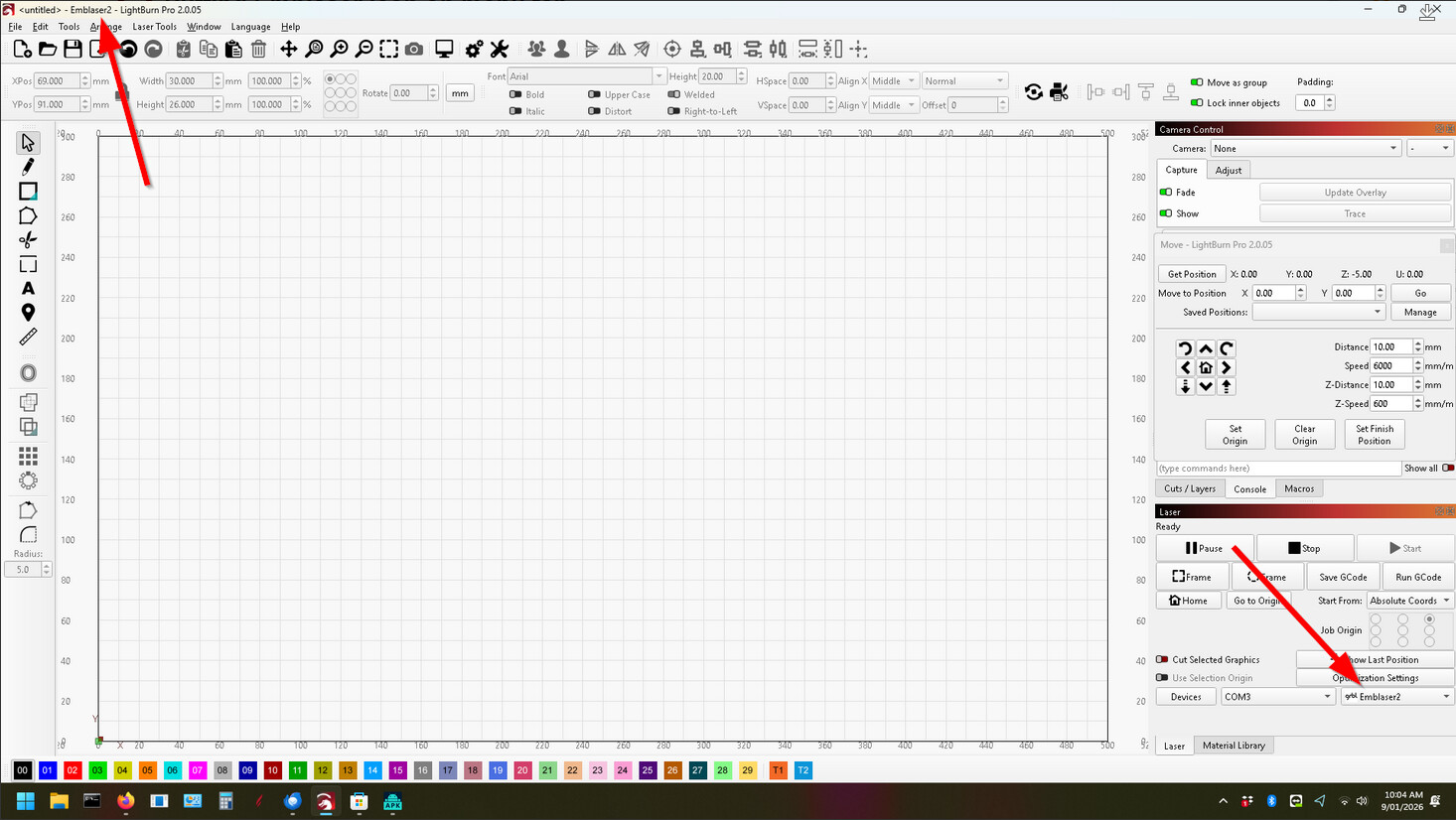
Is it possible to have the Emblaser2 tab show in the top bar when the Emblaser2 laser is not connected to this machine.
My Emblaser is downstairs under the house in the garage,and my design computer is upstairs in the air conditioning - (I live in Australia and some days, the temperatures reach over 45C). I could, if absolutely necessary, connect to the computer downstairs, but I really don’t want that computer on my house network.
I do have the device set in the devices list. However, because I had to set the device manually, (because the actual Emblaser2 was not attached), it is listed as a grbl Emblaser2.
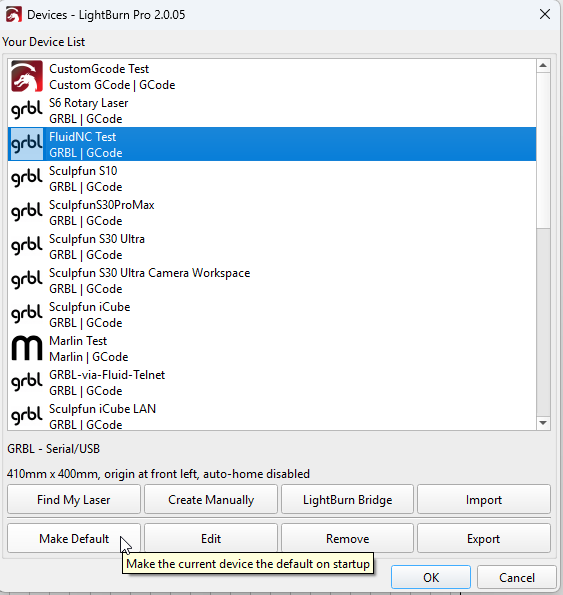
Where else should that be? It’s never been different from this, I think. Or do you want to have this laser selected as standard once you open LB and the laser is not connected? Then just open the devices list and choose Make Default, then this laser is selected as default each startup.