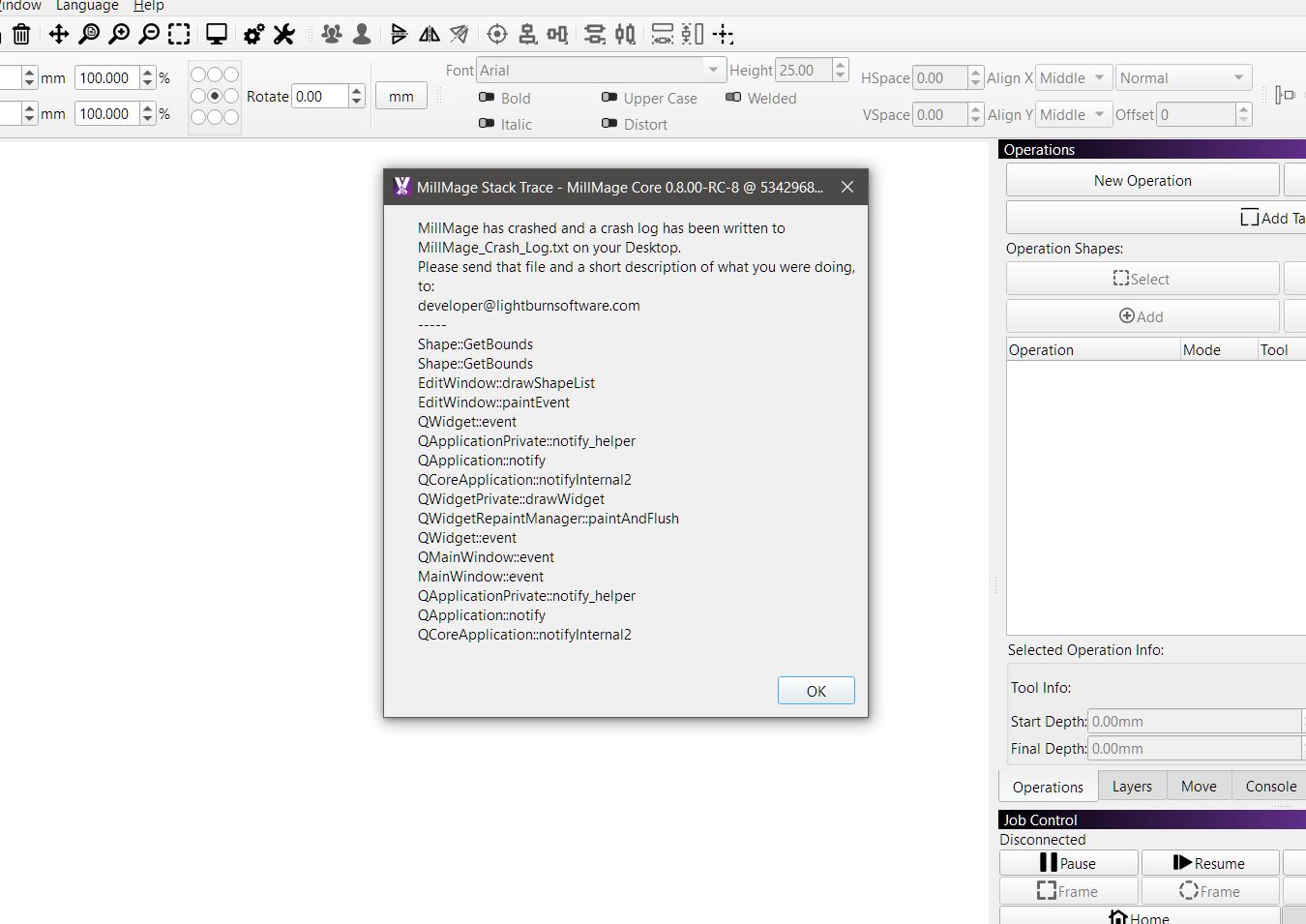
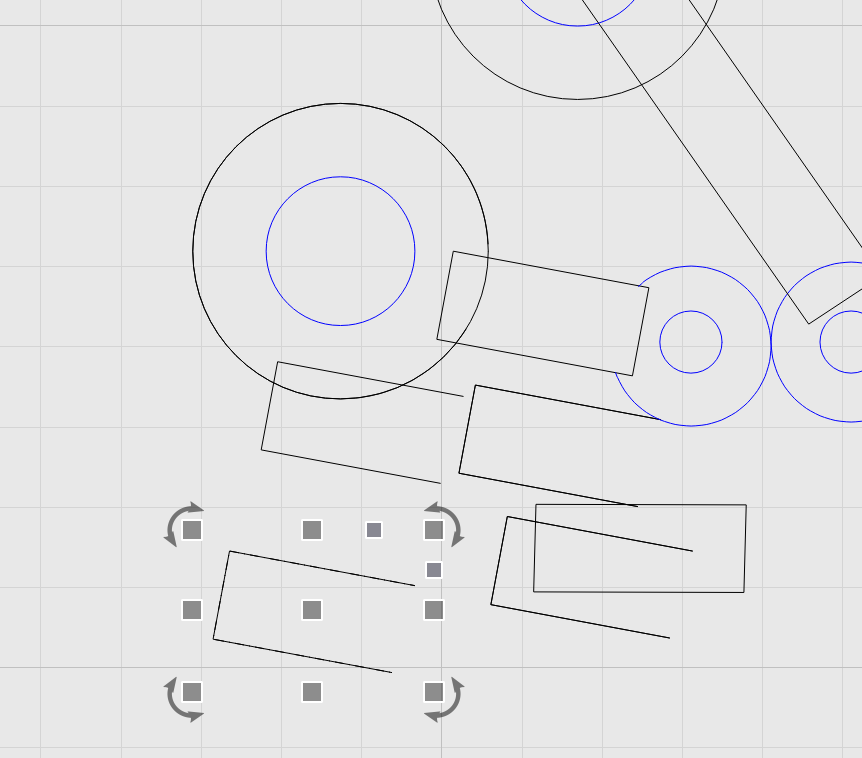
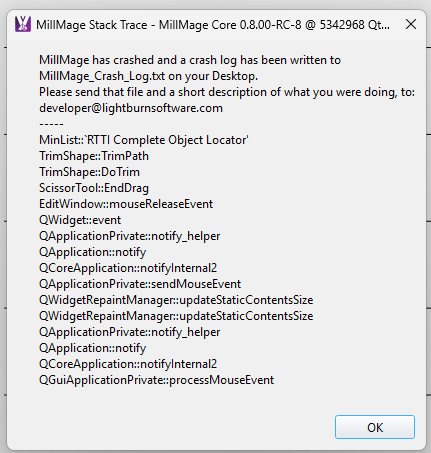
when using scissor tool in RC8 , it cuts but duplicates item also , while using the undo arrow system crashed
rolled back to RC7 and scissor works as should
have sent crash, log text and file to developer
when using scissor tool in RC8 , it cuts but duplicates item also , while using the undo arrow system crashed
rolled back to RC7 and scissor works as should
have sent crash, log text and file to developer
yes its rather random , there’s a little gremlin in there somewhere
Yes, we have been able to reproduce, including the crash. A report has been generated for further investigation. Thank you for drawing our attention. 
all good
Don’t know if this is the same exact issue. But it was created when using the scissor tool after updating to RC-8. I was trying to cut away different pieces of overlapping shapes. Instead of cutting away the piece I didn’t want, it was creating duplicates of the the remaining sections.
Yes, this exactly. Thanks Steve.
This is now fixed internally, and will get rolled out with another RC, hopefully shortly.
The “keeping pieces” behavior is intended, though not in the instance you mentioned.
The updated scissor tool will allow you to keep the trimmed piece and move it to another layer, by holding the Shift key.
Like this:
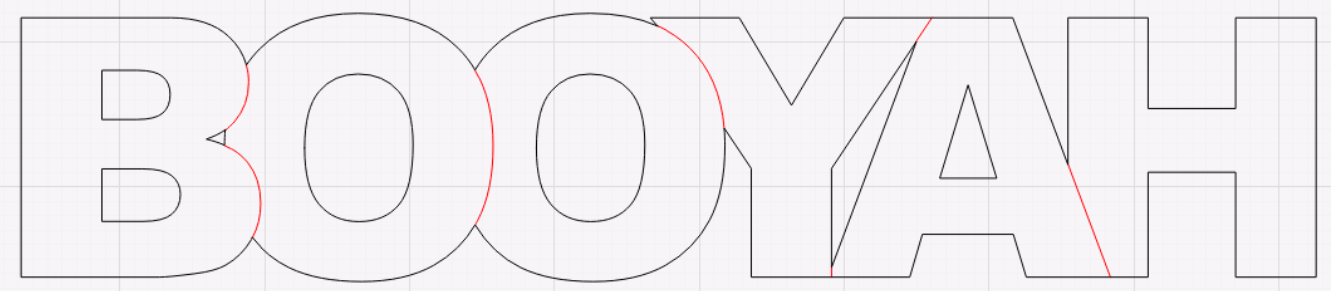
In this case, the red marks are scored and the black is cut out, which makes the result much more readable than the welded version:
am i reading this correctly
if i just use scissor tool it will cut and delete like your bottom pic - is this the default method snip and delete completely
if i hold shift than scissor it cuts but doesn’t delete - black and red pic
to start with I though , why , just why , but than I’m like actually bloody good idea
black you could pocket on outside red could be a profile or chamfer
will the red lines automatically group ,once cut as long as shift key isn’t released
This will def save a lot of editing time in some cases where multiple tools are required
No, but it’s simple enough to select things by layer,
No to which part ?
The keeping pieces is a great idea but it needs to be separated from the cut tool , its more a snip tool , snipping on the intersection but not deleting
You still need to have the original scissor tool which cuts and deletes completely as it originally was indented for when introduced into light burn , honestly 1of my fav tools introduces into light burn and now your ripping it away from us 
Having both would be just friggen awesome, call one cut other snip 
You could set it up like the pencil tool , press a key to change from cut to snip
for small things like your booyah the ,keeping pieces is fine there is only 7 lines to reselect and then move or delete if need be.
but on a big project what a night mare that would be,
look how messy and confusing it looked with just 4 squares and 1 circle
this drawing below, dissecting that with the keeping pieces tool I’m actually getting a head ache thinking about it. going around and snipping than having to re select everything and than deleting
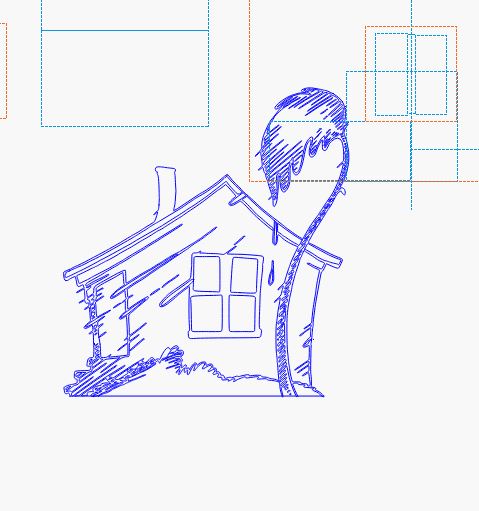
was cut into so many pieces to give it 3d effect and additional bracing, 12 @ 2400mm x 1200mm sheets were used for all the pieces , was over 30 hrs went into editing that house into pieces and most of that time was using the cut tool without the cut/delete tool prob would of hung myself
it will be the ones like me that do the random, out the gate stuff. that will miss the original scissor tool
honestly i can see myself doing most of my design editing in lightburn, now due to the cut tool being deleted than having to import back to MM
To the only thing in your message that was a question, aside from the “did I read this correctly” part  :
:
And the scissor tool isn’t going away, the new function is being added to it - You have to hold the Shift key to get the “snip and keep” behavior. Without holding Shift it works exactly as it did before. And this feature (and the bug) are in both MillMage and LightBurn.
cool , sorry my bad interpreted wrong