You spent a lot of money for the machine. Why not spend a few more days trying to get it running?
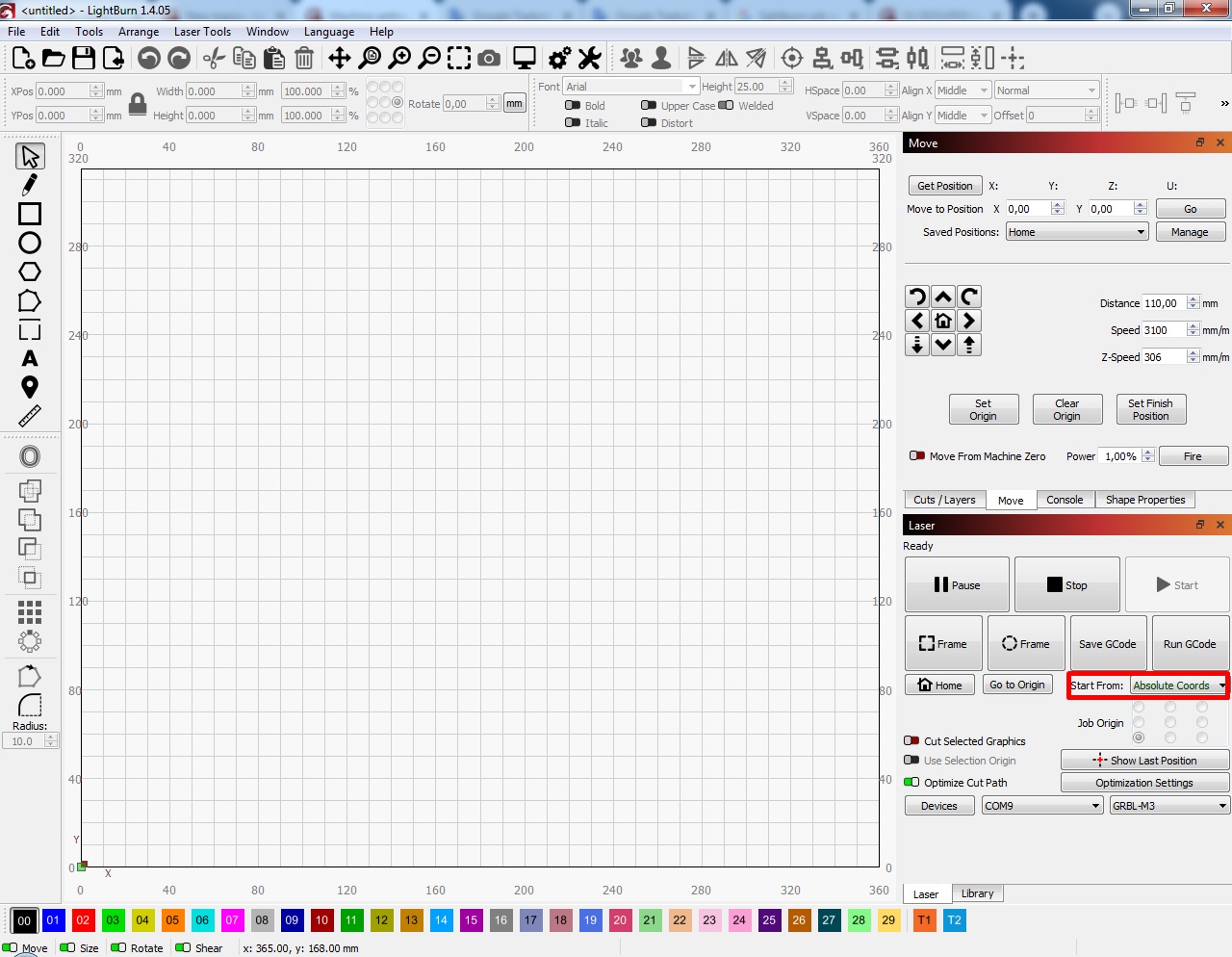
The error message you are getting is because you are using the wrong start from position. Change this to absolute coordinates (if your laser has limit switches) or current position. Then this message will disappear. Though you need to learn some basics about positioning beforehand.
2 Likes
I think we all go through that phase.
I like to overcome some challenges. I started about two years ago and I still have them. Mainly in obtaining perfect results, which depend not only on the machine but also on the materials.
If you don’t have patience for these things, I recognize that this hobby is boring for you. But believe me, when one of these things turns out well (I speak for myself) they are truly amazing and you immediately want to move on to another.
Thank you for the encouragement and because of this I have now managed to do some shaapes and fill them, great stuff, my only problem now seems to be the working area being restricted to the top right of the grid in he space I have lined on the screenshot, if I go outside of those lines the laser bounces on the frame. Is there any way I can line up the grid to correspond with the laser bed so I have a full screen to work on.
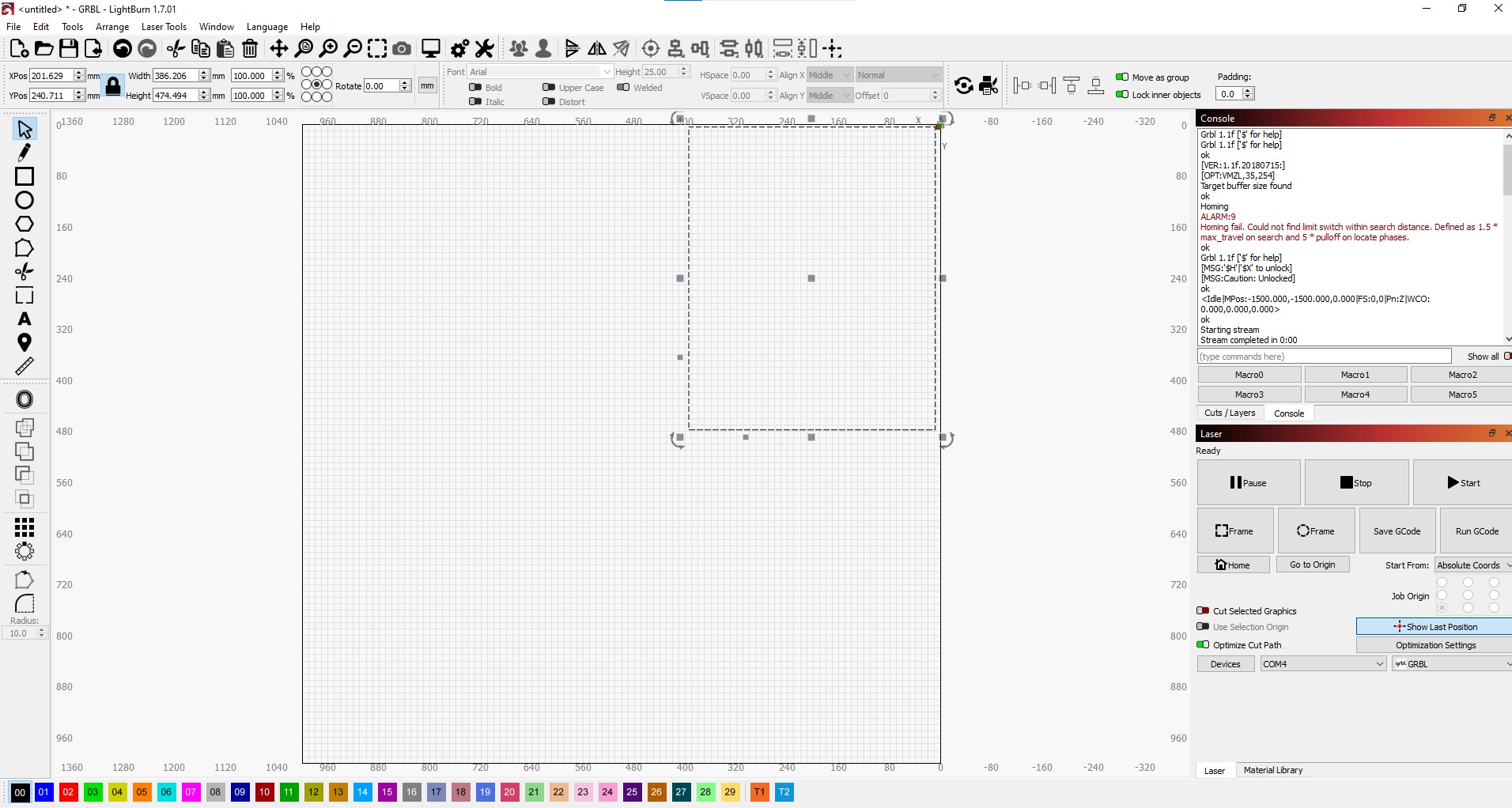
In “With” and “Height” you should insert with and height of your machines laser bed.
This should happens because your are set “Absolut coords” in “laser” window.
If you change for “User origin” or “Current Position” that only happens if the dimensions of your project go thru laser bed dimensions.
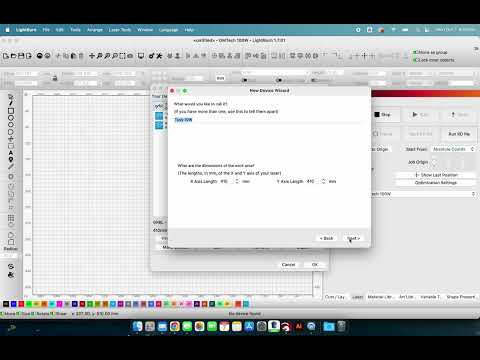
It’s easier for me to make a video than type it out with screenshots. You need to change your work area in Lightburn to reflect the actual size of your laser. i shoiw you how.
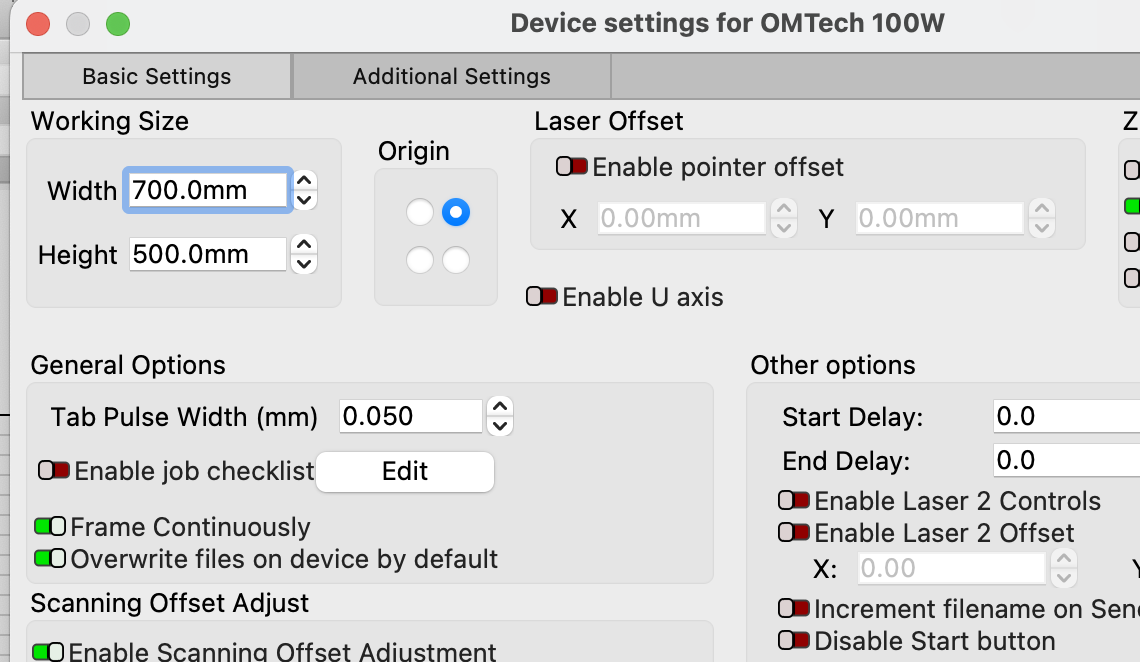
Thanks for the advice and the video. it worked, really appreciate the help I’ve been given on here. So nice to meet nice people.
3 Likes
This topic was automatically closed 30 days after the last reply. New replies are no longer allowed.