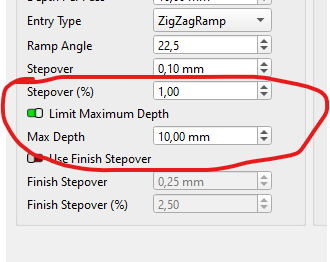
in 3D relief there is no command for exact Z. (the Z that STL has). If there is, can you tell me where?
Like in VCarving
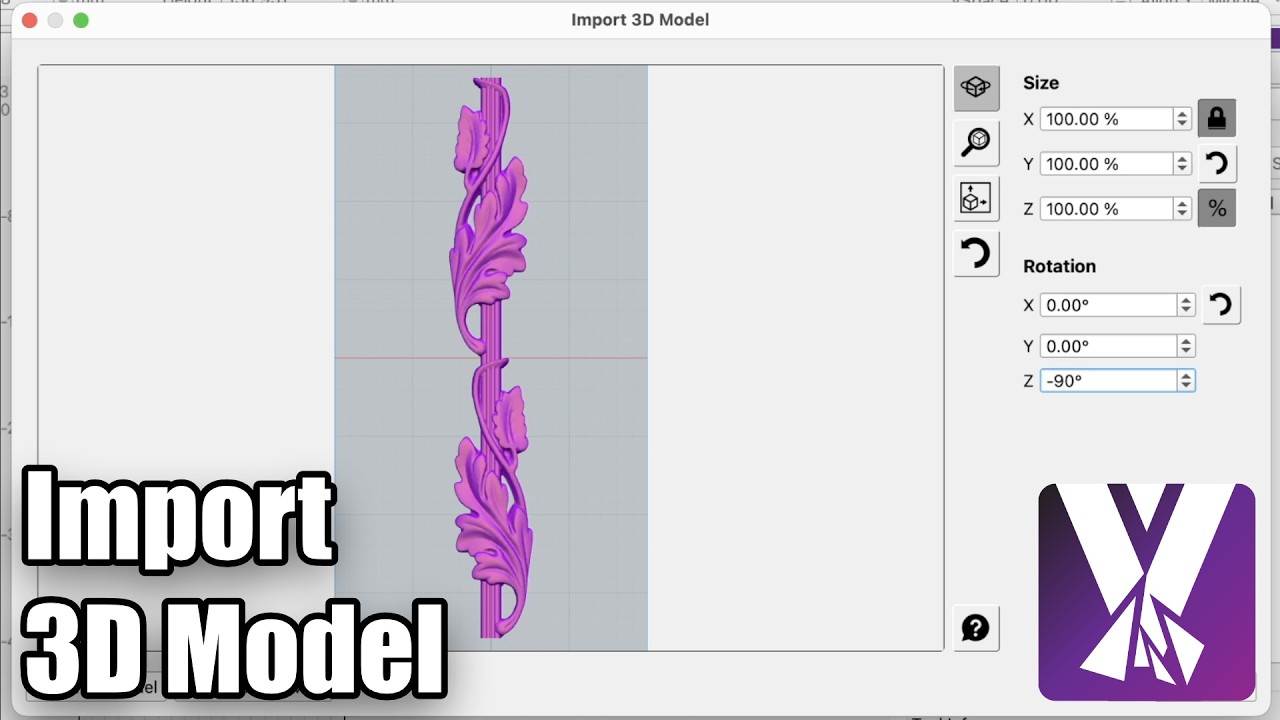
have watch of this video , might help explain things
there is no where in operations to put it as the software determines the Z travel according to your 3D file
the way i understand it is, if you want set final depth of the file into your material , i guess you would alter that in the import process (depth cut off) at about the 7min mark in the video is where you would alter max depth of image, as like everyone else we are all learning this so don’t quote me on it
i haven’t cut any files yet only played round in software using some free online stl files
what I’m finding is the file itself is having a huge impact MM can only work with what you give it
its like trying to finish a jigsaw with missing pieces it wont happen.
Im throwing all my stl into creality and free cad 1st and seeing if they bring up errors or broken file and than doing any edits in there so when it hits MM the file is how i want it
I think the algo works well.
Example: I designed a 50mm sphere, so only have a “visible” 25mm Z.
Set a Relief Op to 25mm depth and the preview is correct:
