Remove extraneous cut?

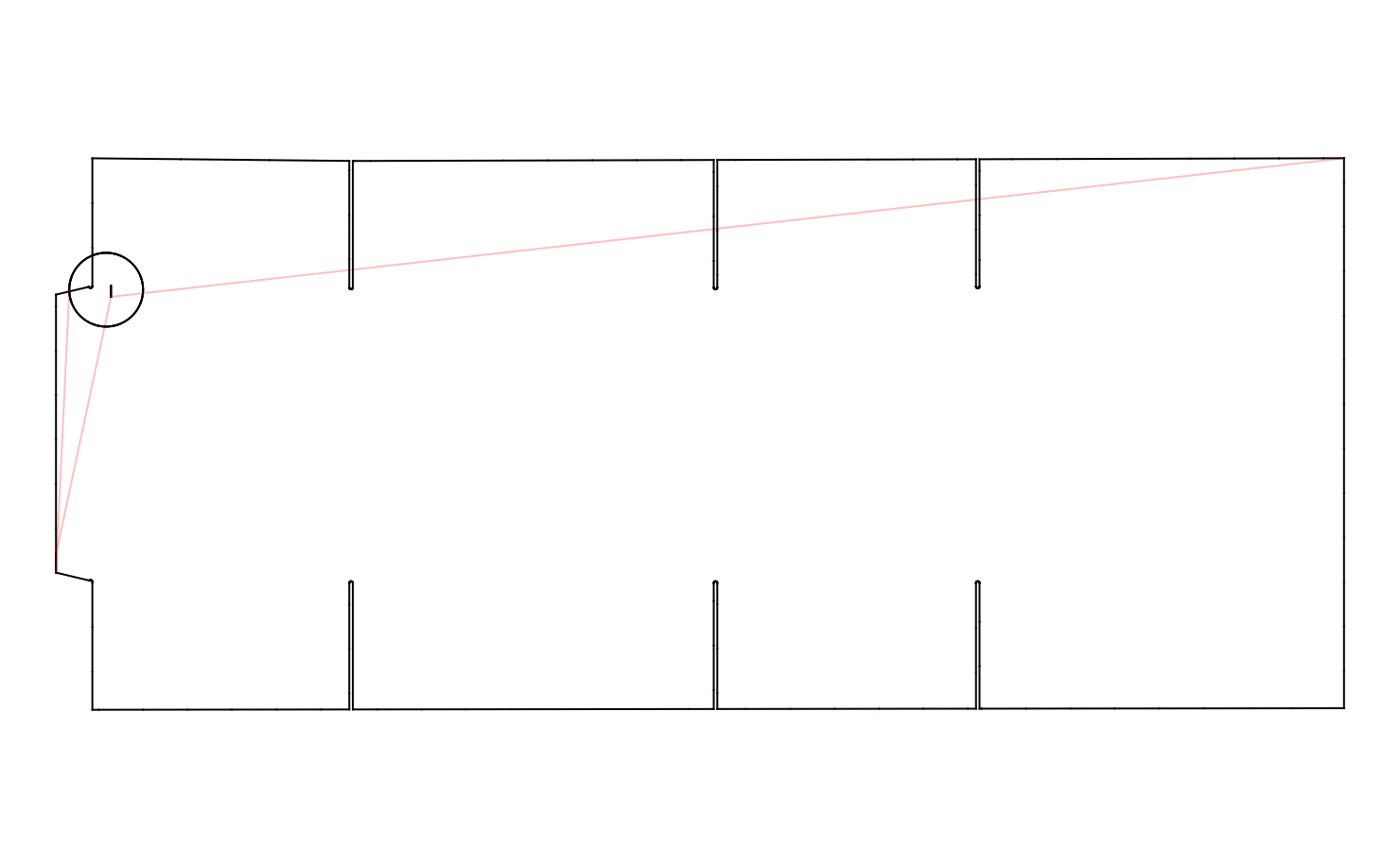
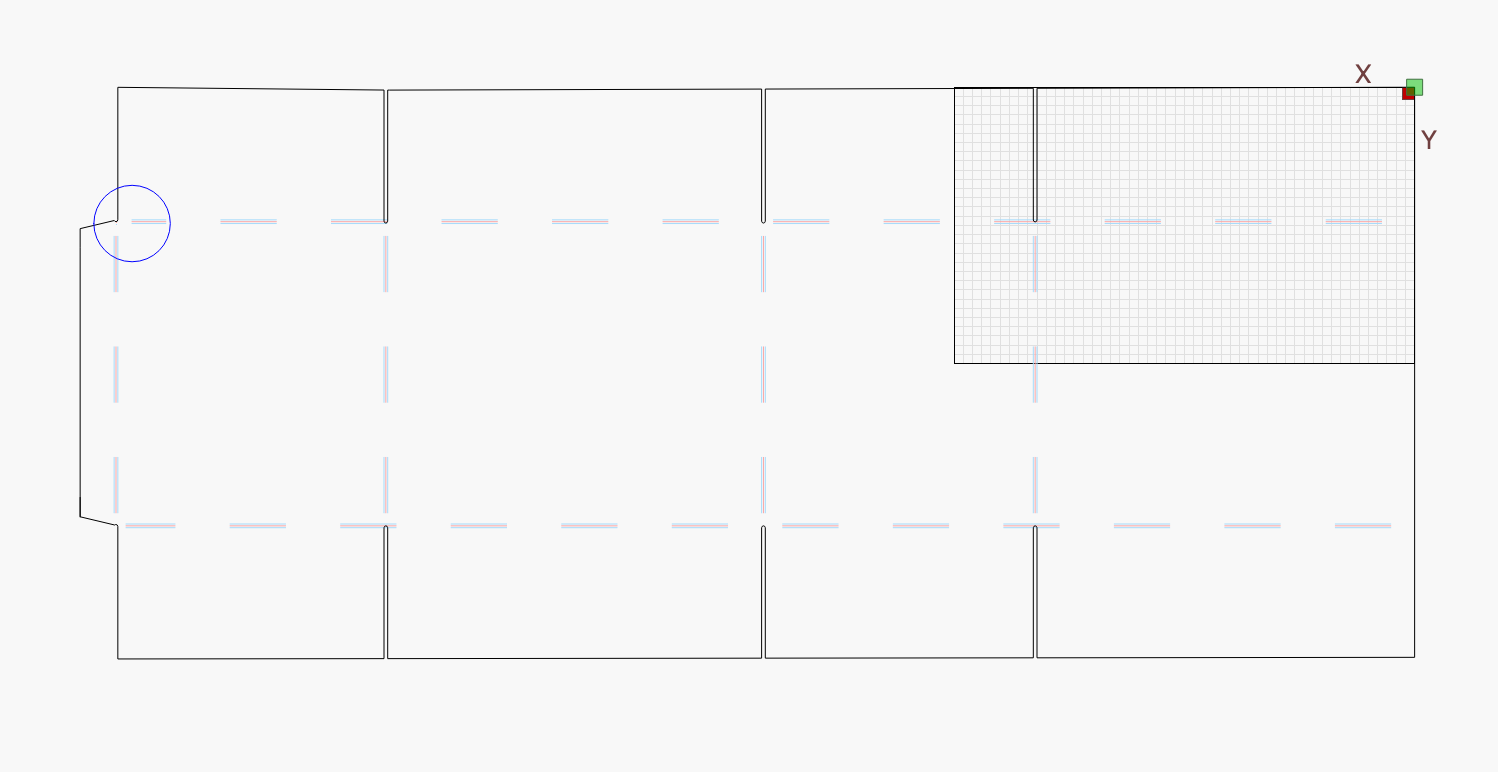
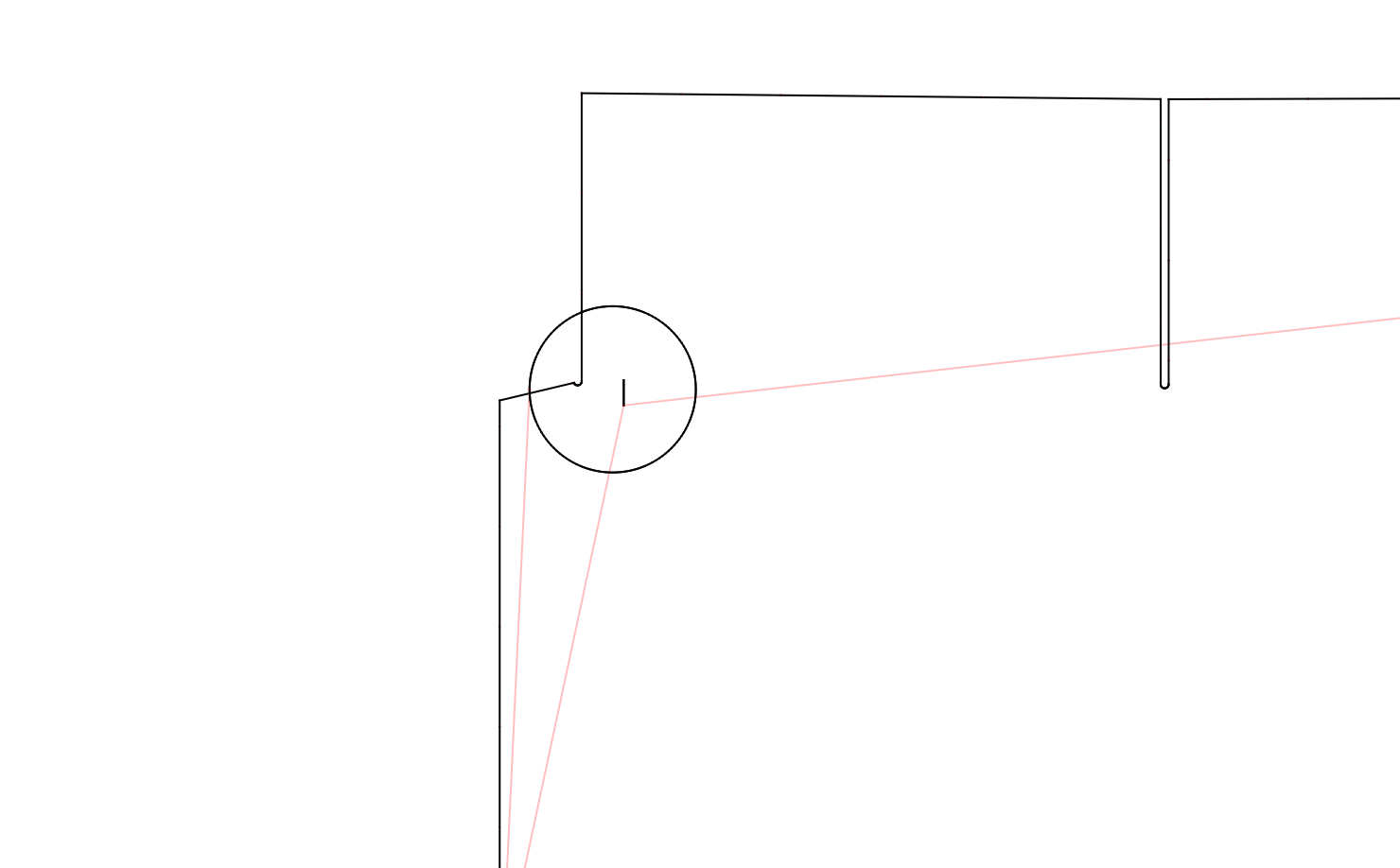
How do I remove the extraneous mark shown in the attachments Preview_Overview.png and Preview_Question.png? They were captured by LB/Preview/Save Image.

I cannot see the mark when I look at the drawing on the LightBurn screen.

Attachment Drawing_Overview.png shows what I see on my LB screen. File Stock_Size_Gallery_ay2.lbrn2 is the file.

I’ve completely closed and re-opened LB. The marks persist. I have not had a chance to reboot, but will do so and report. (If I can figure out how.)

Good luck

Stock_Size_Gallery_ay2.lbrn2 (42.0 KB)

My world:

macOS 26.1. Hardware: MacBook Pro, 14” 2021; “Chip Apple M1 Pro”; “Memory: 16 GB”. LightBurn says it’s up to date:

Not sure where it came from or why it can’t be seen. I ungrouped everything and selected the area using drag from left. That showed a selection box and when I previewed the cut there was the mystery line and a random dot. I deleted the selection and saved the file.
Stock_Size_Gallery_ay2.lbrn2 (28.5 KB)

Hi Tim.

Thanks for the answer. And thanks for the “instantaneous” reply.

I can easily look at snapshots I took along the way and send you the before-extraneous and after-extraneous. Would that be helpful?

Not to me. Maybe it will help you figure out how it got there. I removed it and uploaded the fixed file in my first reply.

Gotcha. (:slight_smile: and this is to pad to > 10 characters.)

I don’t understand: how can a line show up in a Preview, but not on the primary LightBurn display?

It seems to me that something is wrong.

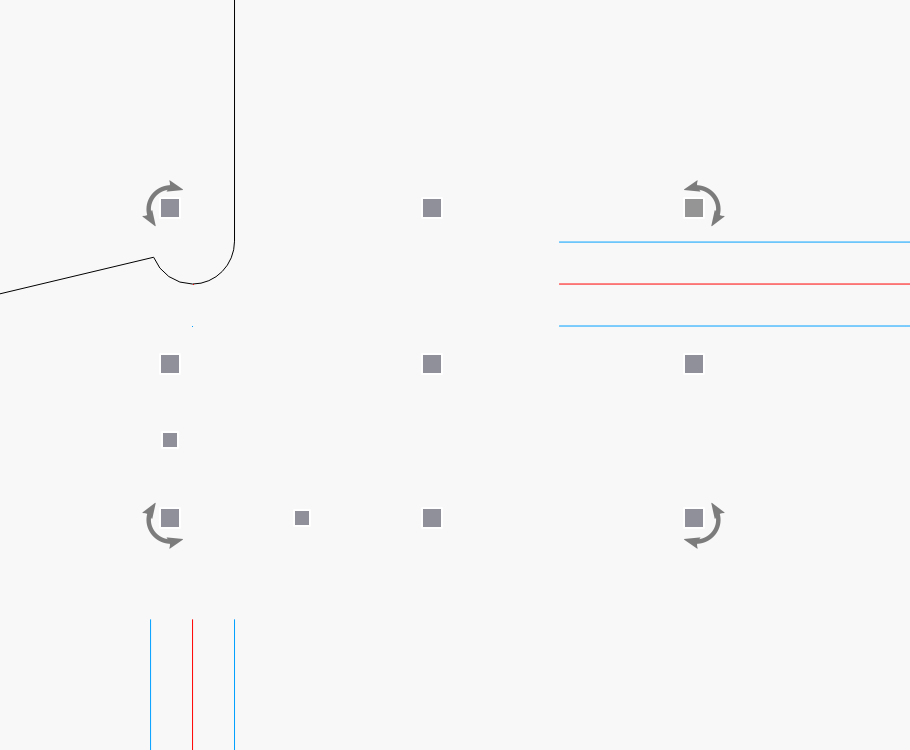
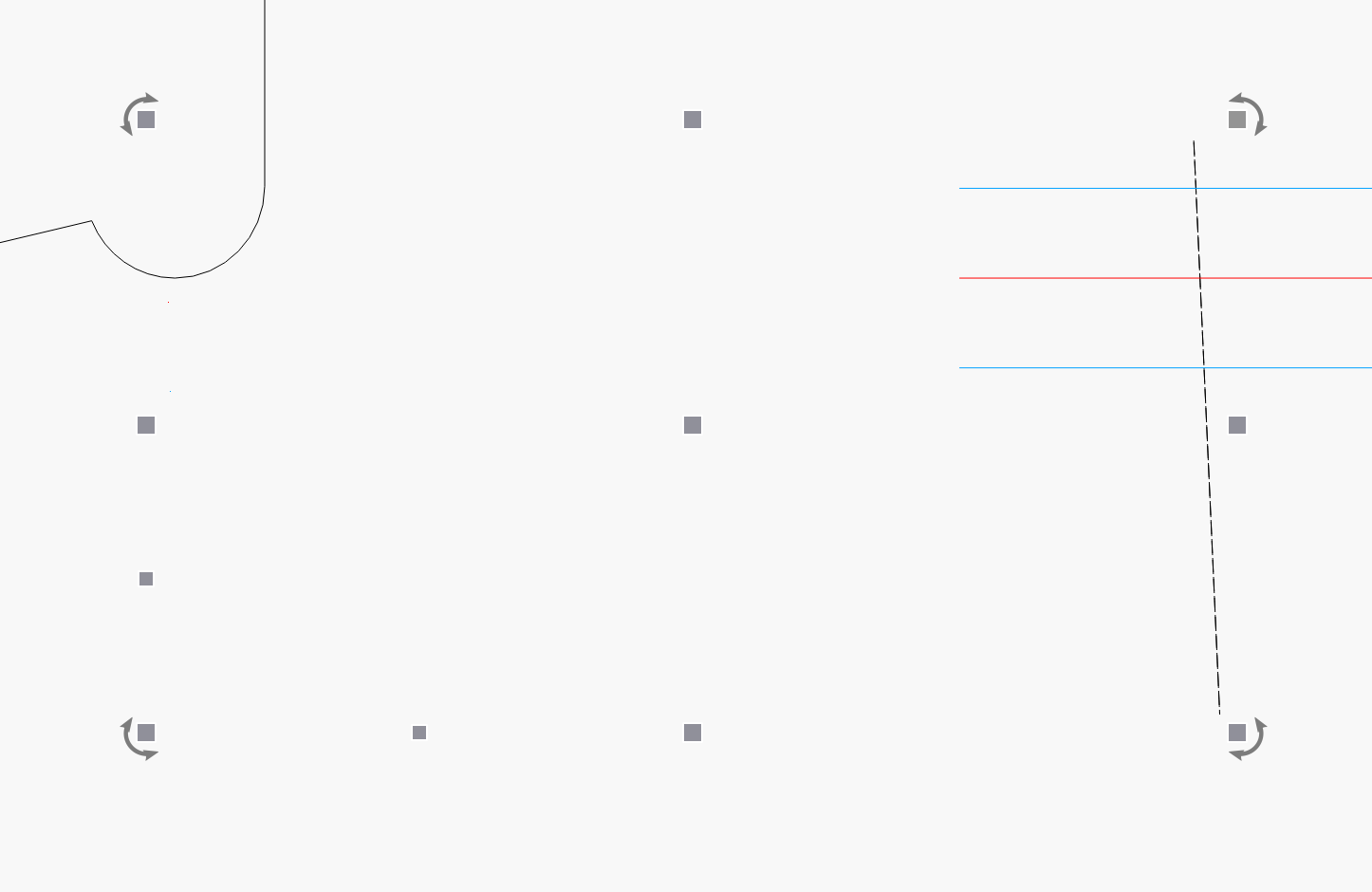
Here are the mystery shapes.


I rotated a couple degrees and this line appeared. When I select it by itself, while invisible, it has a width of 0. The other dot is on one of the disabled layers.
Nuts - an intermittent.

Sometimes a “Select Box” will show the debris, but sometimes it won’t.

On the other hand, Preview always shows it.

My procedure: open Stock_Size_ay2.lbrn2, look for debris, report answer, close LB.

BTW, I posted my note before I saw yours.

My conclusion: hope it magically gets fixed.

Ciao.

You cannot select the ‘debris only’ when it’s grouped with other items. I had to ungroup all to find it.

Oh! You’re right. I forgot to ungroup.

By the way, the line was a part of a guide line I put in. I used it so I could shorten the 3 horizontal lines.

:slight_smile: And I used the Snipping Tool to actually do the shortening.

Is this, maybe, related to the chatter about the Snipping Tool problems?

1 Like