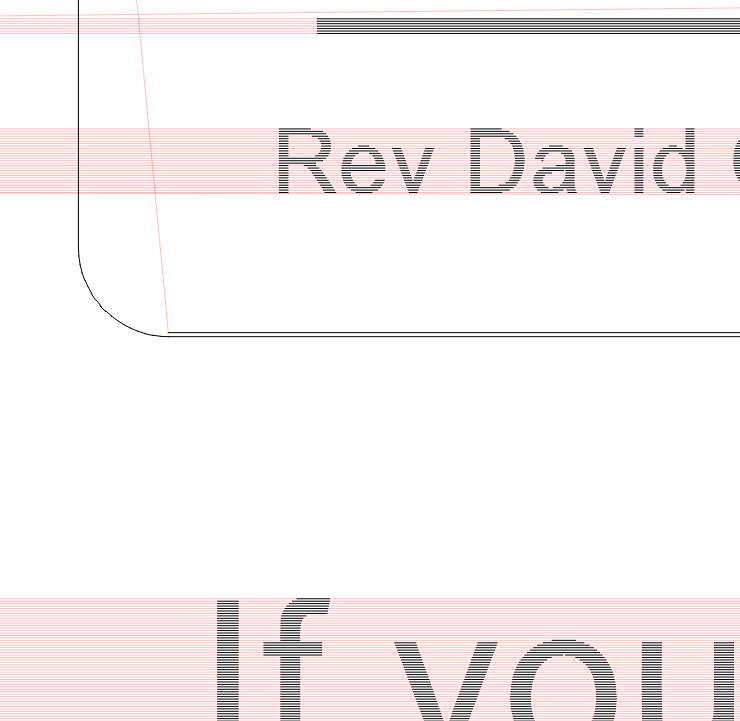
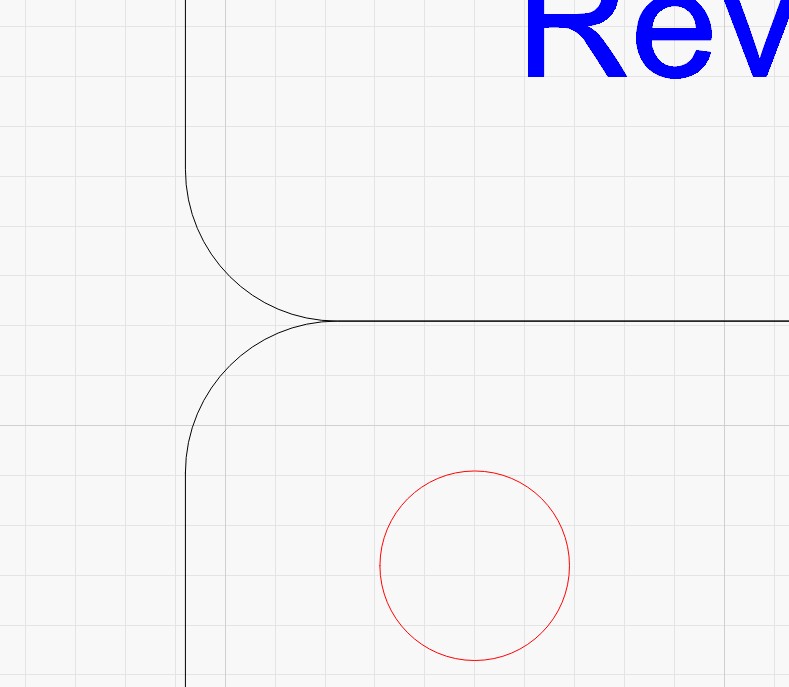
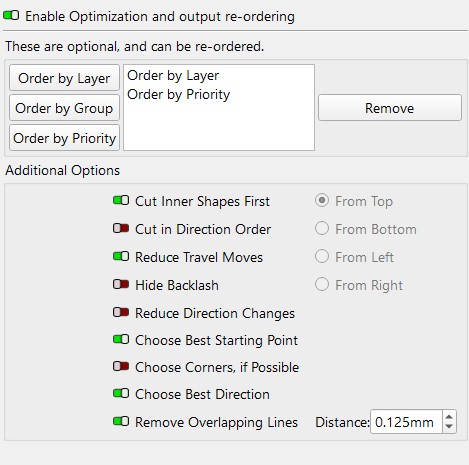
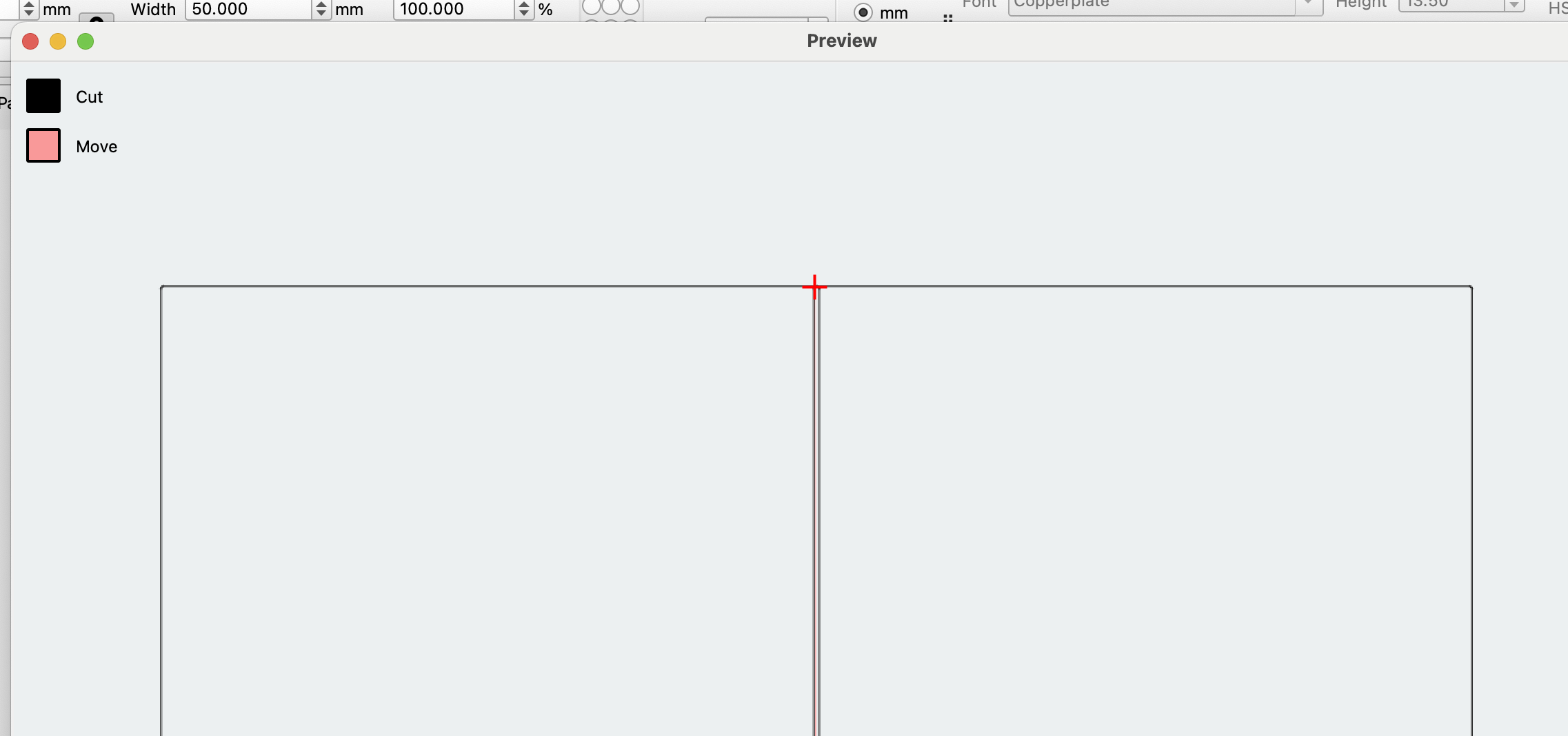
I’m trying to use the optimize remove over lapping lines.
In the layout the lines are on top of each other.
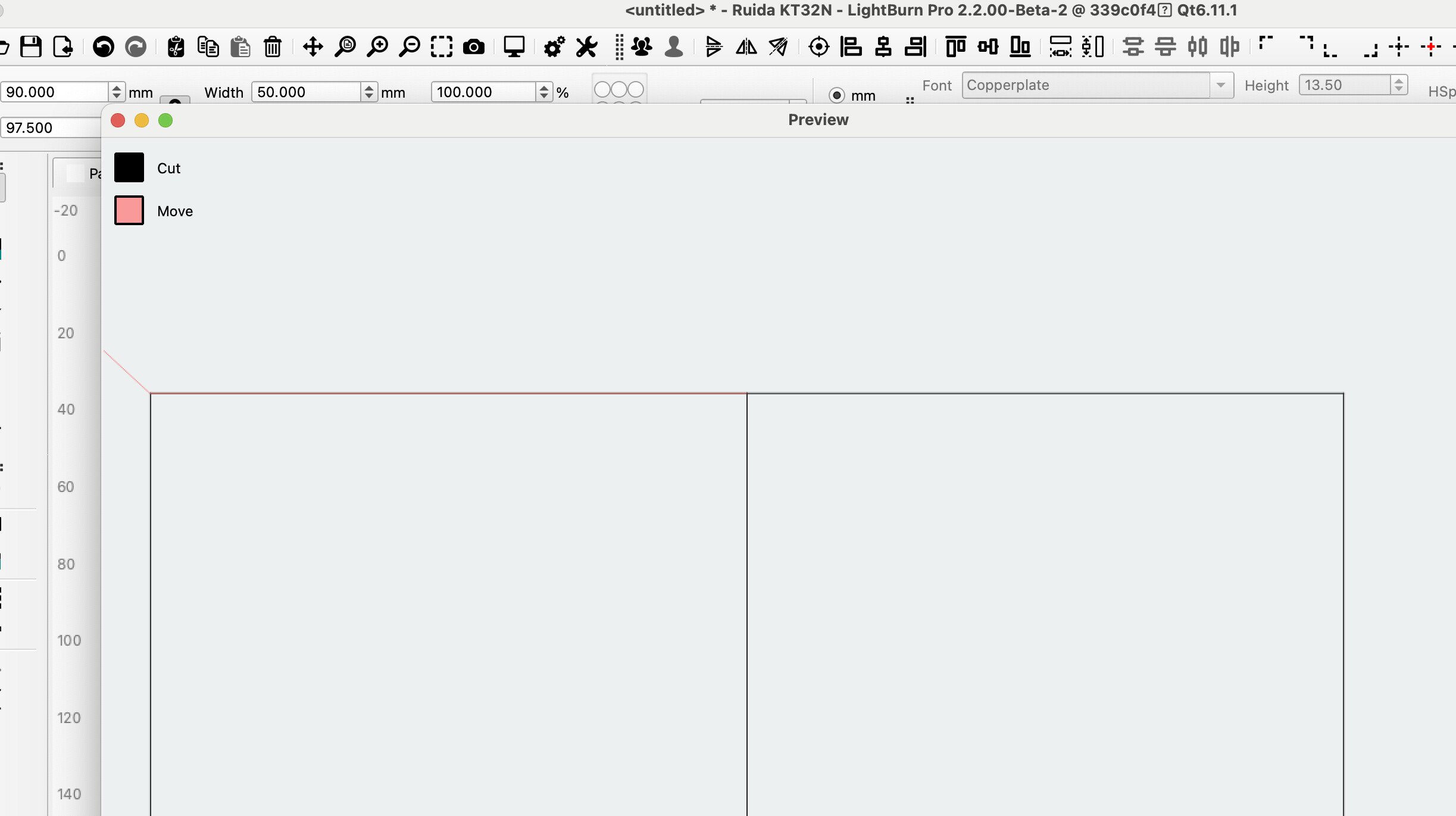
In the preview the lines are not. The preview is the same as the actual cut.
LightBurn Pro 2.1.01
Rudia Controller, Omtec 100w CO2
Do you have kerf setting enabled?
Blockquote
KERF is .07mm outward
Right before you responded I thought KERF!
I just tested it with Kerf set to zero and it solved the problem!
Thank you for suggesting it. Does not make any sense to me but ok.
It’s the other way around. If you align objects with zero distance, using kerf makes absolutely no sense  Kerf is telling the laser NOT to use the actual object dimension, but to extend/reduce it. Obviously, objects that touched before won’t touch or overlap after such an operation.