On an XCarve. If the machine is sitting idling and I click resume, it locks up and I have to restart millMage to get it to do anything again. It can’t move on the move tab. Clicking Stop or Start after clicking resume doesn’t do anything.
Is this immediate or after some time?
It occurs immediately upon pushing the resume button.
Ok, that is something the Dev team is going to have to investigate.
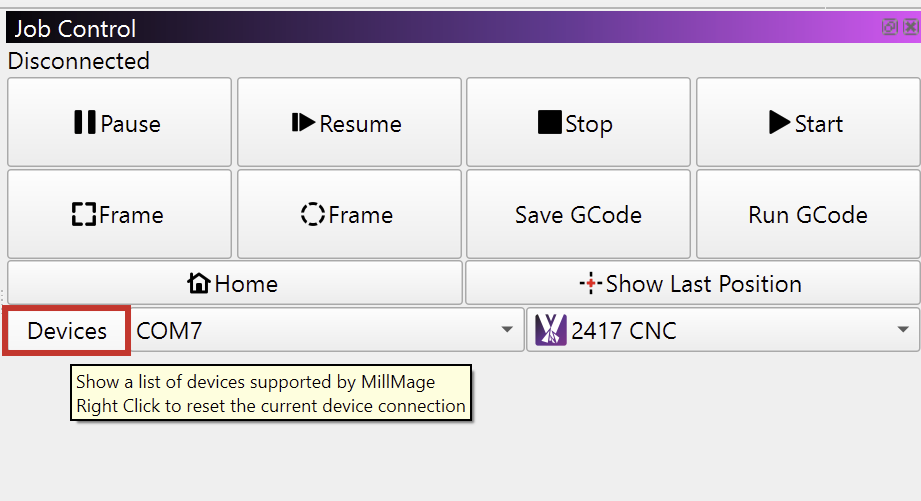
A right click on the “Devices” button in the Job Control Window resets the current device connection and has a similar effect like restarting MillMage in this regard:
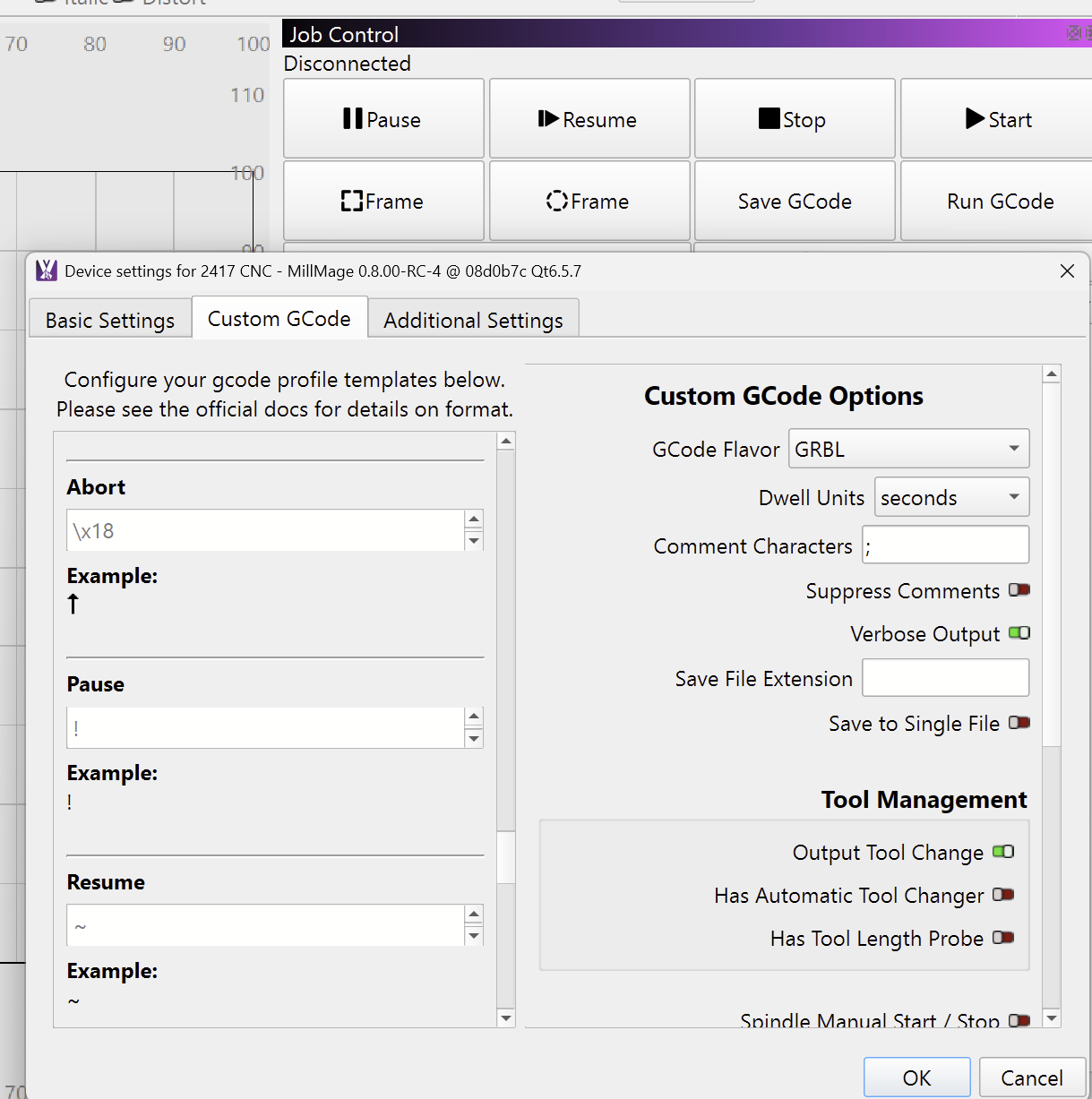
Which command MillMage sends to the controller when you hit the Job Control buttons can be defined in the “Custom Gcode” tab of the Device Settings:
Please export your device and upload the .mmzip file here, so I can forward it to our Devs for a closer look.
(Click on “Devices”, select the machine and click “Export” twice)
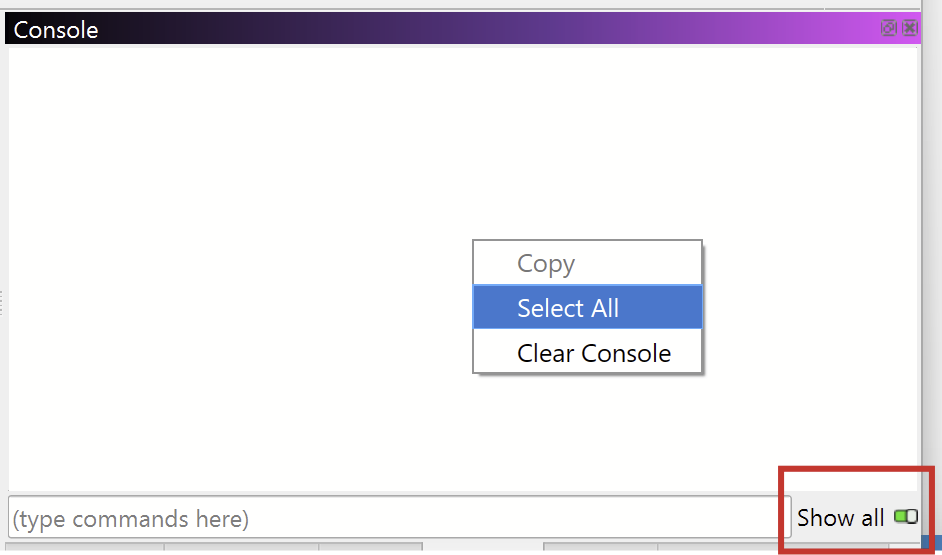
There should also be some error messages appearing in the console. To get a better understanding of what’s going on, please:
- Enable “Show All” in the console window
- Repeat What you were doing until the controller locked up
- right click in the console window and “Select All”
- Copy the text and paste (Ctrl+V) it in a reply here