Hi all.
I recently bought an Algolaser rotary chuck and am having trouble engraving—the results are coming out distorted.
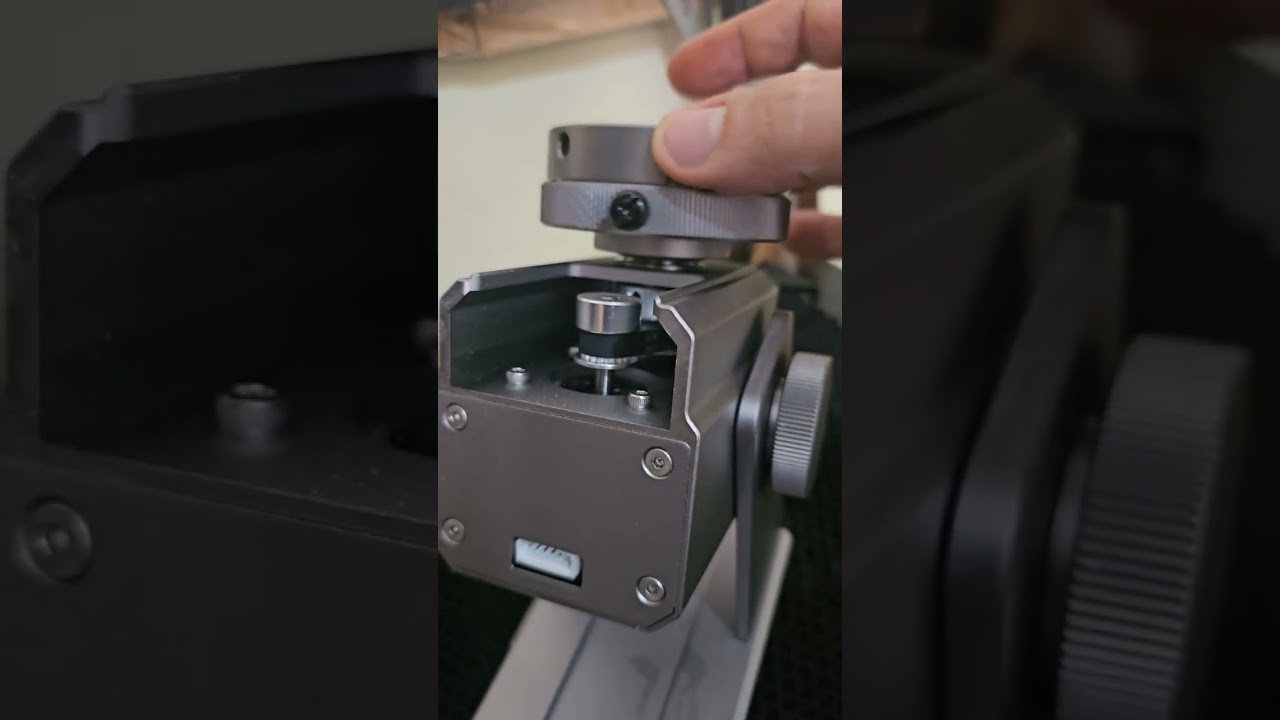
I’m not sure if it’s a problem with LightBurn or the rotary chuck itself, but I noticed some gap in it.
Could that be the cause? Does anyone know how to adjust it?
You see that little set screw just below the chuck jaws in the video? Try tightening that up. If that does not help, then it is the pulley on the other end of the shaft the chuck is mounted on (some disassembly may be required if the bottom is not open). You have serious backlash.
I found it. It’s right where you said it would be. Just past the smaller pulley, there’s another one that’s a little bigger, with a small screw. Just tighten it.
Thanks, everyone.
Here’s a video showing how it was resolved, in case it helps anyone else.