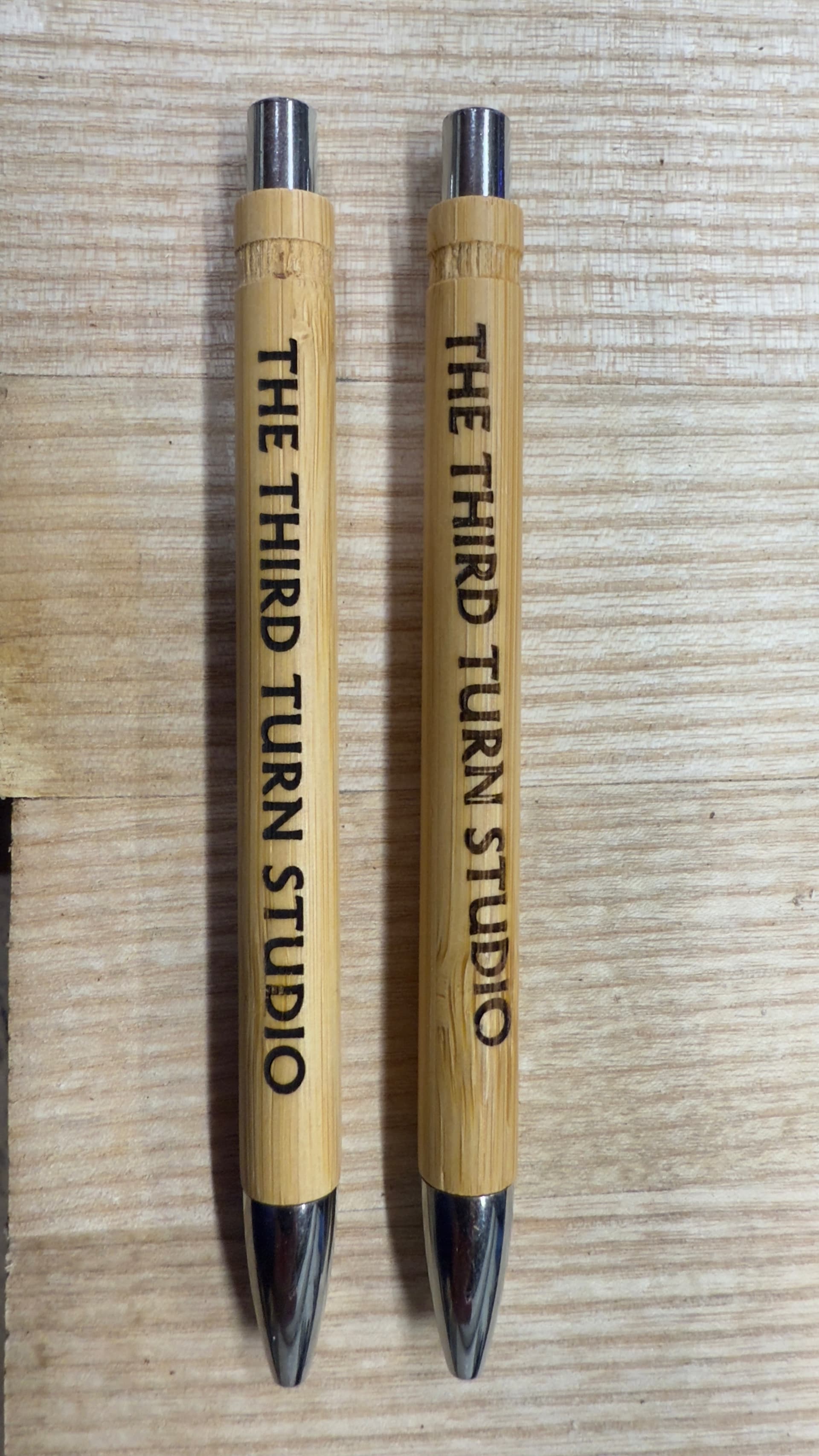
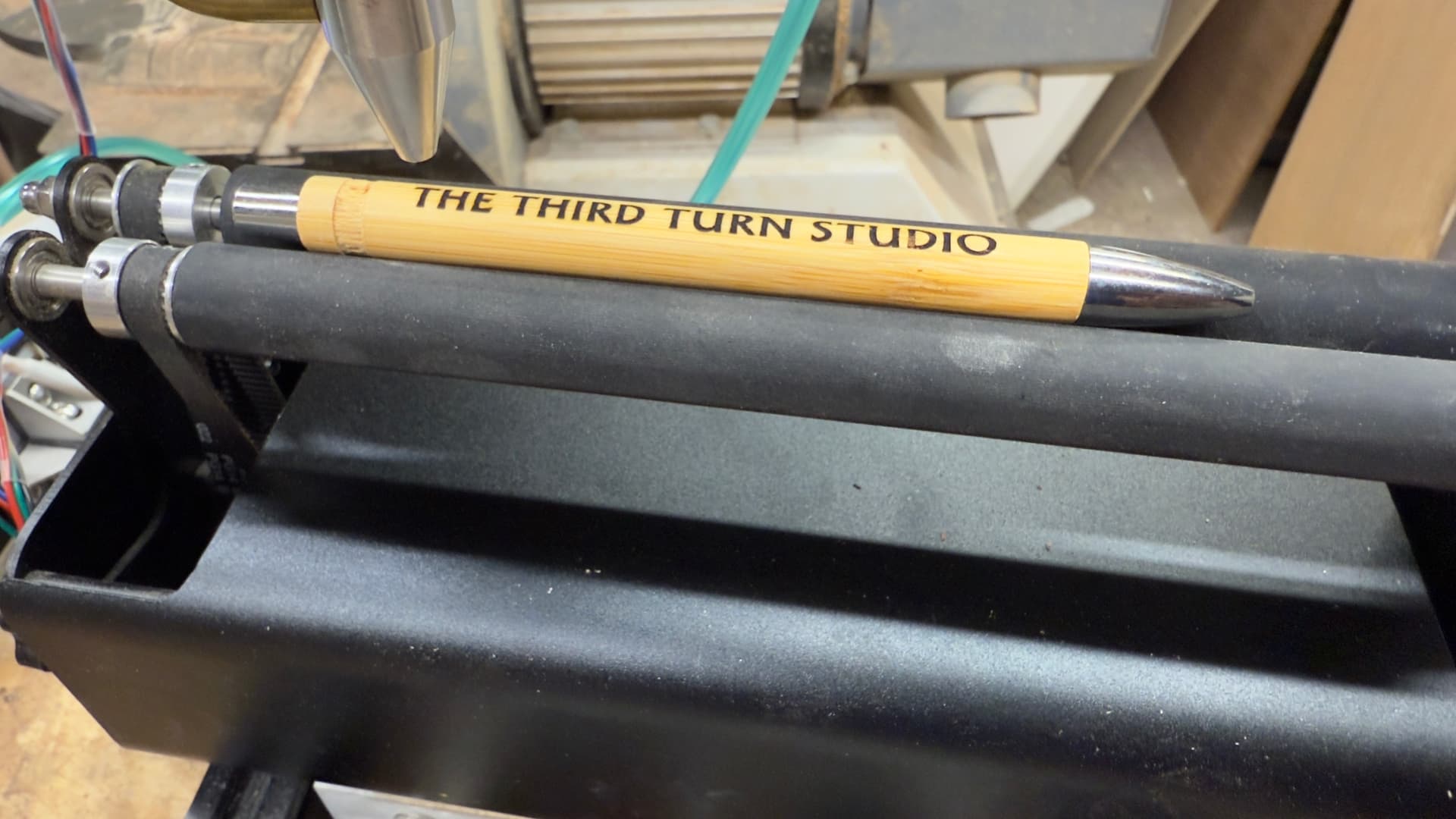
I’ve built a dedicated rotary engraver and am to the point of getting it dialled in for best results. This will almost exclusively used for engraving pen barrels.
The photo shows the problem I have when using offset fill - the engraving creeps from one letter to the next. Using normal fill is fine as per the other example. I don’t have issues of skipped steps (there’s a closed loop stepper on the rotary axis).
Is there anything else that could be causing this? Slight movement of the pen against the rollers? I’d be grateful for any nuggets of wisdom from the community.
Exactly. Think about it, the rotary has to move back and forth continuously throughout the job. The chance of slipping with each change of direction is huge. Use normal fill.
In general, Offset Fill produces terrible results for intricate shapes:
Offset Fill is intended for designs with a lot of empty space within graphics, to cut down on the amount of travel time necessary to fill large, hollow shapes. If that description fits your design, Offset Fill will most likely be much faster than Fill Mode. If that doesn’t apply to your graphics, it’s usually best to use Fill instead of Offset Fill.
With that in mind, …
Absolutely!
Most likely, the rotary acceleration is too high.
Because a lightweight pen doesn’t have much traction on the rollers, it’ll skid as the rollers jerk back and forth.
Reduce the acceleration by a factor of ten so the rollers speed up with less enthusiasm.
If that doesn’t improve the result, drop the acceleration by another factor of ten and maybe work back up by factors of two until it fails again.
GRBL will reduce the laser power at lower speeds, so lower acceleration may produce poor Offset Fill results as the laser must follow intricate paths.
Ordinary Fill mode with the scan parallel to the pen axis will probably produce better results.