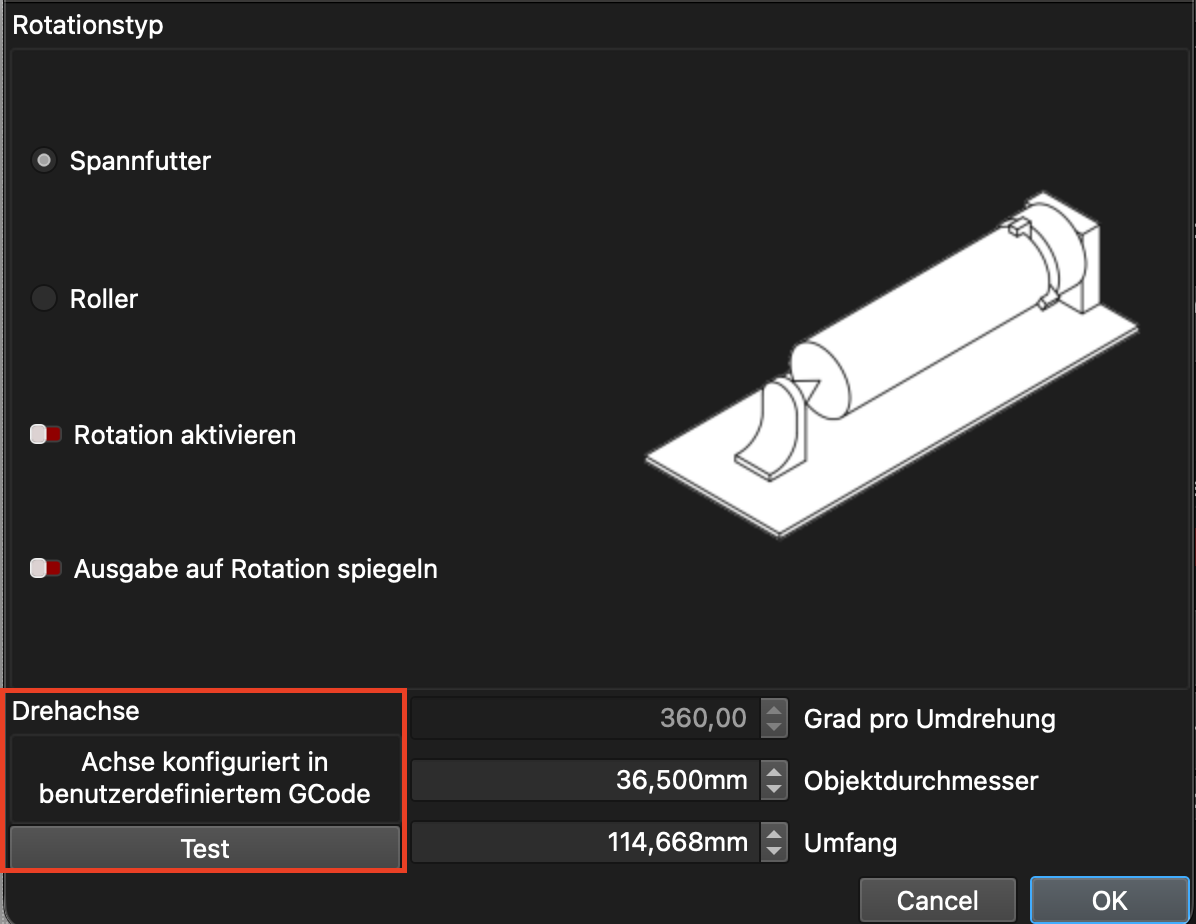
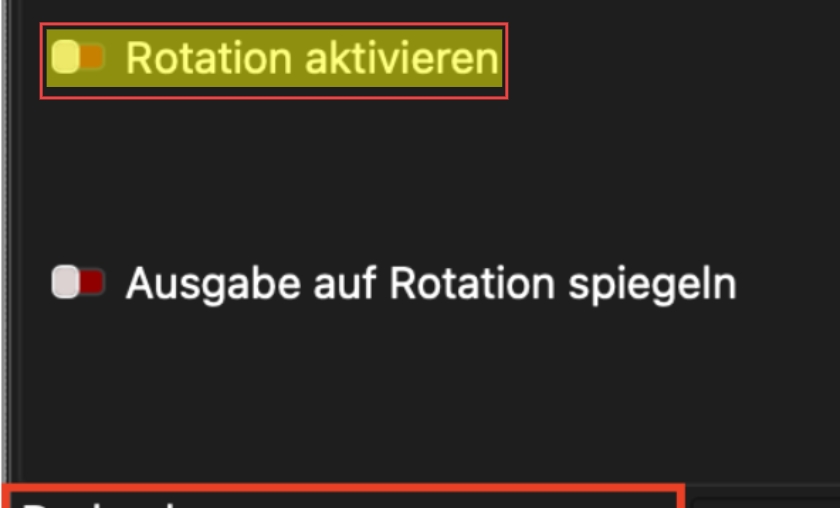
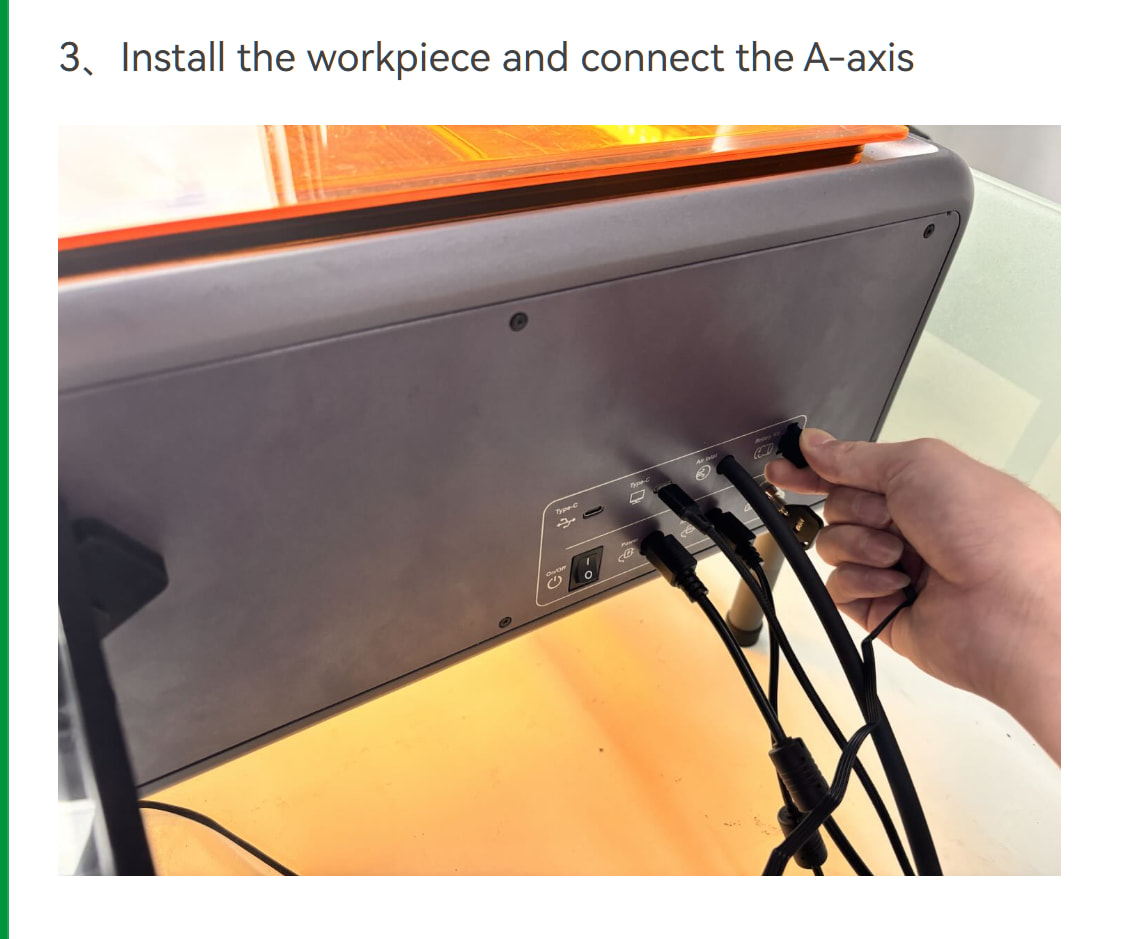
Hi, I just tried to set up the rotary kit for my Creality Falcon A1 Pro. In the options where I have to chose the axis, there is no option available.
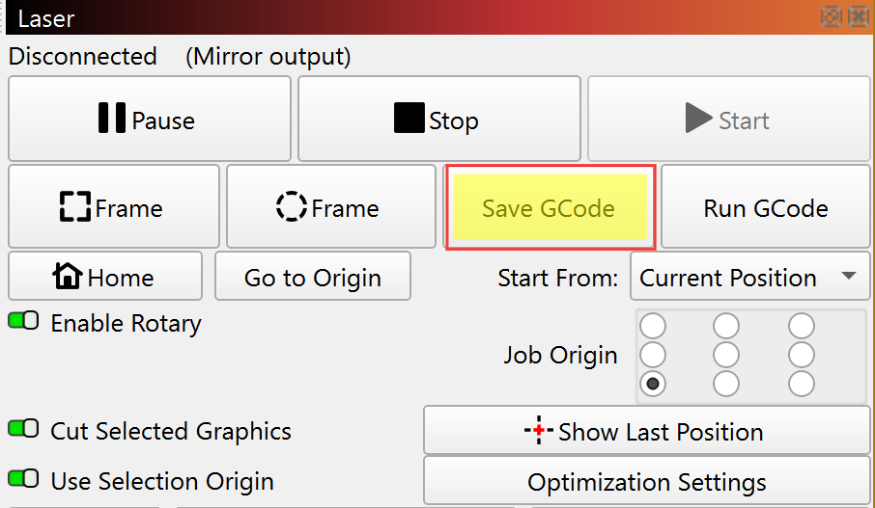
When I tried the first engraving the laser moves the X and Y axis and didn’t rotate.
Did I set up the whole Laser wrong and have to start over again?
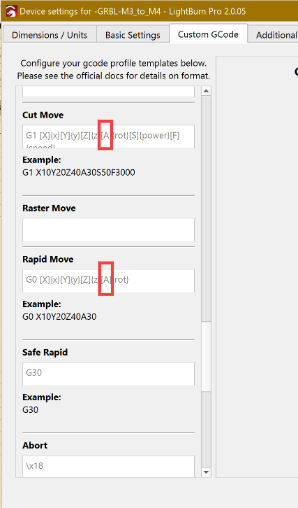
I tried to change the “A” with “Y” and “X” but every time I try to frame, the laser moves on the x and y-Axis. The rotary doesn’t move but makes some noises. The Software "Falcon Design Space works withe the rotary. I think the software from creality deaktivats the y-axis in the Falcon A1Pro and LightBurn doesn’t. Next weekend I will try some other changes
Hi, I have the same machine and the exact same problem. Tried all combinations and settings. Thought I would try FDS, rotary worked exactly as expected, went back to LightBurn, not working.
Came back again tried settings again and it started working, “ Z axis and set to 360mm” can’t recall doing anything different.