My sculpfun RA Pro Max works on my sculpfun laser but when I hook it up to my other laser the Y axis is not turning. Any Idea what may be wrong and how to resolve this issue. Thanks any help would be appreciated
It would help us to help you if we knew exactly which “other laser” that might be. 
Perhaps the Y axis motor connectors have a different pinout, so the rotary matches only one of them.
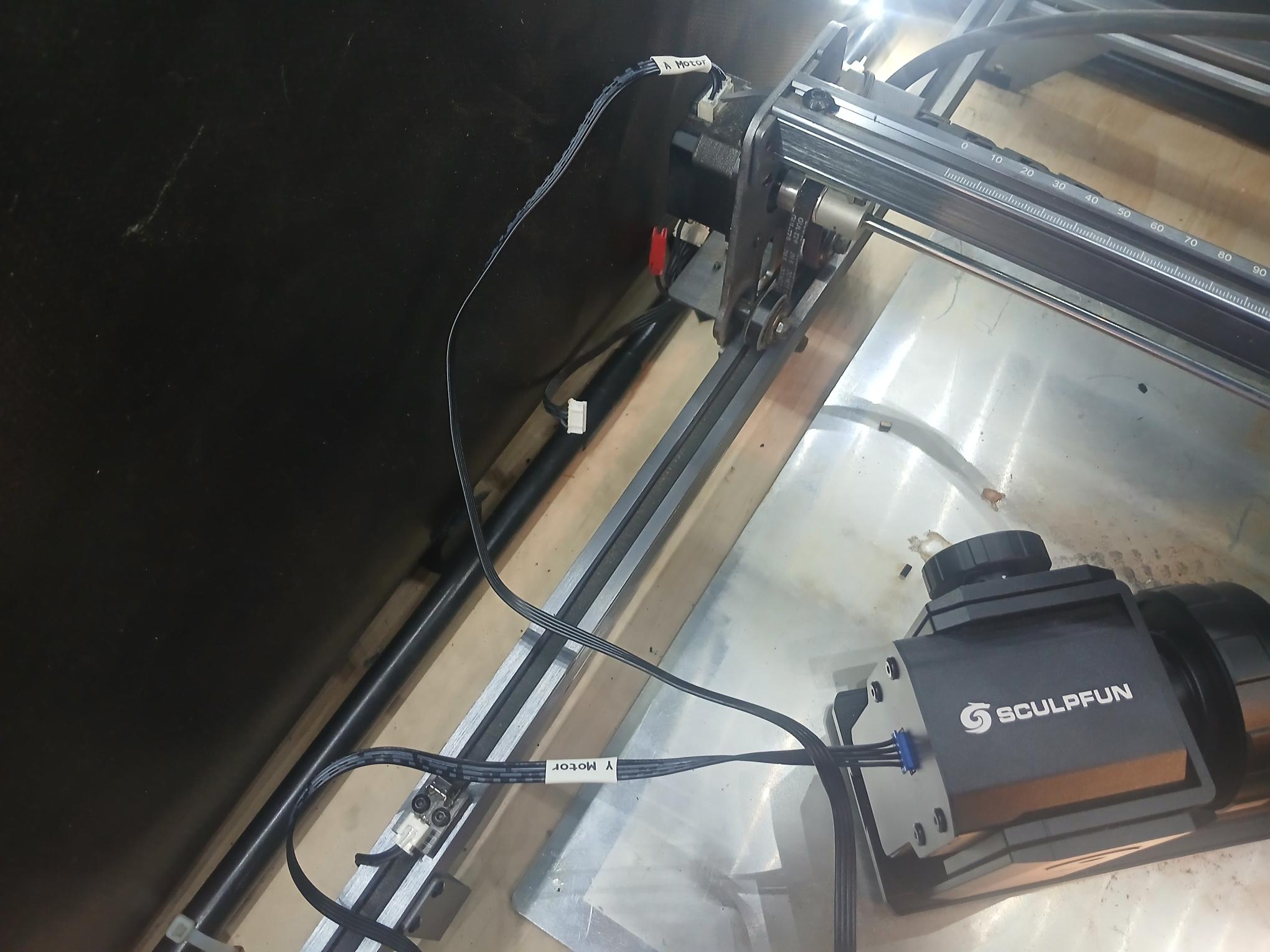
The picture shows:
- A dangling cable that was (probably) plugged into the Y axis motor
- A cable marked "A Motor` plugged into the Y axis motor
- A cable marked “Y Motor” plugged into the rotary
Is that one cable with two different labels? If so, plugging the rotary into the motor won’t work: it must be plugged into the controller. Perhaps (this is a guess) the “Y Motor” end goes to the controller and the “A Motor” end goes to the rotary?
If there are two different cables involved, then we need more details about what’s going on.
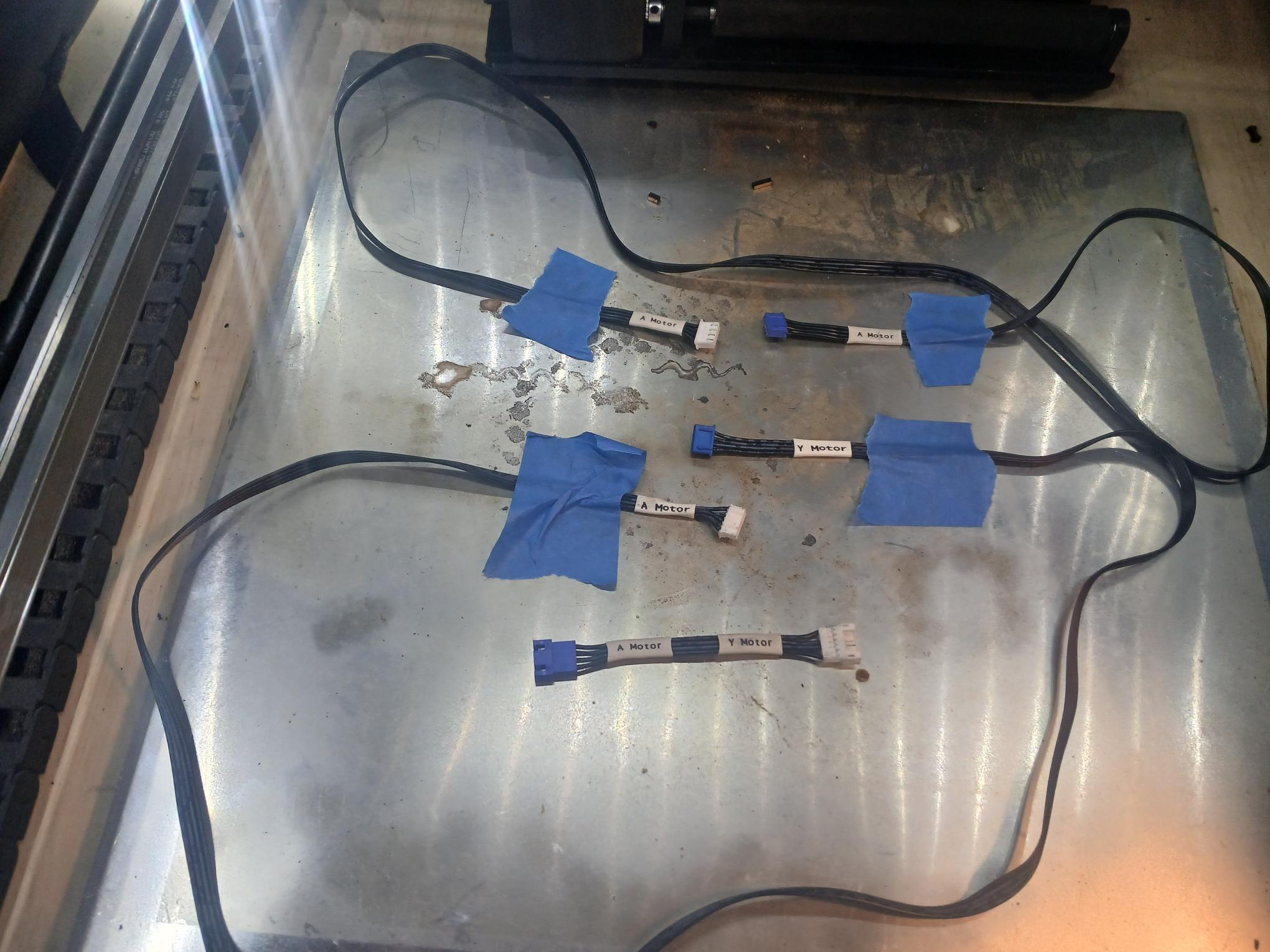
Check to see if your RA2 came with a short extension cable wit the wires crossed on one end.
@ednisley is right, a motor to motor hookup will not work. Back off with the camers and show us the entire wiring hookup.
I have a Creality 10W or the vevor 10W either one
- I have no idea why they used “A Motor” instead of “Rotary”. Maybe for “Auxillary Motor”?
- I downloaded your pix, zoomed in, and could see no obvious wire crossover on any of the connectors. That is usually what they do to that short one, so the 2 center pins are switched on one end. Maybe it is done under the shrink labels. Anyhow, add that one to the laser that is not moving the rotary and see if that helps.
- It could be that short crossover cable is a boo-boo. Have a test meter?
I could check for continuity on the short wire and that would tell me if they were crossed
1 Like
No, the turning axis is usually called the A axis in CNC/grbl terms. X, Y and Z are linear, A is rotational.
But in this case, it does not really mean anything.
Mike is correct with the suggestion to switch the two center wires as a first try. There is no common method to wire motors to the mainboards, so every manufacturer can have different cable layouts. But there are two most common setups, they differ in the two middle wires being swapped. So either use a switch cable or create one. You can also change the connectors of the cable, but this only makes sense when you don’t switch between lasers.
But since these setups are so common, the RA Pro Max should include both cables already. So just exchange and try.
1 Like
Okay, will try here in a little bit and let you know
1 Like