I am new to LightBurn and this forum. Please be patient with me if I leave out vital information or if I am not posting in the correct area.
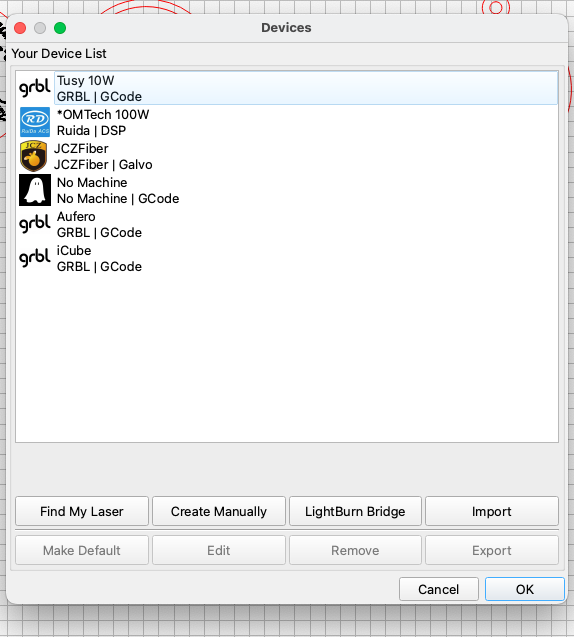
I commute from home to the RUIDA co2 Laser at a maker space called QueLab. I am unable to show Ruida as the laser I use on my home computer where I do 90% of my prep work. I tried exporting the Ruida laser from the Lab computer (Laser Tools>Manage Devices>Export) to a thumb drive and Import it into my computer (Windows 11 up to date), . (Laser Tools>Manage Devices>Import). I am sorry but I do not have the Labs LIghtBurn .version number (Close to 1.0.6, IM not sure)
The LightBurn version I use at home is 2.0.04.
The most obvious issue I have without the Ruida being recognized is the Power Settings in the Cuts/Layers window look very different.
Please advise what other info will be useful in your helping me fix this issue.
Thanking you in advance
TK Hicks
As long as your power and speed settings are the same you should have the same results.
What do you mean by “look different”?
Thanks for your reply. I figured out how to change the inch/mm settings and that worked.
thanks for your reply.I am learning the vocabulary so i will be able to ask questions someone else can relate to. and hopefully help them .