got a used omtech pronto 6o and need to download the ruida software which i did trying to figure out how to connect to laser to get lightburn to recognize the laser. I have the computer connected to the laser with an ethernet cable. I have the lightburn software installed on the computer and have the license for it. I have never done anything with a laser or with lightburn completely new to this thanks for any help
Can you explain it a little more? Does it mean that there is nothing in your Ruida controller or you cannot connect to LB?
Welcome to the Lightburn Forum. Plan on a wild and exciting education. The links should keep your busy for a while. Feel free to ask anytime you have a question.

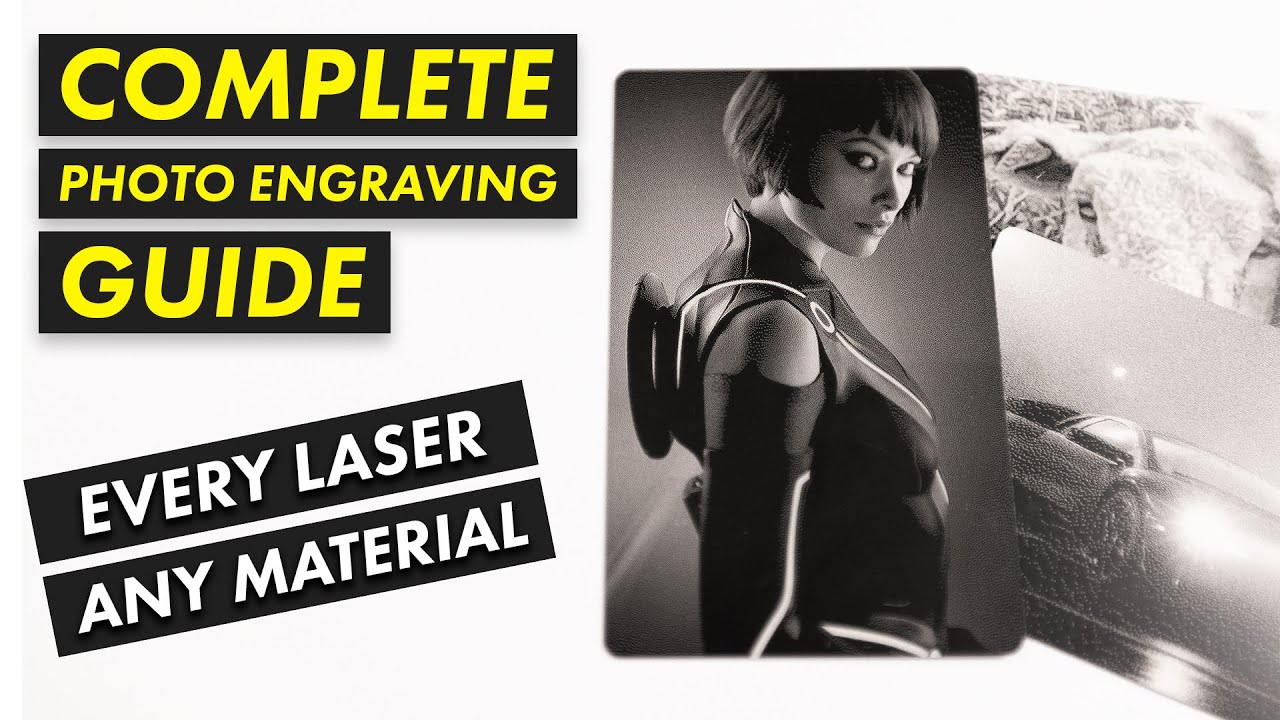
…the last link (which has very good content) doesn’t quite fit Kevin’s CO2 laser 
Not all of it, but he did say this. Ignoring my suggestions is a valid response. 
1 Like
So I got it figured out. The security on the computer wouldn’t allow the driver to run to find it. It’s all good now. Now for the expensive ruin material to learn what I am doing. Thanks for the replies
1 Like
I strongly recommend starting with something inexpensive, like cardstock, to get started!
The cheapest and most realistic material (compared to real wood) is MDF. In addition to being cheap, some variants are also very nice, I think. The cut edges are “sealed” by laser cutting, i.e. the edges become hard and a nice dark brown. I use it for testing and for many many other “real” products.
How many watts is your CO2 tube?
…I think I found it just now, 60 Watts, is that right?
This topic was automatically closed 30 days after the last reply. New replies are no longer allowed.